

The Guide
VPS and SSH guides
Operate your VPS safely: SSH access, private services, memory and resource checks.
A VPS gives you root access and full responsibility. These guides show how to reach private services through a temporary SSH tunnel, diagnose memory pressure before paying for a bigger plan and keep your access tidy and auditable.
20 articles
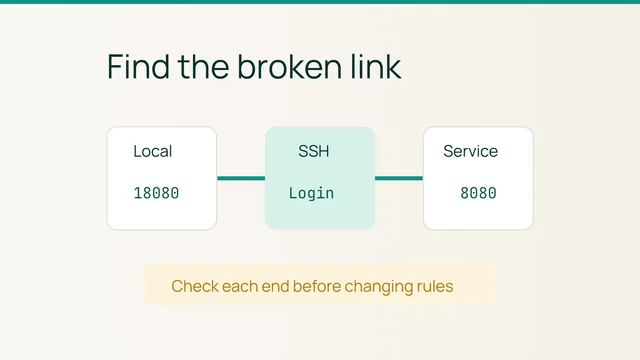
VPS · 2 min
Diagnose an SSH tunnel that no longer responds
Smiley Hoster Team · October 27, 2026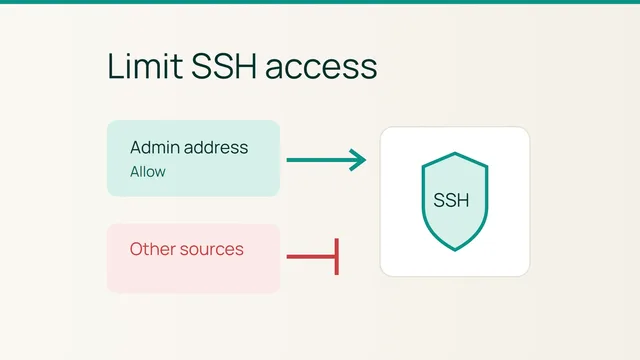
VPS · 2 min
Restrict an existing UFW SSH rule to your admin address
Smiley Hoster Team · October 26, 2026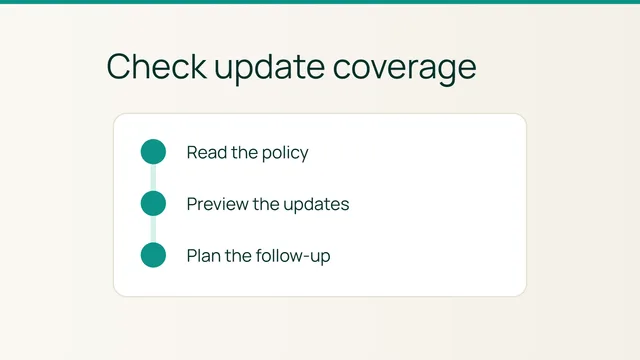
VPS · 2 min
Audit automatic updates on your Ubuntu VPS
Smiley Hoster Team · October 25, 2026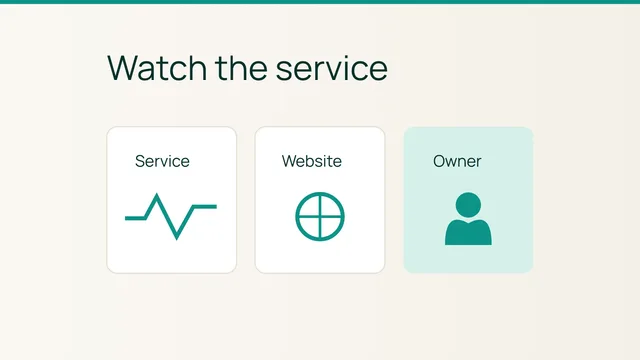
VPS · 2 min
Check a VPS service with systemd before escalating
Smiley Hoster Team · October 24, 2026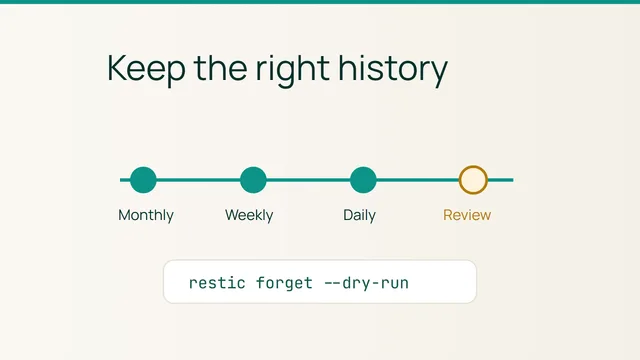
VPS · 2 min
Preview a restic retention policy for your VPS
Smiley Hoster Team · October 23, 2026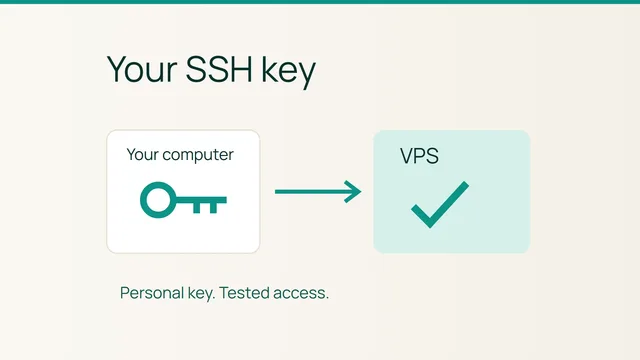
VPS · 2 min
Set up a personal SSH key for your VPS
Smiley Hoster Team · October 22, 2026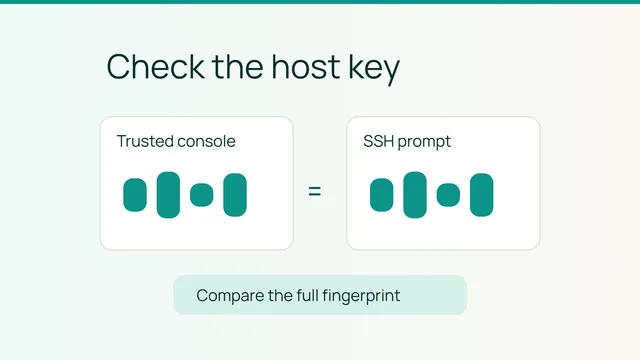
VPS · 5 min
Verify a VPS host fingerprint before your first SSH login
Smiley Hoster Team · October 20, 2026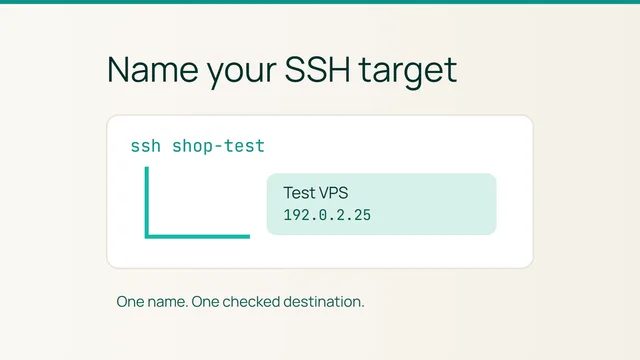
VPS · 2 min
Create an SSH alias for the right VPS
Smiley Hoster Team · October 19, 2026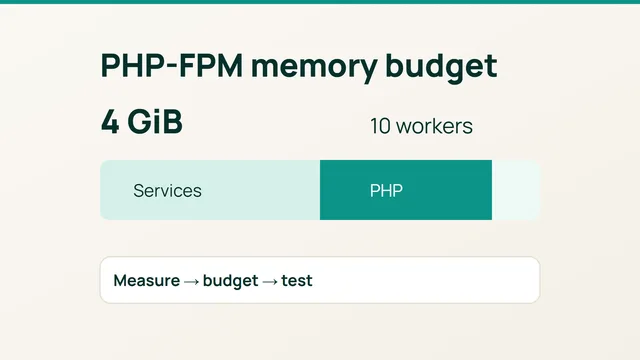
VPS · 2 min
Size PHP-FPM pm.max_children for your WordPress VPS memory
Smiley Hoster Team · October 10, 2026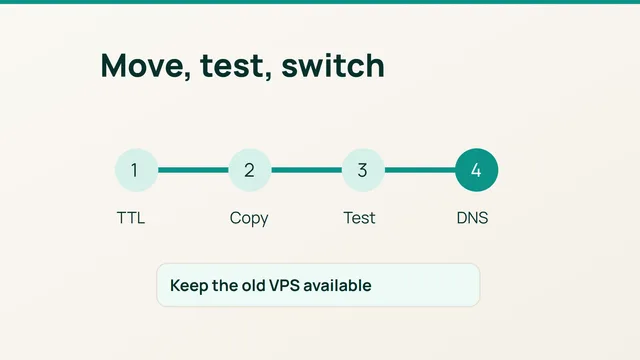
VPS · 3 min
Migrate a website to a new VPS with rsync and a tested DNS cutover
Smiley Hoster Team · October 10, 2026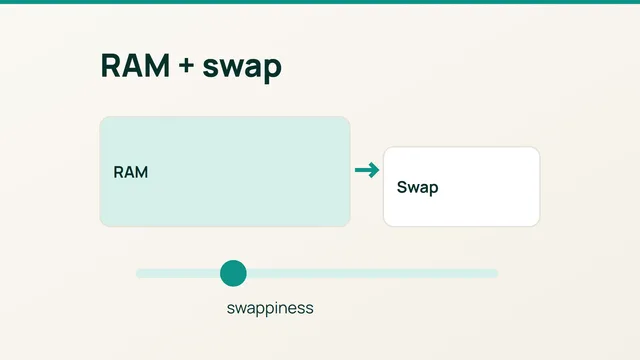
VPS · 2 min
Add a swap file to an Ubuntu VPS and tune swappiness
Smiley Hoster Team · October 10, 2026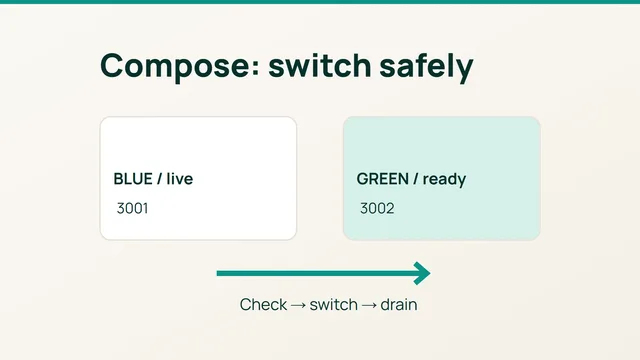
VPS · 2 min
Deploy with Docker Compose on a VPS and prepare a seamless update
Smiley Hoster Team · October 9, 2026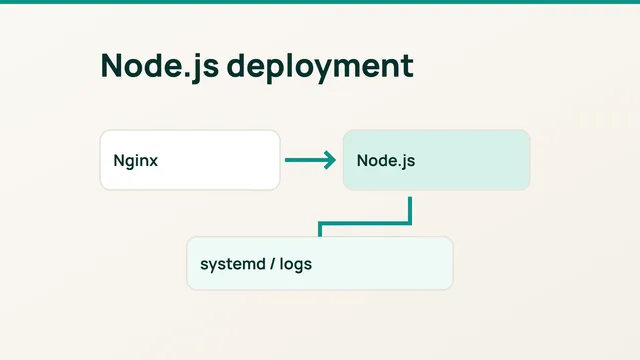
VPS · 2 min
Deploy a Node.js app on a VPS with systemd and Nginx
Smiley Hoster Team · October 9, 2026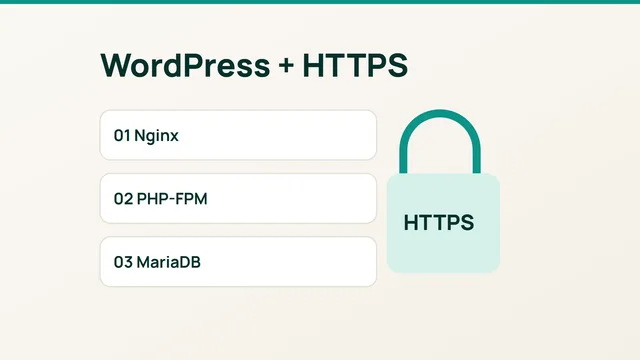
VPS · 2 min
Install WordPress on an Ubuntu VPS with Nginx and HTTPS
Smiley Hoster Team · October 9, 2026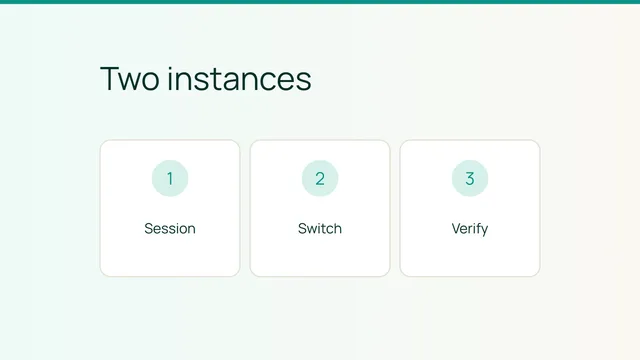
VPS · 2 min
Test sessions before running your site on two instances
Smiley Hoster Team · October 8, 2026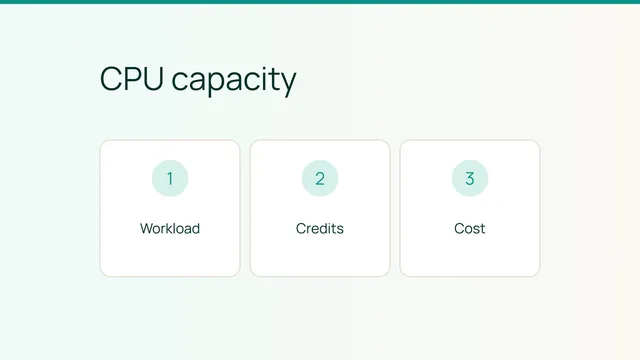
VPS · 2 min
Check whether burstable CPU fits your website
Smiley Hoster Team · September 28, 2026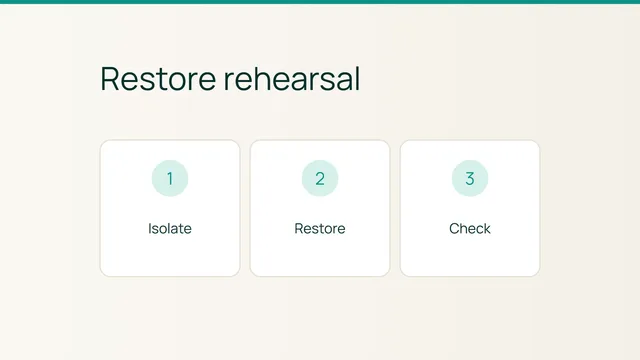
VPS · 2 min
Rehearse a website restore in an isolated environment
Smiley Hoster Team · September 26, 2026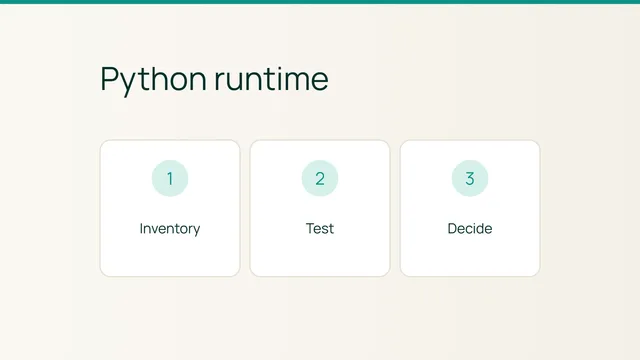
VPS · 5 min
Check your Python application before changing runtimes
Smiley Hoster Team · September 26, 2026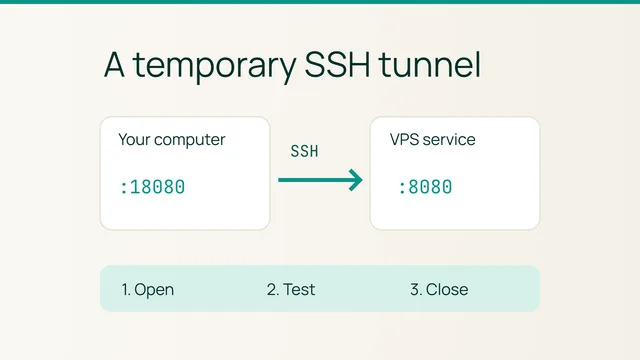
VPS · 5 min
Open an SSH tunnel to a private web service on your VPS
Smiley Hoster Team · September 23, 2026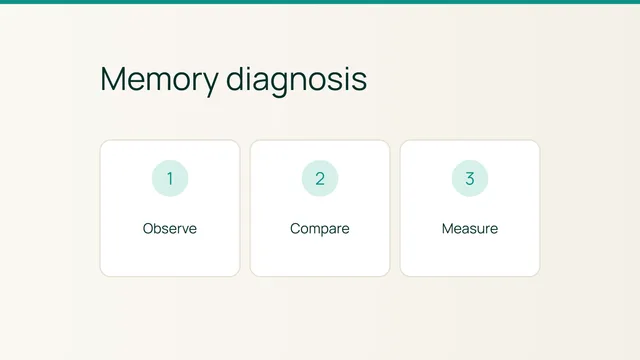
VPS · 2 min