

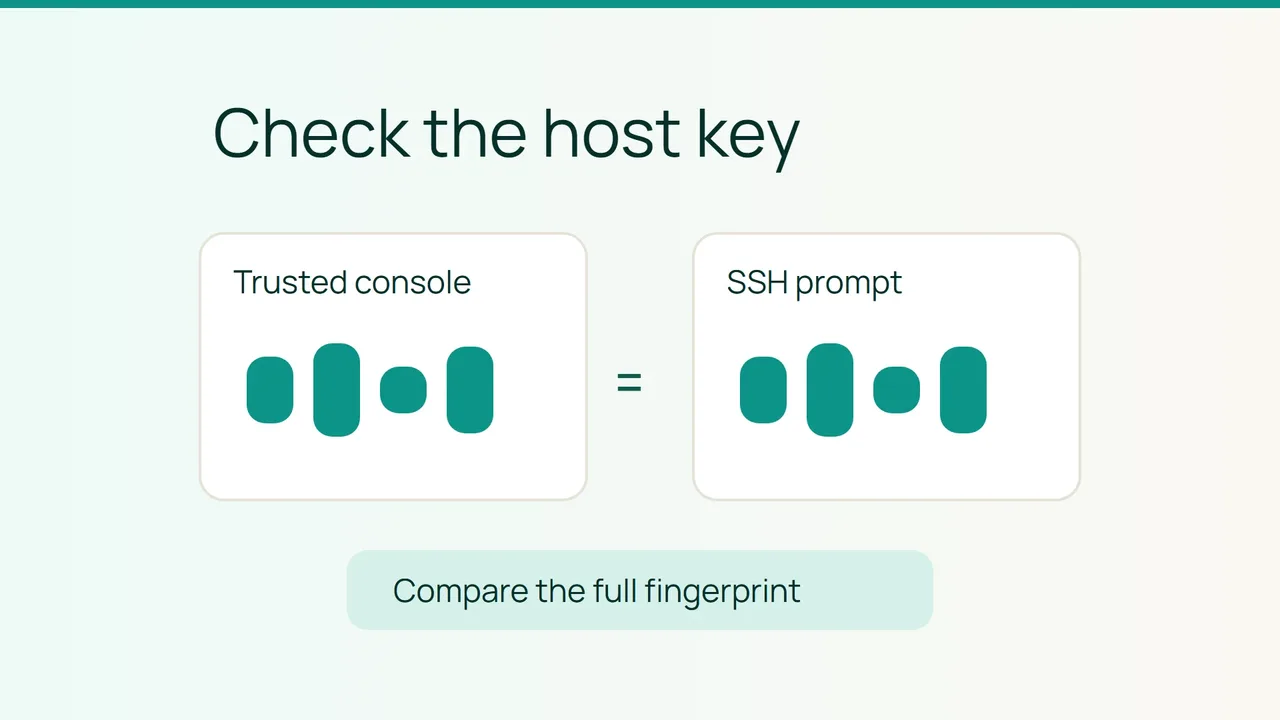
Cycle.io's infrastructure tooling, recently introduced on the Vultr blog, is a reminder to keep basic connection checks explicit as workflows evolve. For a first SSH login, establish the VPS host fingerprint through a trusted route before accepting the key presented by your terminal.
1. Get a reference through another access path
This walkthrough assumes a Linux VPS running OpenSSH and an interactive first connection. You need an independent administration console, or an administrator who can send the fingerprint through a channel you already trust.
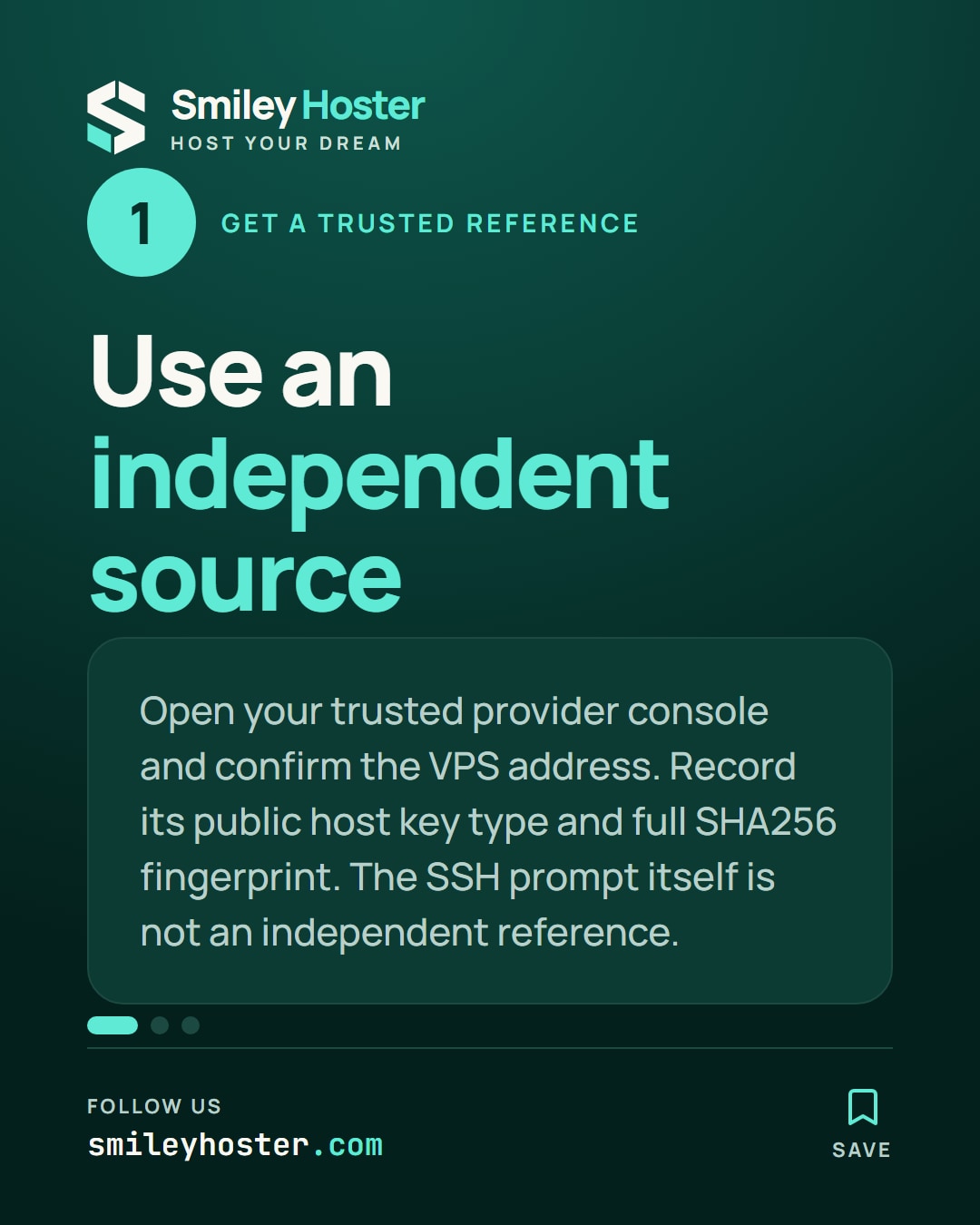
Reach the console through your normal provider account. Match the selected VPS and its address against your inventory. Then display the fingerprint of its public Ed25519 host key:
ssh-keygen -l -E sha256 \ -f /etc/ssh/ssh_host_ed25519_key.pubThis reads a public key; it does not generate or replace one. If the file is absent, ask which host key the server actually uses. Creating a fresh key merely to make this command work would change the task.
Record both the key type and the complete value beginning with SHA256:. A fingerprint copied from the SSH prompt you are about to verify is not an independent reference. Keep the source of the reference in your note as well.
2. Compare the presented key before accepting it
On your own computer, start your usual connection. Substitute the real account and server address for these example values:
ssh deploy@192.0.2.25When the first-contact prompt appears, compare the entire fingerprint with your reference. Matching a few leading characters is not the acceptance check. Both values must describe the same host key and use the same fingerprint format.
If the prompt names a different key type, pause. That difference alone does not establish either a match or an attack. Obtain the corresponding public key fingerprint through the trusted console, asking the administrator for help if needed.
Accept only after the values agree. Otherwise decline the connection and keep the discrepancy for investigation. No password or private key needs to be included in that discussion.
3. Leave a record for the next change
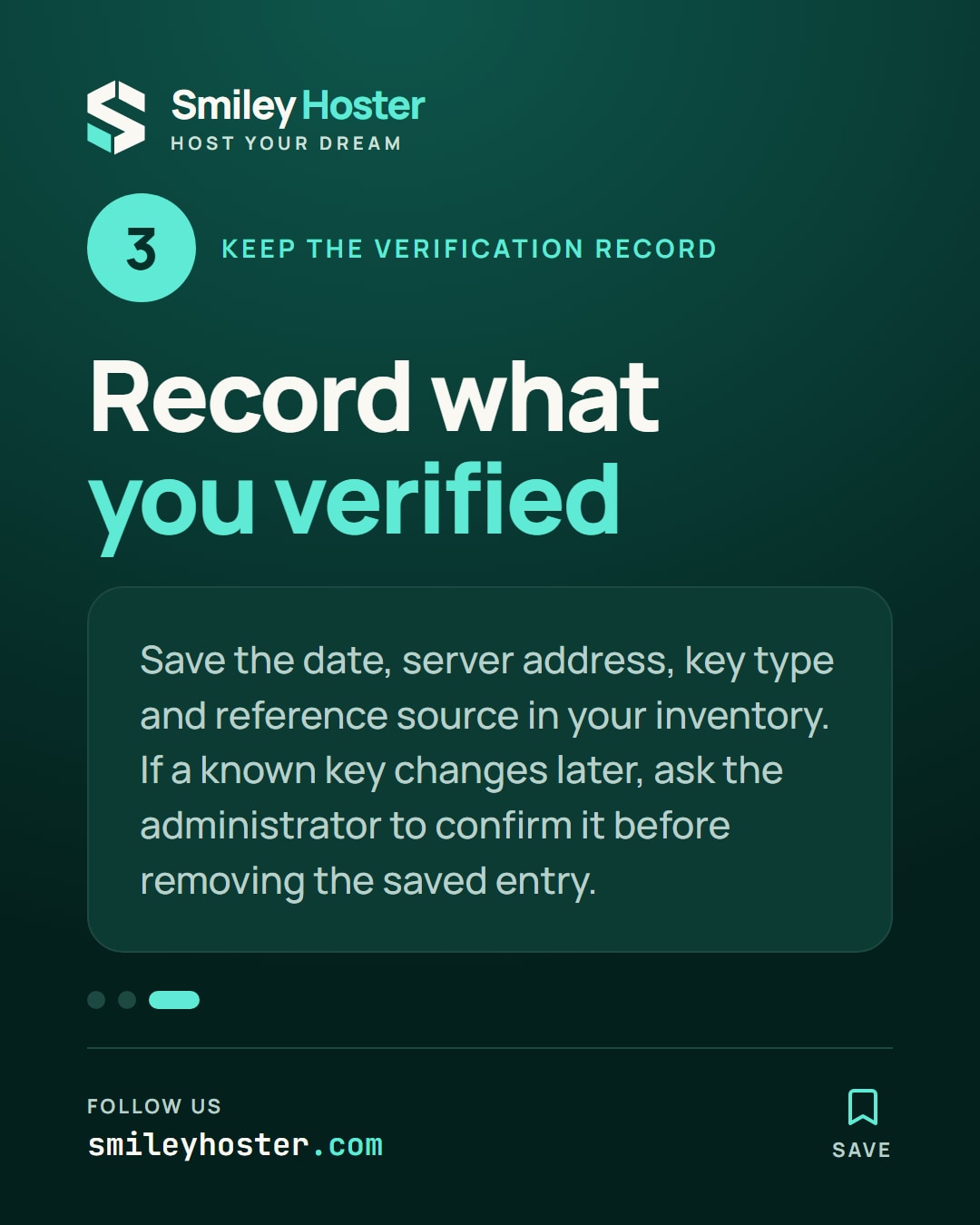
Save the verification date, server address, key type and reference source in your server inventory. This makes a future reinstall or migration easier to investigate without relying on someone's memory.
A warning about a previously known key is a separate case. Do not automatically remove the saved entry just to restore access. Have the administrator confirm the change and provide the replacement procedure.
Your completion criterion is a full match against an independently obtained fingerprint for the intended VPS. Simply reaching a login prompt is not a record that this comparison happened.
Sources: Vultr, ssh-keygen documentation.

See it in our social posts
The key steps of this article, as a carousel. Follow us to catch the next ones.