

Vultr's Cycle.io announcement describes easier infrastructure operations. A failed SSH tunnel still benefits from a simple diagnostic question: which part of the path broke? This guide troubleshoots a local forward to a private web service already intended to run on your VPS.
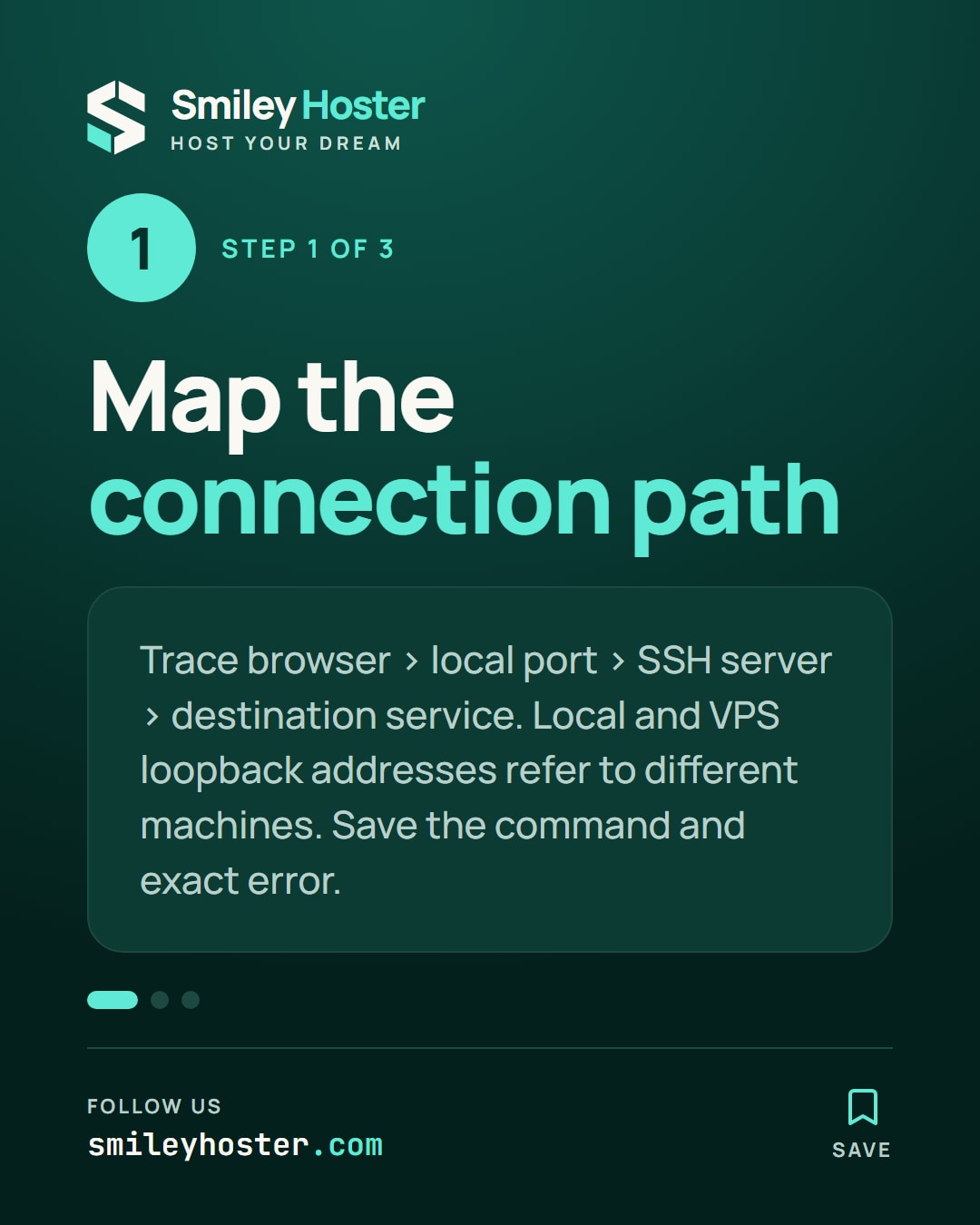
1. Write down the connection path
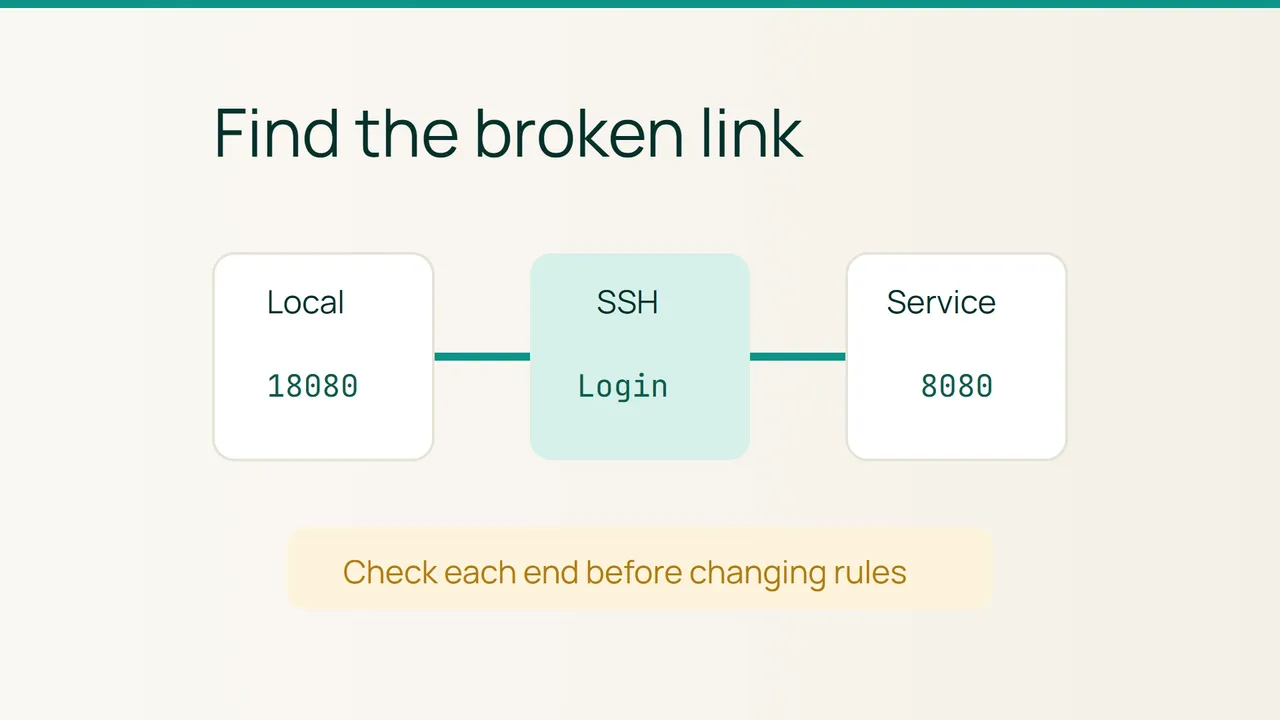
In the example, your browser reaches local port 18080. SSH connects to vps.example.com, and the VPS connects to its own port 8080. Substitute the real account, server and destination port.
The first 127.0.0.1 in the forwarding specification describes the listener on your computer. The second is the destination as reached from the VPS. Keep these two perspectives separate when deciding where to investigate.
Save the original command and the actual error message. Note the most recent deployment, port change, login change or laptop sleep event. A recent change is a useful lead, but it does not by itself establish the cause.
Agree on what a successful application response should look like before testing. A login page, for example, is a different result from a blank browser error.
2. Observe one foreground connection
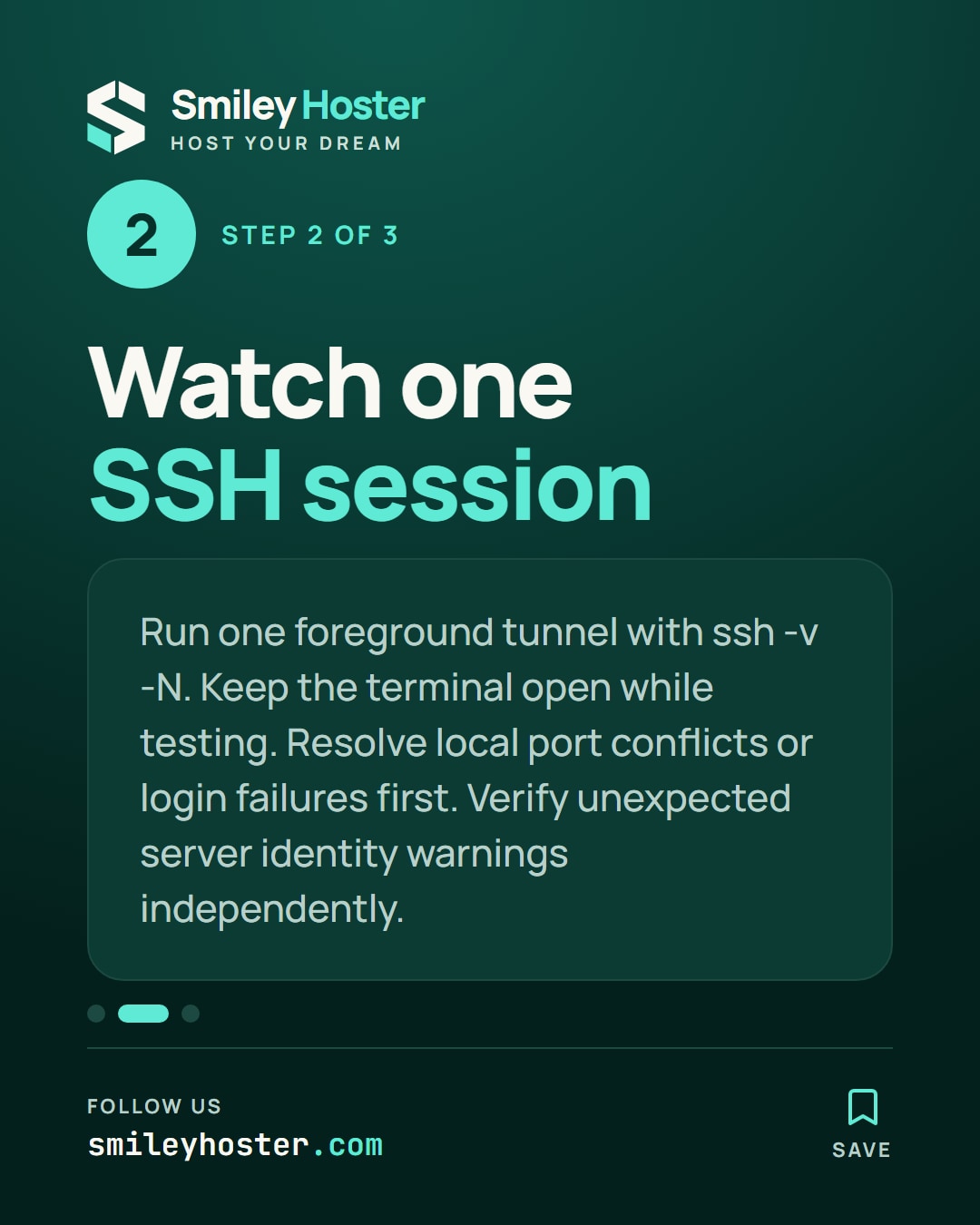
If you control an earlier test tunnel, stop it with Ctrl+C. Start a single visible diagnostic session:
ssh -v -N \ -L 127.0.0.1:18080:127.0.0.1:8080 \ admin@vps.example.comVerbose mode provides connection diagnostics, while -N avoids running a remote command. Keep that terminal open and visit http://127.0.0.1:18080 in your local browser. Use HTTPS if the target service requires it, and investigate certificate warnings rather than bypassing them.
A local port conflict calls for identifying the existing listener or choosing another free local port. Update the browser address as well. Do not kill an unfamiliar process just to make the example port available.
If authentication fails, resolve the account or key issue first. An unexpected server identity requires independent verification; removing the warning blindly is not a troubleshooting step.
3. Follow the failure to the remote service
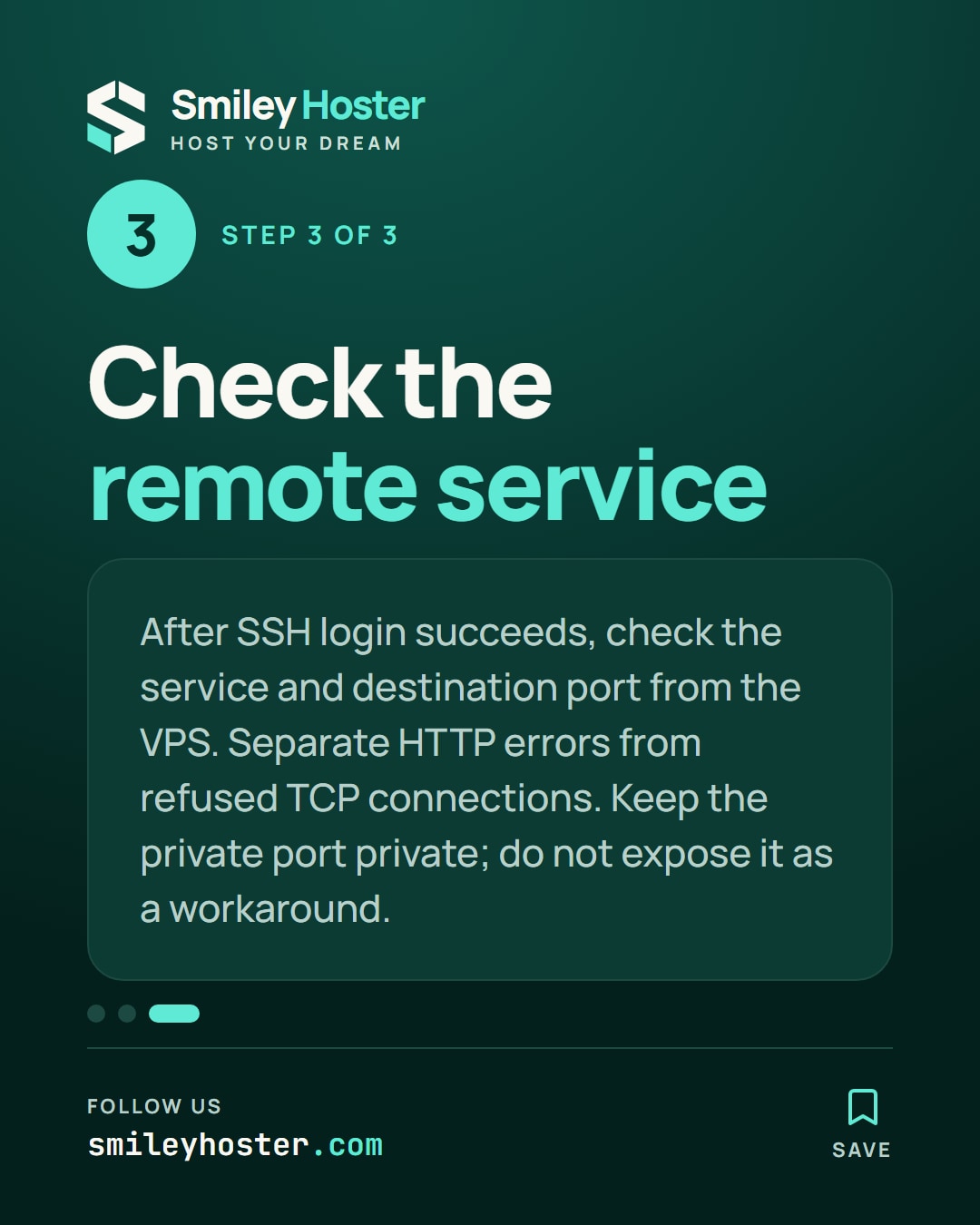
When SSH authentication succeeds but a subsequent request fails, check the destination on the VPS. Ask whether the intended service is running and listening on the expected port. That check must reflect the server's perspective, because the forwarded connection is made from there.
Distinguish an application HTTP error from a refused TCP connection. Record the exact message and timestamp. Do not expose the private port publicly as a workaround: that would change the access model instead of explaining the fault.
Prepare a short handoff with the expected path, failing stage and recent changes. Redact sensitive addresses and account details before sharing verbose output. Once corrected, test the useful application path and close the temporary tunnel with Ctrl+C. You should leave with both a working connection and a clear understanding of its endpoints.
Sources: Vultr, OpenSSH — ssh.
See it in our social posts
The key steps of this article, as a carousel. Follow us to catch the next ones.