

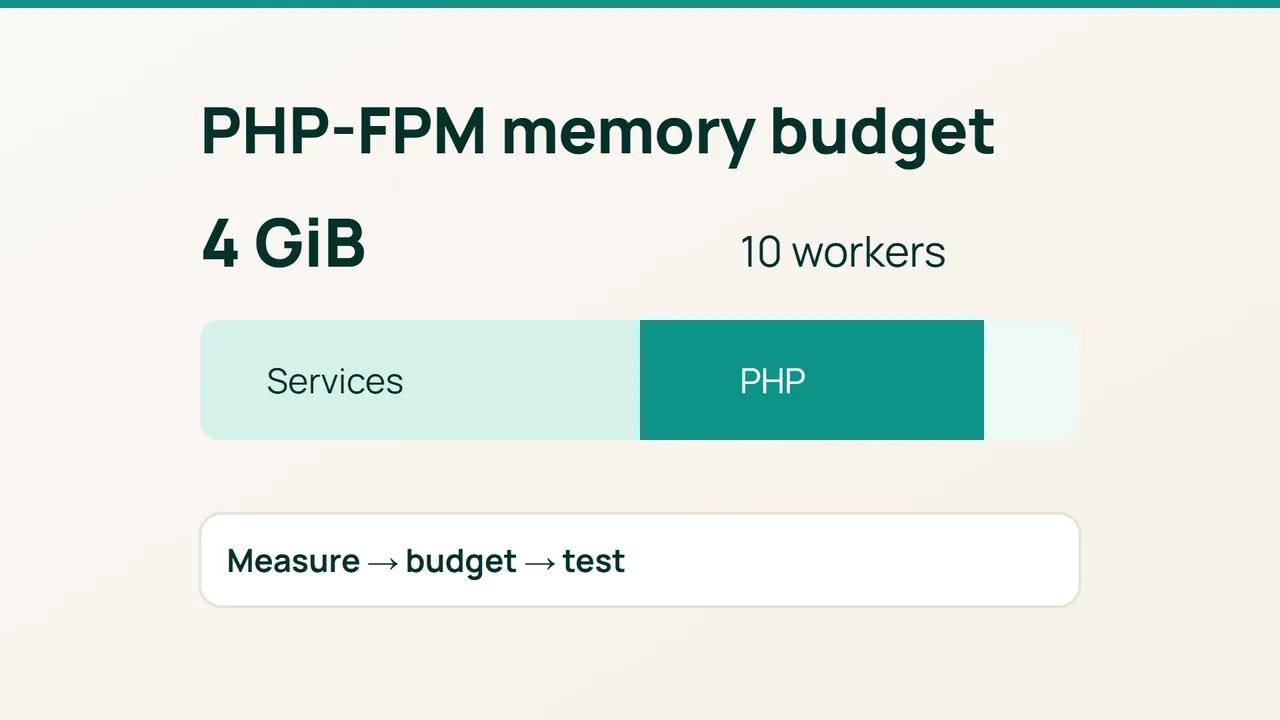
Cloudflare's DNS-cache case study makes a useful point for smaller servers too: measure the memory actually occupied. For a WordPress VPS, that measurement can inform a concrete decision—how many PHP-FPM workers may run concurrently.
1. Sample the workers that serve WordPress
The examples assume Ubuntu 24.04, PHP 8.3 and a pool named www. Adjust the paths and service for your installation. PHP-FPM's pm.max_children caps requests processed concurrently in that pool; it is not a visitor limit.
Preserve the current configuration, then collect a baseline:
sudo cp /etc/php/8.3/fpm/pool.d/www.conf \ /root/www.conf.before-sizingfree -mps -eo rss=,args= | \ awk '/php-fpm: pool www/ && !/awk/ {print $1}' \ | sort -nThe process values are RSS in KiB; divide by 1024 for MiB. Repeat the sample while exercising uncached pages, administration and checkout if relevant. An idle worker is a poor proxy for a busy one.
RSS includes shared pages, so adding worker RSS values can overestimate total consumption. It is a conservative first approximation; PSS measurements can refine it. PHP's memory_limit is not a measurement of the whole worker process.
2. Reserve memory before dividing it
Budget for the operating system, MariaDB, Nginx, shared caches, other services and their peaks first. Multiple pools must share the remaining allowance. Giving every pool the full server budget defeats the calculation.
Here is an illustrative calculation, not a measured recommendation for your site:
| Item | Budget |
|---|---|
| Total RAM | 4096 MiB |
| Allowance outside PHP workers | 2048 MiB |
| Remaining worker budget | 2048 MiB |
| Sizing RSS per worker | 160 MiB |
The arithmetic ceiling is floor(2048 / 160) = 12. Starting with ten workers leaves 448 MiB within the worker allowance. Real peaks may exceed the sampled footprint, so retain that headroom.
Open the pool configuration:
sudoedit /etc/php/8.3/fpm/pool.d/www.confReplace the existing matching directives rather than appending duplicates:
pm = dynamicpm.max_children = 10pm.start_servers = 2pm.min_spare_servers = 2pm.max_spare_servers = 4These values fit this worked example. If your measured ceiling differs, keep the startup and spare-worker settings consistent with it.
3. Judge the result under representative traffic
sudo php-fpm8.3 -tsudo systemctl reload php8.3-fpmsudo journalctl -u php8.3-fpm \ --since "15 minutes ago" --no-pagersudo tail -n 50 /var/log/php8.3-fpm.logfree -mvmstat 1 10Run the reload only after the configuration test succeeds. Repeat the same WordPress operations and compare response times, errors, available memory and swap activity. Check both logging locations because the actual destination depends on configuration.
Common mistakes: raising concurrency whenever a max_children message appears, forgetting the database budget, or benchmarking only cached pages. A full pool may be caused by slow requests. Investigate those requests before allowing more of them to compete for resources. CPU capacity and database contention may impose a lower practical limit than RAM.
Acceptance requires successful WordPress operations through several representative peaks while memory headroom remains. If performance regresses, restore the saved pool file, validate syntax and reload. Change one sizing variable at a time so the next observation remains interpretable.
Sources: Cloudflare, PHP FPM configuration.