

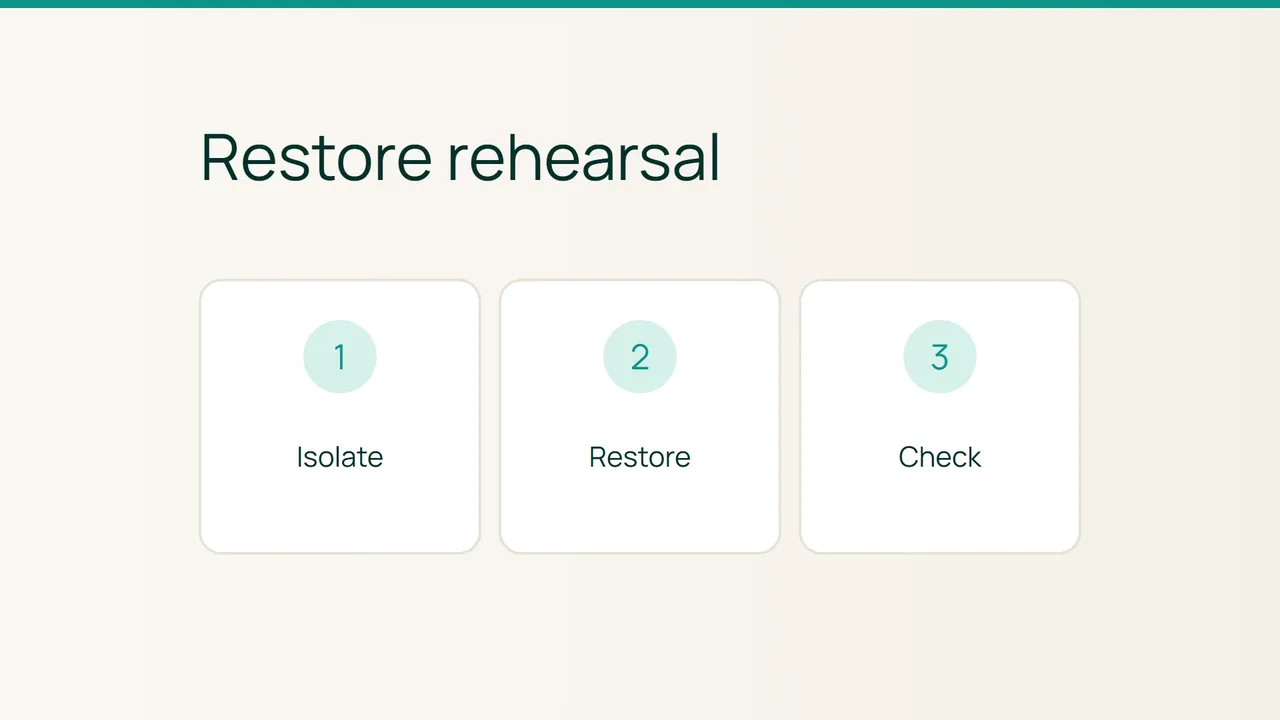
AWS now describes cross-account EBS volume cloning within the same Availability Zone. The announcement is a useful prompt to test a broader question: can you restore a working website, rather than merely produce another disk? Run a recovery rehearsal in isolation and collect evidence at the application level.
1. Prepare isolation before starting the copy
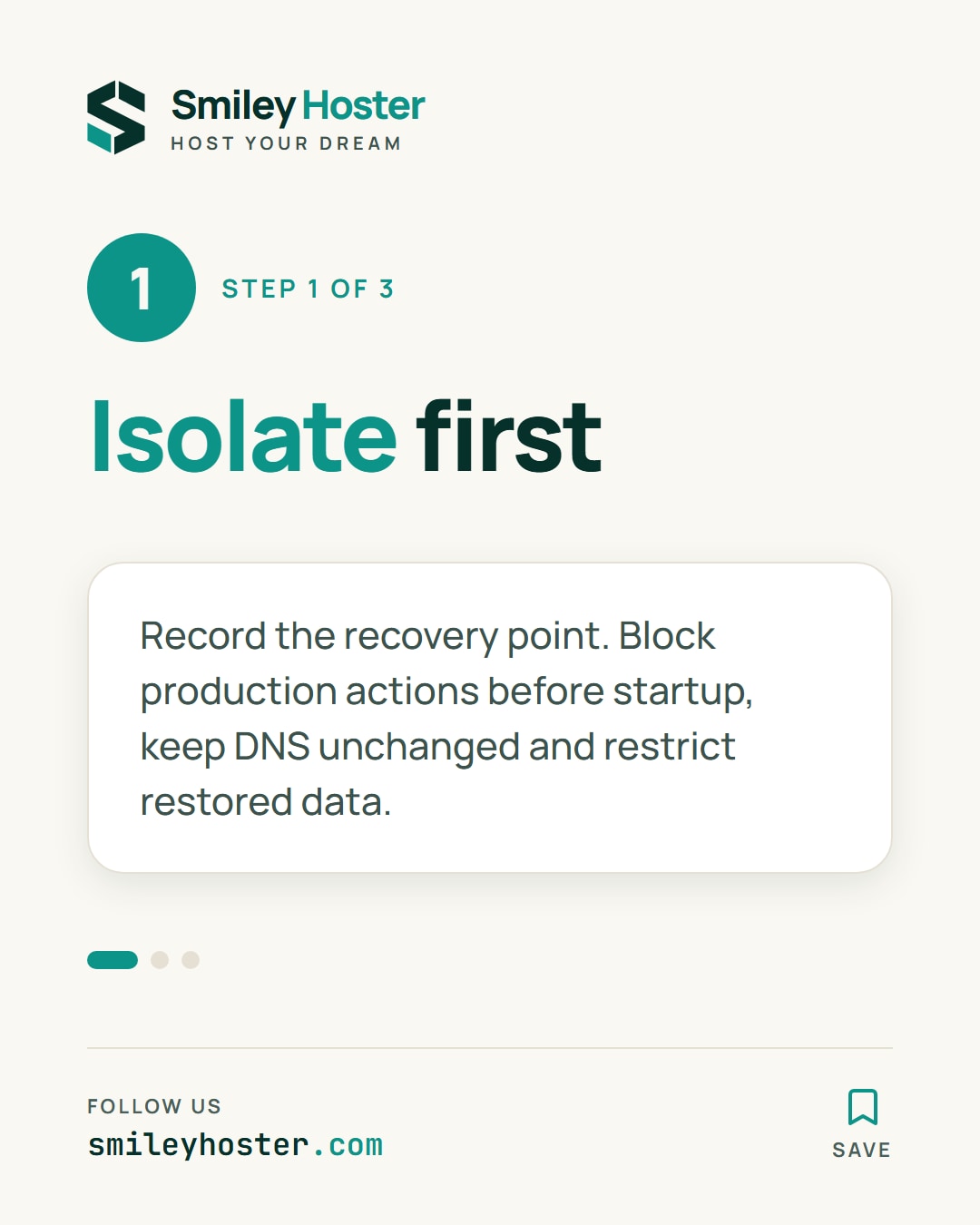
Select the recovery point and record its date. List the expected files, database, configuration and required keys. Confirm that your recovery method produces an application-consistent state; creating a volume copy alone does not demonstrate that consistency.
Prepare a destination separated from production. Before its first startup, prevent real email, payments, outbound webhooks and scheduled jobs from acting on customer services. Substitute test destinations or arrange the relevant outbound restrictions with the network owner. Do not wait until the restored application has already started to consider these connections.
Restrict access to the restored data. A recovery copy can contain personal information and should not become a public test website by accident. Keep the production hostname and DNS routing unchanged throughout the exercise.
2. Restore and verify meaningful records
Follow the restoration procedure for your provider and application. Record the starting time, blocking steps and the point when application checks become possible. Measure the process before making assumptions about recovery time.
For the specific EBS feature, AWS states that copies must be created in the same Availability Zone, and encrypted sharing requires appropriate key access. This is not an independent copy against an incident affecting that zone. Review geographical and failure-domain requirements separately in your backup strategy.
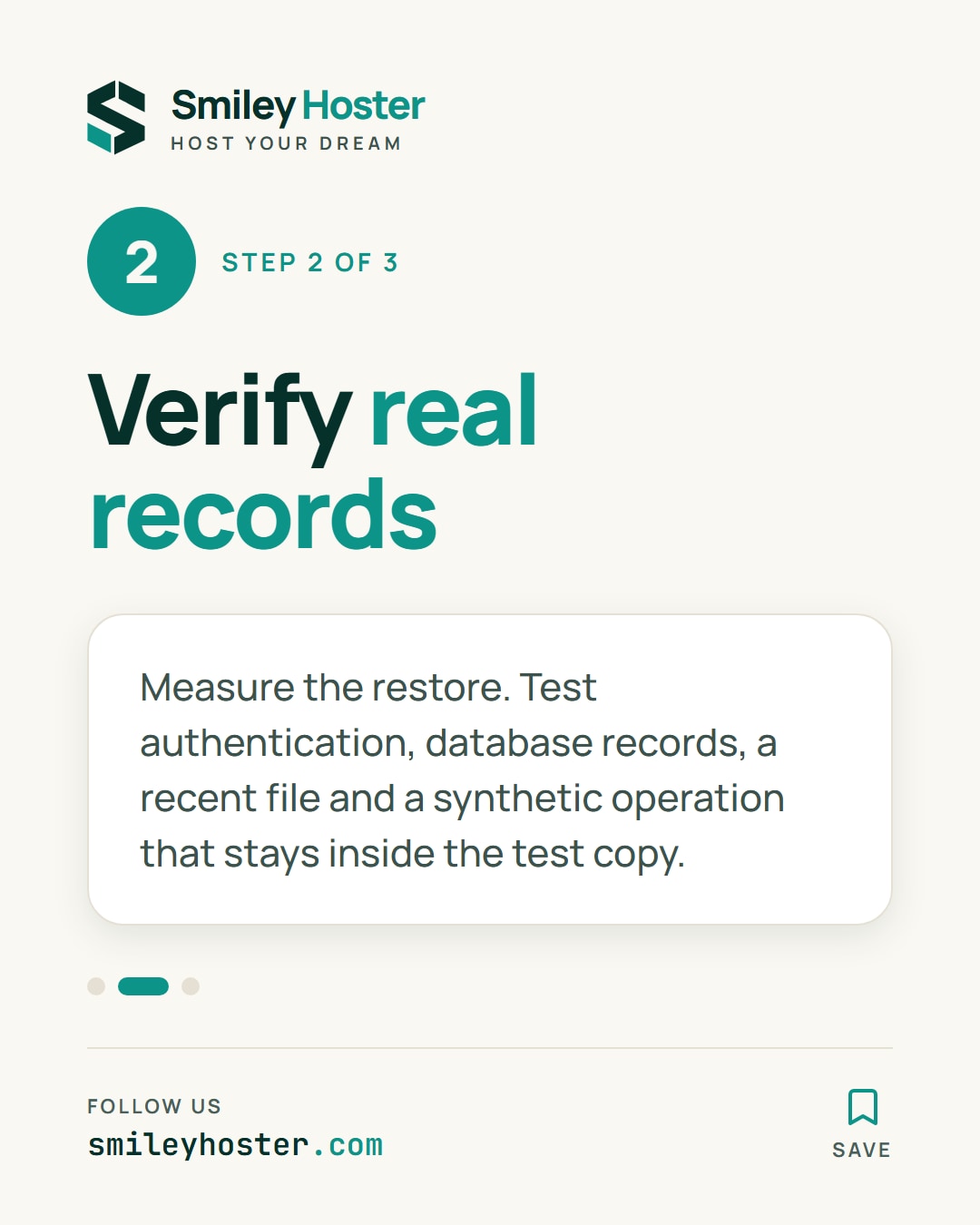
Once the restored application is accessible, check more than its front page:
- A test account can authenticate.
- A database-backed page contains the expected records.
- A recent file included in the chosen recovery point opens.
- A synthetic operation is recorded only in the test copy.
Compare those outcomes with reference records selected before the exercise. A server that boots successfully still needs these application checks. Keep customer data out of screenshots and shared evidence wherever possible.
3. Record the result and close the environment
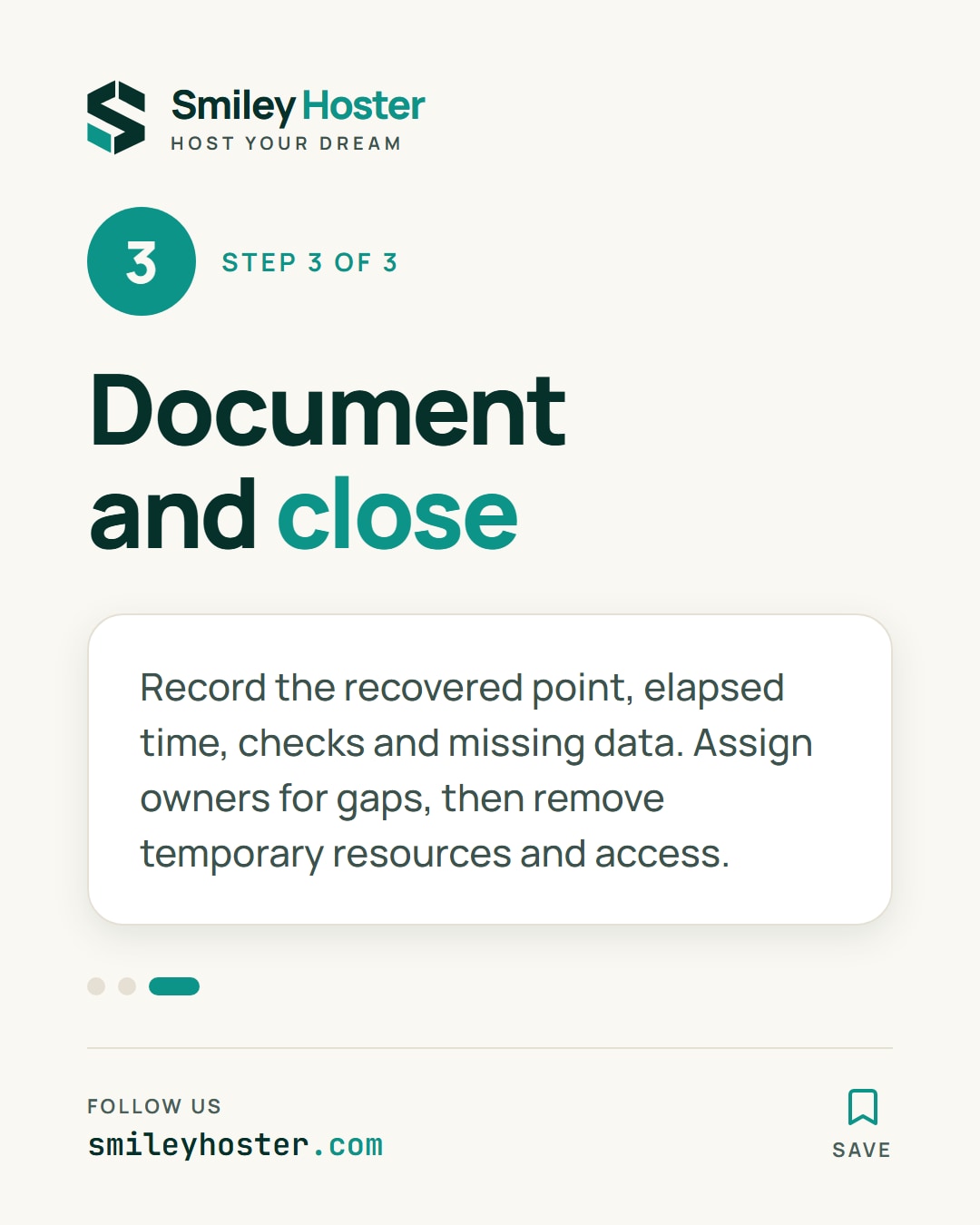
Document the recovered point, elapsed time, successful checks and missing data. If a key, permission or undocumented manual step delayed recovery, assign an owner to correct the procedure before the next rehearsal.
Have the temporary resources removed through your normal process after preserving useful evidence and verifying their identities. Remove temporary access as well. Keep the production environment distinct in every cleanup instruction.
The result is a tested procedure with visible limitations. A technical copy is one input to that exercise; the ability to recover the website's actual functions is the outcome you need.
Sources: AWS News Blog.
See it in our social posts
The key steps of this article, as a carousel. Follow us to catch the next ones.