

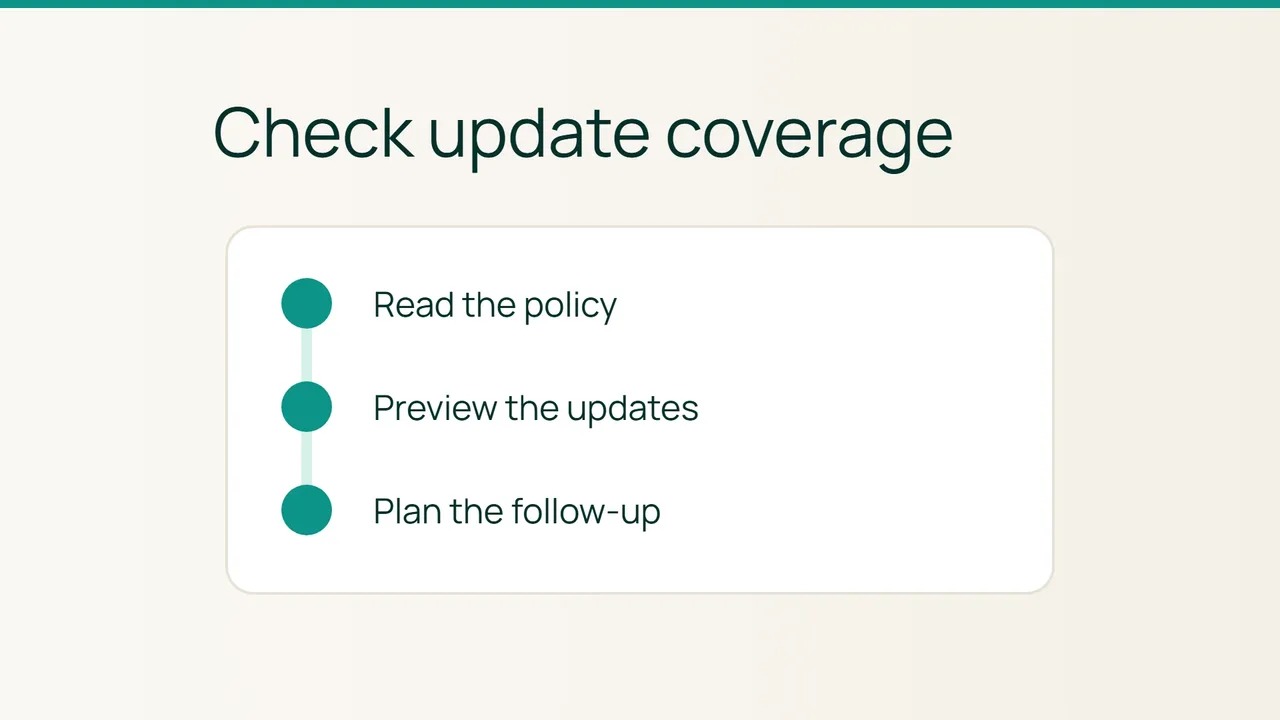
Vultr's Cycle.io announcement points toward more automated infrastructure operations. Before delegating maintenance on an Ubuntu VPS, establish what automatic updates actually cover. This audit gives you evidence without launching a distribution upgrade.
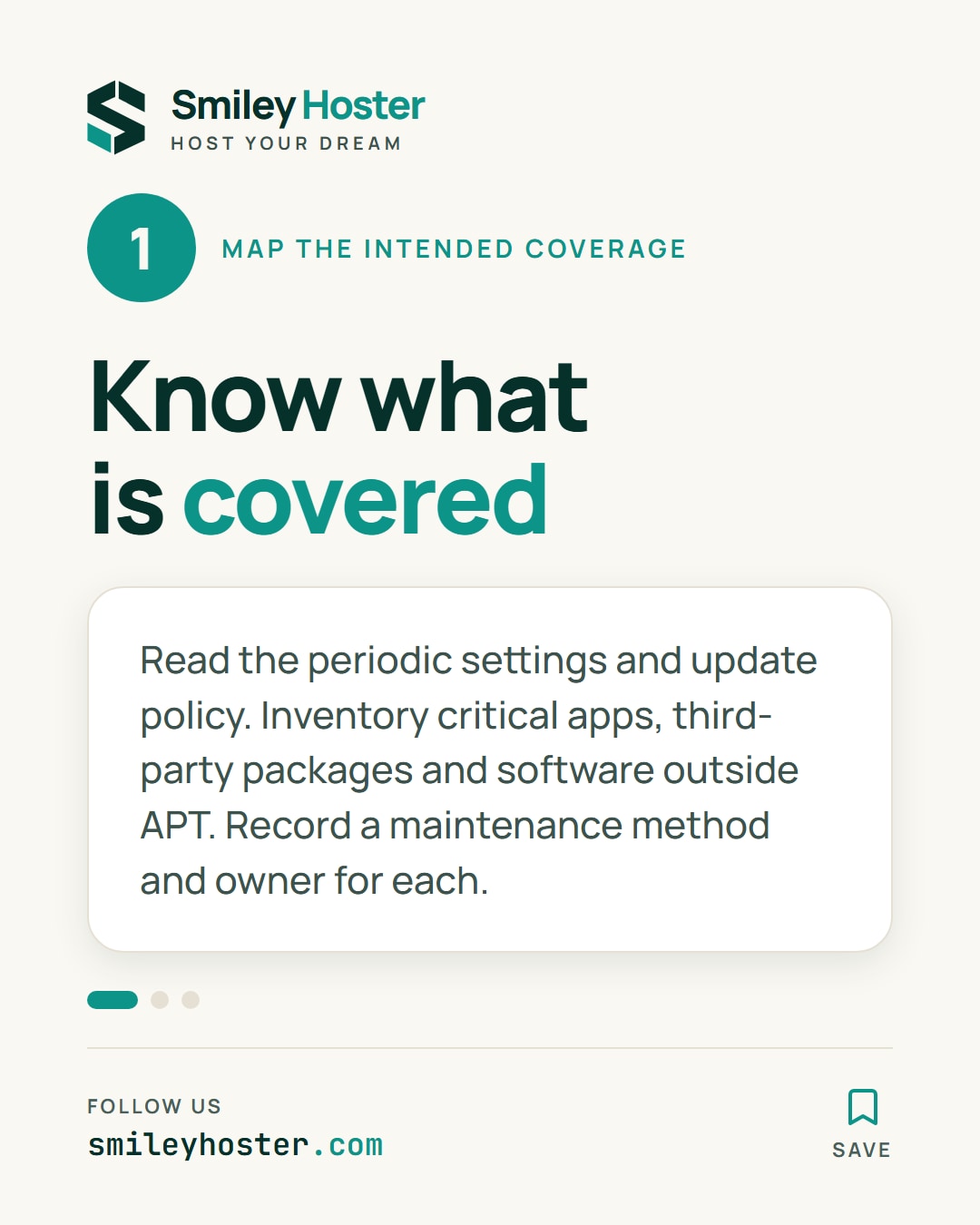
1. Map the intended coverage
Use an account permitted to run administrative checks. The scope here is Ubuntu's unattended-upgrades, not migration to a different Ubuntu release. First list the applications that must still work after maintenance and who can verify them.
Read the configuration:
cat /etc/apt/apt.conf.d/20auto-upgradescat /etc/apt/apt.conf.d/50unattended-upgradesThe periodic settings and the upgrade policy answer different questions: when work is enabled, and which updates or restart behavior are allowed. If a file is missing, record that finding rather than creating guessed settings.
Keep third-party packages and software installed outside APT visible in your inventory. An added APT repository is not automatically included in unattended update coverage. For every critical component, record a maintenance method and an owner; an unknown entry is an audit finding worth resolving.
Do not judge the server solely from how it was originally installed. The useful result is its current configuration and an explanation of the choices affecting your applications.
2. Run a controlled simulation
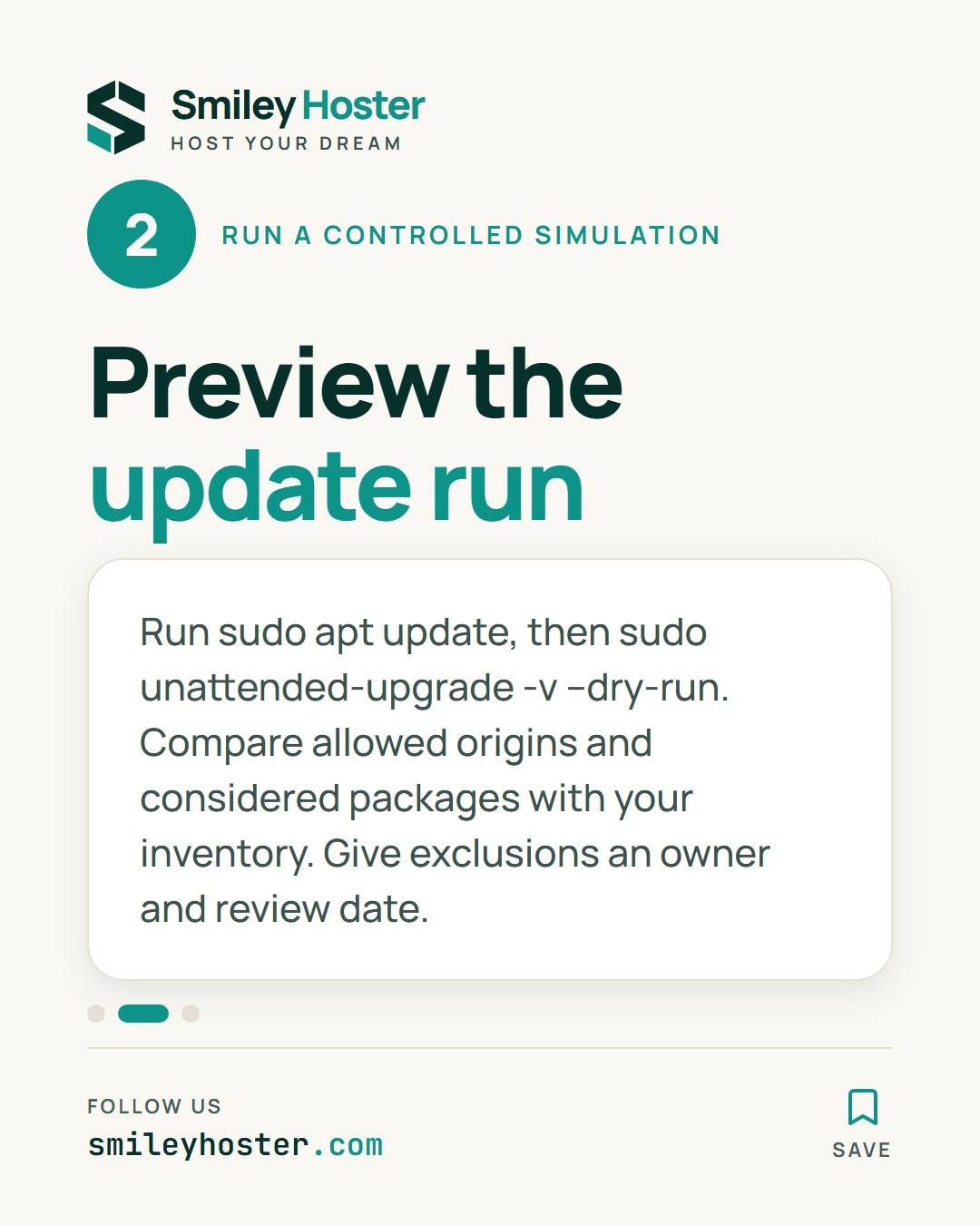
Refresh package information, then preview the unattended operation:
sudo apt updatesudo unattended-upgrade -v --dry-runRefreshing indexes does not itself upgrade installed packages. The second command simulates the unattended run. If another package operation holds the lock, let it finish; deleting lock files is not a way to complete this audit.
Inspect the allowed origins and the packages considered in the output. A run with nothing to install may be correct, but it does not establish coverage for everything on the server. Compare the result against your component inventory.
For each exclusion, document why it exists and the alternative maintenance procedure. Give the exception an owner and a review date. Avoid enabling every repository simply to make the preview look more complete.
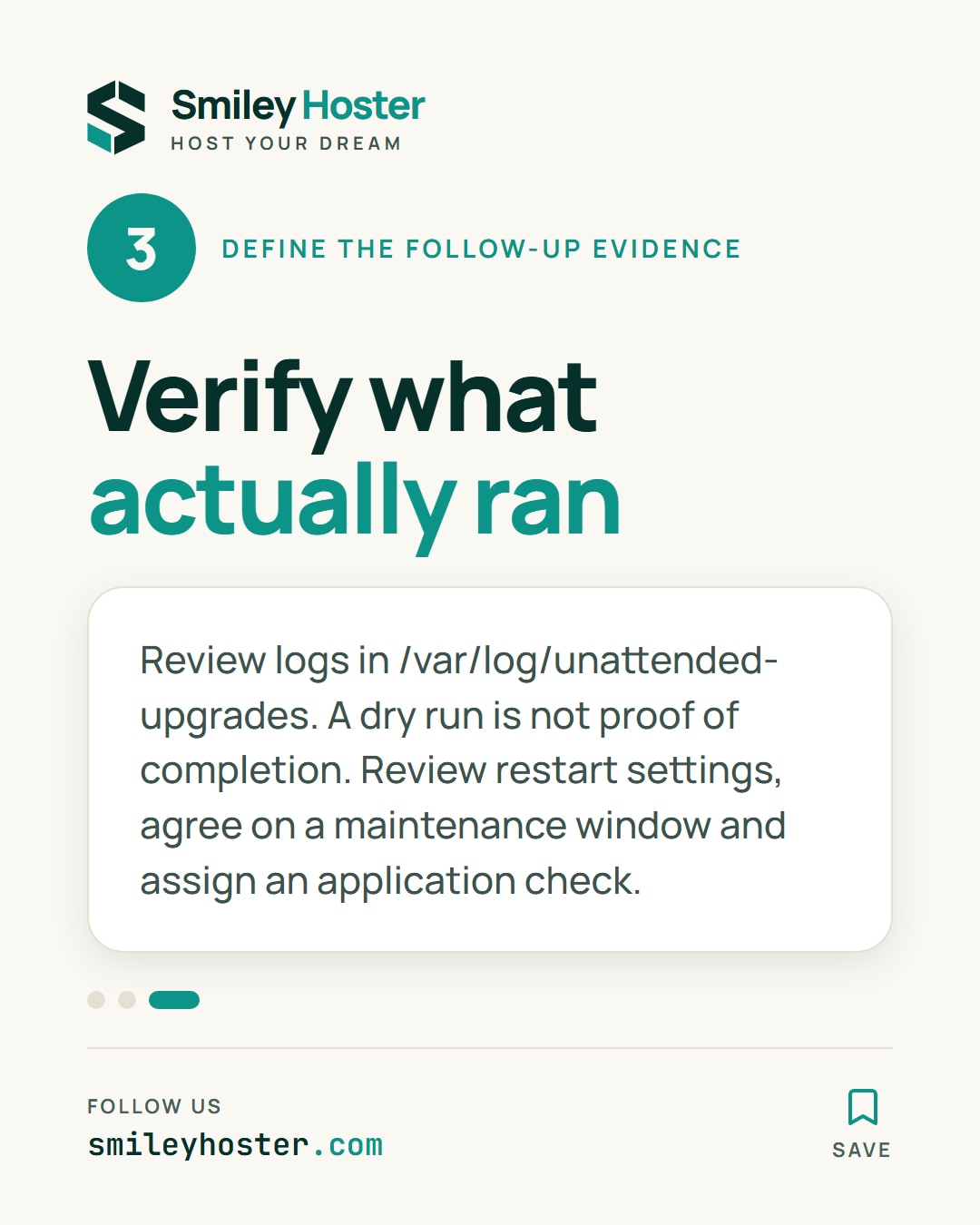
3. Define the follow-up evidence
Review real execution records under /var/log/unattended-upgrades. Keep the execution date and outcome distinct from your simulation report. A successful preview is not proof that a scheduled run later completed.
Inspect restart settings too. Preventing an automatic machine reboot does not promise that individual services will never restart during updates. Agree on a maintenance window and an application-appropriate recovery procedure before changing policy.
Choose a small acceptance check that the application owner can repeat after maintenance: sign in, read expected data and perform a reversible operation. Assign responsibility for carrying it out and handling any required restart. The audit is complete when critical software has known coverage, exceptions have owners, and post-maintenance evidence has a defined home.
Sources: Vultr, Ubuntu — automatic updates.
See it in our social posts
The key steps of this article, as a carousel. Follow us to catch the next ones.