

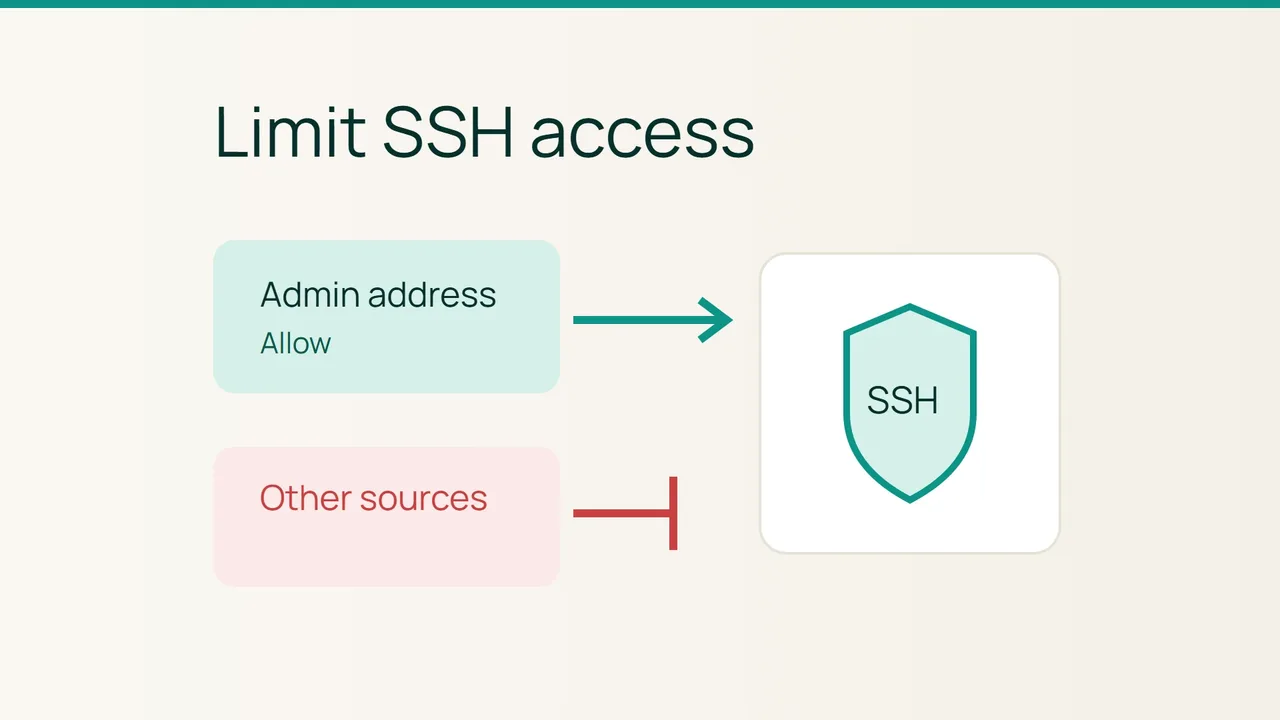
Vultr's Cycle.io announcement puts automated infrastructure administration in the spotlight. Network access still needs a deliberate review. On an Ubuntu VPS, one useful improvement is narrowing an existing broad SSH allowance to your administration address.
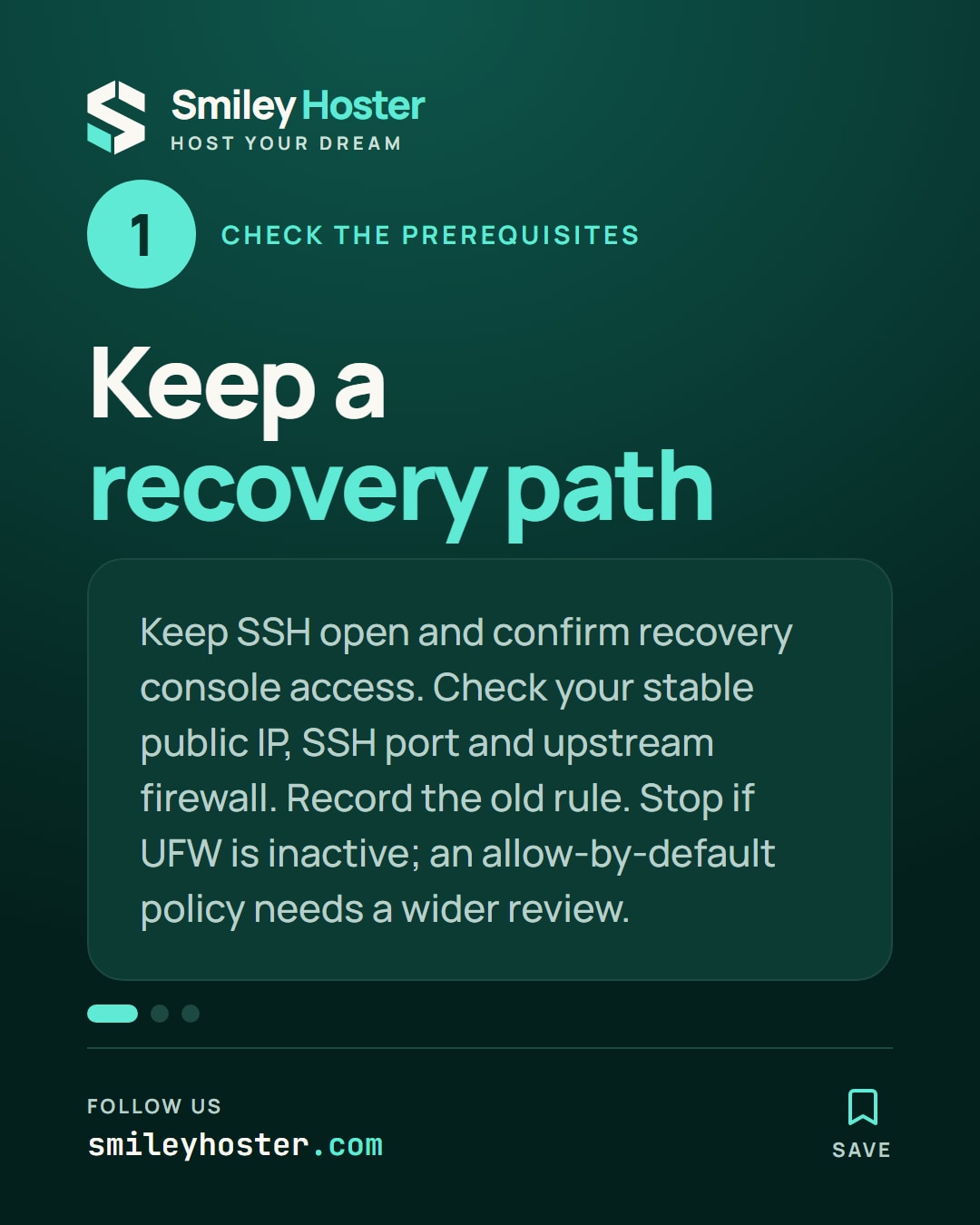
1. Check the prerequisites
This procedure assumes UFW already manages filtering on the VPS and your administration connection has a stable public address. If that address changes frequently, arrange a stable access route with your network administrator before narrowing the rule.
Keep a working SSH session open and confirm that you can reach an independent recovery console. Identify the actual SSH port and any upstream firewall. The examples use port 22 and documentation address 203.0.113.27; both must match your real setup before execution.
Inspect the current policy:
sudo ufw status verbosesudo ufw status numberedStop if UFW is inactive. Enabling it calls for a full inventory of required services, outside this procedure. If incoming traffic is allowed by default, merely adding a narrow allowance will not restrict SSH. Review the wider service requirements before changing that policy.
Record the original access rule so you have a clear recovery target. A firewall change should not depend on remembering what used to be allowed.
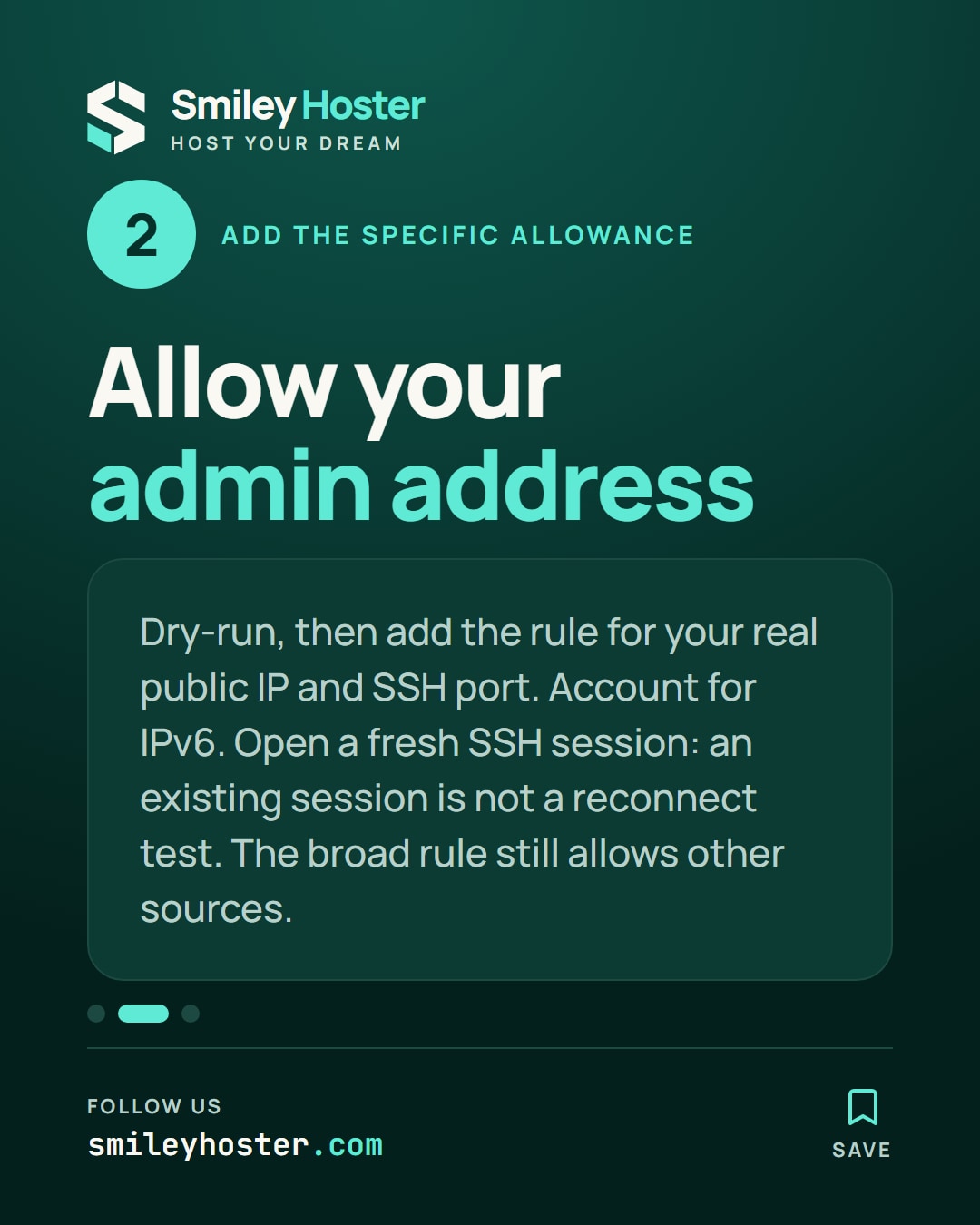
2. Add the specific allowance
Preview a rule for your actual public source address:
sudo ufw --dry-run allow proto tcp \ from 203.0.113.27 to any port 22Once the values are correct, apply it:
sudo ufw allow proto tcp \ from 203.0.113.27 to any port 22Use the public address the server sees, not your laptop's private network address. If you administer over IPv6, account for that source and inspect existing IPv6 permissions too.
Open a fresh SSH connection in another terminal. An established session staying alive is not a reconnect test. Also remember that the broad rule is still present: this first check does not yet prove unwanted sources are blocked.
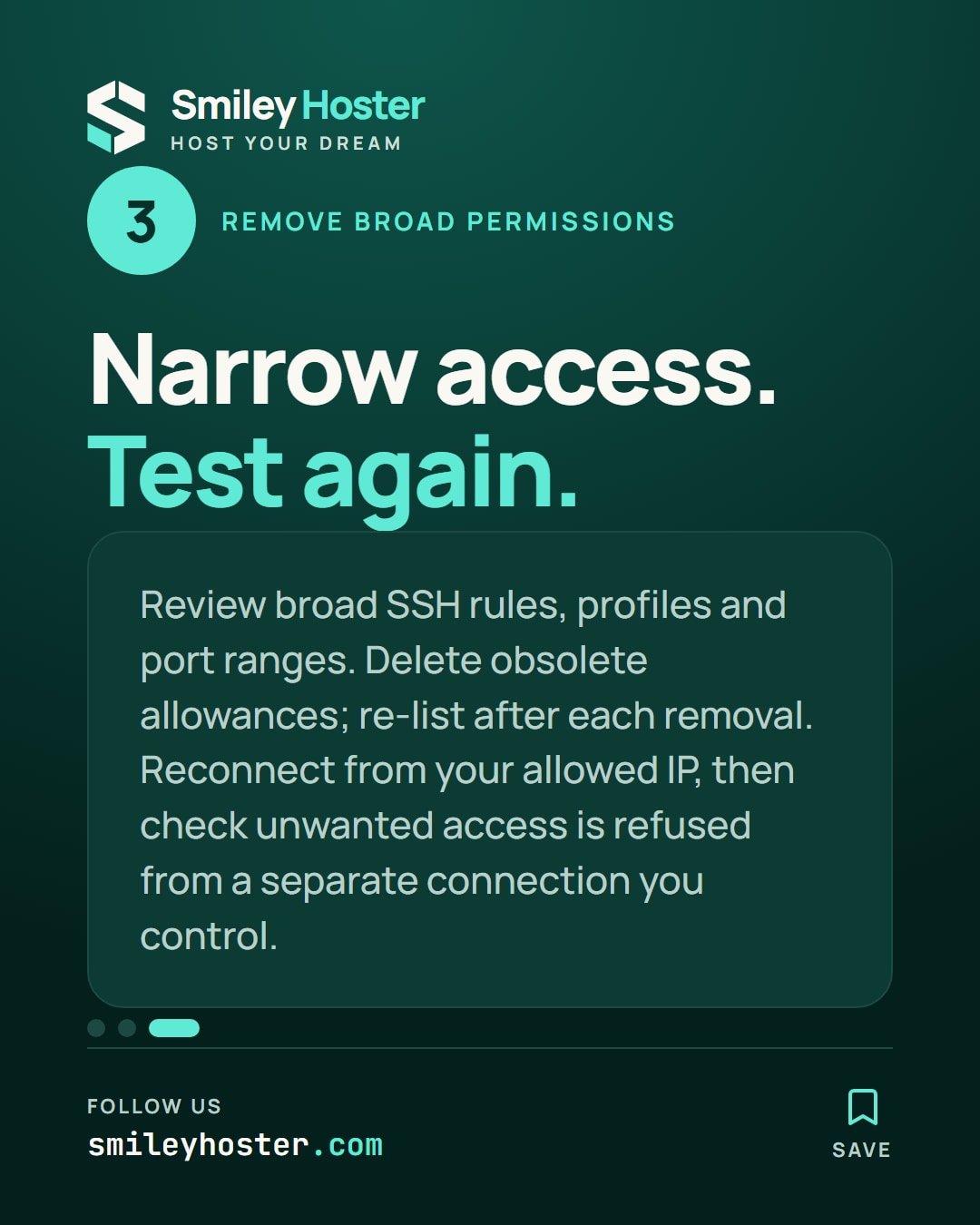
3. Remove the redundant broad permission
Read the numbered list again and identify exactly which rules admit SSH from anywhere. Include application profiles and wider port ranges in the review. Leave unrelated rules alone.
Remove the obsolete allowance using ufw delete with its current number. Re-list rules after a removal, because the numbering can change. Then make another new connection from the permitted address.
From a separate test connection you control, check that the unwanted access is refused. If you lose access, use the recovery console to restore the previous rule. Finish by recording the allowed address, port, IPv4 and IPv6 results, and the procedure for an address change. A new rule is configuration evidence; the connection tests establish whether the intended restriction works.
Sources: Vultr, Ubuntu — firewall.
See it in our social posts
The key steps of this article, as a carousel. Follow us to catch the next ones.