

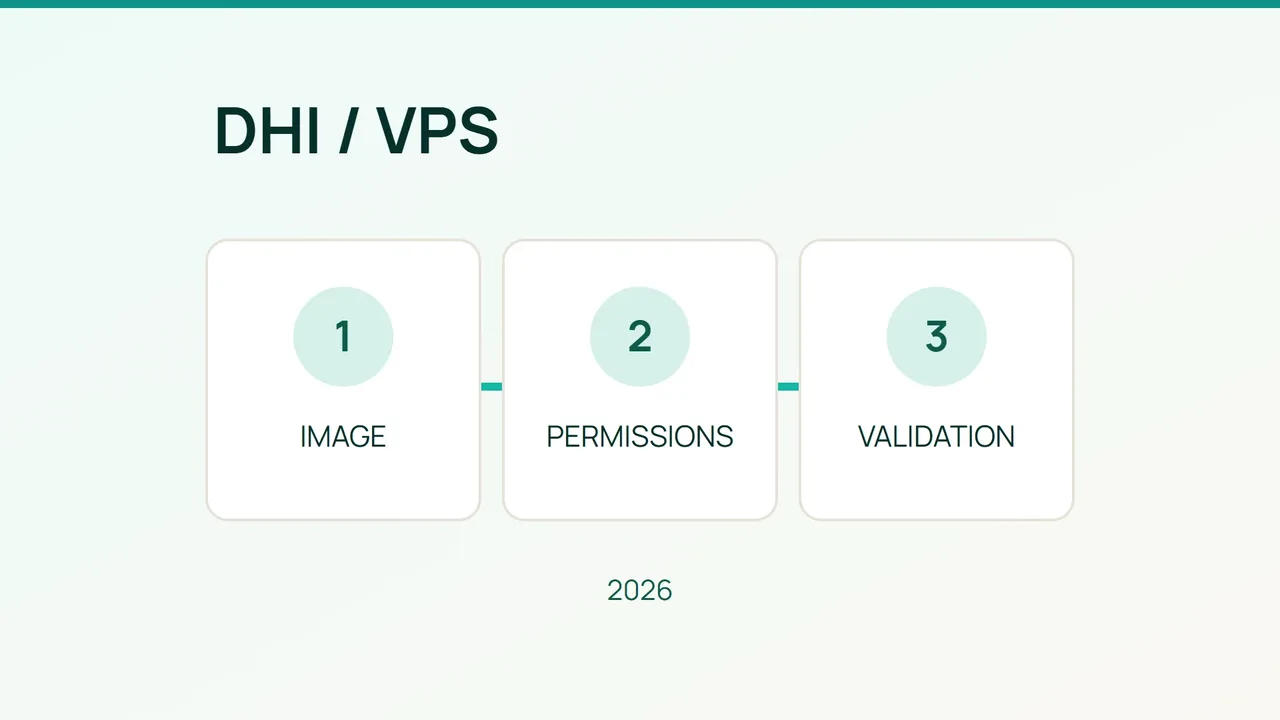
Moving a VPS application to Docker Hardened Images (DHI) is an opportunity to review how its containers run in 2026. Use a staging migration with explicit acceptance checks before changing the production deployment.
1. Make the migration reproducible
Docker describes DHI as minimal images with non-root execution by default, development and runtime variants, signed software bills of materials (SBOMs), and provenance information. These features do not guarantee that your application is free of vulnerabilities.
Pick a pilot application without critical data. Record its version, native dependencies, ports, user and writable paths. Back up its data and keep the previous image reference. Define three acceptance tests: startup, a representative business request, and a restart that preserves application data.
Choose a DHI variant that matches your environment: native libraries may depend on either glibc or musl. Check which tag actually exists and record the chosen digest. Avoid copying a version number from an old tutorial. Rebuild your application with the selected base through your usual build process; replacing a complete service image with an empty runtime base will not migrate the application.
2. Review permissions around the image
Docker’s security guidance highlights that daemon access enables sensitive operations on the host. Limit it to trusted administrators and keep the Docker socket out of application mounts. Review other mounts too: exposing the VPS root filesystem would undermine the intended protection.
For remote daemon administration over SSH, the documentation gives the following form. Substitute your actual account and host:
export DOCKER_HOST=ssh://USER@HOSTThis variable changes the Docker target for your shell session. Confirm the target before operating on containers; the remote account must already have permission to access the daemon. Setting the variable does not create an SSH account or grant Docker access.
Keep the non-root user expected by the image. Remove unnecessary Linux capabilities and retain only those justified by testing. Set resource limits against measured demand, then include consumption spikes in your acceptance tests.
3. Test failures and prepare rollback
Run the three acceptance tests in an isolated environment. Compare responses, logs, persistent writes and resource consumption with your baseline. Record the image digest, results and test date in the deployment procedure so another administrator can repeat the checks.
If startup fails with a permission error, inspect file ownership and writable paths. A missing library points to the packaged dependencies. Resolve the underlying mismatch before adding privileges to make an error disappear.
FAQ
Does a minimal image need a shell? Not necessarily. Arrange a diagnostic method compatible with your chosen variant before using it in production.
Can the old image always be restored immediately? Only while the data remains compatible. Test a separate data restoration path when an application migration changes its storage format.
When is the migration ready? Switch after business checks, persistence and rollback have documented, satisfactory results. Repeat the relevant checks whenever you update the base image, rather than treating the first migration as permanent assurance.
Sources: Docker Hardened Images, Docker Engine security.