

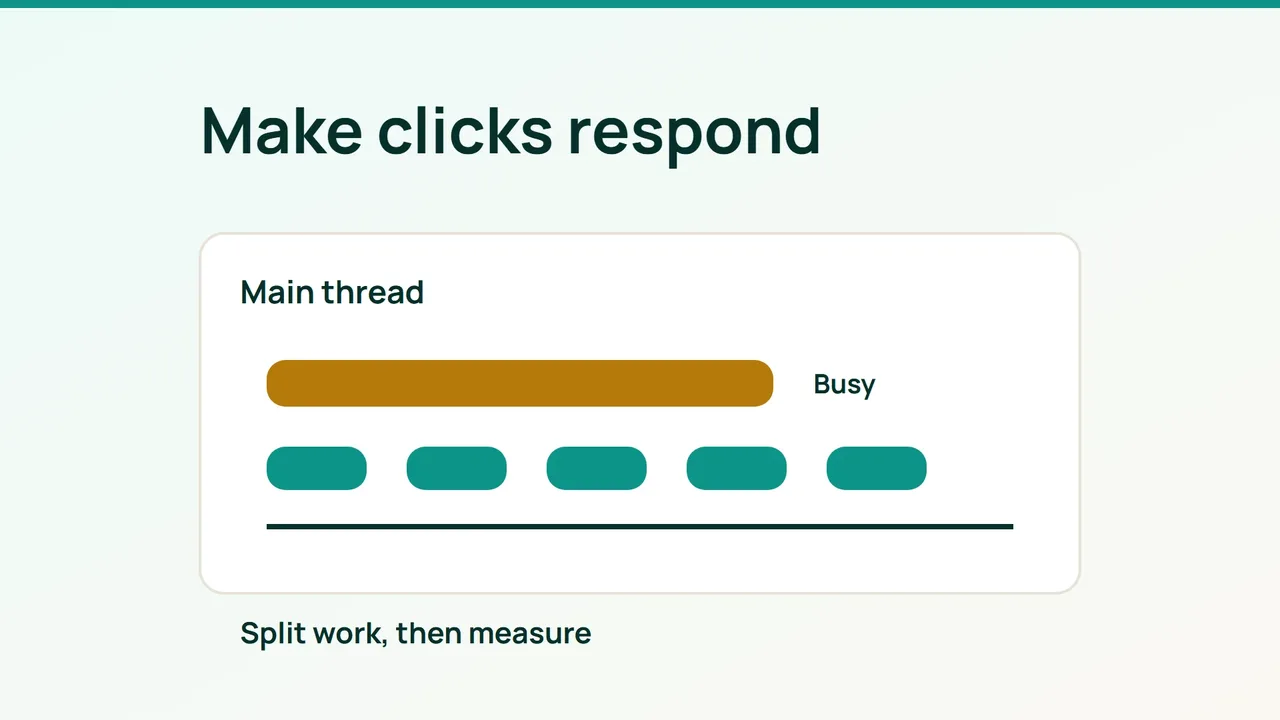
A WordPress page can load quickly and still hesitate when somebody opens its menu. Investigating INP means following a real interaction through the browser, rather than optimizing only the PageSpeed headline score.
1. Start with the evidence visitors produce
Look at the real-user section in PageSpeed Insights when it is available. Confirm whether it describes the specific URL or the whole origin, and whether you are viewing mobile or desktop results. A Lighthouse navigation run does not reproduce every interaction throughout a visit.
Interaction latency includes waiting before handlers run, executing those handlers and presenting the next frame. Improving server response alone does not necessarily change any of those stages.
Choose one journey, such as opening navigation, applying a product filter or adding an item to the cart. Record device, browser, consent state and login state. Without field data, use these journeys as a laboratory starting point; do not label a local result as measured visitor INP.
2. Trace one slow action to its cause
Record the journey in Chrome DevTools Performance. Select the slow interaction and inspect main-thread tasks, function calls and script URLs. A plugin path suggests ownership, but confirm the relationship by changing only that plugin feature on staging.
The following console probe reports long tasks where supported. It neither calculates INP nor identifies the responsible plugin by itself:
if (PerformanceObserver.supportedEntryTypes .includes("longtask")) { new PerformanceObserver(list => { for (const task of list.getEntries()) { console.log(task.startTime, task.duration); } }).observe({ type: "longtask", buffered: true });}Match the change to the delay:
- Before the event handler: remove unused scripts and load secondary features on demand.
- Inside the handler: reduce computation and break up nonessential work.
- Before painting: reduce repeated DOM changes and forced layout.
For code you own, make the pending state visible and yield before secondary processing. For third-party plugins, try documented settings or an updated version, then evaluate a replacement if necessary. Minifying a script does not remove expensive work.
3. Recheck functionality and production behavior
Repeat the same action several times under comparable conditions. Compare traces rather than selecting the fastest isolated result. Test keyboard navigation, search, product variations, cart changes, consent controls and payment before accepting the change.
Keep a rollback path. After deployment, watch field measurements; aggregated visitor data will not immediately represent a newly released fix. A better local trace is useful evidence, but it still needs confirmation with real traffic.
Common mistakes
Delaying every script, stacking optimization plugins or removing a shared dependency can produce a misleading improvement while breaking the site. Temporarily blocking a script in DevTools is a diagnostic experiment, not a production solution.
FAQ and final checks
Will page caching fix the interaction? It may improve server work without changing JavaScript execution after a click.
Does a long task prove poor INP? No. Connect it to an interaction and identify which portion of the delay it affects.
Finish with a reproducible improvement, a clean functional check and a plan to review visitor measurements. Save the action and test conditions so another person can repeat the result.
Sources: web.dev, Chrome DevTools.