

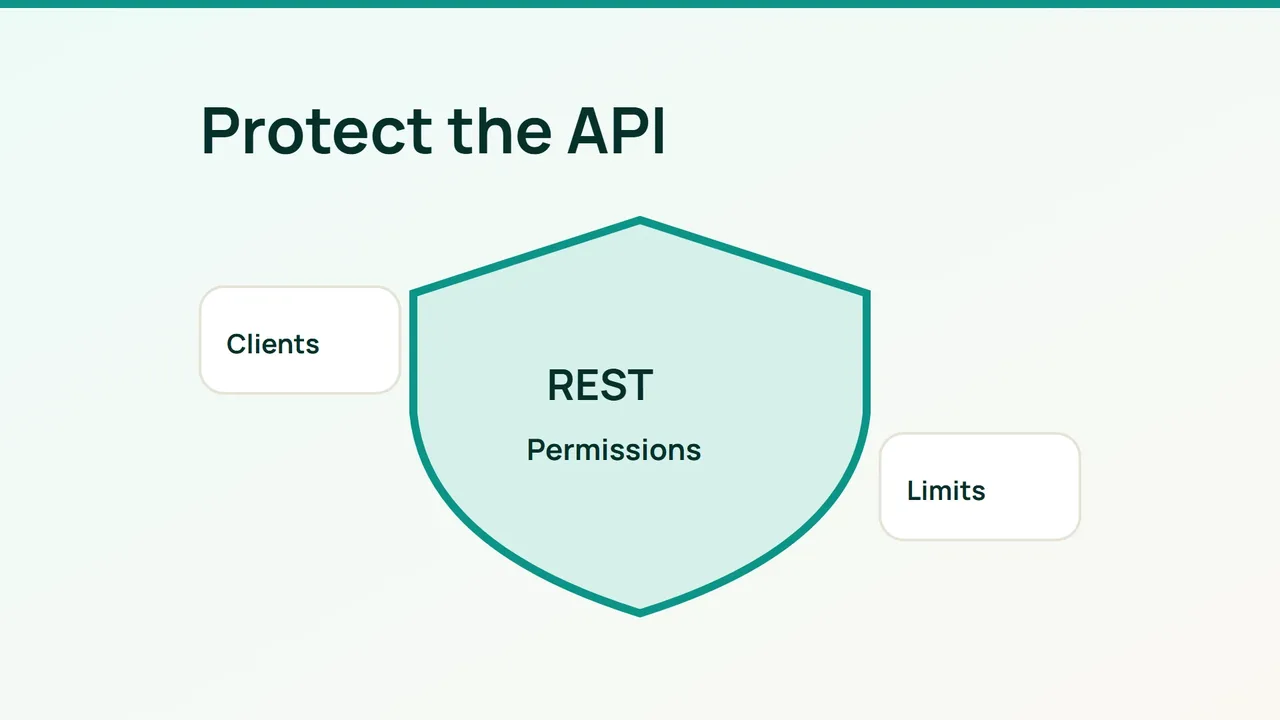
As WordPress integrations become more automated, REST endpoints deserve the same operational attention as public pages. Protect individual resources and permissions while keeping the editor and legitimate services working.
1. Map what each endpoint is allowed to expose
List the routes your editor, plugins and external applications actually use. Record the method, expected identity, response fields and whether access should be public. Published content may be public; customer addresses, drafts and secrets should not appear in anonymous responses.
Custom endpoints must check capabilities and access to the specific requested object. Authentication alone is insufficient. This fragment is only the permission portion of an existing route that works with an article:
'permission_callback' => function ($request) { $id = absint($request['id']); return $id > 0 && current_user_can('edit_post', $id);},Validate input separately and return only necessary fields. Even intentionally public endpoints need bounded queries and input validation.
2. Separate service identities from traffic controls
Create a dedicated, minimally privileged WordPress user for an external integration and give it its own Application Password over HTTPS. An Application Password is not a route-scoped permission system; the underlying user capabilities matter. Keep it in the integration’s credential store and revoke it when the service is retired.
This command prompts for the password instead of placing it in shell history:
BASE="https://example.com/wp-json/wp/v2"curl --fail --user integration --get \ "$BASE/users/me" --data-urlencode "context=edit"Then test sensitive routes as an anonymous visitor, a limited user and the authorized service, using test data. Editor cookie authentication and REST nonces are a different context. A nonce does not grant additional capabilities.
For Cloudflare, start with a rate limiting rule around the costly route and HTTP method you observed. Include the alternative rest_route query form in your assessment. Choose a threshold and period from real traffic and confirm your plan’s available features. A normal WAF matching rule does not automatically count requests.
3. Roll out limits with useful evidence
Within your authorized test environment, check traffic below the limit, above it and after the mitigation expires. Browser challenges can break machine clients. Any exception should narrowly identify a trusted integration; a claimed User-Agent is easy to imitate.
Log method, route, status, duration and request volume. Redact Authorization headers, cookies and sensitive bodies. Look for repeated failures, bursts and unusual reads. Controls at the edge can be bypassed if an unprotected origin remains directly reachable.
Common mistakes
Disabling the entire REST API can break editing. CORS is not authentication, and hiding public usernames does not fix unauthorized access to private objects.
FAQ and final checks
Can public content be made impossible to scrape? No. Reduce abusive volume while treating confidential data as an application permission problem.
Does the WAF replace endpoint authorization? No. Every protected action still needs an application-level check.
Before rollout, exercise editing, media uploads, forms and integrations. Confirm that private objects remain inaccessible to the wrong identity and that revoking a test credential ends its access. Keep the previous rule configuration ready for rollback.
Sources: WordPress endpoints, WordPress authentication, Cloudflare.