

A headless migration changes who renders your WordPress content. Before choosing a framework in 2026, build one representative page and prove that editors can update, preview and remove it reliably.
1. Select a candidate around the actual workload
WordPress remains the content system. A separate frontend retrieves content through an API and renders public pages, replacing the PHP theme’s presentation role.
| Workload | Starting candidate | Main operational question |
|---|---|---|
| Mostly static articles or documentation | Astro | How do changes trigger a rebuild? |
| React application with dynamic journeys | Next.js | Who owns server execution and cache behavior? |
| Plugin-heavy commerce | A narrow pilot first | Which checkout and theme functions need rebuilding? |
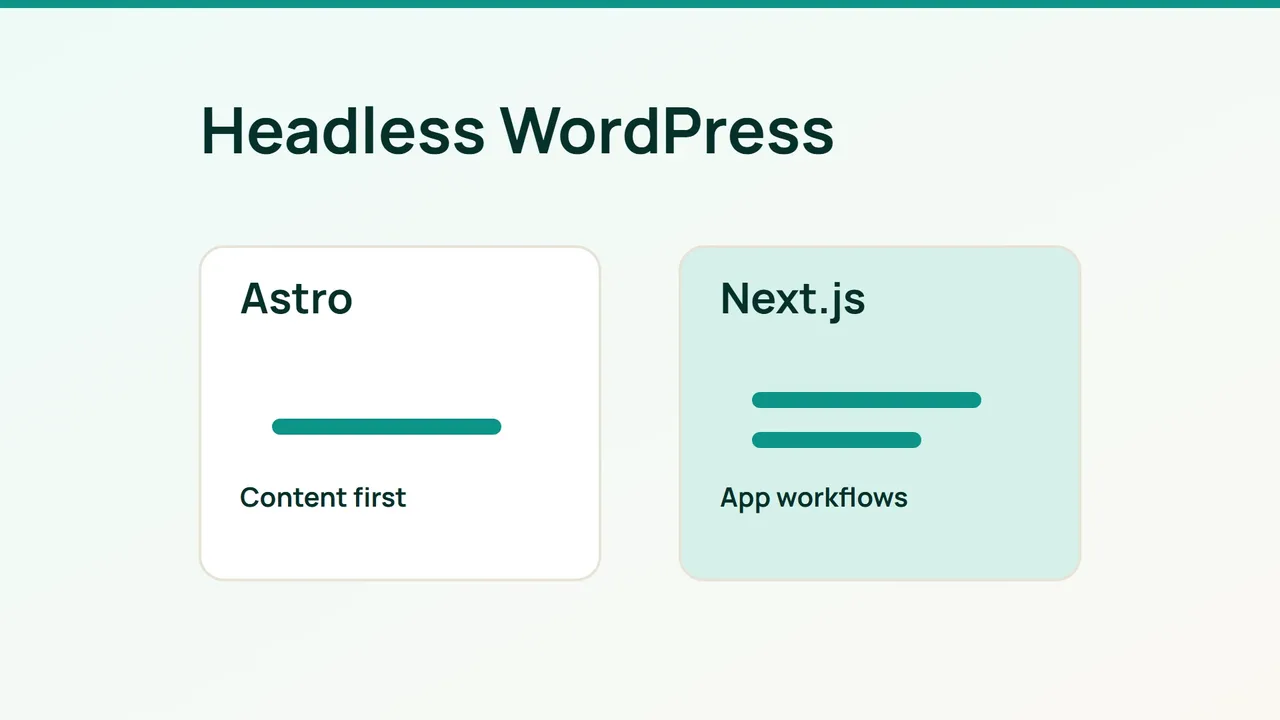
Astro is a useful content-first candidate when little client JavaScript is required. Next.js is worth testing when the team already works with React and application interactions. Neither choice is an automatic performance win.
WordPress includes REST. WPGraphQL adds GraphQL through a plugin, allowing clients to select related fields in a query. Start with REST unless the content model justifies another dependency. GraphQL still needs authorization, query cost controls and compatible field exposure.
2. Prove the publishing loop
Fetch a known public article before building the presentation layer. Replace the example host and slug:
BASE="https://cms.example.com"curl --fail --get "$BASE/wp-json/wp/v2/posts" \ --data-urlencode "slug=guide-test" \ --data-urlencode "_fields=id,slug,title,content"Inspect content blocks, media URLs and internal links, not just the title. Apply an explicit trust and sanitization policy when rendering CMS-generated HTML.
For a static Astro site, connect edits to an authenticated rebuild trigger. For Next.js, deliberately configure caching and revalidation rather than assuming every request is cached. Exercise three events: an edit, a deleted article and an unsuccessful build.
Previews need a private, authenticated route excluded from shared caches. A static frontend needs a separate preview mechanism or on-demand rendering. Next.js Draft Mode is a building block, not a replacement for CMS authentication.
3. Check search output and hosting requirements
Recreate canonical URLs, page descriptions, redirects, structured data and the sitemap in the new frontend. A WordPress SEO plugin cannot ensure that another application renders its metadata. Review the initial HTML with JavaScript disabled.
Static output can be served as files. Server rendering needs a supported runtime, supervised process and sufficient resources. A cPanel account does not by itself establish runtime support. On a VPS, use an HTTPS reverse proxy and define restart and rollback procedures.
Multiple Next.js instances also require deliberate cache sharing and invalidation coordination. Test that a content change becomes visible through every instance, not only the one that received the trigger.
Common mistakes
Migrating everything before checking custom blocks, leaking preview credentials and leaving deleted URLs cached are avoidable problems.
FAQ and final acceptance
Will headless make the site faster? Compare server response, JavaScript cost and interactions on identical content before claiming an improvement.
Will existing plugins still work? Audit backend functions separately from theme-dependent UI.
Complete an editorial preview, publish an edit, remove a page, follow an old URL and rehearse restoring the original frontend. Choose the framework only after that pilot works.