

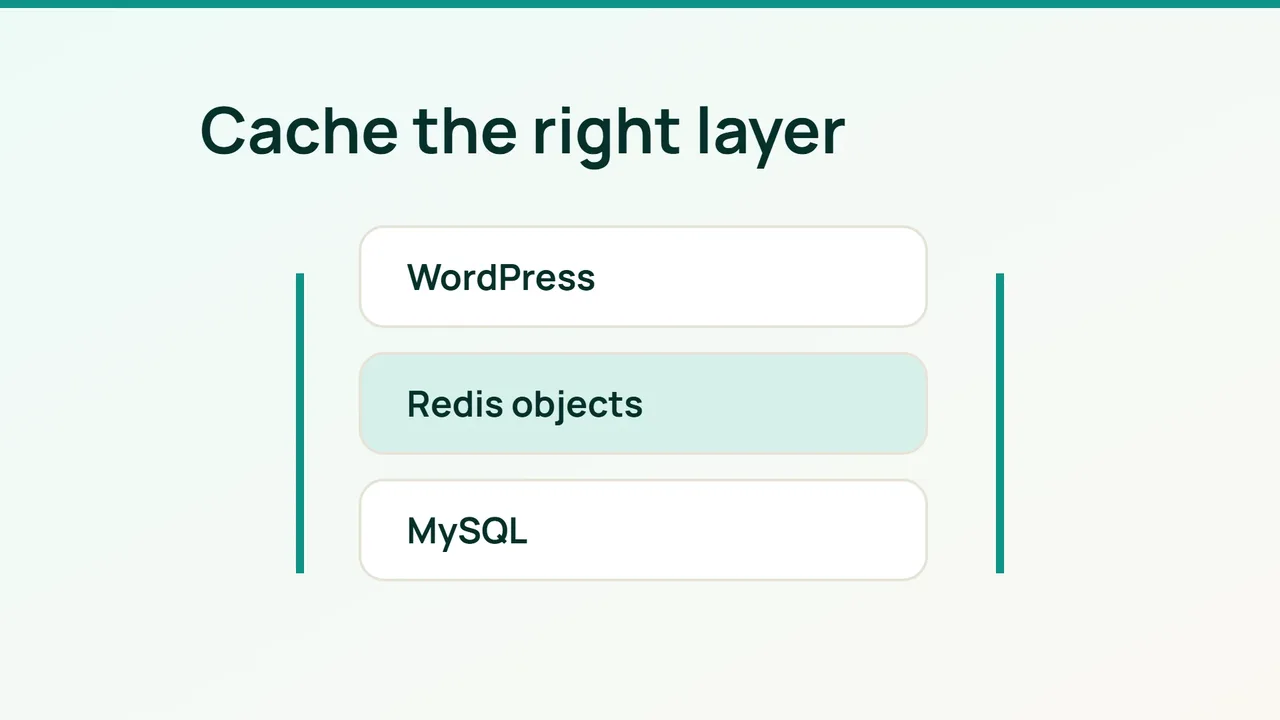
Busy WooCommerce stores include personalized pages that cannot safely share cached HTML. Redis Object Cache addresses a different layer: reusable WordPress objects that can reduce repeated database work across requests.
1. Establish a fair baseline
Page caching stores rendered responses. Object caching stores data used while producing them. Redis does not automatically fix inefficient SQL or make customer-specific pages safe for shared page caching.
Use a representative staging copy and back up files and the database. Record WordPress, WooCommerce, PHP and plugin versions, then check current compatibility requirements. Profile a product page, cart and account page for server duration, SQL query count and total SQL time.
Keep the catalog, session state and profiling method consistent. Measuring an anonymous cached page before the change and a logged-in cart afterward would not be a meaningful comparison.
2. Connect to a private Redis service
You need an administered VPS with Redis installed through a supported operating-system procedure, plus a compatible PHP client. On shared hosting, obtain the supported connection settings first; a cPanel account does not establish Redis availability.
For a Redis instance dedicated to this site’s disposable cache, adapt these settings without replacing unrelated configuration:
bind 127.0.0.1protected-mode yesmaxmemory 256mbmaxmemory-policy allkeys-lruThe memory value is an example, not a universal sizing recommendation. Leave room for PHP and MySQL. Do not apply this eviction policy to an instance that also stores durable application data. Use authentication and appropriate ACLs when other users or applications share the machine; loopback binding alone does not isolate them.
Add the WordPress connection settings before WordPress loads:
define('WP_REDIS_HOST', '127.0.0.1');define('WP_REDIS_PORT', 6379);define('WP_REDIS_PREFIX', 'shop-prod:');Give staging a different prefix. Install and activate Redis Object Cache, then run as the site owner from the WordPress directory:
wp redis enablewp redis statusConfirm the connection and active drop-in. Do not run competing object-cache implementations together.
3. Validate customer isolation and database work
Keep cart, checkout and account pages out of shared page caching using your actual routes and the session-cookie rules supported by your cache. These are not Redis group names to copy into an object-cache exclusion list. Database-cache or object-group exclusions depend on the integration.
Use two independent browser sessions to test separate carts, login, coupons, stock changes and a sandbox checkout. Warm the cache and repeat the original profile under the same controlled workload. Compare SQL time and server response while watching Redis memory, evictions and connection errors.
Common mistakes
Reusing staging keys in production, exposing Redis publicly and constantly flushing the cache can negate the benefit or create data risks.
FAQ and final checks
Does a high hit rate prove success? No. The complete customer journey must become measurably better.
How do you roll back? Rehearse wp redis disable on staging and verify the original behavior returns. Avoid flushing a shared Redis instance.
Keep the deployment only when database work improves, sessions remain isolated and the rollback has been tested.
Sources: Redis Object Cache, WooCommerce.