

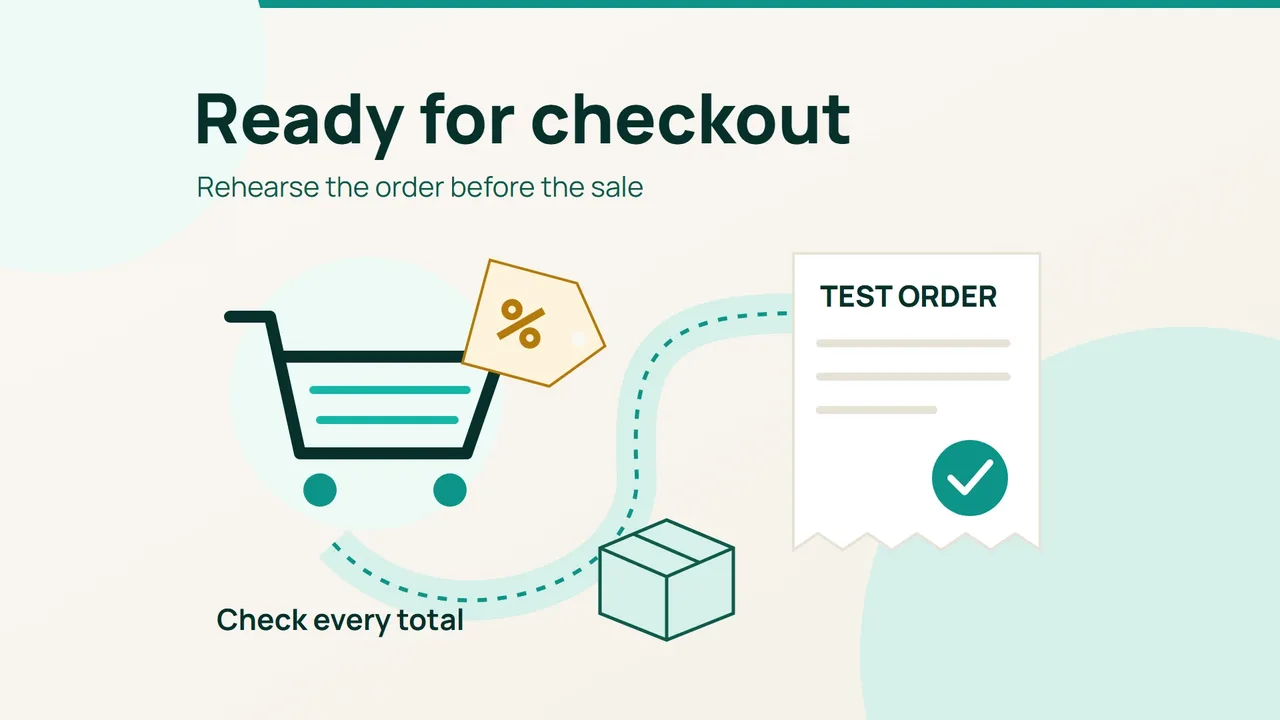
Hostinger's September 15, 2026 story about Black Friday preparation highlights the value of a clear buying journey. Turn that idea into a practical store check: rehearse one promotional order and reconcile the amount from the landing page through to confirmation.
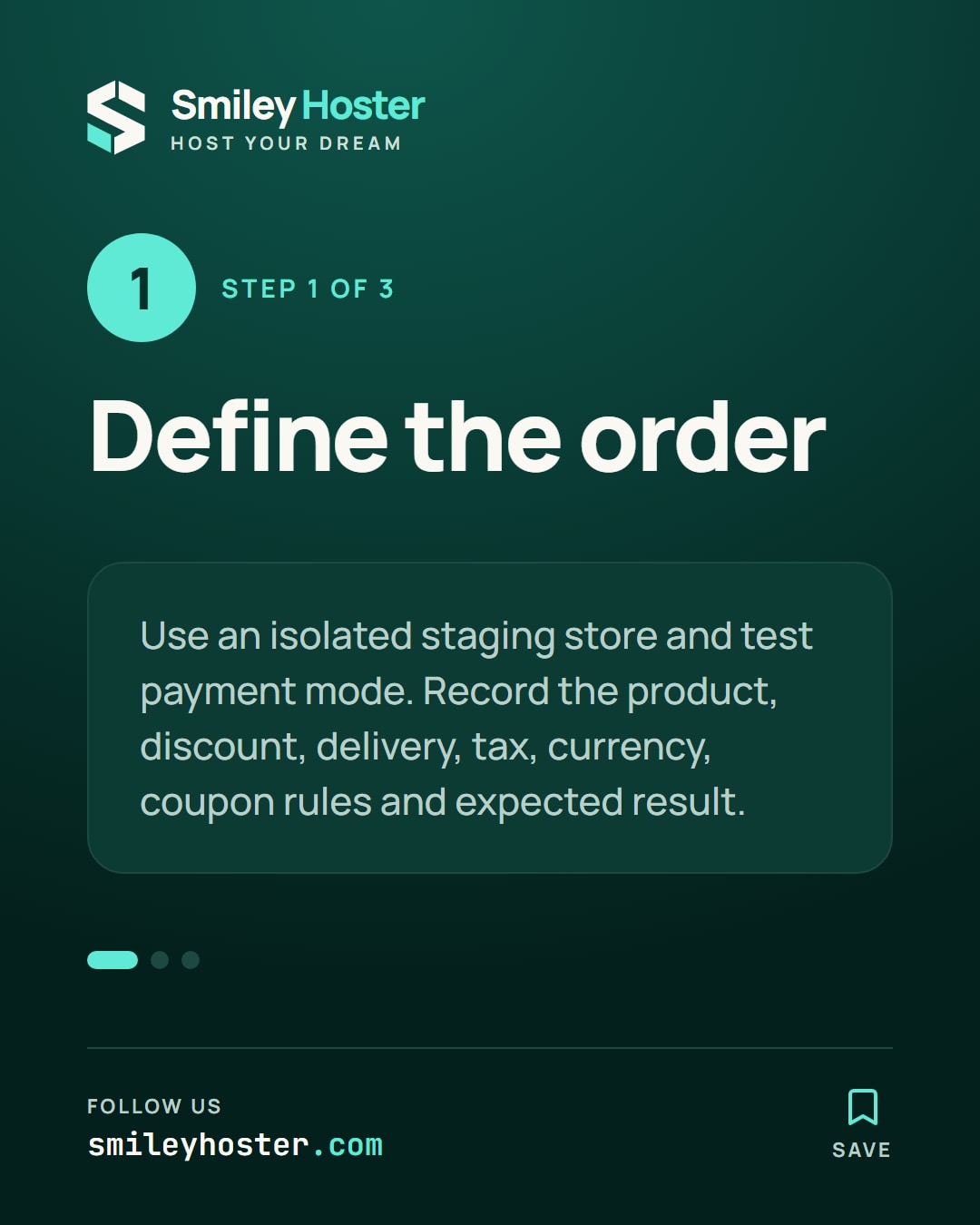
1. Define the order before testing it
Use staging, and verify that it is isolated before placing an order. Payments should use the provider's test mode, real fulfilment should be disabled and outgoing messages should reach a test mailbox. A copied store is not automatically safe to transact with.
Choose one product and a fictitious delivery address suitable for the scenario. Write down the expected item price, discount, delivery charge and tax treatment from your actual store settings. Distinguish tax-inclusive prices from tax added at checkout so that your reference calculation does not count the same tax twice.
Record the currency and coupon conditions alongside the promotion's start, end and configured time zone. Use the offer that is configured in the store as your reference. An old campaign image may describe different conditions.
Make the acceptance criterion explicit: the test order must match that reference, and its outcome must agree across the customer view and the administration area.
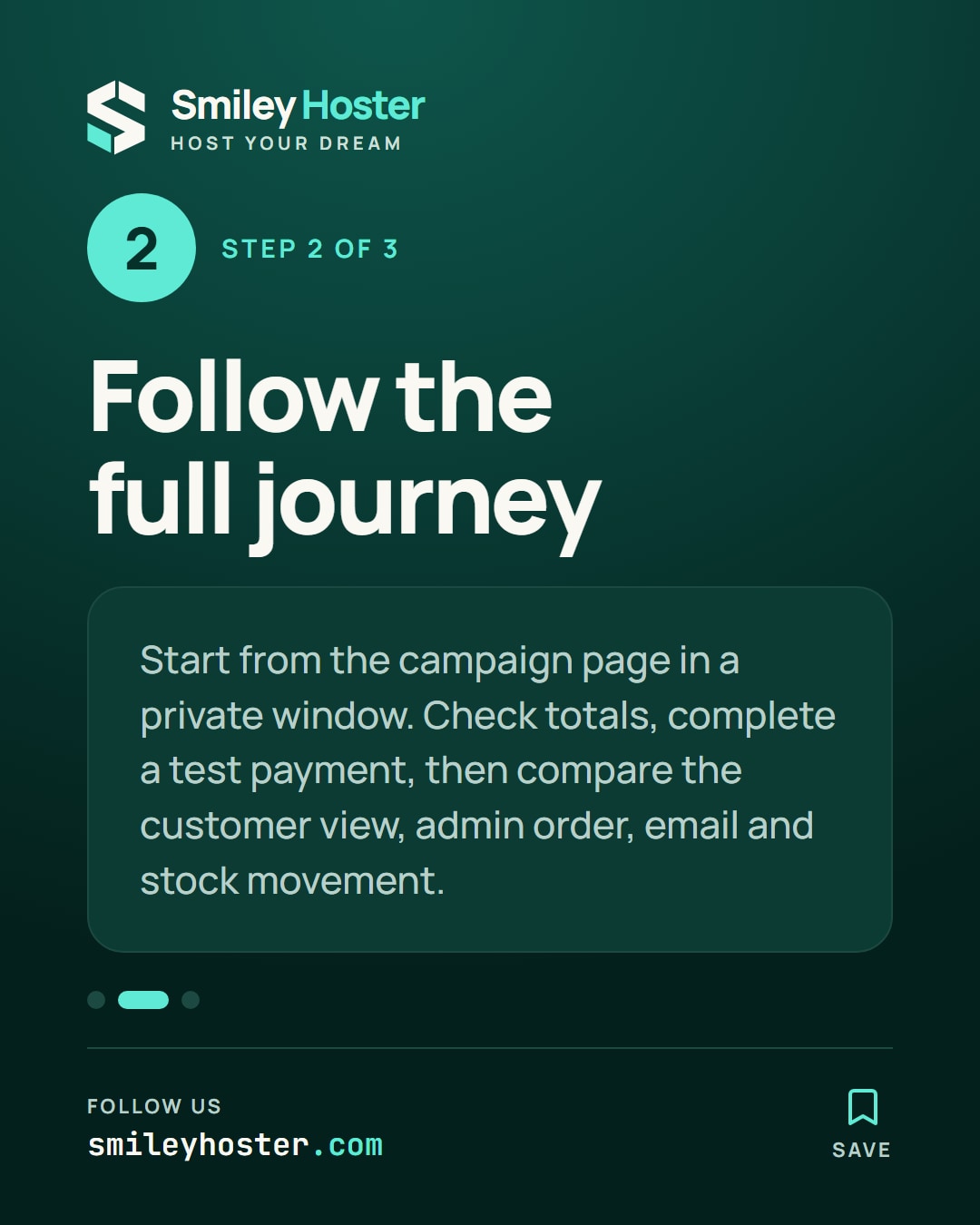
2. Follow the complete customer journey
Begin in a private browser window at the page your campaign will link to. Add the product, apply the coupon and enter the address. Check the total after each relevant step. Change the quantity or delivery option and confirm that the updated amount matches your calculation.
Complete payment using your provider's documented test mechanism. Record the order identifier, then inspect four separate results:
- The outcome shown to the customer.
- The amount and order state in the administration area.
- The confirmation received in the test mailbox.
- The stock movement expected for this scenario.
A thank-you page alone does not establish that those results agree. Repeat the journey on a phone if mobile customers are part of the campaign audience. Note confusing labels or an unexpected return to the basket as concrete findings.
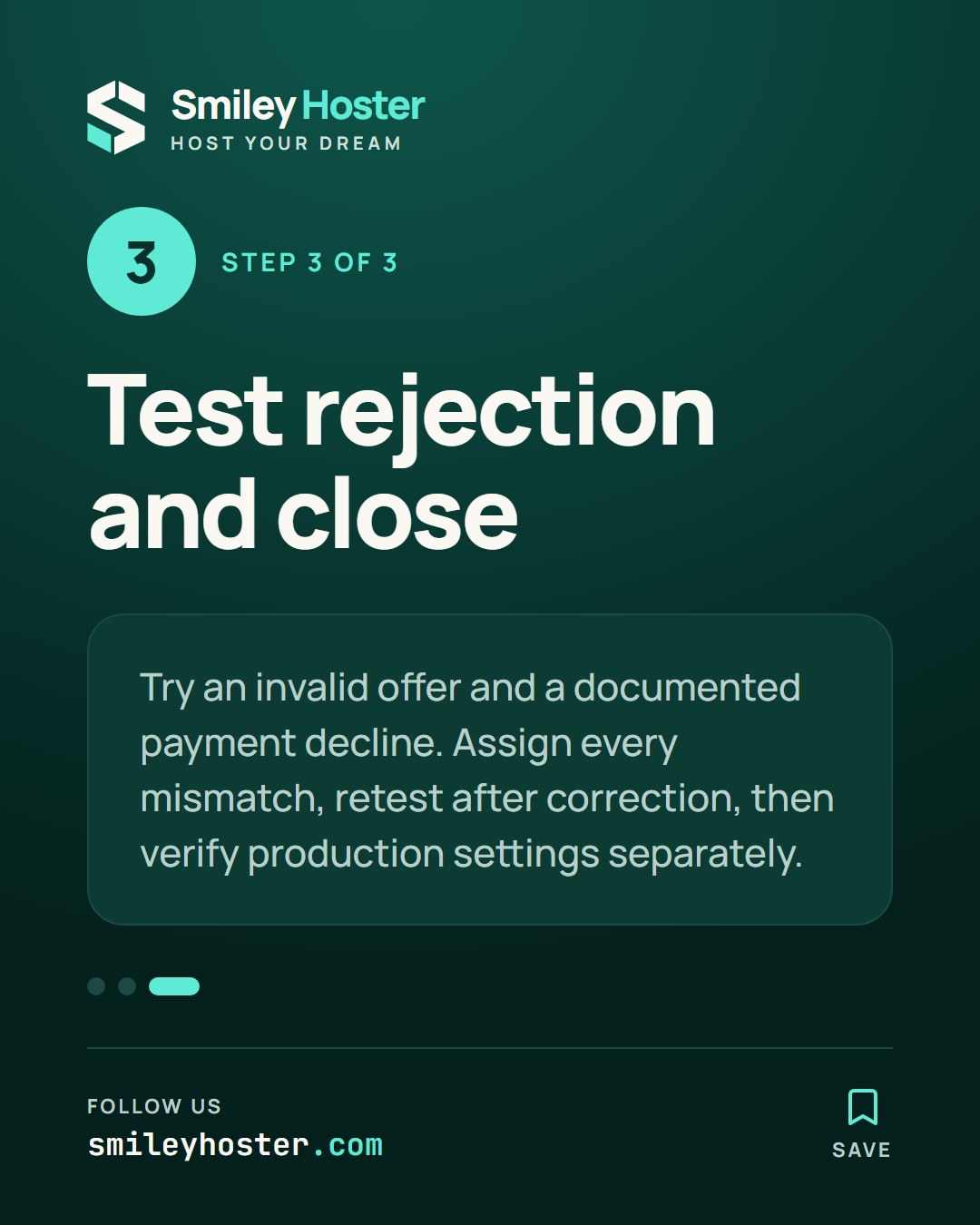
3. Test rejection and close the checklist
Still in staging, try an expired coupon or a basket that does not meet the offer conditions. Check that the message explains the rejection and that an invalid discount is not retained. Use the payment provider's documented decline scenario as well, checking the recorded order state before trying again.
Assign each mismatch to an owner and classify it as calculation, navigation, payment, confirmation or stock. After correction, repeat the affected scenario and attach its result. This is a functional rehearsal; it does not establish how much simultaneous traffic the store can handle.
Before opening the promotion, check production settings and the visible offer separately. Staging success cannot prove that those settings match. Keep the completed checklist and its observation date so the launch decision rests on specific evidence.
Sources: Hostinger.

See it in our social posts
The key steps of this article, as a carousel. Follow us to catch the next ones.