

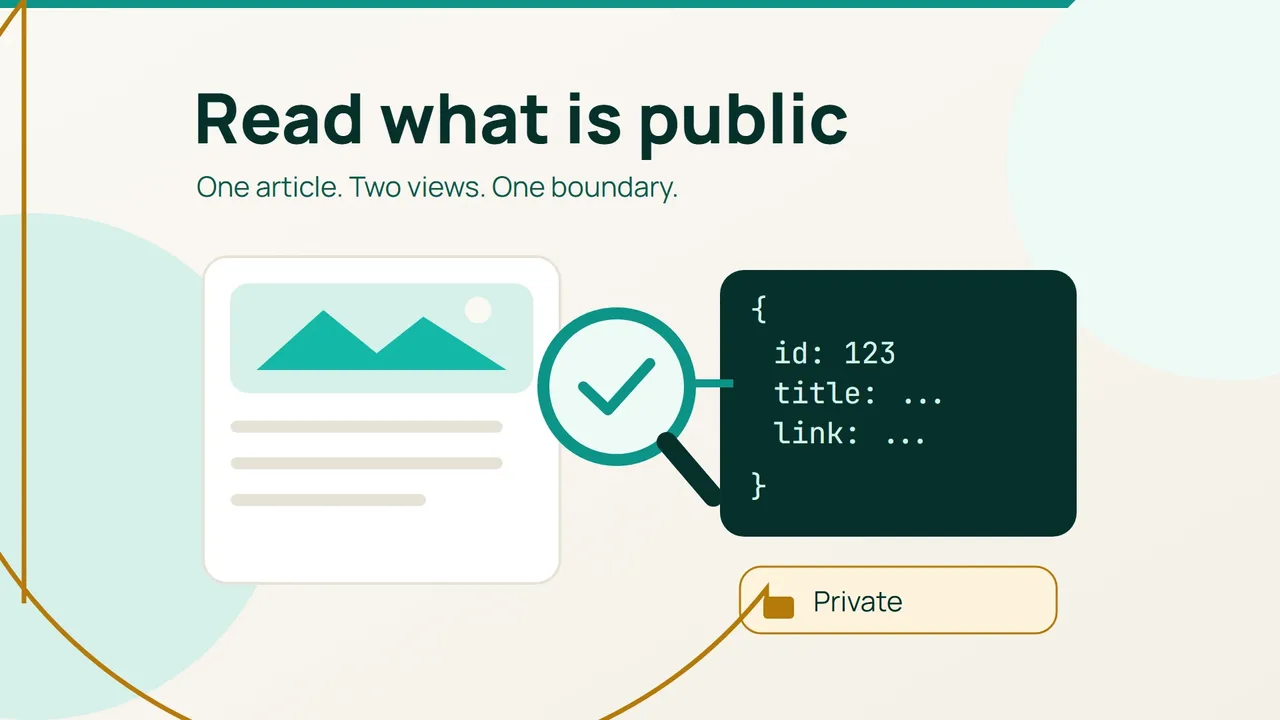
Kinsta's September 17, 2026 article explores WordPress as a destination for software agents. A useful first check is much smaller than an integration project: confirm that an anonymous reader can retrieve one known public post while unpublished content stays protected.
1. Establish a known public result
Pick a published post without password protection. Record its identifier from the administration area, its title and its public URL. Choose something you can inspect directly, ideally with a recent edit that gives you a recognizable comparison point.
On a computer with curl, substitute your site's domain and the post identifier in this example. It makes a read request without login cookies or account credentials.
base='https://example.com/wp-json/wp/v2'curl -sS -D headers.txt \ "$base/posts/123" -o post.jsonInspect both saved files. Look for the HTTP status in the headers and a JSON object for the expected post in the response. A login screen or security challenge is a different outcome even if the request returns a page successfully. Record that distinction before changing any configuration.
2. Compare meaning, not just connectivity
Check the response identifier and link against your notes. Inspect the returned title, content and modification date; these fields are described in the WordPress reference. Then open the public page in a private browser window and compare a recently edited passage and one link.
Include an accented word if your site publishes French. This makes the check useful for both stale content and character corruption. Rendered content can include markup, so the consuming application should handle it as data rather than executing it blindly.
If you find a mismatch, capture the exact difference and observation time. Ask the site maintainer to examine relevant caches, plugins and content transformations. Avoid disabling a whole security layer merely to make this single test pass. The test should establish the behaviour of the configuration you intend to use.
3. Try an unpublished control
In staging, create a harmless draft and note its identifier. Repeat the anonymous read against that identifier. The important result is that unpublished content is not disclosed; record the returned status and message rather than assuming every installation uses the same response.
Stop the integration if draft content appears and give the site maintainer the reproduction details. Do not try to bypass a refusal. This check covers one boundary and is not a comprehensive security assessment.
Keep a compact record of the site, time, public-post result and draft-control result. It gives you an acceptance baseline for a reader that only needs public articles, without handing that reader an administrator account or assuming it needs permission to make changes.
Sources: Kinsta and WordPress.