

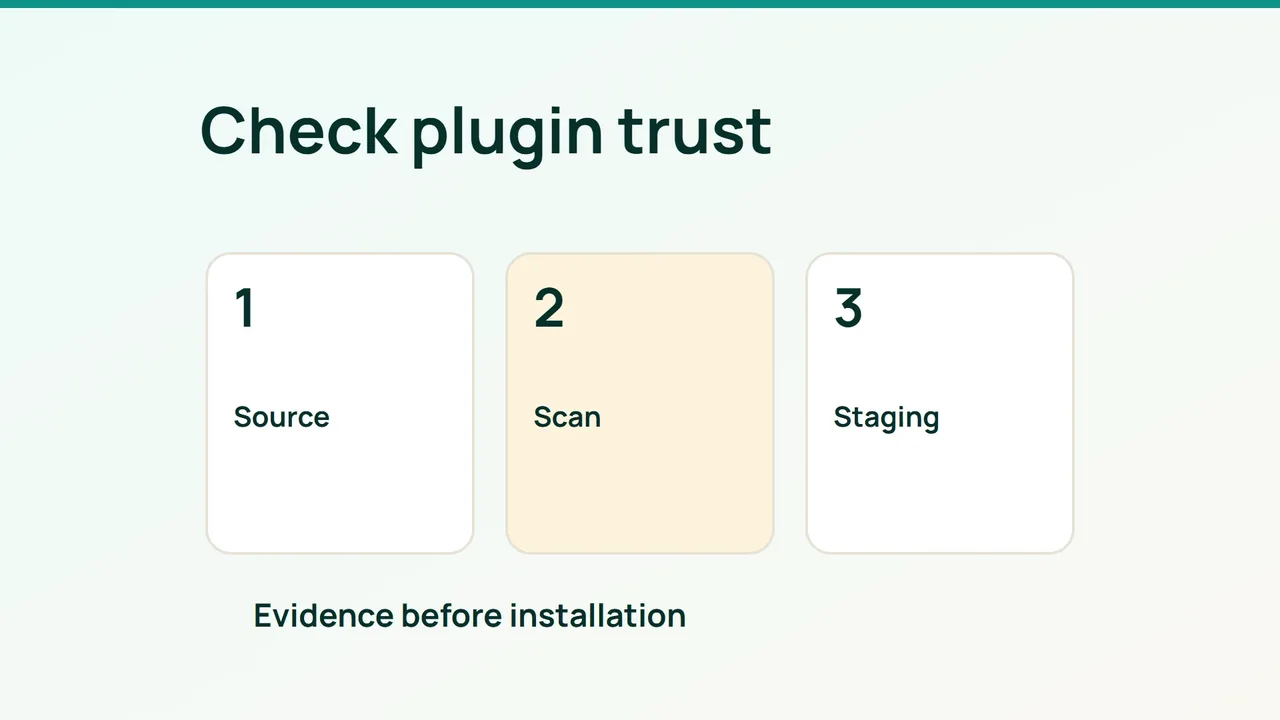
A newer plugin version may fix a vulnerability, but the version number alone says little about its supply chain. Assess the installed code, known advisories and distribution source separately before approving an installation or update.
1. Build an inventory you can reconcile
Include inactive plugins and record must-use plugins and site-specific components separately. With WP-CLI already available, run from the WordPress directory:
wp plugin list --format=json > plugins.jsonwp plugin verify-checksums --all --strictChecksum verification compares files with references available for WordPress.org plugins. Commercial or custom extensions may have no corresponding reference. That absence is not itself evidence of an attack.
For each component, record its official source, installed version, maintainer, WordPress/PHP requirements and business purpose. A long period without updates is a reason to investigate maintenance, not an automatic vulnerability finding. Remove unused components after checking dependencies.
2. Combine advisory data with provenance
Run a supported WPScan version only against websites you are authorized to test. Vulnerability data requires an API token and is subject to quotas. A scan that could not retrieve advisory data must not be treated as a clean security result.
Supply WPSCAN_API_TOKEN through a protected execution environment, then run a scoped example:
wpscan --url https://staging.example.com \ --enumerate vp \ --format json --output scan.jsonReconcile the remote report with your local inventory because externally detectable components are not necessarily the complete set. Before installing a new plugin, look up its exact identifier and proposed version in the advisory database, then check the vendor’s notice.
Obtain packages from the official directory or vendor account. Investigate ownership changes, bundled dependencies and unexplained changes. Matching checksums establish correspondence with a distribution, not that the distribution is harmless. A compromised bundled library can arrive inside an otherwise familiar package.
3. Turn findings into a release decision
Use a private staging copy with backups and the previous package available. Disable real emails and payments, install the candidate and test the functions it affects: editing, forms, authentication or checkout.
Rehearse restoration with database changes in mind. Replacing old plugin files may not undo a schema migration. Document the recovery method before the production change.
Schedule inventory and advisory checks through your operations system. Alert on new applicable vulnerabilities, missing fixes and failed scans. Each alert should identify the component, version, owner and next action. Keep reports outside the public web directory.
Common mistakes
“No known vulnerability” is not a guarantee. Inactive components and bundled dependencies can be missed, while an unofficial download mirror introduces a separate trust problem.
FAQ and final checks
Are matching checksums enough? No. They validate file correspondence, not safe application behavior.
Should an exposed vulnerability wait for a long test cycle? Assess exploitability and take a proportionate containment action. A slow checklist should not replace risk-based response.
Approve the change after checking provenance, the relevant fixed version, actual scan coverage, targeted functional tests and a workable restore. Preserve exceptions explicitly instead of marking incomplete checks as passed.