

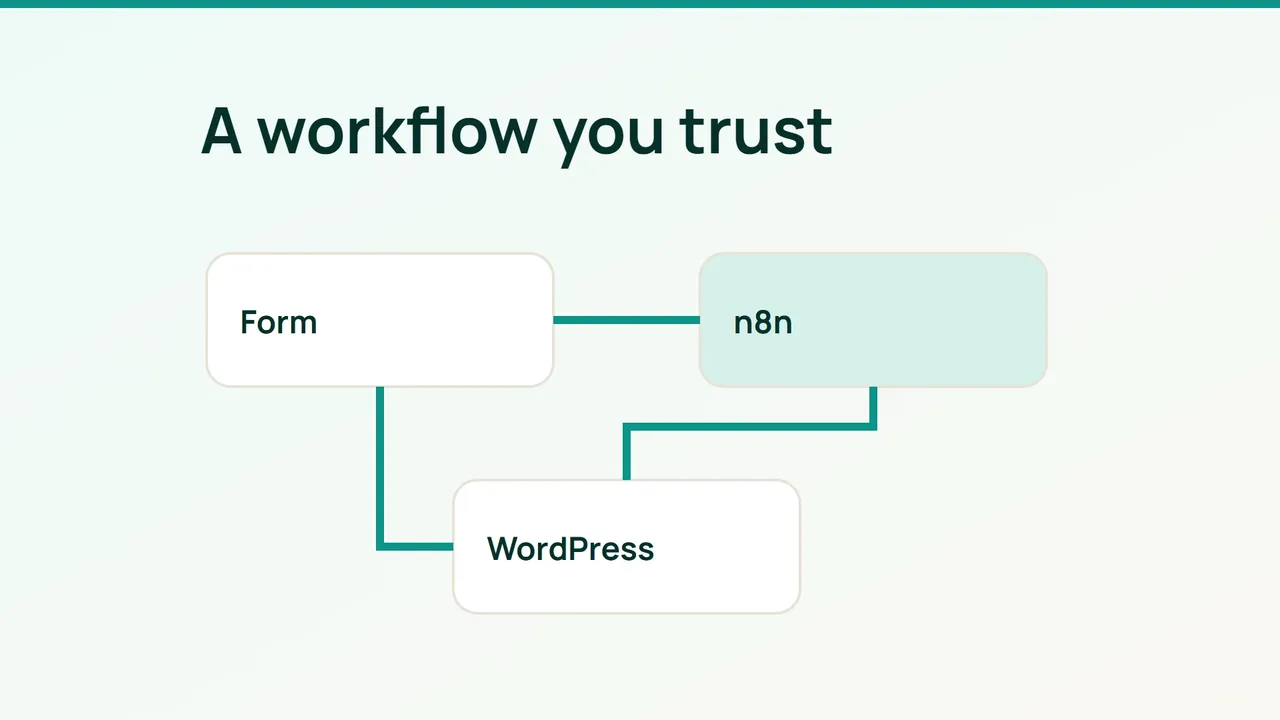
WordPress APIs let an external workflow handle cross-service work without a separate plugin for every destination. Start with one bounded journey: receive a server-side form event, create a draft and notify its reviewer.
1. Define the event and service identity
A local plugin remains useful for behavior closely tied to WordPress hooks or the theme. n8n can centralize multi-service processing and failure handling, but introduces another service to operate and another data flow to document.
On staging, create a dedicated WordPress user with only the necessary capabilities. Store its Application Password in n8n credentials and use HTTPS. Check the WordPress node’s operations in your installed version. For unsupported endpoints, use an HTTP Request node with saved credentials.
Agree on a minimal event contract:
{ "event_id": "form-demo-001", "type": "article.requested", "title": "New guide idea", "content": "Draft to be reviewed"}Have the form server generate a stable event identifier. Keep both the webhook secret and WordPress credential out of the visitor’s browser. Collect only the information needed for the workflow.
2. Connect nodes with explicit behavior
Create a POST Webhook node with Header auth. Configure the sending server to include the matching secret header over HTTPS. n8n provides separate test and production URLs: listen for a test event while developing, then switch the sender to the production URL after enabling or publishing the workflow in your version.
Build this sequence:
- Validate event type, required fields and maximum lengths.
- Reserve the event identifier in durable storage with a uniqueness constraint.
- Create the WordPress post with status explicitly set to
draft. - Save the returned WordPress identifier and mark the event complete.
- Send the reviewer a notification containing the draft link.
For synchronization, keep the external-to-WordPress identifier mapping and update the existing object. If you later automate publication, require an explicit editorial decision instead of allowing incoming text to choose the status.
An optional AI step may prepare a summary. Validate that output like any other input, and do not give it credentials or broader authority.
3. Design recovery before enabling production
An immediate webhook acknowledgment means processing started, not that WordPress saved the draft. Either respond after durable completion or return a tracking identifier whose state can be inspected.
Retry transient failures with increasing delays, a bounded attempt count and respect for Retry-After. Authentication failures need correction rather than repeated attempts. If a create request times out, reconcile the destination before retrying because WordPress may already have stored the post.
Keep event states such as reserved, complete and failed recoverable. A simple “look up, then insert” sequence cannot prevent simultaneous duplicates without atomic uniqueness. Do not permanently mark an event processed before the intended work succeeds.
Common mistakes
Logging credentials or full form payloads, using a test URL in production and treating every HTTP success as proof of downstream completion undermine reliability. Restrict n8n access and back up its encryption configuration together with its database.
FAQ and final checks
Is an unpredictable webhook path sufficient protection? No. Require authentication.
Can this replace every plugin? No. Local event capture may still need an integration.
Test invalid credentials, malformed data, simultaneous duplicates, WordPress downtime and recovery. Each accepted event should produce one identifiable draft or a visible, recoverable error.
Sources: n8n WordPress, n8n Webhook, Kinsta.