

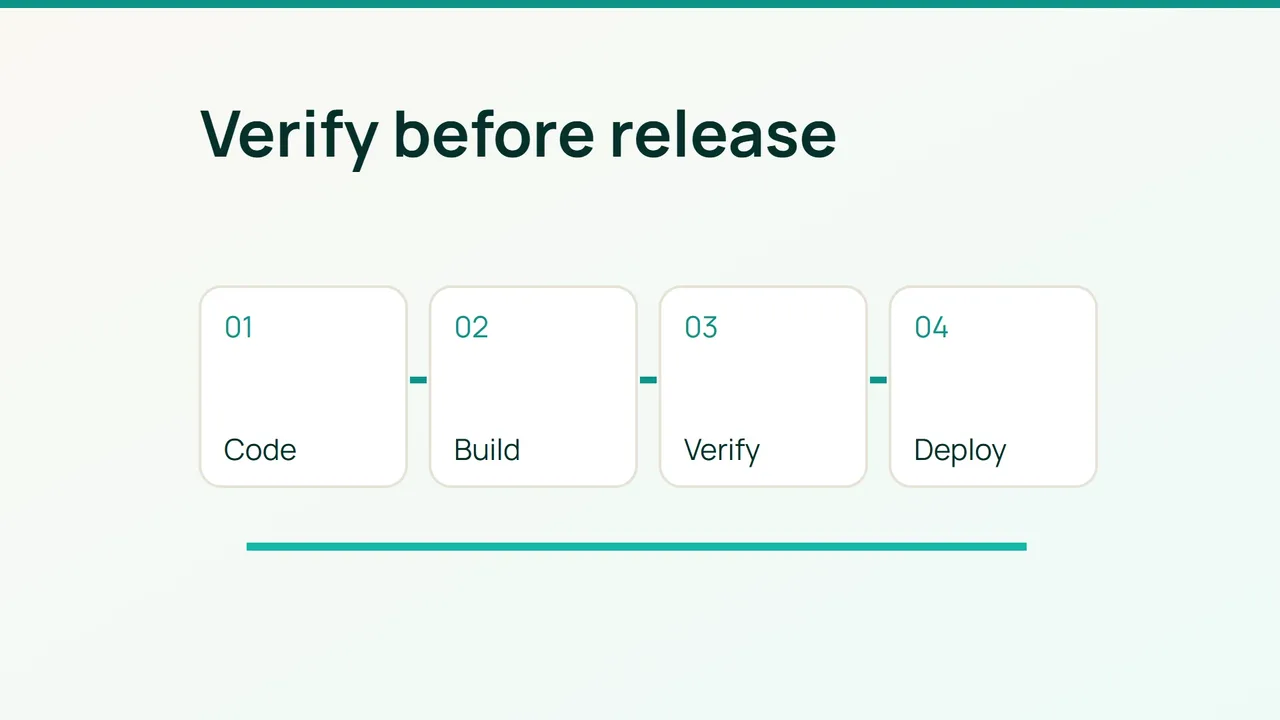
A Dockerfile change is executable code, even when it arrives as an innocent-looking pull request. The practical objective is to ensure that an untrusted build cannot obtain production authority and that deployment consumes exactly the artifact your release checks approved.
1. Map the identities before adding scanners
Prepare a test repository, a private quarantine registry, Docker Buildx, jq, Trivy and Cosign from verified distributions, pinned to tested versions. Assume an established release-signing service with a protected private key. Deployers receive only its approved public key, release.pub.
Inventory GitHub/GitLab runners, workflow includes, variables, tokens, caches and registry permissions. In your laboratory repository:
git ls-files '.github/workflows/*' '.gitlab-ci.yml'git ls-files '*Dockerfile*' '*lock*' '*.env*'docker buildx versiontrivy --versioncosign versiontrivy fs --scanners vuln,secret --exit-code 1 .This working-tree scan is not a scan of every Git revision. Add history scanning and the secret push protection available in your forge. Resolve findings rather than repeatedly bypassing the check.
Use this separation: secret-free PR tests → disposable runner; approved commit → trusted build runner → quarantine image → scans and signing → production approval → digest-based deployment. An unreviewed contribution must never inherit the publishing runner's credentials or production network access.
For GitHub, start with permissions: contents: read and expand only the job requiring more access. For GitLab, separate protected-branch runners and production variables. Masking is log hygiene, not protection against a malicious job reading a variable.
2. Produce and verify one release artifact
Require review for workflow, Dockerfile and dependency changes. Pin third-party actions to verified full commit SHAs, base images to digests and dependencies to maintained lockfiles. Do not give untrusted jobs a shared host's Docker socket. Separate caches and workspaces across trust levels.
Exclude credential files from the build context:
.git.env.env.**.pem*.keyPlace those entries in .dockerignore. This does not remove files from Git history or from images already built.
For private package access, pass a BuildKit secret instead of a build argument. After copying the application's package manifests, a Node build can use:
RUN --mount=type=secret,id=npmrc NPM_CONFIG_USERCONFIG=/run/secrets/npmrc npm ci --ignore-scriptsAdd --secret id=npmrc,src=/run/ci/npmrc to that build. Supply the file from your secret manager outside the checkout. Only reviewed build code may receive it: a malicious Dockerfile can read the mount. Enable installation scripts only where their reviewed behavior is required.
In the trusted publishing job, authenticate with registry-scoped credentials and adapt the image name and reviewed commit tag:
set -euIMAGE=registry.example.com/quarantine/shopTAG=reviewed-commitdocker buildx build --sbom=true --provenance=mode=max --metadata-file build.json --push -t "$IMAGE:$TAG" .DIGEST=$(jq -r '."containerimage.digest"' build.json)test "$DIGEST" != nullREF="$IMAGE@$DIGEST"trivy image --scanners vuln,secret --severity HIGH,CRITICAL --exit-code 1 "$REF"docker buildx imagetools inspect "$REF"Treat the chosen severity threshold as your initial policy, with documented, expiring exceptions. Scanner outages must fail promotion too. The build pushes into quarantine so checks can address its immutable digest. An SBOM is an inventory, not a vulnerability verdict. Provenance describes a build; it does not automatically make its producer trustworthy. Secrets passed as build arguments can appear in provenance.
Have the separately authorized signing service sign only the approved digest. At deployment, verify it before pulling:
cosign verify --key release.pub "$REF" > verified-signature.jsondocker pull "$REF"Provision the verification key independently of the PR. Also enforce the expected commit and reviewed provenance for that digest. A valid signature on some other build does not authorize release.
3. Test failures and retain a safe previous digest
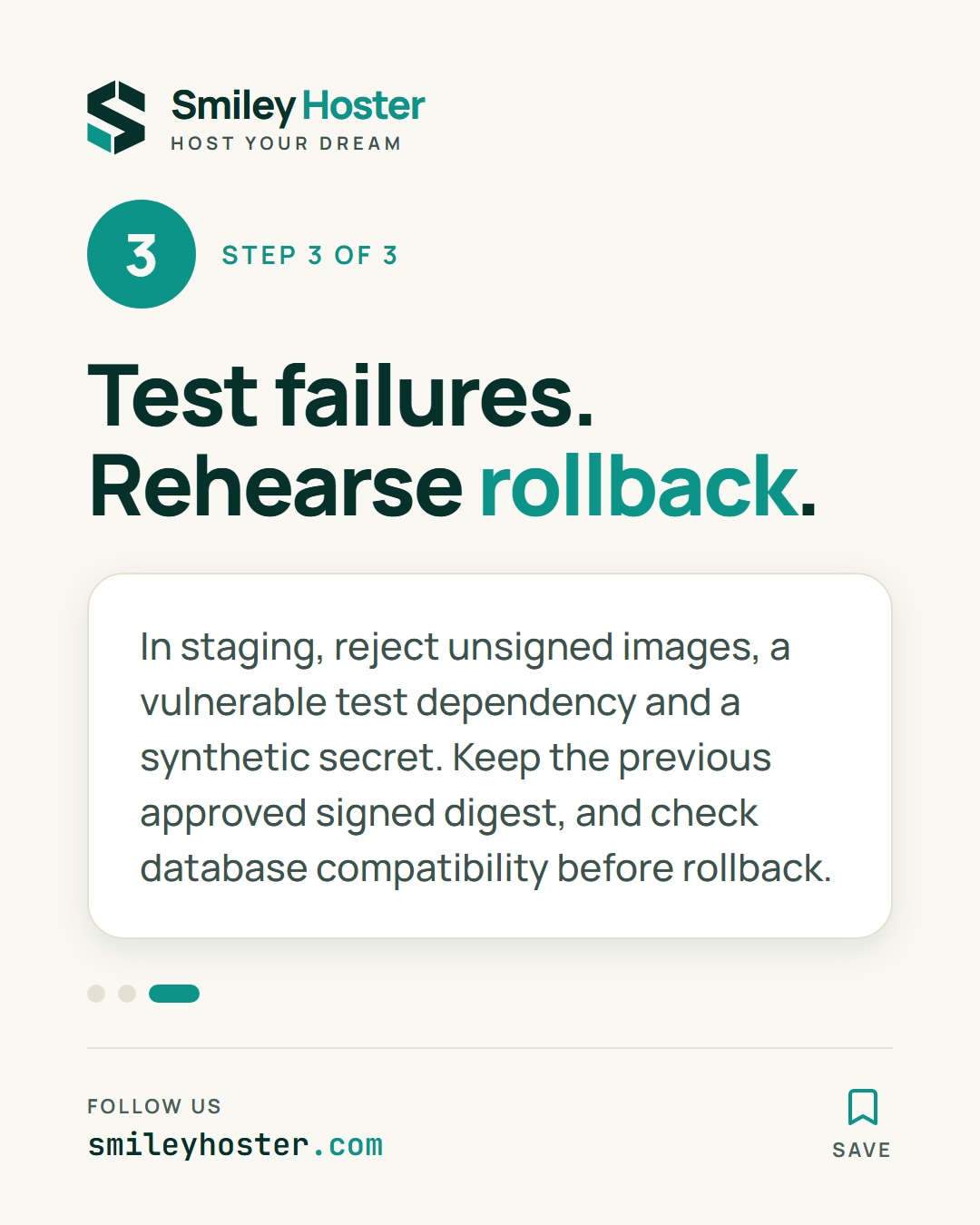
Exercise three rejection cases in staging: an unsigned image, a deliberately vulnerable test dependency and a synthetic test secret. Confirm a PR job cannot publish to the production registry or rewrite release tags.
Where supported, use OIDC instead of long-lived cloud credentials, restricting repository, branch, environment, audience and workload identity. Rotate remaining tokens and separate image-push from deploy permissions.
Monitor runner registrations, workflow edits, token use, registry writes, verification failures, scanner database freshness and job duration. SBOM generation and scanning add compute, storage and transfer costs. Cache vulnerability databases carefully without sharing an untrusted job's workspace with a release job.
Keep the previous approved signed digest and confirm that its application version remains compatible with the database schema. Rollback deploys that exact digest, never whichever image a mutable tag happens to reference. Rehearse it before production.
If a runner is compromised, pause publishing, revoke its credentials, preserve relevant logs and rebuild it from a trusted base. Reusing that runner is not a rollback strategy. Resume only after identifying which artifacts and credentials its jobs could access.
Sources: GitHub secure workflow use, Docker SBOM and provenance attestations.
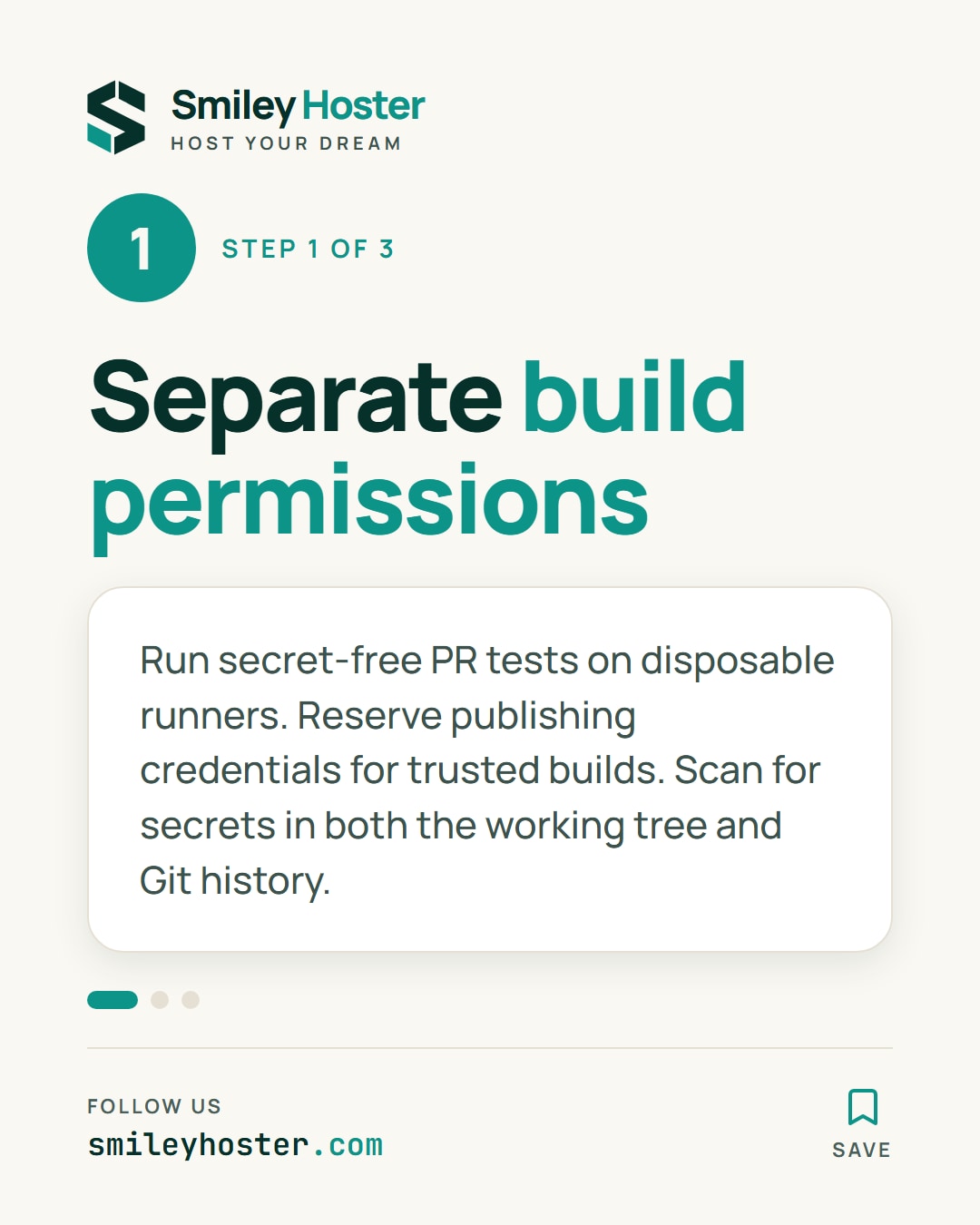
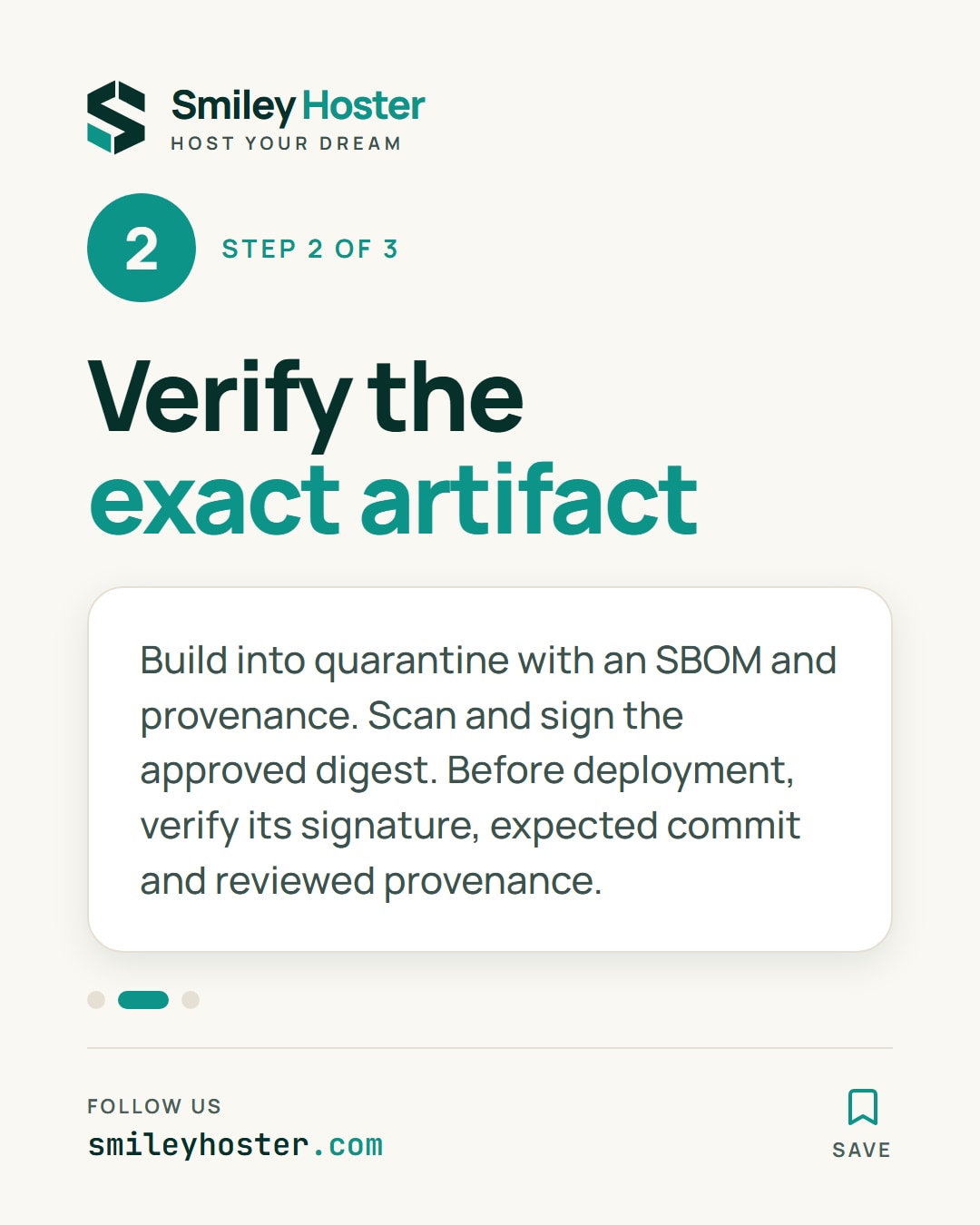
See it in our social posts
The key steps of this article, as a carousel. Follow us to catch the next ones.