

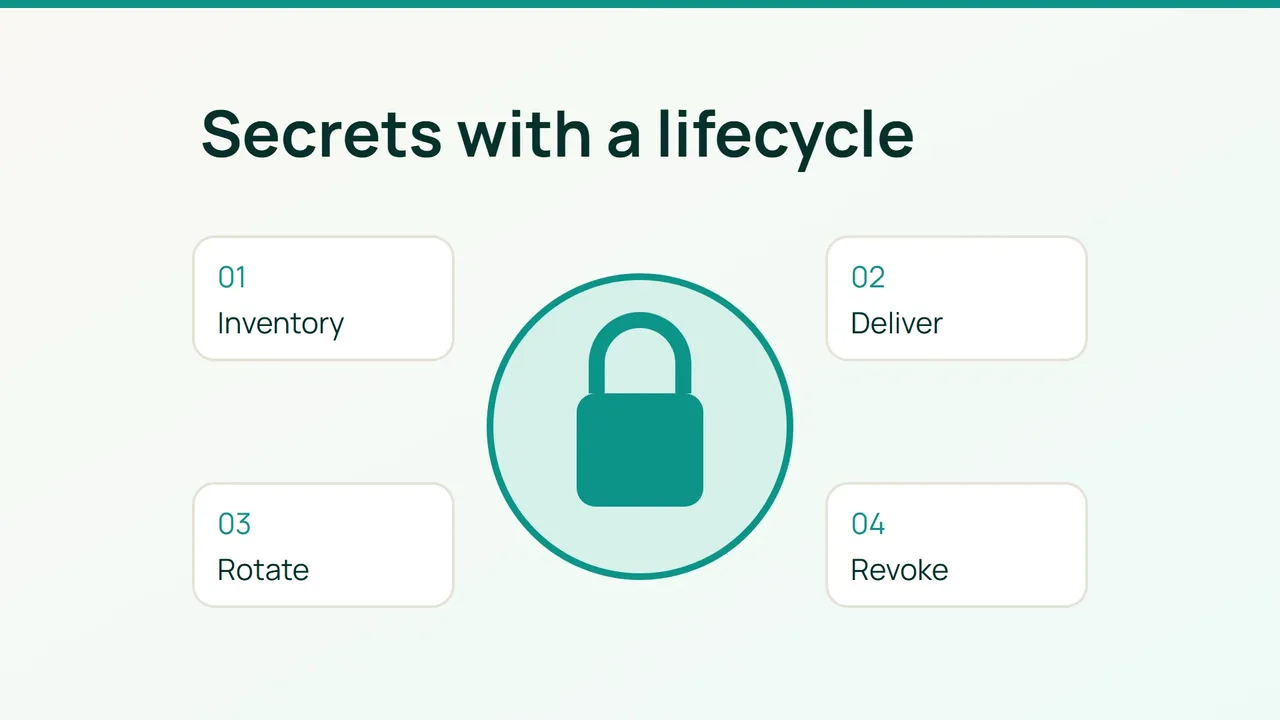
Moving a password from an .env file into a CI variable may leave the same people and jobs able to read it indefinitely. A useful migration changes the access boundary and the credential lifecycle, then proves that the old credential no longer works.
1. Inventory references, not secret values
Pick one application. Record each credential's owner, purpose, environment, storage locations, consumers, permissions, expiry and revocation method. Keep reference names in the inventory rather than copying the credentials themselves.
This walkthrough assumes an existing production Vault installation with TLS, tested storage and backups, a configured authentication method, a compatible CLI and an administrator able to manage policies. Do not use development mode. Keep staging and production access separate.
In an authorized copy of your application repository:
git ls-files '*.env*' '*.pem' '*.key'git log --all --oneline -- .envvault statusvault secrets listThese commands find candidate locations; they do not establish that the repository is clean. Run your forge's secret detection across full history, add a pre-commit check and review CI artifacts, logs and caches. Minimize value exposure while triaging matches. Adding .gitignore now does not erase earlier commits.
The target flow is workload identity → Vault authentication → narrow policy → protected temporary file → application. Image building should not require a production runtime secret.
2. Migrate a dedicated credential and test its replacement
Assume an existing KV v2 engine at secret/. KV stores versioned static data; it does not rotate an API key at the external provider for you. Create shop-read.hcl:
path "secret/data/prod/shop" { capabilities = ["read"]}An administrator installs it with:
vault policy write shop-read shop-read.hclBind the policy to the application's existing authentication method. For OIDC/JWT, constrain issuer, audience, repository, branch and environment; for Kubernetes, constrain namespace and ServiceAccount. Exact role configuration depends on that method. Do not grant root, wildcard secret access or production access to external PR jobs.
Create a least-privilege replacement API key at its provider. From an authorized Bash terminal, read it without putting the value in shell history:
set +xread -r -s -p 'New API token: ' NEW_TOKENprintf '%s' "$NEW_TOKEN" | vault kv put -mount=secret prod/shop token=-unset NEW_TOKENThe write replaces the data at that path with the supplied field. Use a dedicated path or deliberately include any other required fields. Earlier KV versions still exist and may be readable by authorized identities.
To test delivery under an already authenticated application identity, use a pre-created runtime directory owned exclusively by that account on temporary storage:
set -euSECRET_DIR=/run/shoptest -d "$SECRET_DIR"umask 077vault kv get -mount=secret -field=token prod/shop > "$SECRET_DIR/api-token.new"mv "$SECRET_DIR/api-token.new" "$SECRET_DIR/api-token"Renaming within one filesystem replaces the file atomically. Configure the application to read and reload it. Never print the file in a CI job. This is an initial delivery check, not a complete renewal service; production needs a maintained agent or integration handling authentication, renewal, permissions and reloads.
Validate the replacement against a non-destructive endpoint, then roll it out gradually. Where the provider supports overlapping keys, use create → distribute → confirm all consumers → revoke old key. Otherwise schedule a coordinated cutover or brief interruption.
Prefer dynamic database credentials or temporary cloud sessions when supported. Set lifetimes appropriate to the workload, monitor renewal and expiry, and exercise a secret-manager outage. Fetching a new secret for every HTTP request unnecessarily puts the manager in the request path.
3. Respond to exposure before rewriting history
For a credential committed to Git, revoke or rotate it at the issuer first. Establish what it could access and when it was exposed. Review its usage, then update affected jobs, servers, images and caches.
Only after coordinating a push freeze, restricted backup and contributor recovery should you remove sensitive history. In a dedicated working copy, with a git-filter-repo version supporting sensitive-data removal:
git filter-repo --sensitive-data-removal --invert-paths --path .envThis rewrites history and commit IDs. It does not automatically clean other paths, forks, clones, caches or remote references. Arrange remote reference replacement and fresh clones with the forge administrator instead of improvising a force-push on the shared repository.
Post-migration acceptance checks should show that a neighboring Vault path is denied, the provider rejects the old key, the application restarts successfully and no credential appears in logs. Monitor unusual reads, policy denials, renewal failures, application 401/403 responses and manager health.
Rollback can restore a previous delivery configuration only while its credential remains safe. Never reactivate a compromised key; issue another replacement. Restoring an old KV version does not undo revocation at the external provider.
Centralized secrets introduce startup and renewal dependencies. Plan high availability, encrypted backups, an audited emergency procedure and memory caching bounded by credential validity. Retain audit events without secret values and rehearse rotation before an incident forces it.
Sources: HashiCorp Vault KV v2, GitHub sensitive-data removal.