

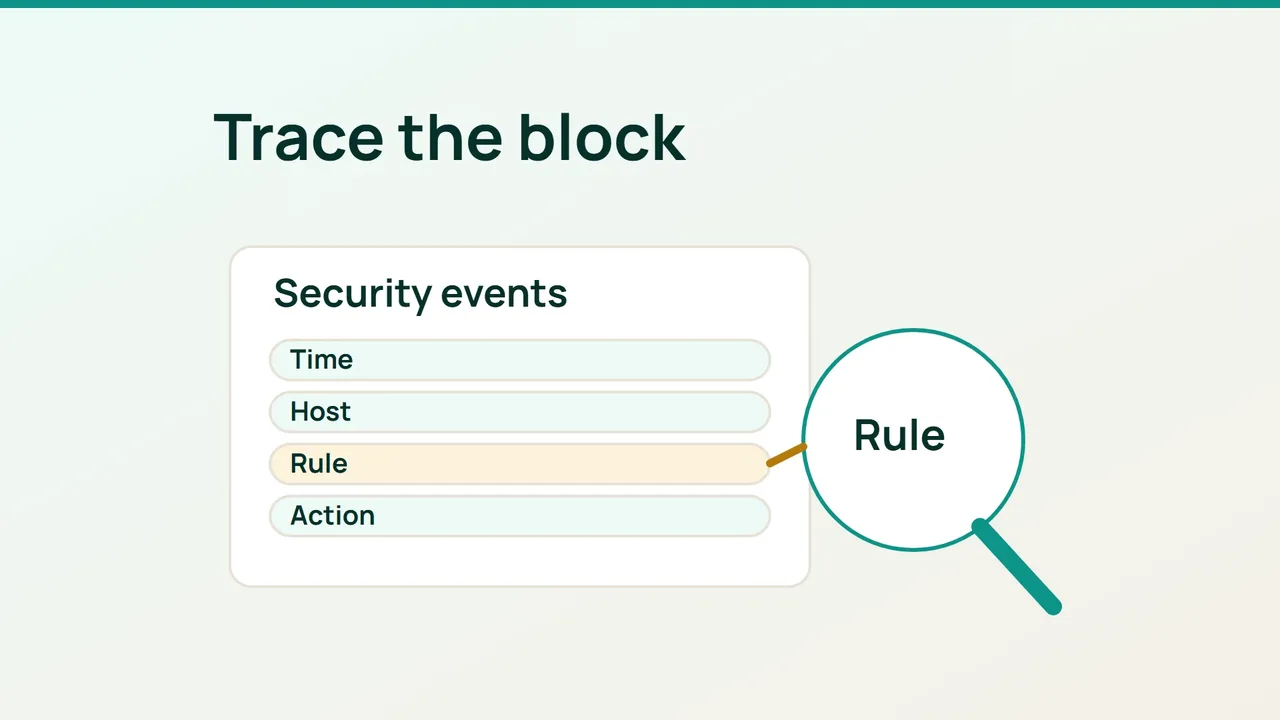
Cloudflare's recent storefront investigations highlight the value of understanding security signals. When a customer cannot submit a form, start by identifying the mechanism involved before changing the site's protections.
1. Capture a reproducible incident
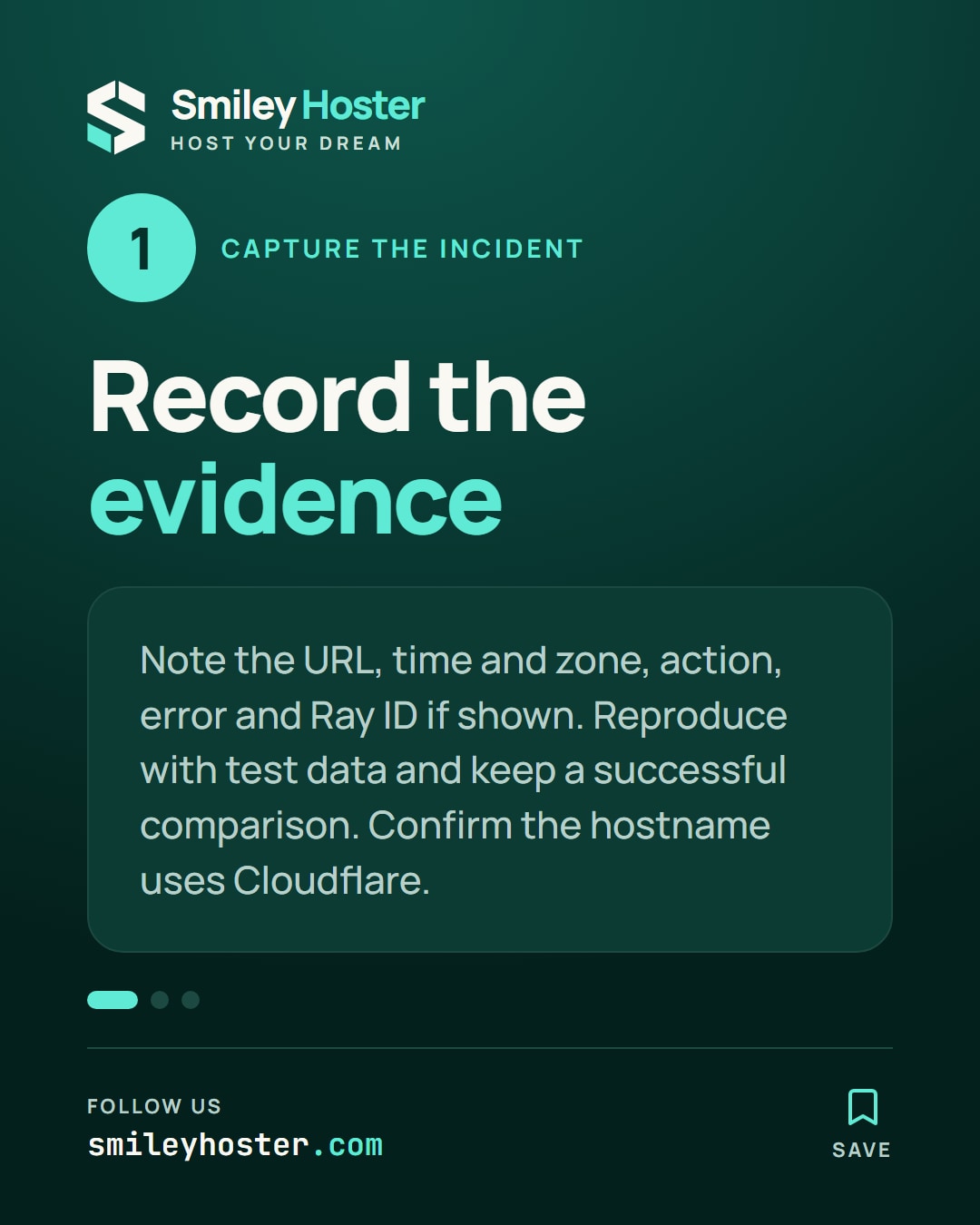
Ask for the affected URL, the time and time zone, the attempted action and the visible error. Record a Ray ID if the response provides one. Do not request passwords, session cookies or a complete sensitive form submission.
Reproduce the issue with test data where possible. Distinguish loading the page from submitting its form: those requests can use different paths and methods even though the customer sees one screen.
Keep a successful example as a comparison. Differences in browser, endpoint or timing help narrow the investigation without assuming that the first suspicious rule is responsible.
Confirm that the affected hostname actually sends traffic through Cloudflare. An application-generated error can resemble a security refusal, and a DNS-only hostname follows a different request path.
2. Narrow Security Events to the incident
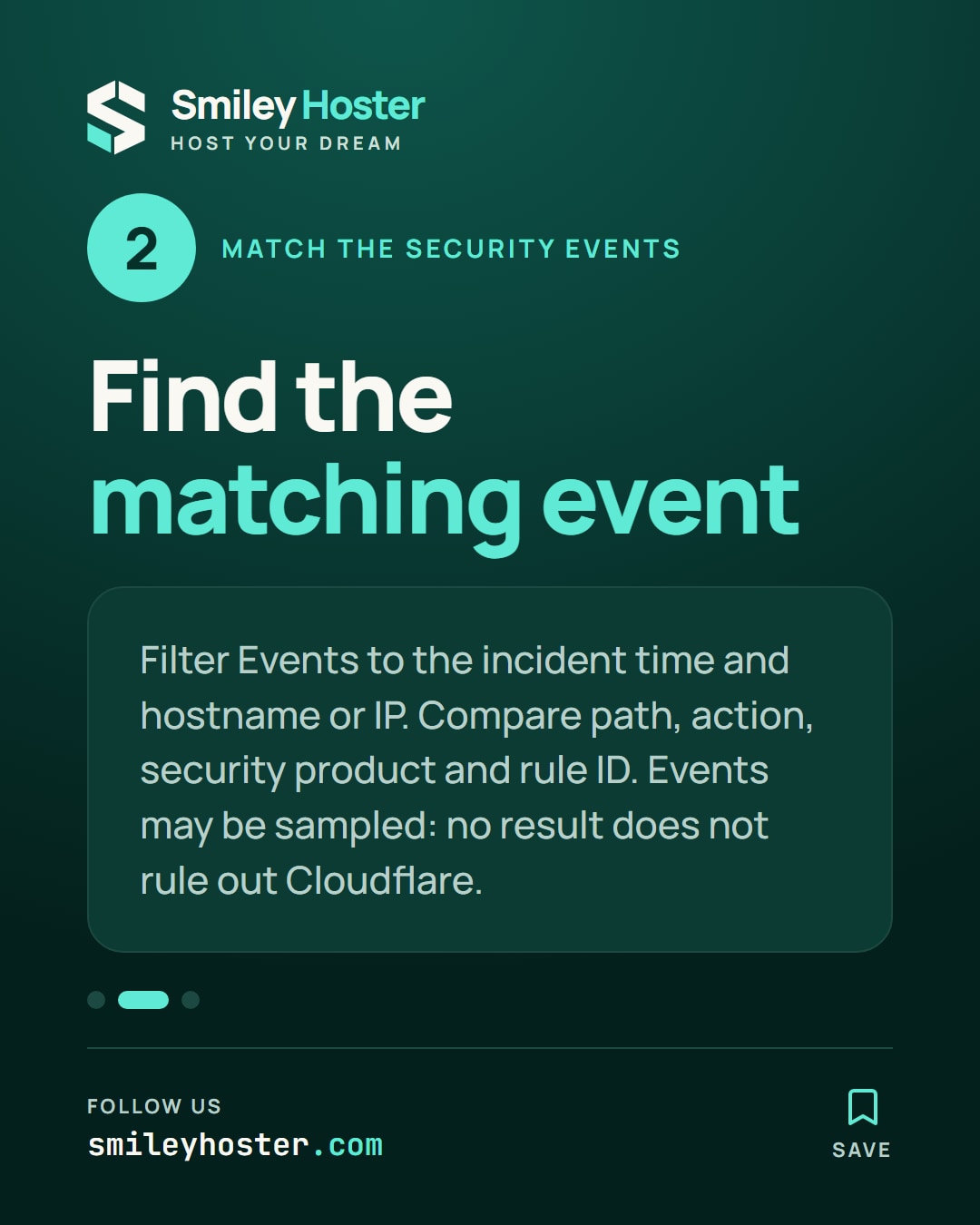
Open the zone's security analytics and select Events. Choose a short time window around the failure and add relevant filters, such as the source IP or hostname.
Expand candidate events and compare their details with your incident record. Look at the path, action and responsible security product, recording the rule identifier when it is available.
Security Events describes requests that security products acted on or flagged. It is not a complete access log. Results may be sampled, and a single request can generate more than one event.
An empty result therefore does not establish that Cloudflare had no involvement. Tighten the time range, confirm the time zone and compare the evidence with application logs available to the site operator. Record any gap instead of filling it with an assumption.
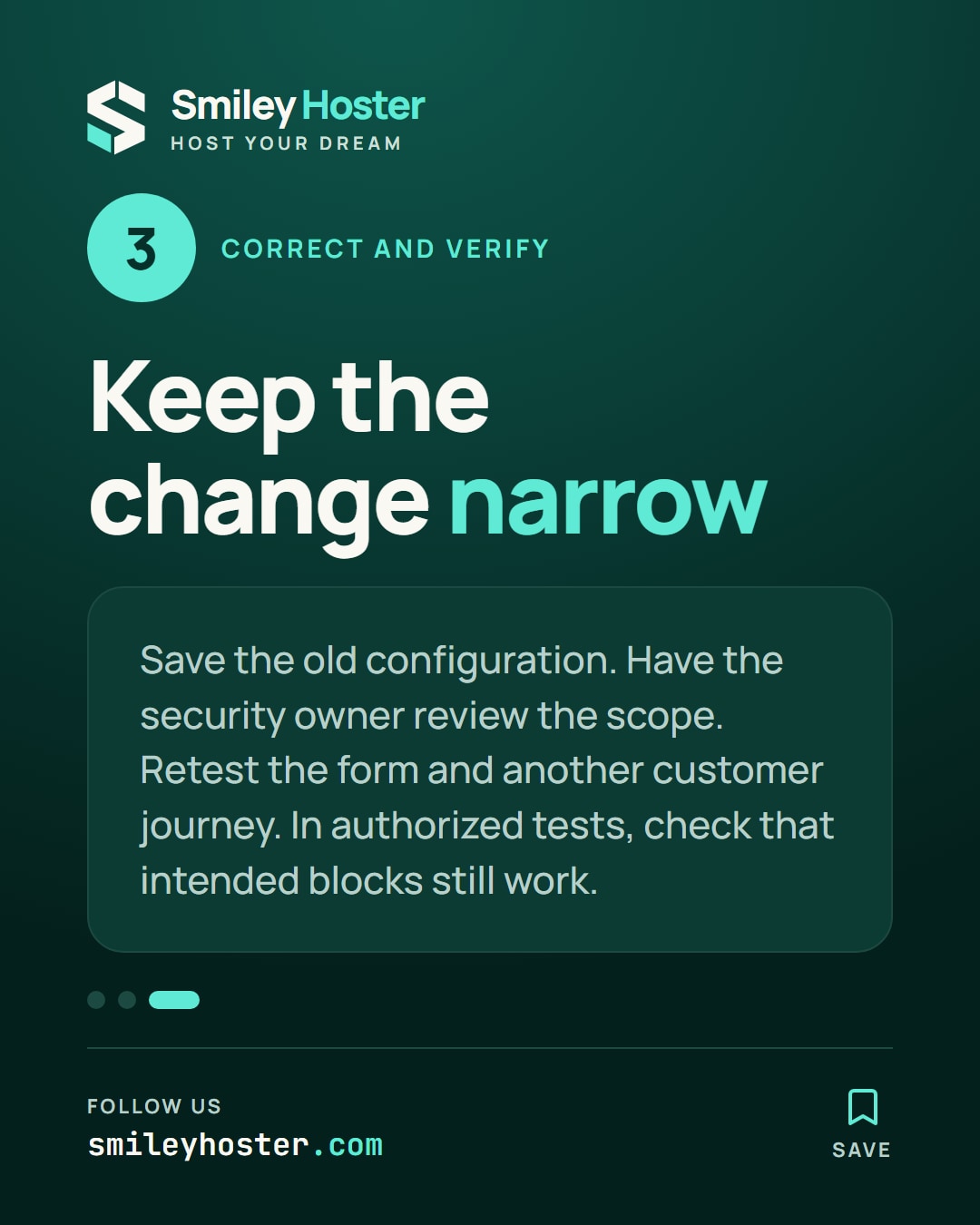
3. Change the smallest justified scope
Once the responsible mechanism is known, document why this particular request is legitimate. Prepare a correction to the relevant rule or exception using that product's available controls.
Save the previous configuration and have the site's security owner review the proposed scope. A single form failure is not sufficient evidence for disabling protection across the whole website.
Replay the normal submission with harmless values, then test an unrelated customer journey. In an authorized diagnostic setting, also confirm that requests meant to remain blocked still receive the expected action.
Keep the timestamps, useful identifiers, configuration change and results together. If the original failure persists without a corresponding security event, hand this evidence to the application operator rather than layering on more exceptions. A useful resolution explains both what changed and why the legitimate request now succeeds.
Sources: Cloudflare Blog, Cloudflare documentation.
See it in our social posts
The key steps of this article, as a carousel. Follow us to catch the next ones.