

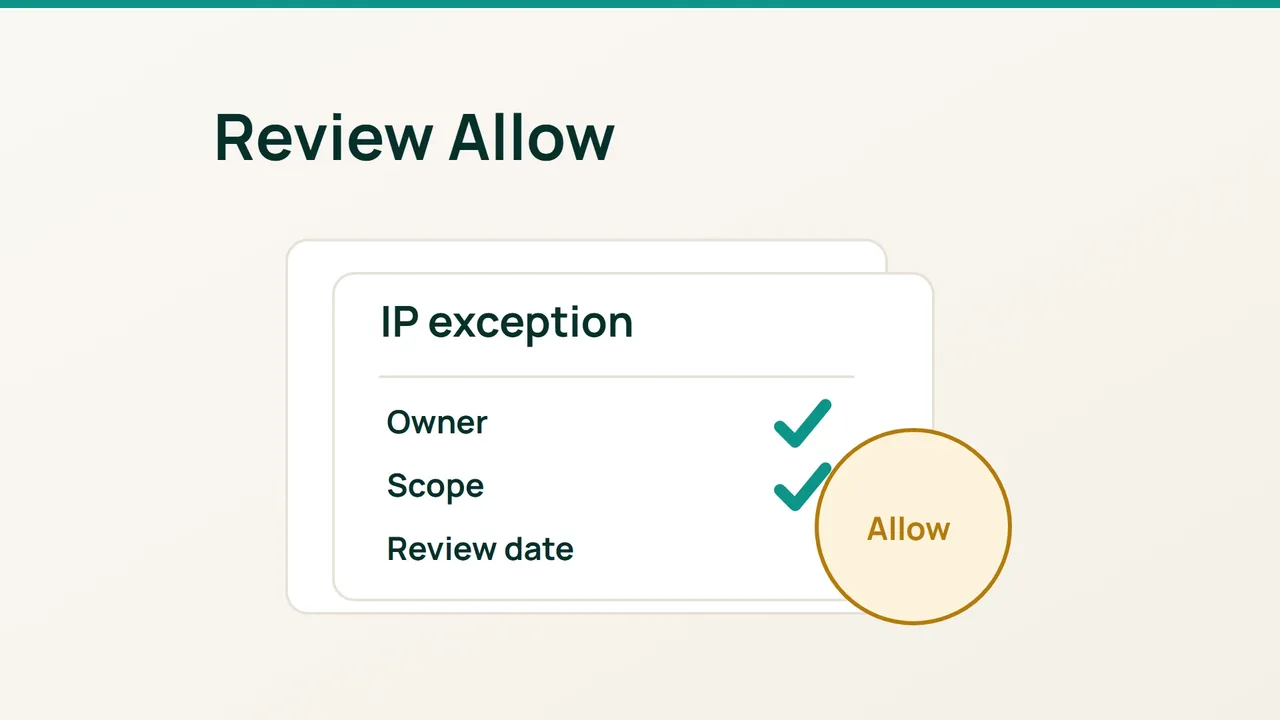
Cloudflare's recent storefront investigations encourage a practical question: which protections still apply to a particular request? When a service provider is blocked, inspect an IP Allow exception before treating it as a harmless fix.
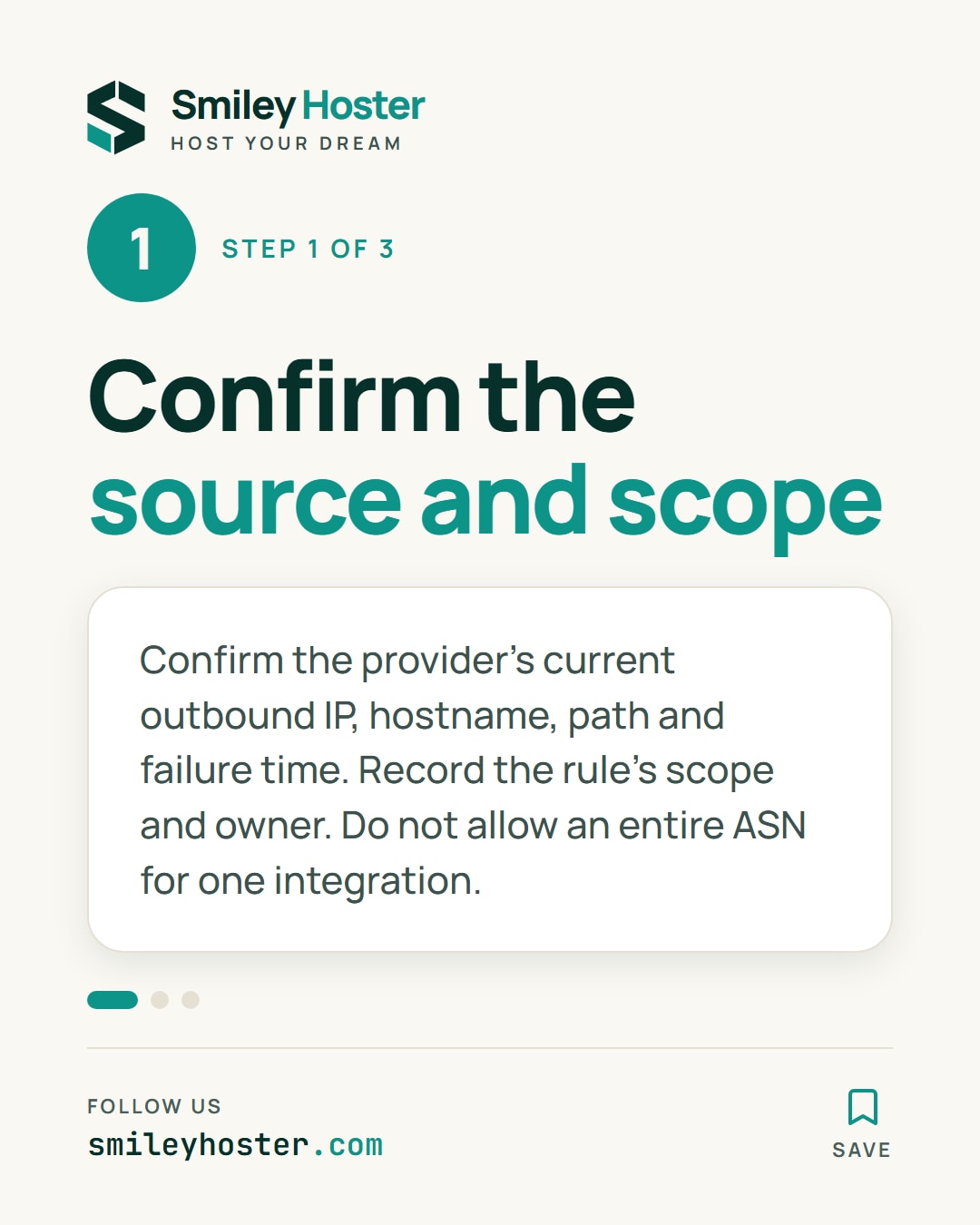
1. Identify the request and its owner
Ask the provider for its current outbound address, the requested hostname and path, and the time of a recent failure. Compare those details with your observations. An address copied from an old support conversation may no longer describe this integration.
Find the relevant IP Access rule and record its value, action, scope and stated purpose. Assign someone to review it. If nobody can explain why it exists, investigate before expanding it.
An individual IP address and an ASN are very different scopes. Do not permit an entire network operator just to accommodate one integration. Likewise, the addresses serving the provider's public website need not be the addresses from which its automated requests originate.
If outbound addresses are not stable, have the integration owner document a suitable identification method. Do not fill the gap by inventing an allowlist.
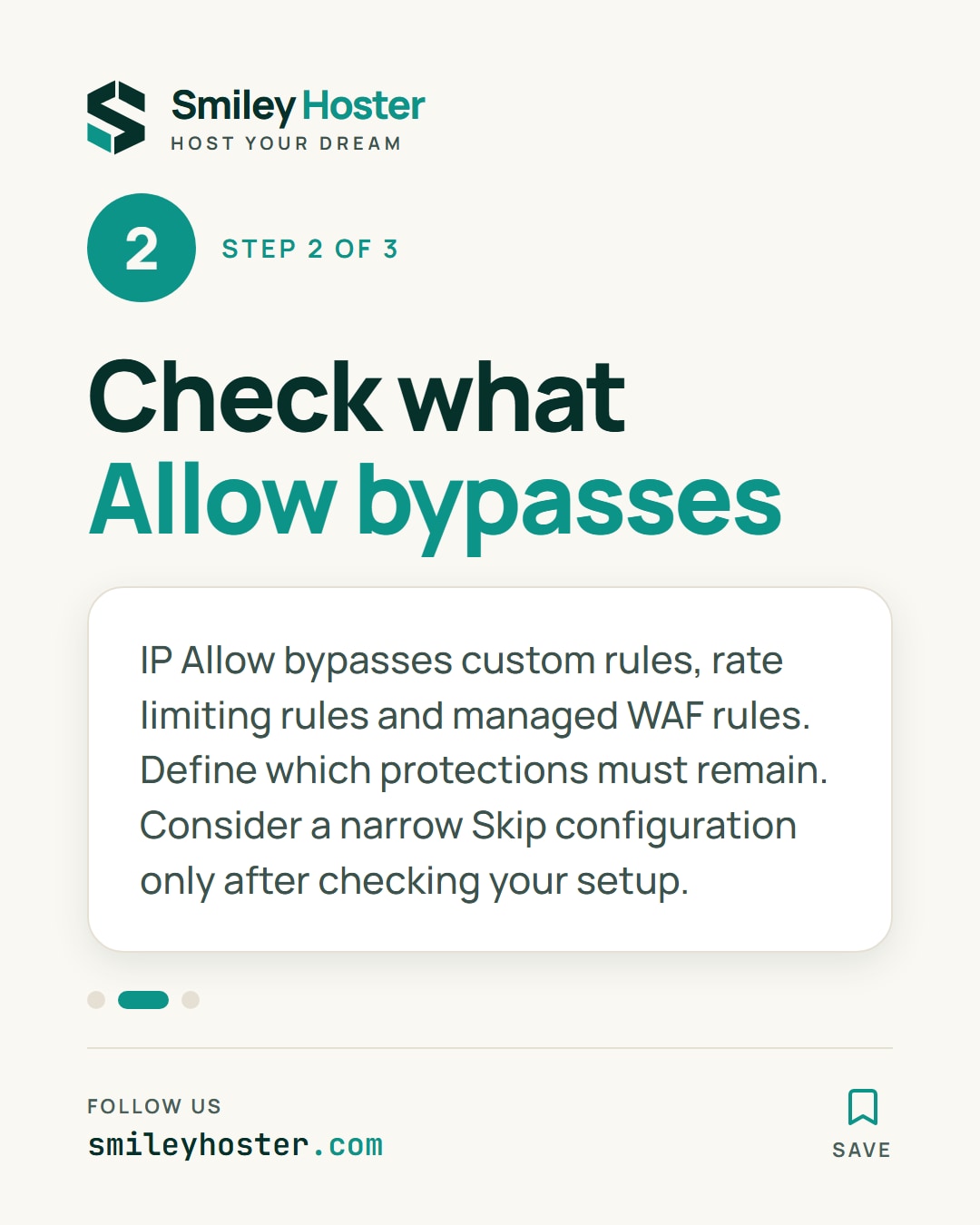
2. Assess the checks that will be bypassed
For an allowed IP or ASN, Cloudflare documents bypasses of custom rules, rate limiting rules and managed WAF rules. The exception therefore affects more than the particular control that produced the original failure.
Write a short requirement: which request must succeed, and which protections must remain? If the requirement mentions a single application path, an address-wide permission deserves additional scrutiny.
Cloudflare recommends custom rules for IP-based or geographical blocking. When replacing an Allow exception, consider a narrowly scoped Skip configuration for the necessary checks, after confirming the options in your setup. Skip does not bypass every security feature.
Treat this as a scope decision, not an automatic migration. Save the existing configuration and have the application owner confirm the intended effect before changing production traffic.
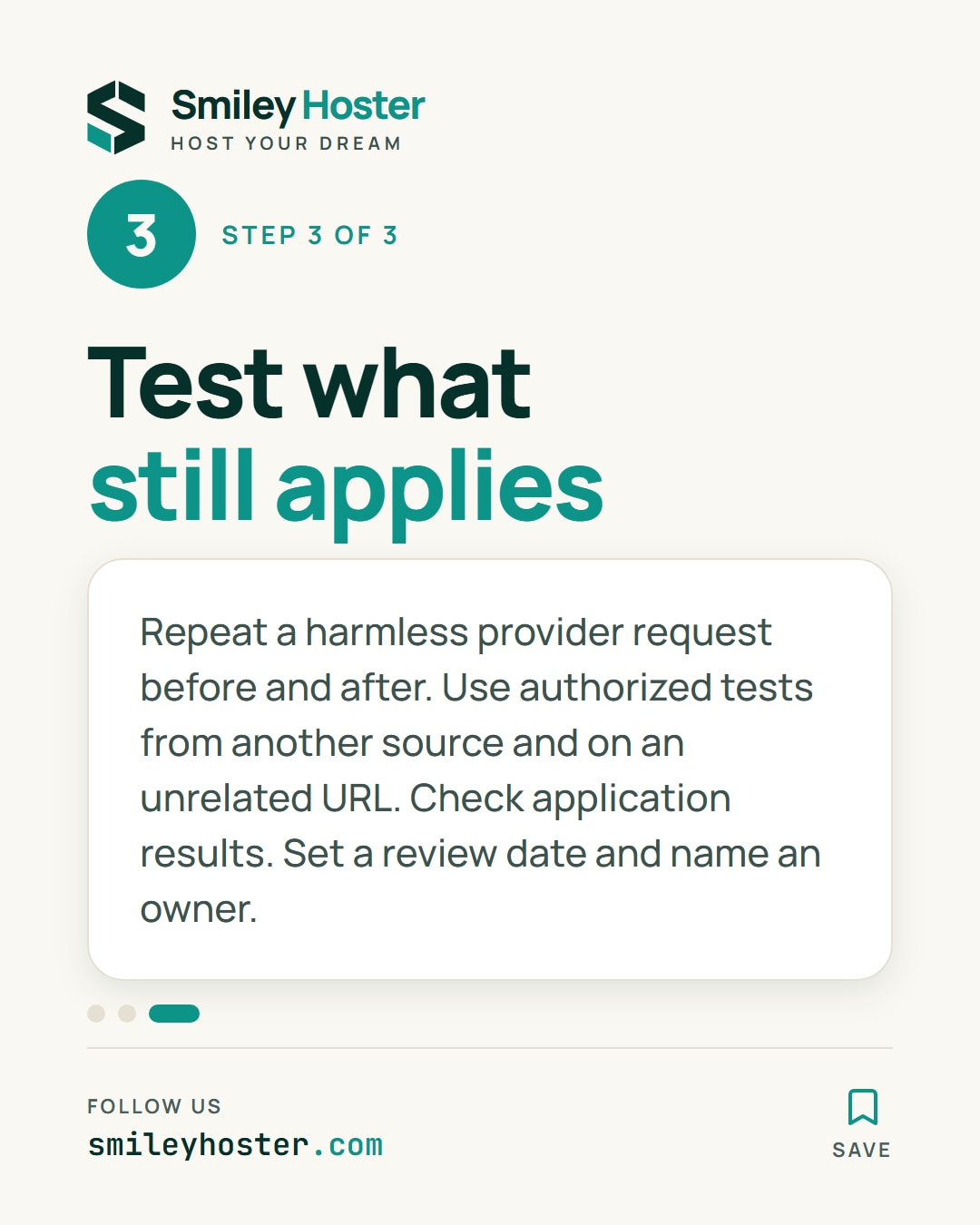
3. Validate the integration and the remaining boundary
Arrange a normal, harmless test request with the provider. Record the URL, timestamp and application result before the change, then repeat the same request afterward.
Use an authorized diagnostic request from a different source to check that the protection you intended to retain still applies. Also check an unrelated URL so the test can reveal an exception broader than the documented requirement.
Do not infer success from an empty Security Events view. Requests allowed by IP Access rules are intentionally absent there, so use the application's own result as part of the evidence.
Finish by setting a review date and naming the owner. Recheck the exception whenever the provider changes outbound addresses or the integration is retired. Remove obsolete access only after confirming that nothing still depends on it.
Sources: Cloudflare Blog, Cloudflare documentation.

See it in our social posts
The key steps of this article, as a carousel. Follow us to catch the next ones.