

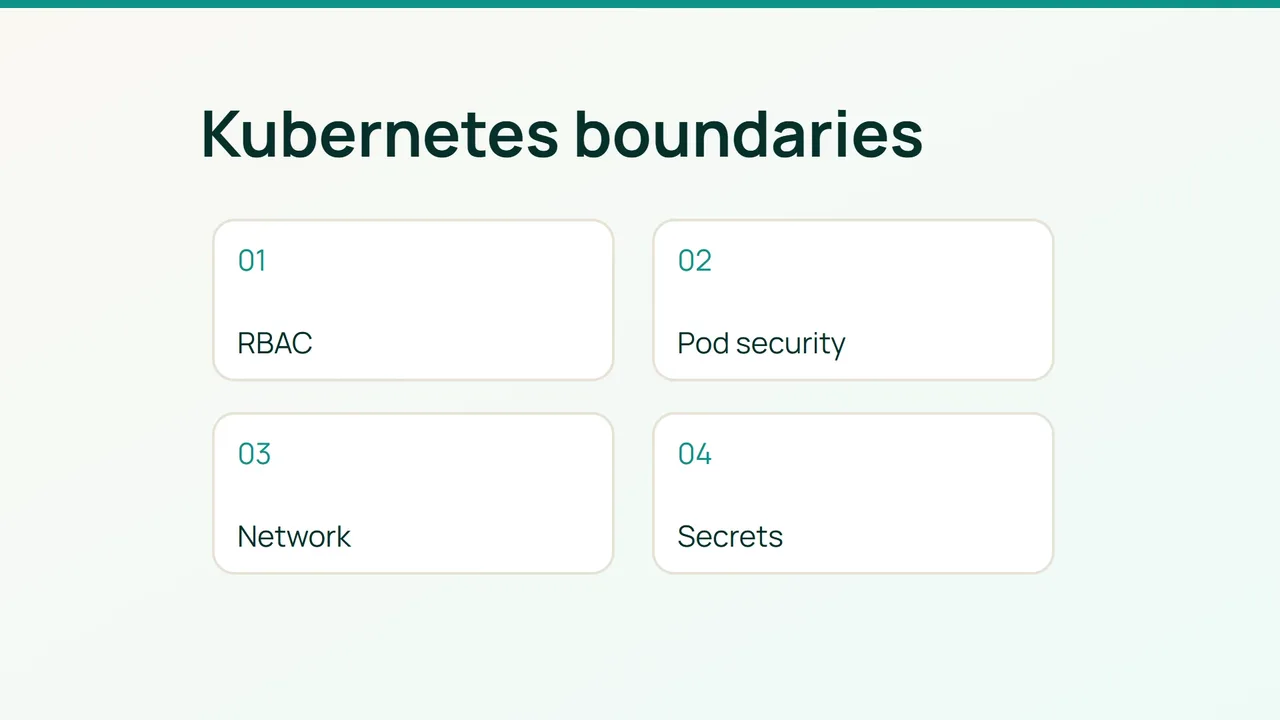
A compromised web container should not inherit the run of your cluster. This exercise turns the Kubernetes security guidance into a staged change for an existing application namespace, with a working traffic path as the acceptance criterion.
1. Record what the application actually needs
Start in staging with kubectl, RBAC inspection and impersonation privileges, a NetworkPolicy-capable CNI and version-controlled deployment manifests. The worked example assumes namespace shop, web pods labelled app=web listening on TCP 8080, and database pods labelled app=db on TCP 5432. Substitute your topology first.
kubectl config current-contextkubectl versionkubectl -n shop get pods,sa,networkpolicykubectl -n shop get rolebindings -o yamlkubectl get clusterrolebindings -o yamlSA=system:serviceaccount:shop:webkubectl auth can-i --list -n shop --as="$SA"kubectl auth can-i list secrets -n shop --as="$SA"kubectl auth can-i create pods -n shop --as="$SA"Run this for each workload identity. Follow each binding to its Role or ClusterRole and justify wildcards, cluster-admin, impersonation and binding modification. Check pod creation too: denying direct Secret reads does not prevent an identity with pod-creation rights from mounting one. Impersonating a username alone may miss permissions obtained through groups; review those bindings and verify the real authentication context.
Document ingress-controller → web → database, DNS, telemetry and outbound APIs. Keep a protected copy of current namespace labels and policies, without dumping Secret values. Record baseline request failures and latency.
2. Roll out identity, admission and traffic controls
Separate identities. Assign a dedicated ServiceAccount to web. For workloads that do not call the Kubernetes API, merge this into their PodSpec:
serviceAccountName: webautomountServiceAccountToken: falseAPI clients need a short-lived projected token and a namespaced Role granting only required resources and verbs. Test that replacement before removing an excessive binding. A restrictive Role does not override an existing broad grant.
Reject unsafe pods. Enable warning and audit feedback first:
P=pod-security.kubernetes.iokubectl label ns shop "$P/warn=restricted" "$P/audit=restricted" --overwriteSet warn-version, audit-version and enforce-version labels to the cluster minor version you tested. Fix application manifests before enabling enforce=restricted. This fragment illustrates the container and pod settings to merge into an existing Deployment:
spec: template: spec: securityContext: runAsNonRoot: true seccompProfile: type: RuntimeDefault containers: - name: web securityContext: privileged: false allowPrivilegeEscalation: false capabilities: drop: ["ALL"]Use a non-root-compatible image. Admission checks do not retrofit existing pods; prove that replacement pods start and serve traffic.
Constrain traffic. Save the following as web-egress.yaml. It isolates web egress while allowing the database in the same namespace and standard CoreDNS:
apiVersion: networking.k8s.io/v1kind: NetworkPolicymetadata: name: web-egress namespace: shopspec: podSelector: matchLabels: app: web policyTypes: [Egress] egress: - to: - podSelector: matchLabels: app: db ports: - protocol: TCP port: 5432 - to: - namespaceSelector: matchLabels: kubernetes.io/metadata.name: kube-system podSelector: matchLabels: k8s-app: kube-dns ports: - protocol: UDP port: 53 - protocol: TCP port: 53Check DNS labels and account for NodeLocal DNS separately if used. Add known external dependencies before applying:
kubectl apply --dry-run=server -f web-egress.yamlkubectl apply -f web-egress.yamlOther web egress now needs an allowance, including any allowance from another matching policy. Policies combine; a broad existing one can defeat the intended isolation. Next restrict web ingress to the ingress controller and database ingress to web. Only introduce namespace-wide default denial after the required flows pass.
Limit secret exposure. Mount the needed Secret only into the consuming container. Avoid cluster-wide list/watch rights and values in source control or logs. Confirm etcd and backup encryption with the cluster administrator; base64 encoding is not encryption.
3. Accept the change using positive and negative tests
From approved test pods, check DNS and a fresh web-to-database connection. An unapproved pod should fail to reach the database. Reused connections can give misleading results. In staging, submit a privileged test pod and confirm admission rejects it.
Watch DNS timeouts, API 403 responses, admission denials, unready pods and CNI metrics. An accepted YAML object does not establish that the network plugin enforces it. Measure CNI CPU and application latency against the original baseline.
For rollback, restore the previous version-controlled manifests and namespace labels. If web-egress was newly introduced, remove only that change:
kubectl -n shop delete networkpolicy web-egressThis can reopen outbound access, so document the temporary exposure. Restore earlier Pod Security labels only when necessary for recovery, and retest before reenforcement. Do not restore cluster-admin as a routine fix. Keep infrastructure namespaces separate, export audit logs off-cluster and give every production exception an owner and an expiry.
Sources: Kubernetes security checklist, Kubernetes NetworkPolicies.