

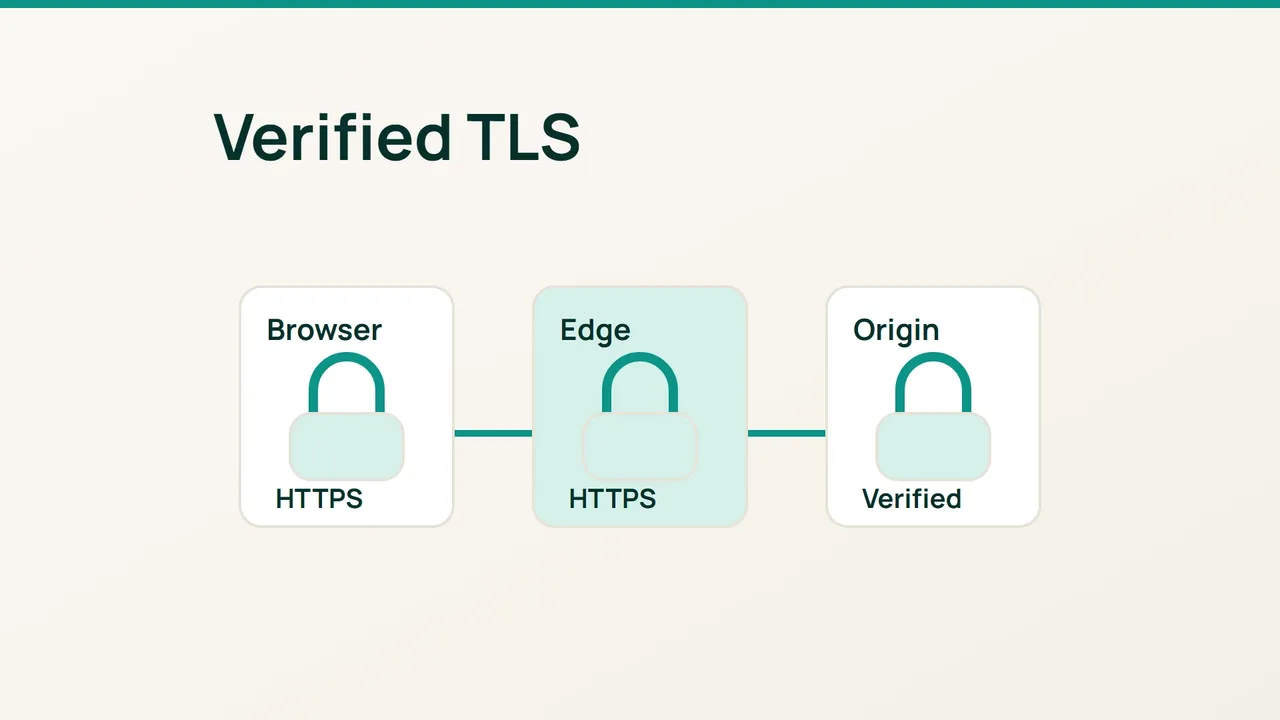
Cloudflare's recent cache work is a reason to review the path between visitors and hosting. Before changing performance settings, check that Cloudflare can validate the origin's HTTPS certificate and then enable Full (strict).
1. Inspect the origin, not just the browser padlock
For a proxied website, a normal browser connection shows the certificate served at Cloudflare's edge. It does not establish which certificate your hosting server presents on the other side.
Find that origin certificate in the server's administration interface, or ask its operator to inspect it. Full (strict) requires a currently valid certificate, a matching requested or target hostname, and an issuer accepted by Cloudflare: a publicly trusted authority or Cloudflare Origin CA.
Confirm that HTTPS is listening on port 443. Inventory every affected origin and hostname before applying a zone-wide change. An old secondary server can make failures look intermittent.
If direct access is permitted and the origin uses a public certificate, this command tests its address while retaining the website hostname:
curl --resolve example.com:443:192.0.2.20 \ -I https://example.com/Substitute your own domain and origin IP. Do not add -k, because disabling certificate checks defeats this test. An Origin CA certificate needs the appropriate trust configuration in your test client; a local trust failure alone does not mean Cloudflare will reject it.
2. Apply the setting with a clear baseline
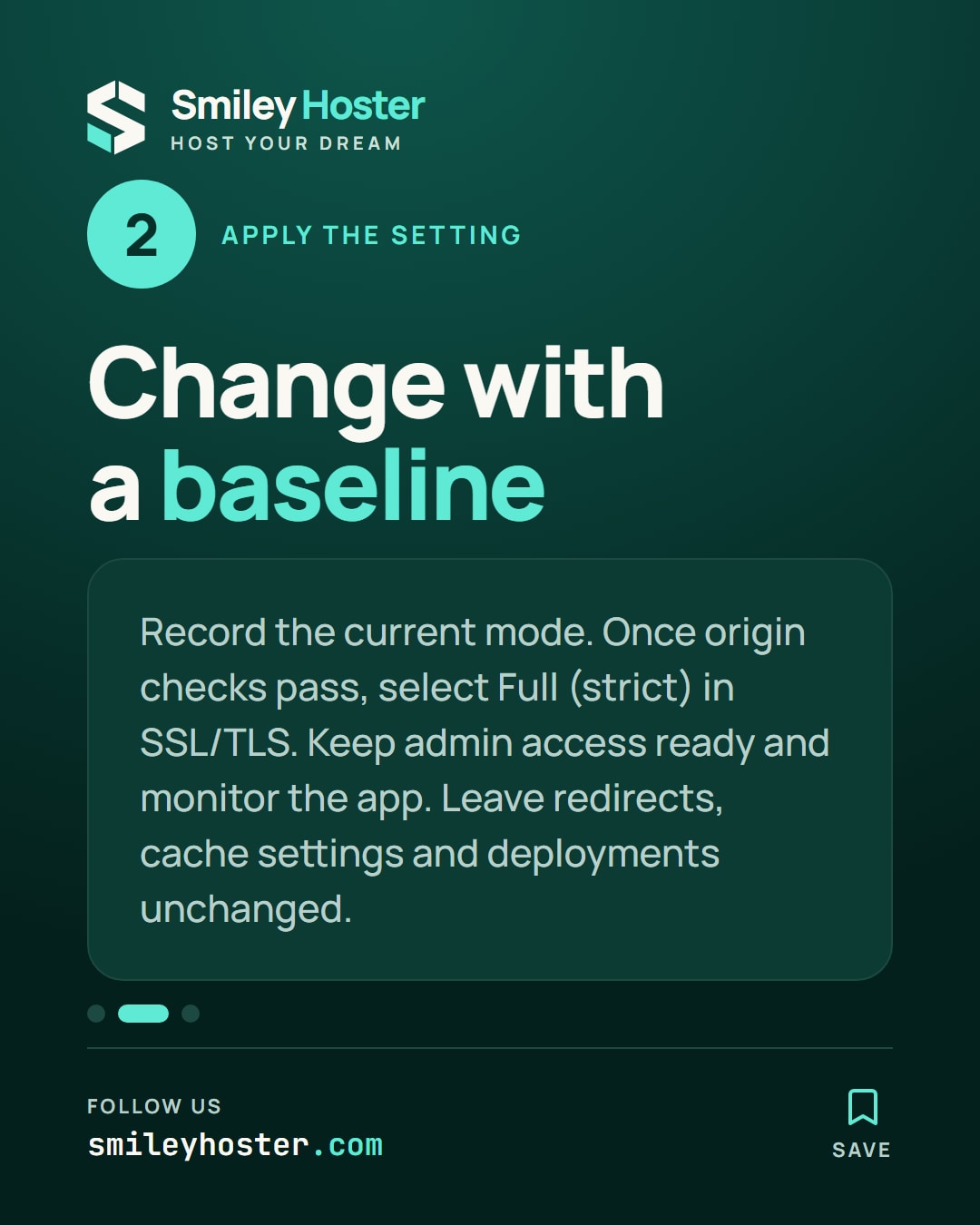
Record the existing encryption mode and any special settings affecting this application. Open the SSL/TLS overview in Cloudflare and select Full (strict) only after the origin checks pass.
Choose a time when you can watch the application and contact whoever manages its certificate. Keep server administration access available throughout the change.
Leave redirects, cache settings and application deployments unchanged during this operation. That gives you a useful before-and-after comparison if a request begins failing. Write down the time of the change rather than relying on memory.
3. Check the public journey
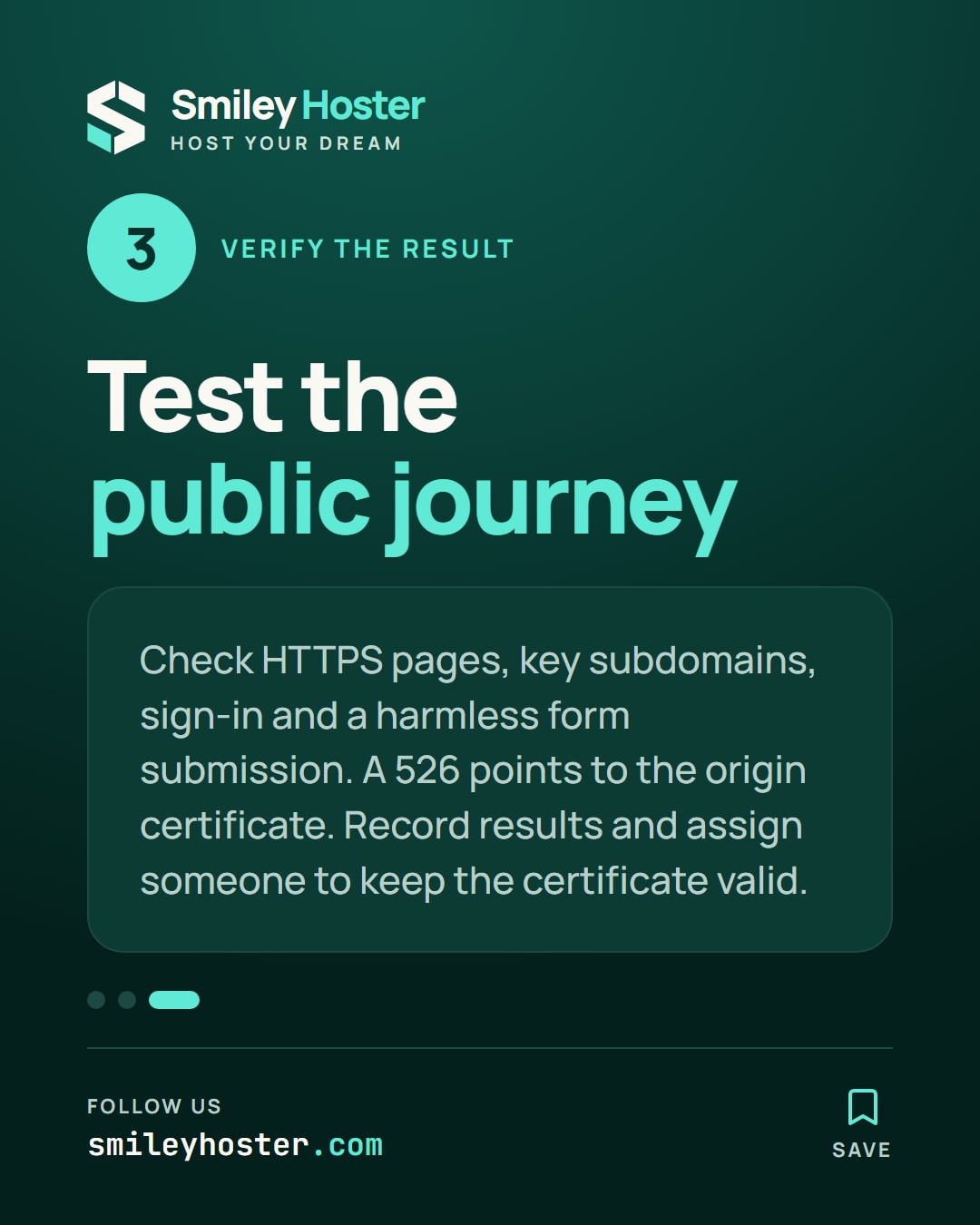
Visit the public HTTPS hostname and any important subdomains. Test the homepage, sign-in flow and a harmless form submission. A 526 response points the investigation toward the origin certificate, including its validity, hostname coverage and expected chain.
For a redirect loop, record the destinations in sequence before editing application redirects. Mixed-content errors need their own investigation too; they are not evidence that certificate validation should be disabled.
Close the change with a record of the origins checked, the selected mode and the observed results. Assign responsibility for keeping the origin certificate valid. Full (strict) verifies that certificate on the connection; it does not replace the process that maintains it.
Sources: Cloudflare Blog, Cloudflare documentation.


See it in our social posts
The key steps of this article, as a carousel. Follow us to catch the next ones.