

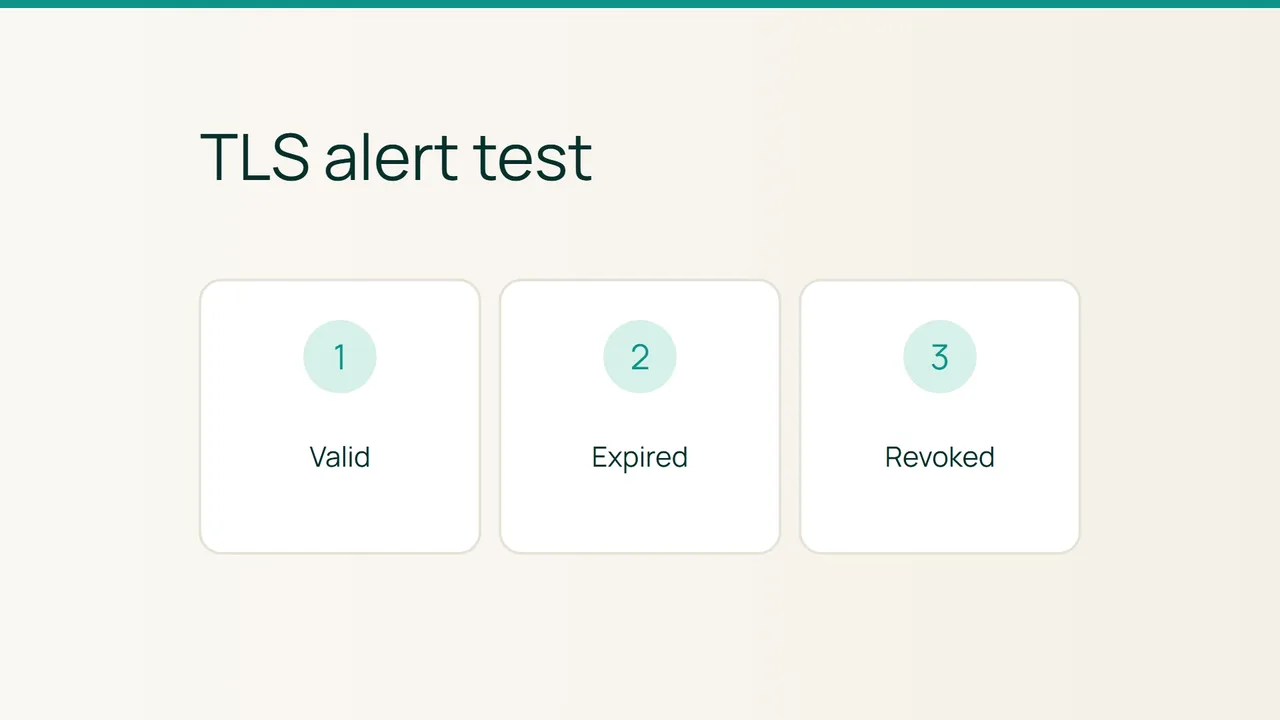
Let's Encrypt maintains public test sites with valid, expired and revoked certificates. Its explanation of that work offers a practical way to exercise HTTPS monitoring without deliberately breaking your own website. The task is to verify both the certificate check and the notification that should follow it.
1. Establish the monitoring policy
Open the configuration for your existing HTTPS monitor. Record its target, check interval, certificate-validation settings and notification destination. A content check or HTTP status check does not, by itself, describe which TLS failures the tool will detect.
Create a separate test monitor using the same validation settings. Send its alerts to a test destination you can actually check, and tell anyone who might receive them that an exercise is underway. Keep the production monitor intact.
From the Let's Encrypt article, select the valid, expired and revoked links belonging to one root certificate. Copy the actual linked addresses rather than guessing hostnames. These are public test services: do not attach credentials, cookies or private headers from your own application.
2. Exercise the three cases separately
Start with the valid certificate target. Confirm that it passes under your intended policy. If it fails, investigate connectivity and trust configuration before drawing conclusions from the deliberately invalid targets.
Next, change only the test monitor to the expired target. Check that the reported failure is certificate-related, then wait for the configured notification cycle. Record the check time and the time the message arrives. A red dashboard indicator without a delivered alert proves only part of the process.
Finally, try the revoked target. Let's Encrypt notes that revocation checking varies among clients. A successful connection does not establish that the certificate is unrevoked. Inspect your monitoring tool's documented capabilities and classify revocation detection as supported, absent or unresolved.
Keep expiration and revocation as separate rows in the results. Combining them into a single TLS pass or fail would conceal which property you actually tested.
3. Verify recovery and preserve the limitations
Return the test monitor to the valid target and confirm that its status recovers. If your tool offers a recovery notification, verify delivery too. Remove the temporary monitor afterward or label it clearly as an exercise so it cannot be confused with a customer-facing service.
Keep a small record of target, expected outcome, observed outcome and delivered notification. Where a required check is missing, update the tooling or operating procedure before claiming coverage.
Do not disable certificate validation on the real monitor to silence an error. The purpose of this exercise is to understand and improve detection. A documented limitation is more useful than a green status produced by skipping the check you meant to rely on.
Sources: Let's Encrypt.