

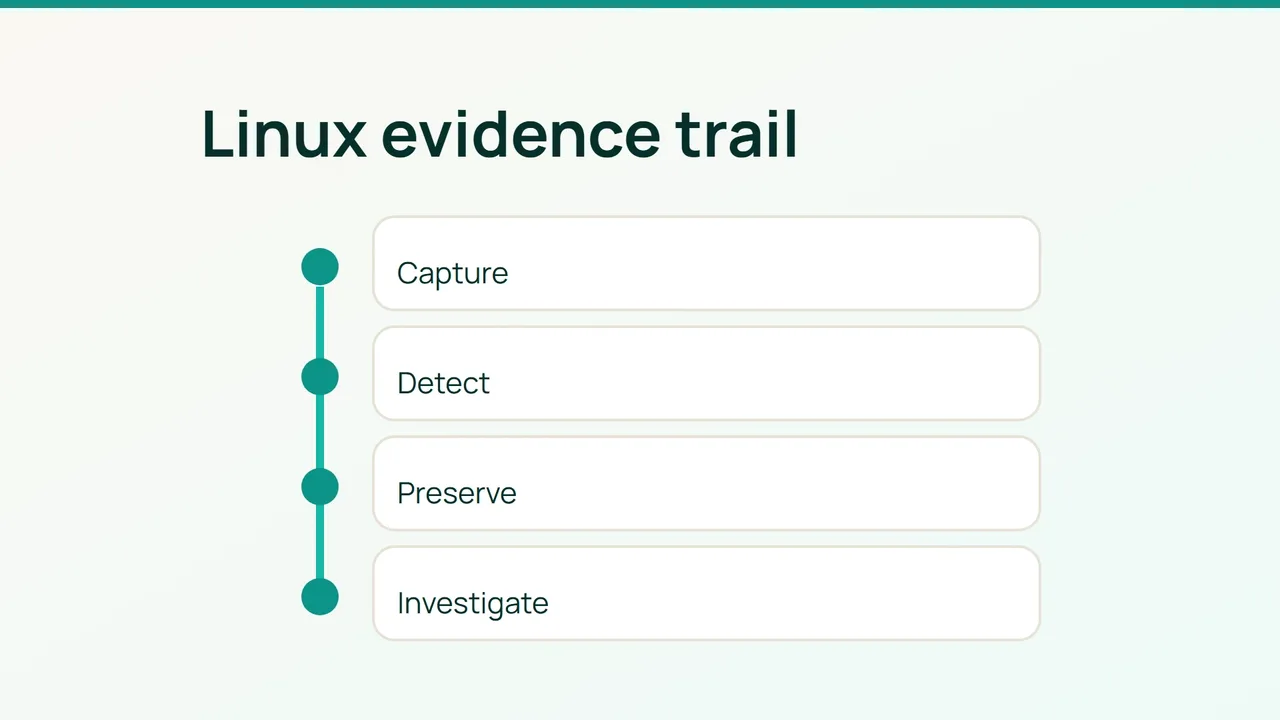
An unexpected account change followed by an SSH-key read deserves more than a grep through yesterday's logs. Build a narrow audit trail and add process context, then treat alerts as investigation leads rather than instructions to delete files.
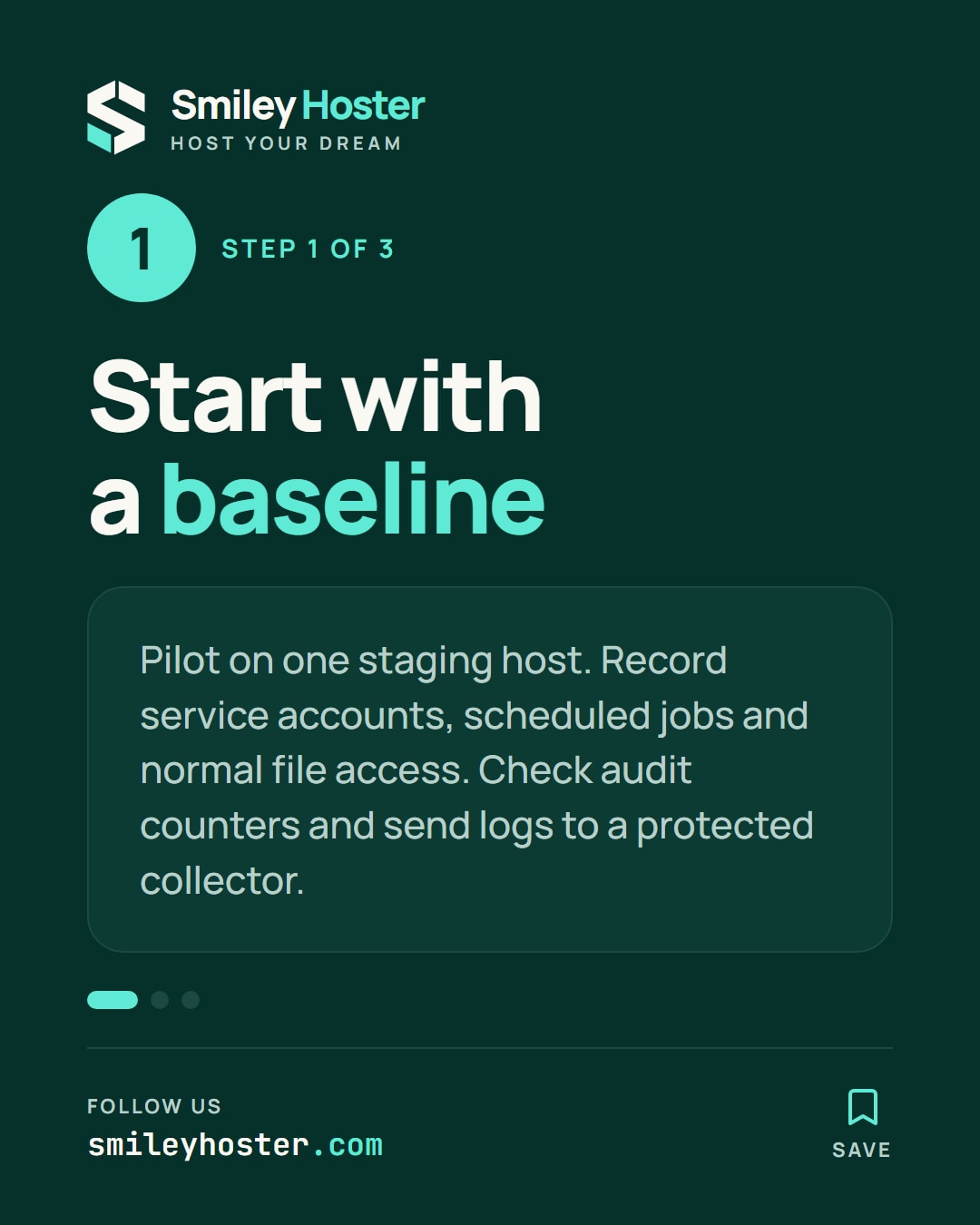
1. Establish a baseline on one host
Use an x86_64 Linux staging host with auditd, an officially installed Falco package and a compatible capture engine, sudo access and an off-host log destination. If compromise is already suspected, coordinate evidence collection before installing or restarting software.
sudo auditctl -ssudo auditctl -lsudo systemctl status auditd --no-pagersudo falco --versionsudo ss -lntupgetent passwdRecord service accounts, scheduled jobs and legitimate readers of sensitive files. Check audit lost and backlog counters. An enabled value of 2 locks rules until reboot; do not reboot a suspect host merely to change auditing.
The proposed flow is kernel → auditd/Falco → protected collector → alert containing UTC time, host, identity and process. Synchronize clocks. Restrict log access because execution arguments can themselves contain secrets.
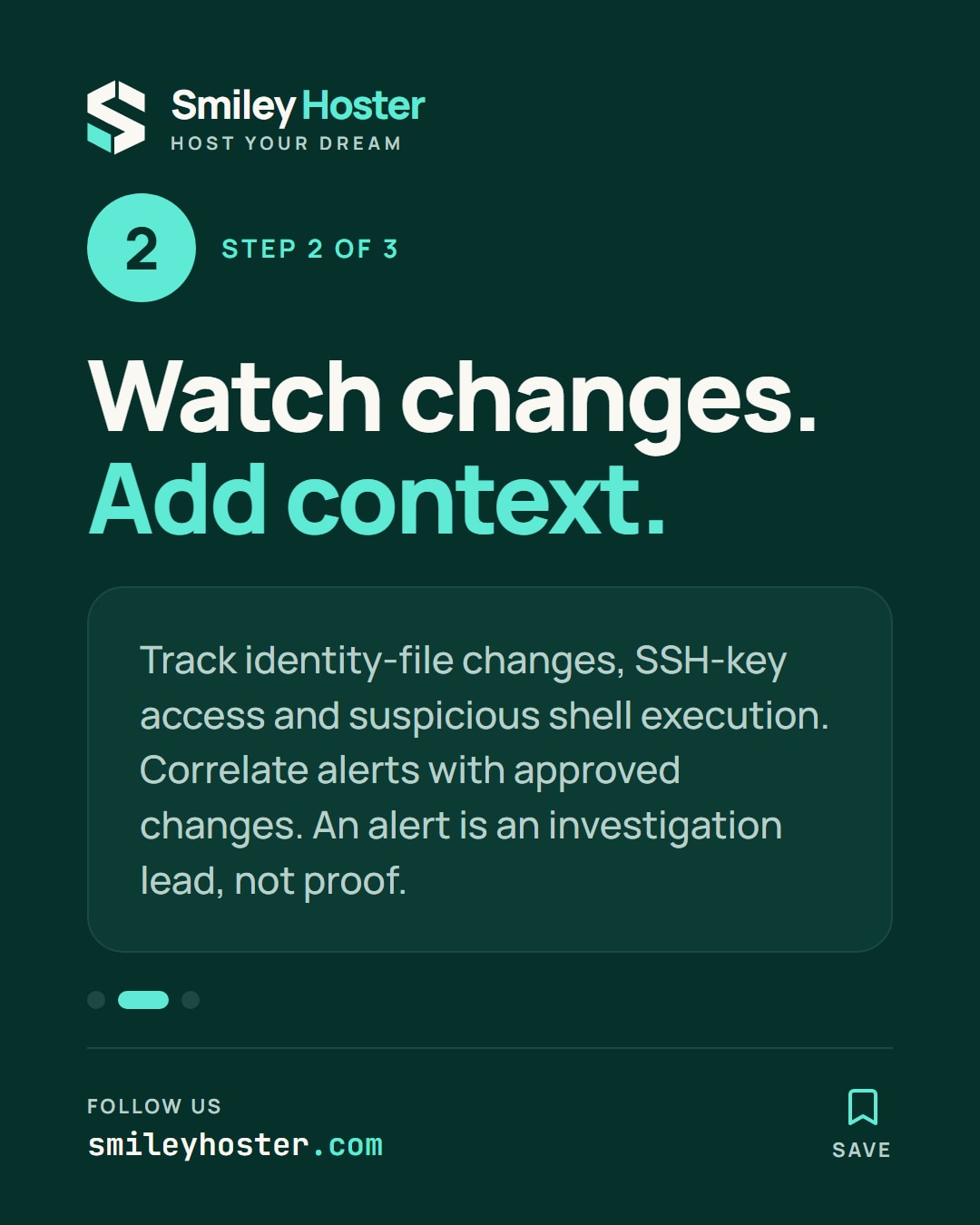
2. Watch identity changes and suspicious execution
First ensure the guide_identity key is unused. Load temporary rules for account and group files:
for f in /etc/passwd /etc/shadow /etc/group /etc/gshadow; do sudo auditctl -a always,exit -F arch=b64 -F path="$f" -F perm=wa -k guide_identitydonesudo auditctl -a always,exit -F arch=b64 -F path=/etc/shadow -F perm=r -k guide_readThe permission letters select writes, attribute changes and reads. Account-file writes need correlation with useradd/usermod and an approved change; they are not automatically malicious. Reads of passwd are routine. During a targeted investigation, use -F path=/etc/passwd -F perm=r temporarily instead of making every such read a permanent high-priority alert.
Choose an existing SSH directory and adapt this path:
sudo auditctl -a always,exit -F arch=b64 -F dir=/home/deploy/.ssh -F perm=rwa -k guide_sshsudo auditctl -a always,exit -F arch=b64 -S execve,execveat -F euid=0 -k guide_execRoot execution auditing can be noisy and capture confidential arguments. Use it for a measured pilot or incident window. Add corresponding b32 rules only where 32-bit execution is supported and relevant. Avoid a system-wide all-syscall rule.
Once the pilot passes, save only these rules to a new persistent file:
sudo auditctl -l | grep 'guide_' | sudo tee /etc/audit/rules.d/70-guide.rules >/dev/nullsudo augenrules --checkThe temporary rules are already loaded; the file preserves them for future loading. Back up any pre-existing file before replacing it.
Append these custom detections to /etc/falco/falco_rules.local.yaml:
- rule: Guide sensitive read desc: Sensitive file opened for reading condition: > evt.type in (open, openat, openat2) and evt.is_open_read=true and evt.rawres>=0 and (fd.name=/etc/shadow or fd.name startswith /home/deploy/.ssh/) output: > Sensitive read user=%user.name process=%proc.name file=%fd.name parent=%proc.pname priority: WARNING- rule: Guide web server shell desc: Shell started directly by a web worker condition: > evt.type in (execve, execveat) and evt.rawres=0 and proc.name in (sh, bash, dash) and proc.pname in (nginx, apache2, httpd, php-fpm) output: > Web shell process=%proc.name parent=%proc.pname user=%user.name priority: WARNINGRun sudo falco --validate /etc/falco/falco_rules.local.yaml, then reload using your deployment's service procedure. The second rule covers direct shell spawning, not every unusual execution. Investigate unexpected binary paths, new executables and activity outside change windows too. Narrowly document legitimate exceptions instead of exempting root altogether.
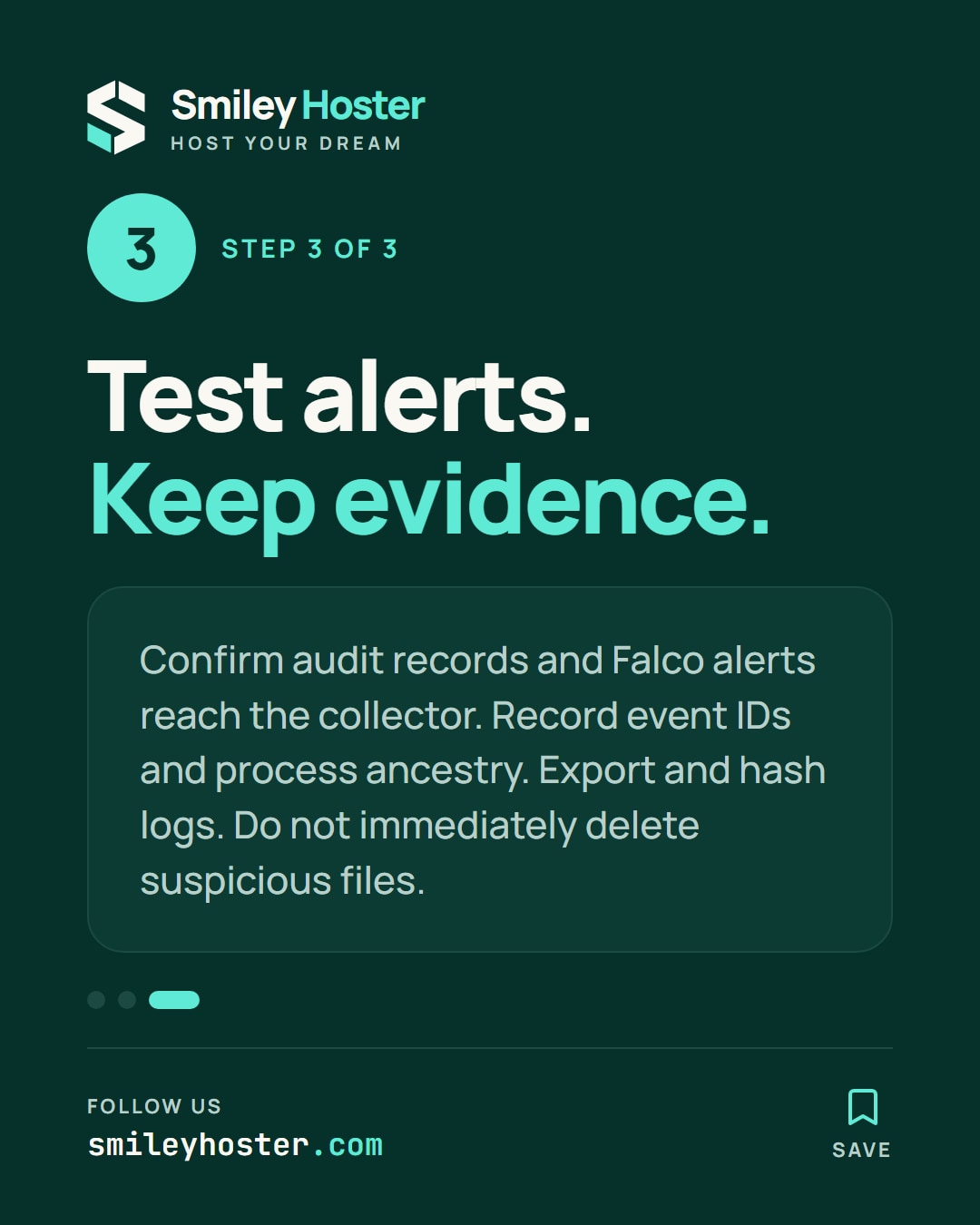
3. Prove delivery and preserve the timeline
On the staging host, open shadow without printing its contents:
sudo head -c 0 /etc/shadowsudo ausearch -k guide_read -ts recent -isudo journalctl -u falco --since '-10 minutes'sudo auditctl -sConfirm both the audit record and Falco alert reach the collector. Adjust the service name for your Falco installation. Exercise account-change detection only with a disposable laboratory account.
For a real alert, record event IDs, timestamp, process ancestry and network connections. Export relevant logs to restricted incident storage, hash exported files and record who collected them. Live acquisition changes state; arrange specialist memory and disk preservation where required. Contain the host at the network layer while preserving an authorized evidence channel. Do not immediately delete accounts, containers or suspicious files.
Track dropped events, queue growth, CPU, disk usage and alerts per rule. Excessive file-read coverage can swamp the system, while broad exclusions hide activity. Establish resource limits and retention before deploying fleet-wide.
To roll back, remove each added runtime rule using auditctl -d with identical filters, and remove its persistent entry. Never use auditctl -D for this task: it removes unrelated rules too. Restore the previous local Falco file, validate it and reload. Keep collected evidence and baseline monitoring throughout recovery.
Sources: Linux Audit auditctl manual, Falco rule fields.


See it in our social posts
The key steps of this article, as a carousel. Follow us to catch the next ones.