

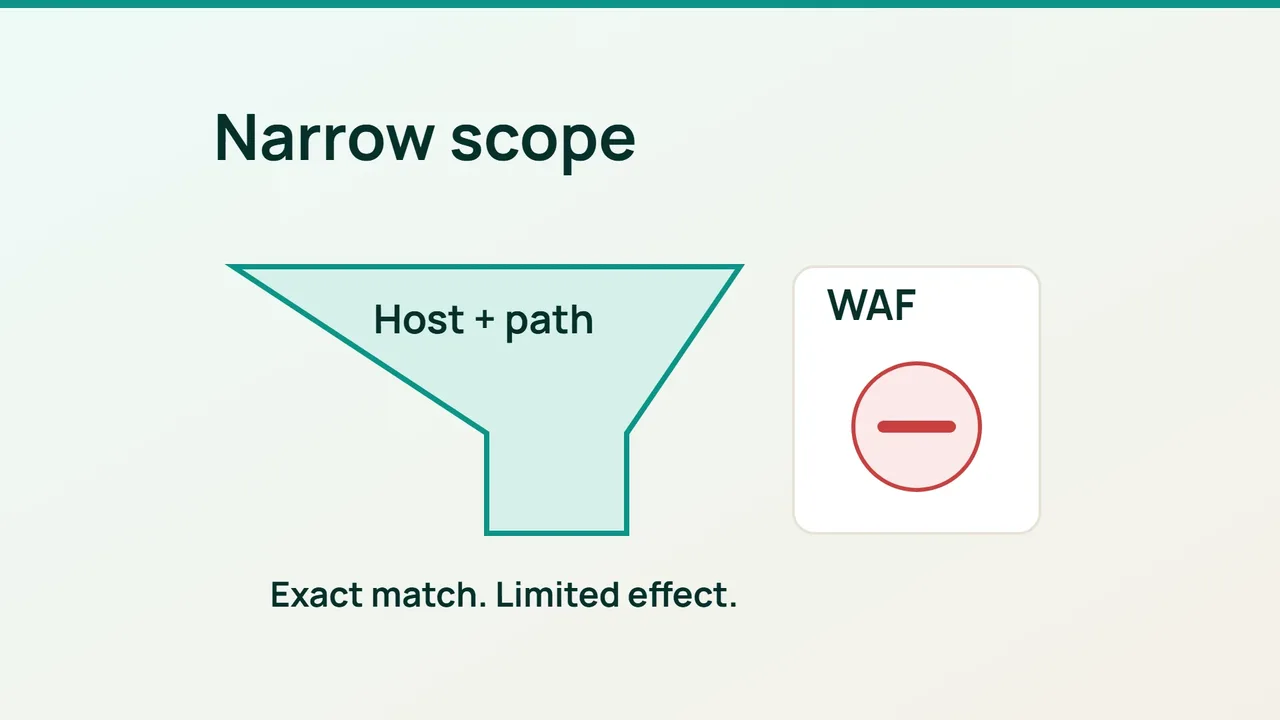
Cloudflare's recent storefront security analysis is a reminder to separate different layers of protection. For incoming requests, a useful first WAF task is narrow and testable: refuse access to a retired application endpoint.
1. Write the expected outcome first
Pick a path that the application owner has confirmed is no longer needed. We will use the fictional /legacy-upload; do not block a real endpoint merely because its name looks old.
Review links, integrations and scheduled jobs that might still call it. Your acceptance condition should describe both sides: the retired endpoint is refused, while public pages and active forms continue working.
Include the exact hostname in the planned rule. Another subdomain could use the same path for a legitimate purpose. Choose an existing public page as a negative control so that the test can reveal an overly broad match.
This is an incoming-request control. It does not establish whether a visitor's browser is already running unwanted third-party code, and it does not repair a vulnerable application. Keep the rule's purpose specific in the change record.
2. Build a condition you can explain
Open Security rules in Cloudflare, choose Create rule and then Custom rules. Give the rule a name that records the endpoint and the reason for retiring it.
In the expression builder, combine an exact Hostname match with an exact URI Path match using AND. An equivalent example is:
(http.host eq "www.example.com" and http.request.uri.path eq "/legacy-upload")Set the action to Block. If the application owner has not finished checking consumers, save the rule as a draft instead of deploying it.
Review the operator as carefully as the path. A substring match could catch unrelated endpoints. Walk through one request that should match and two that should not, then deploy when those expectations agree with the expression.
3. Test the boundary
Use harmless requests after deployment:
curl -I https://www.example.com/legacy-uploadcurl -I https://www.example.com/Replace the demonstration host and endpoint. The first request should receive the configured action; this new rule should leave the second alone. A HEAD request is only an initial check, so repeat the important browser journeys and forms separately.
If legitimate traffic is caught, disable this new rule while correcting its scope. Adding broad exceptions before understanding the mismatch makes the next incident harder to investigate.
Keep the test results beside the rule's owner and creation date. Include the exact hostname and path, not just a description such as “old upload protection.” Revisit the rule when the application changes or the endpoint is removed from the server entirely.
Sources: Cloudflare Blog, Cloudflare documentation.