

Hostinger’s September 22, 2026 profile of La’Oda offers a useful prompt to prepare the details around a sales campaign. If your website collects newsletter signups through Mailchimp, include the confirmation journey in that preparation: test what happens both with and without a confirmation click.
1. Identify the signup route
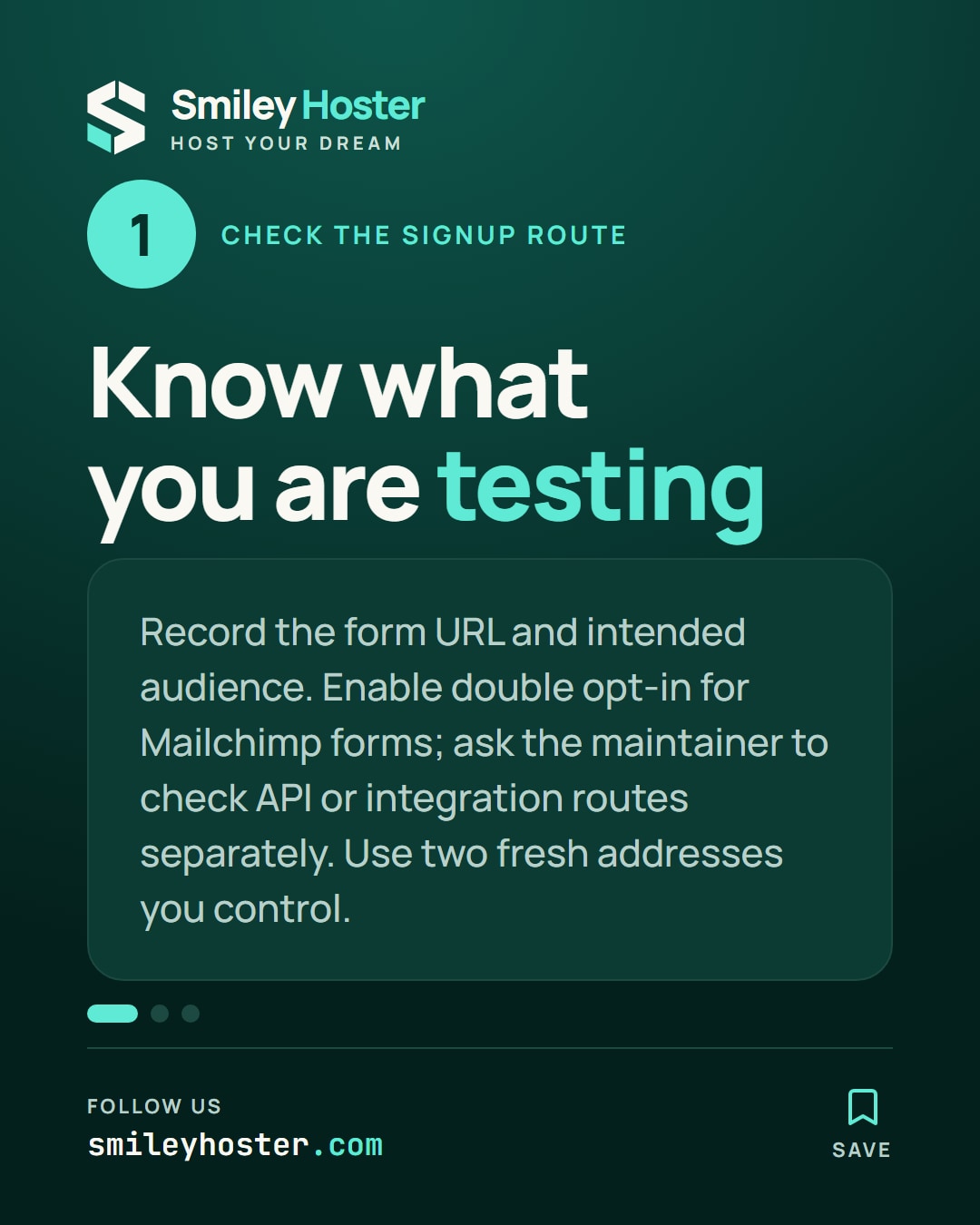
Mailchimp double opt-in requires an email confirmation before a signup becomes subscribed. Enable it in the relevant audience’s settings. The setting applies to Mailchimp signup forms; ask the maintainer to check the implementation separately if your website uses an integration or the API.
For this acceptance check, create a short record containing the public form URL, intended audience, language and test date. Add the person responsible for the website text and the person responsible for the connection to Mailchimp. This makes a failed check easier to route.
Use two inboxes you control whose addresses have not previously joined that audience. Label them A and B in your private test record. Avoid using customer addresses: you need to observe the whole journey yourself without affecting someone else’s subscription.
2. Run a stopped and a completed signup
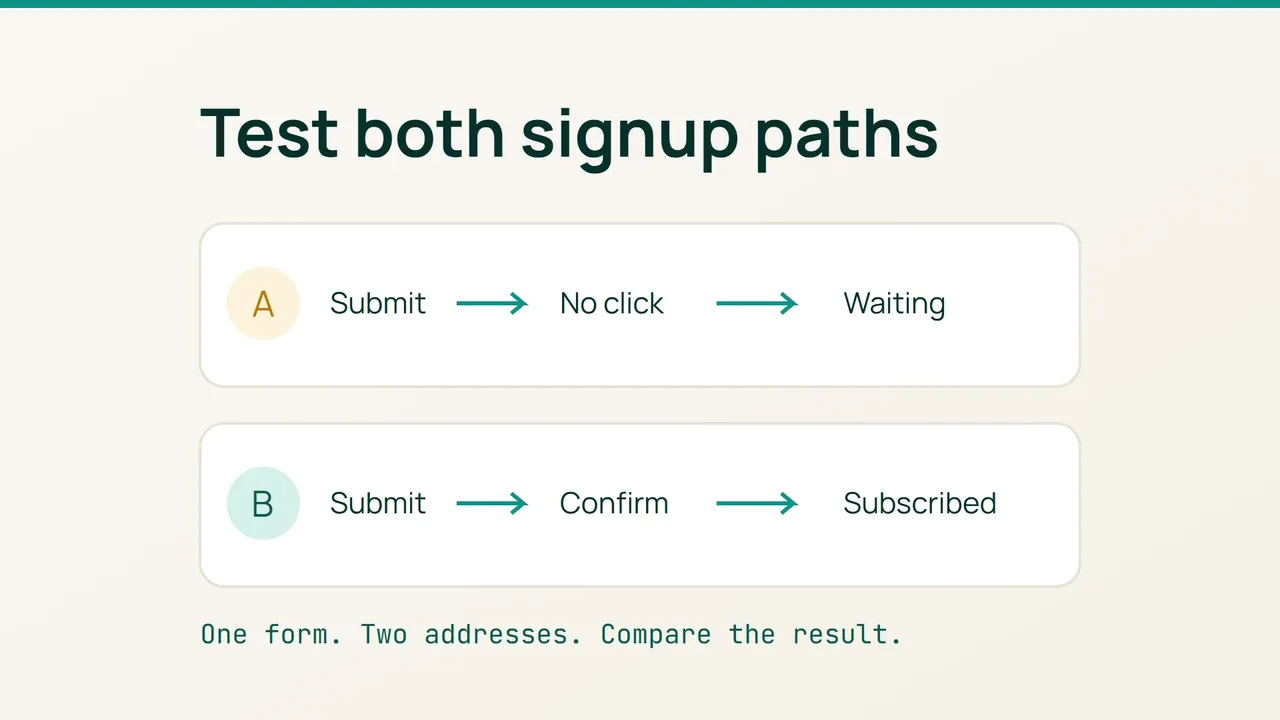
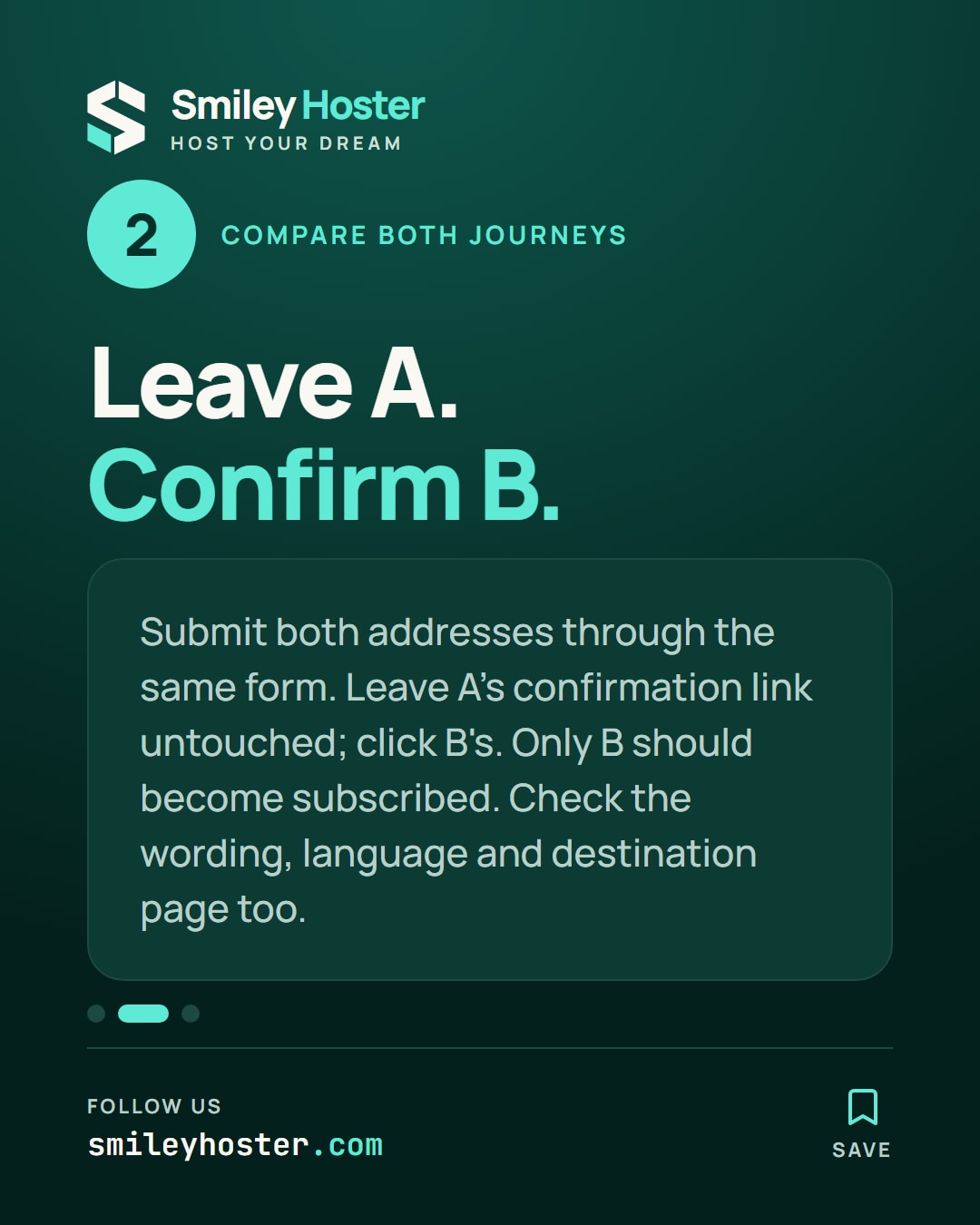
Our suggested test has two branches. In a private browser window, submit address A through the public form. Save the response shown on screen and inspect the inbox, but leave the confirmation link untouched.
Submit address B through the same route. Open its confirmation message and complete the confirmation step. Compare the audience status for both addresses before and after the click. The acceptance condition is that the confirmed address becomes subscribed while the unconfirmed one does not.
Alongside the status comparison, record these usability observations:
- Can you identify the sender without guessing?
- Does the on-screen message explain the next action?
- Is the email in the language you expected?
- Does the destination page make sense after confirmation?
- Can a colleague reproduce the result from your notes?
Do not manually mark either address as subscribed to finish the exercise. That would bypass the journey you are trying to validate.
3. Turn a failure into a reproducible report
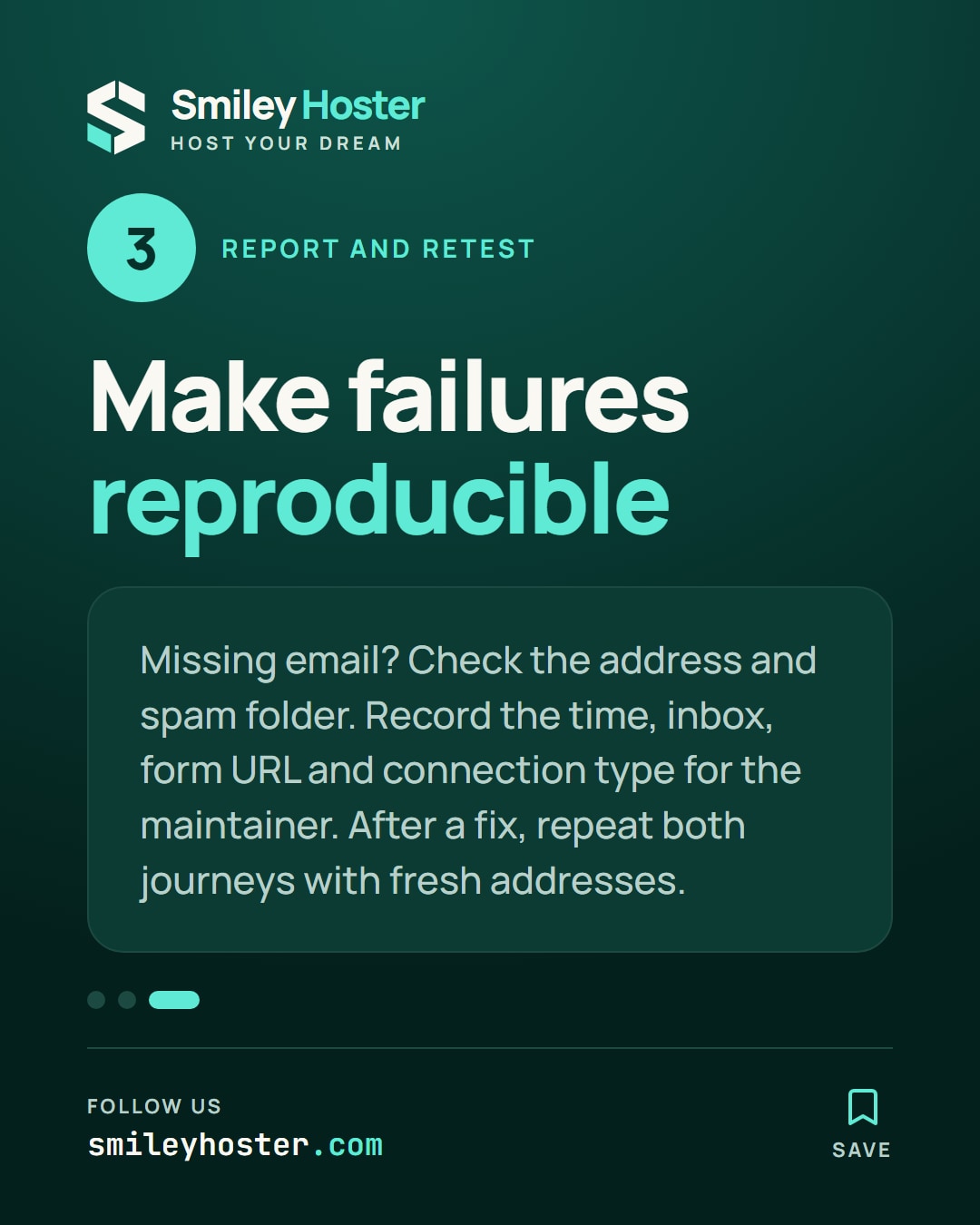
For a missing message, start by checking the entered address and the spam folder. Record the submission time and which inbox you used. Share that evidence with the person maintaining the signup route.
If an address becomes subscribed before confirmation, include the exact form URL and connection type in the report. If the technical sequence works but the wording is confusing, suggest a short replacement explaining the next action instead of changing several screens at once.
After a correction, repeat both branches with fresh test addresses. Keep the dated results and the reviewer’s name with your campaign checklist. Reuse the same procedure when you replace the form, change its language or switch integrations; a previous successful test only describes the route you tested then.
Sources: Hostinger, Mailchimp.
See it in our social posts
The key steps of this article, as a carousel. Follow us to catch the next ones.