

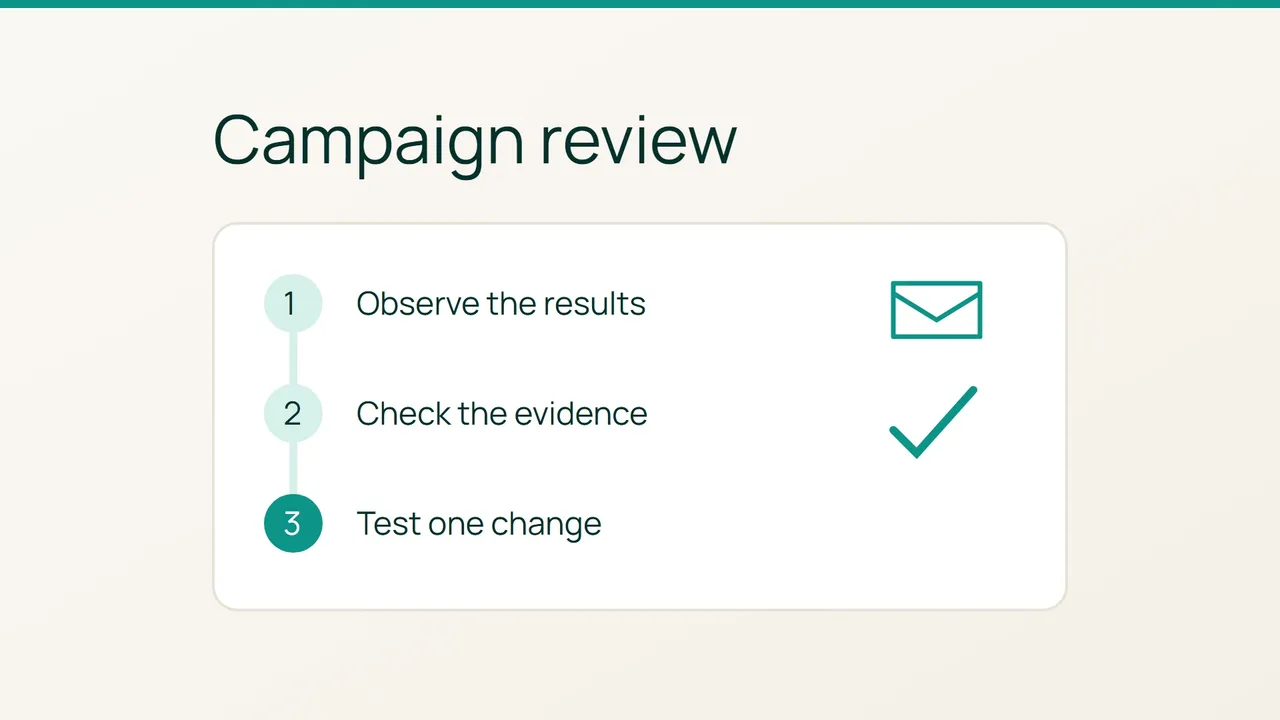
Hostinger’s account of La’Oda describes a business learning from successive sales campaigns. You can apply that idea to one practical task: turn a Mailchimp report into a short review with a clear next experiment.
1. Define the question before reading the numbers
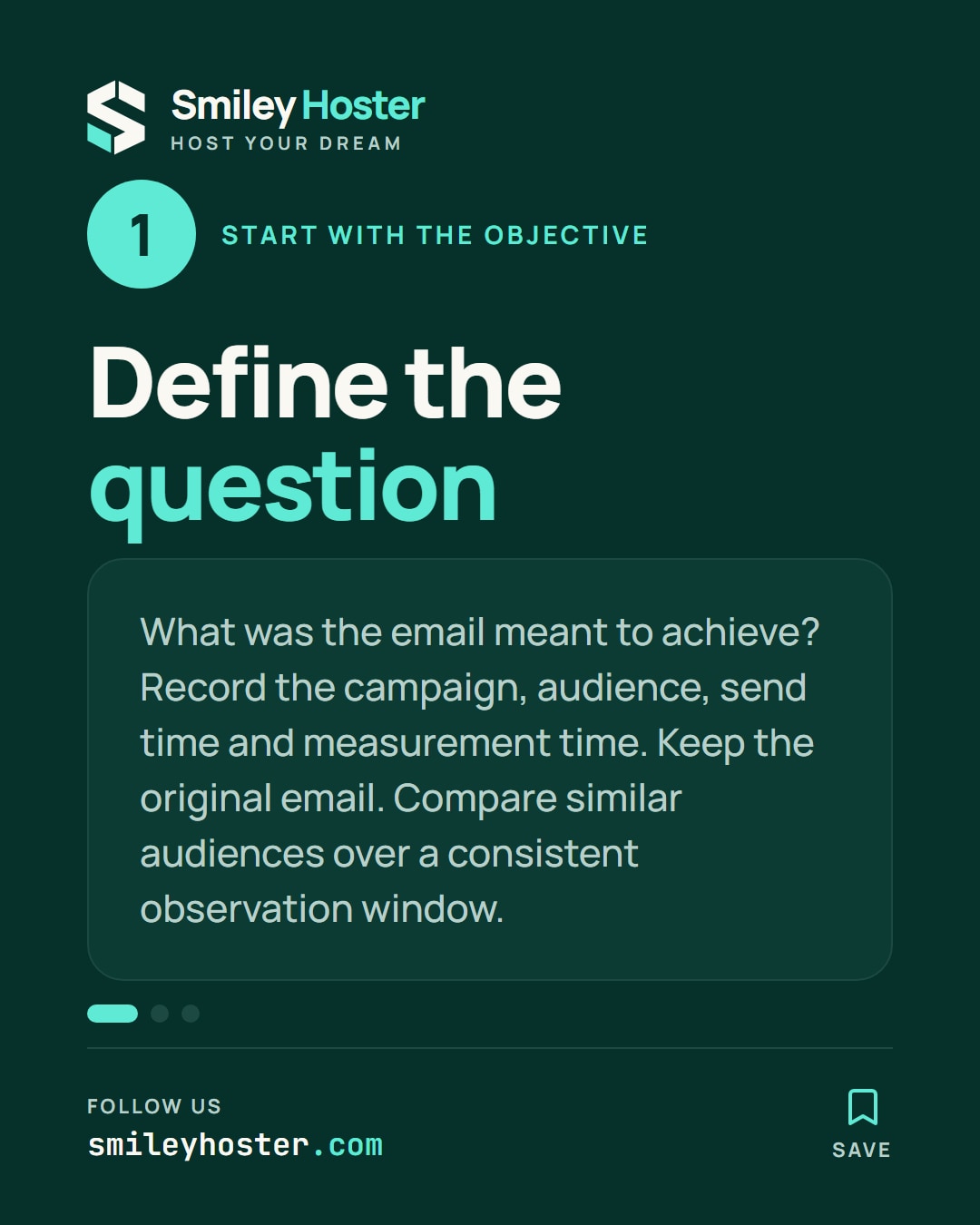
Pick one sent email and write down what you wanted it to achieve. Introducing a collection and generating purchases are different objectives. If no objective was recorded before sending, acknowledge that gap in your review.
Open Campaigns in Mailchimp, choose the relevant audience, and use View Report for the email. Record the campaign name, audience, sending time, and the time you take your measurements.
Keep a copy of the actual message alongside your notes. You will need its wording and destination links when discussing what to change. A colleague should be able to understand the review without reconstructing the email from memory.
Before comparing this campaign with another, propose a consistent observation window and comparable audience. Write down any obvious differences, such as a different offer or a different group of subscribers. Treat those differences as context for the discussion.
2. Check the measurement and the destination
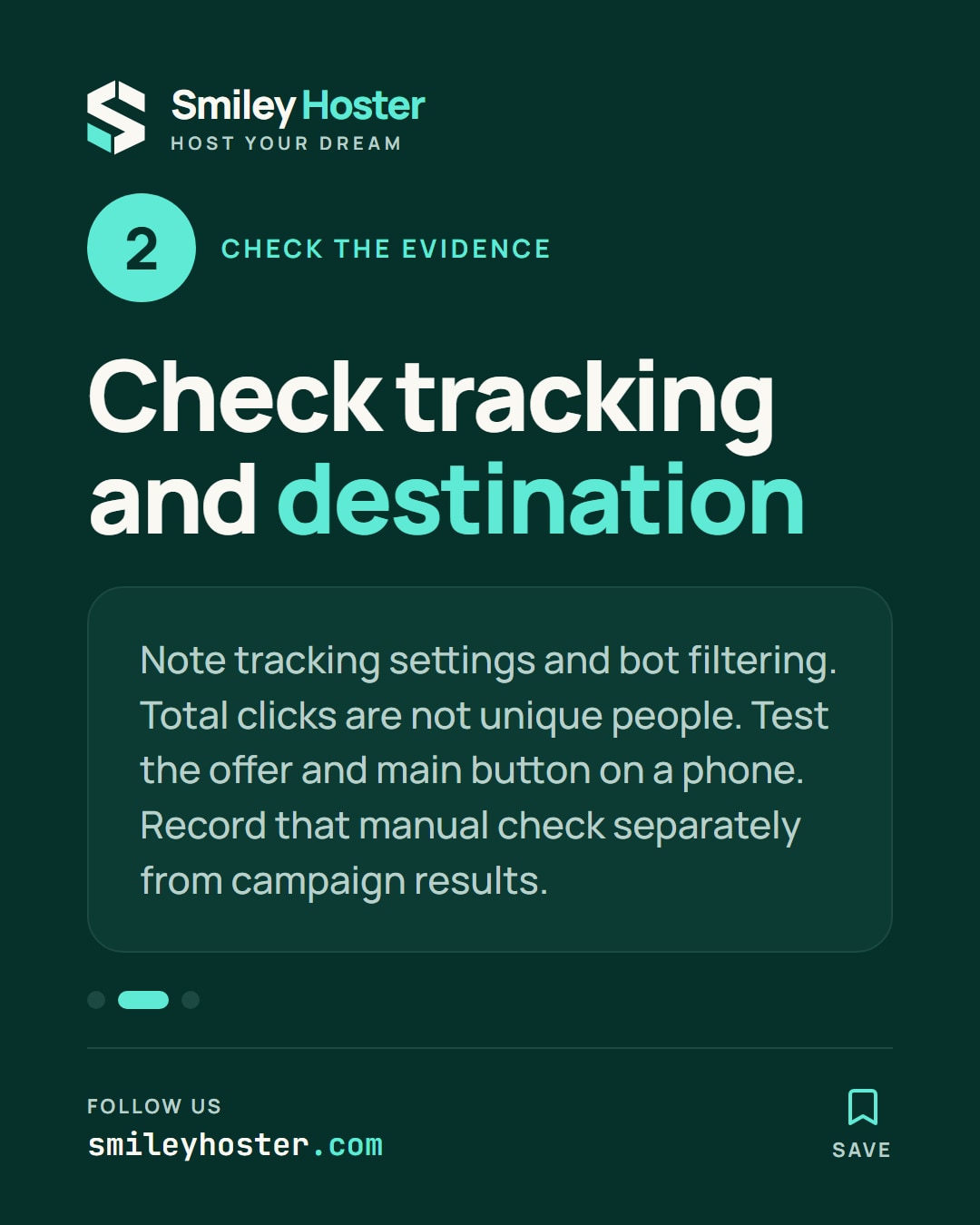
Mailchimp requires open and click tracking to populate those statistics. It also warns that bots can inflate both. Note the tracking settings and whether bot filtering is enabled before interpreting the results.
Total clicks can include repeated clicks by the same recipient. Do not label that figure as a count of different people.
Use this small worksheet to keep the review concrete:
- Which destination supports the campaign objective?
- Does that page still display the intended offer?
- Does its main button work on a phone?
- What information is missing from the report?
Visit the main destination yourself and record what happens. Keep this manual check separate from the campaign measurements: it tells you what you observed during your test, rather than proving what every subscriber experienced.
Ask a colleague to repeat the check if the destination is confusing. Have them explain the next action they think the page expects, without coaching them first.
3. Record one testable next step
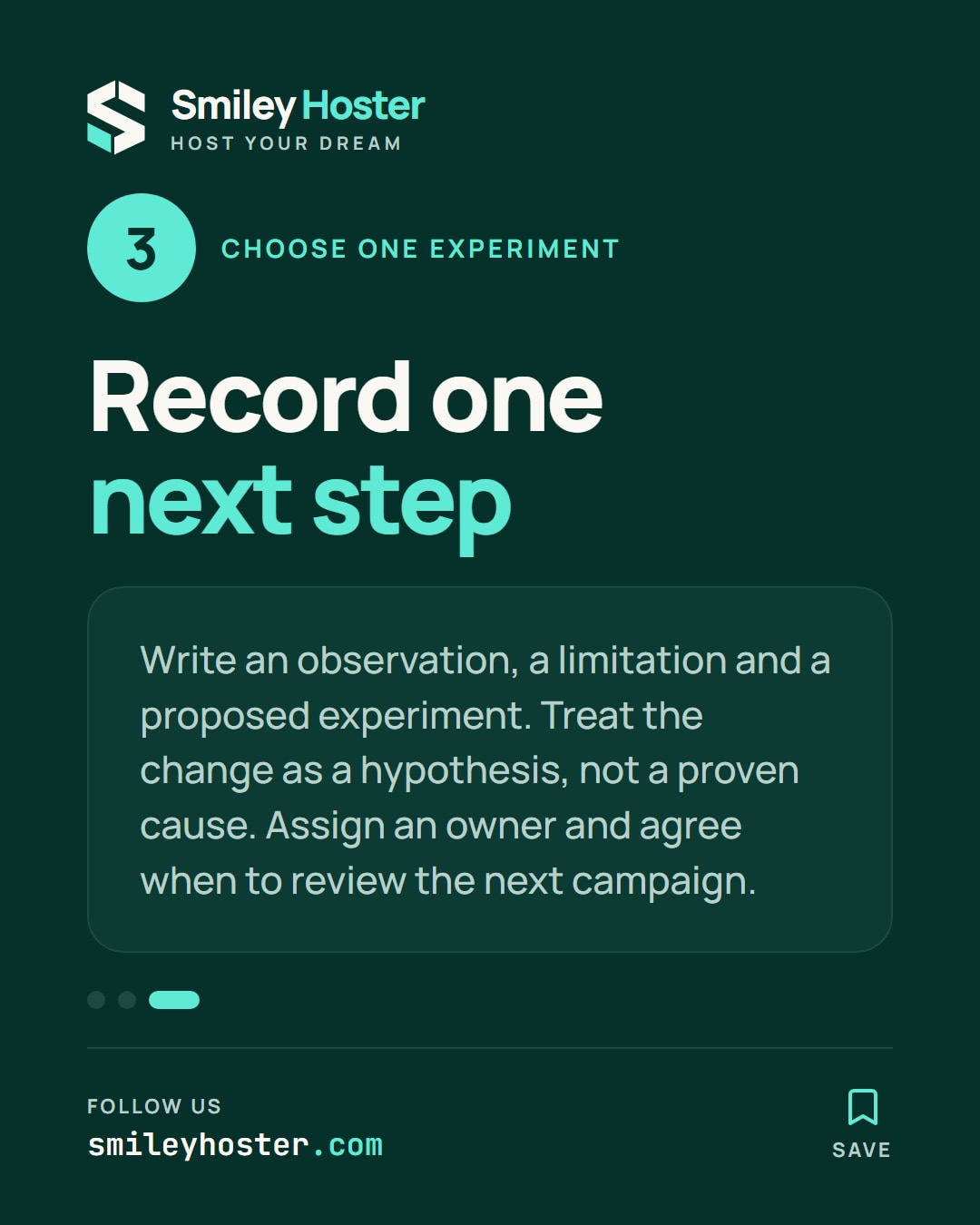
Finish your review with an observation, a limitation, and a proposed experiment. You might suggest clearer button wording after identifying an ambiguous label. Describe that as a hypothesis; the report alone does not establish that the label caused the result.
Assign the change to someone and agree when you will review the next campaign. Keep a short list of other ideas for later, so the first experiment remains easy to explain.
Your finished review should let another team member identify the email, reproduce the page check, and understand the proposed change. Incomplete evidence is still useful when its limits are written down.
Sources: Hostinger, Mailchimp.
See it in our social posts
The key steps of this article, as a carousel. Follow us to catch the next ones.