

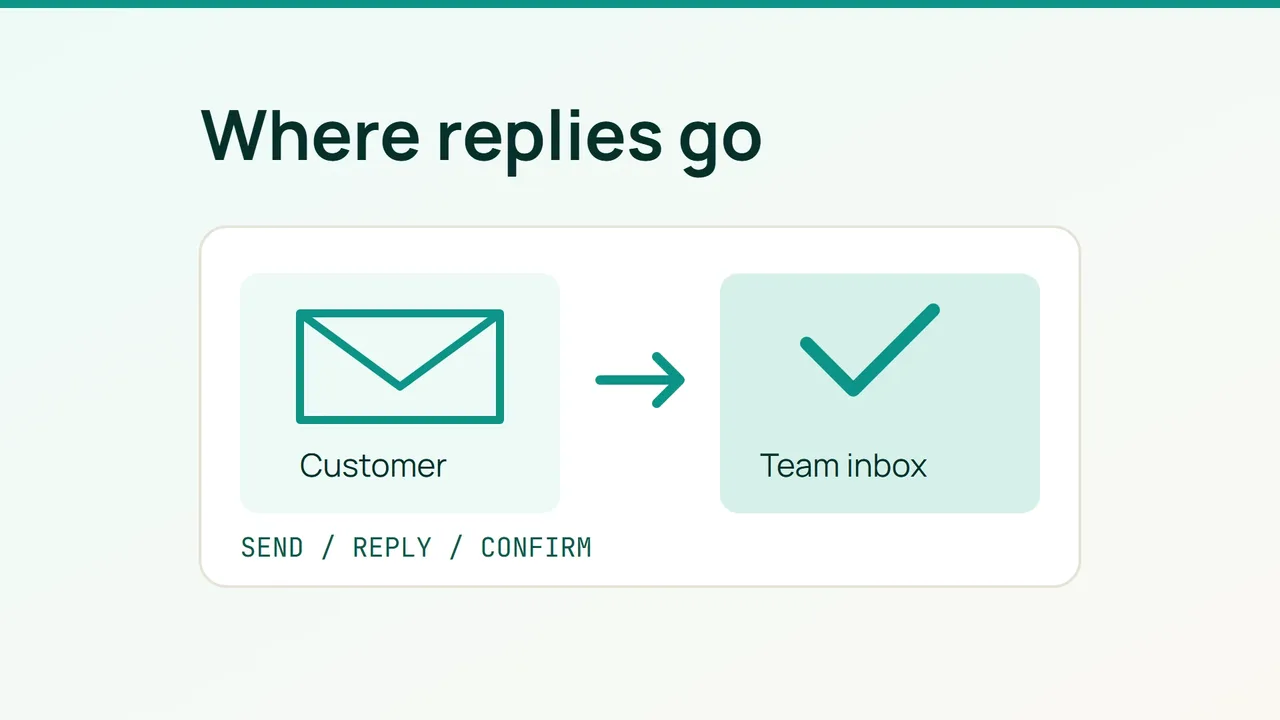
Hostinger’s September 22, 2026 story about La’Oda describes newsletters as part of its promotional activity. Preparing an email campaign also means checking what happens when a customer answers: use this short rehearsal to confirm that replies reach the inbox your team actually monitors.
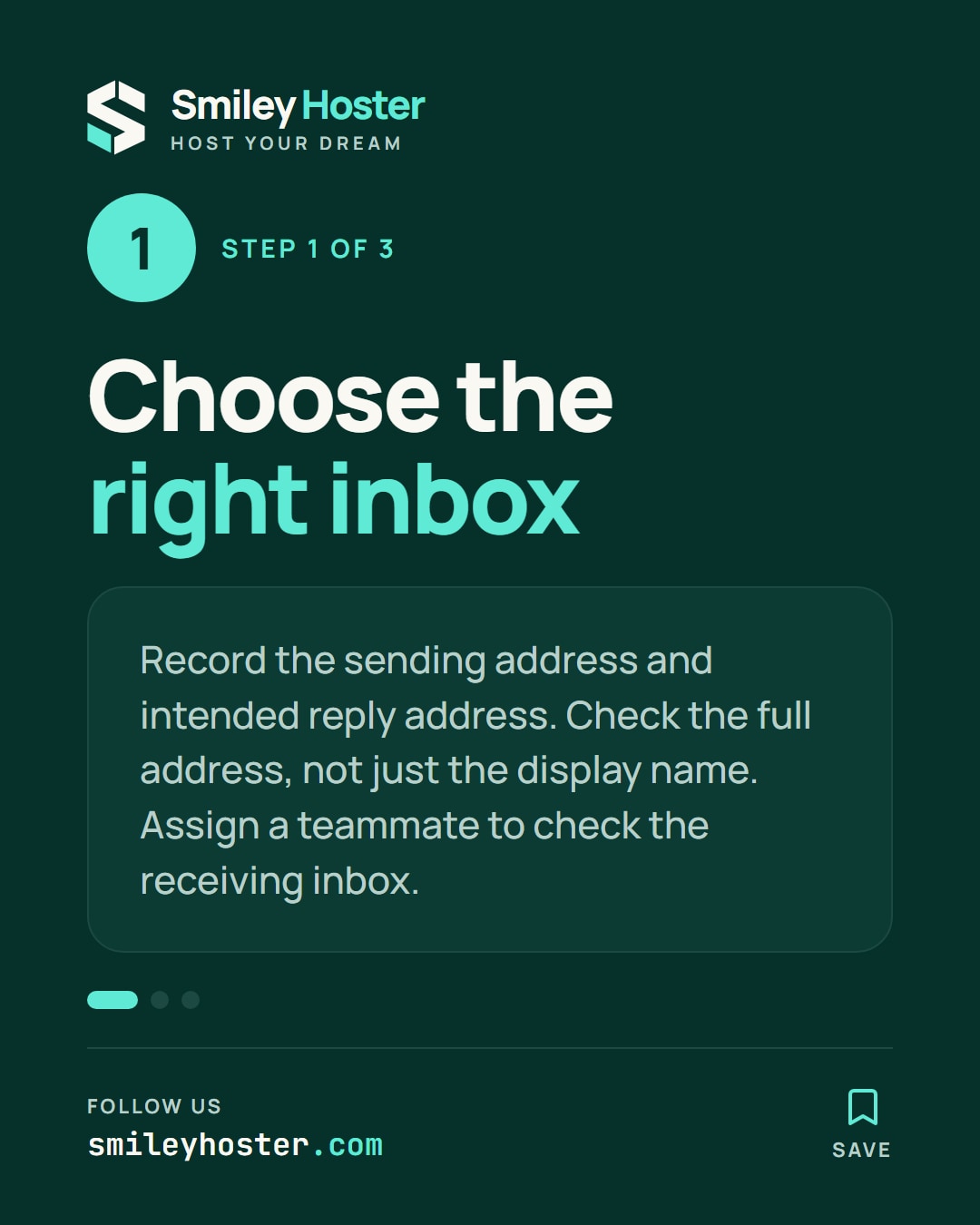
1. Write down the intended destination
Choose a recipient account you control and a separate business mailbox where customer replies should arrive. Record the campaign name, the sending address and the intended reply destination. Use your real mailbox wherever this guide uses contact@example.com.
Check the full address rather than relying on a friendly display name such as “Store team”. Google documents separate sending and reply-address settings in Gmail; changing the sender alone does not necessarily change where replies go. A message that looks right in an inbox therefore still needs a reply test.
Assign someone to check the receiving mailbox. Include that person in the rehearsal so that success means the team can read the message, rather than merely knowing that an address exists.
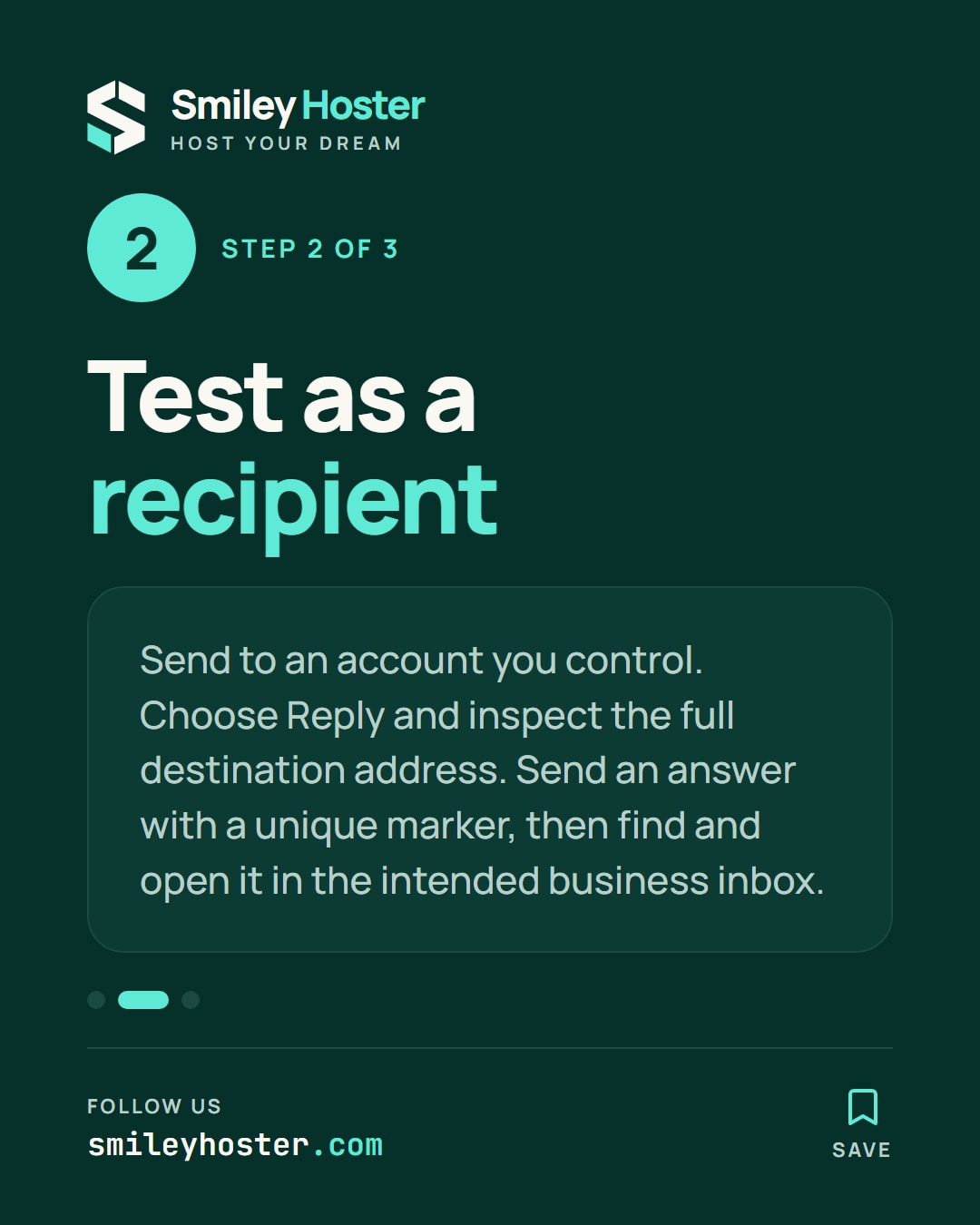
2. Test from the recipient’s side
Use the following acceptance check with your sending tool:
- Send a message to your test recipient using the configuration intended for the campaign.
- Open the delivered message and choose Reply.
- Expand the recipient field before sending. Record the complete address that appears.
- Send a short answer containing a unique marker, such as
REPLY-TEST-2409-A. - Search for that marker in the intended business inbox and open the reply.
Keep a small results sheet with the expected destination, the destination offered by the mail client and whether the reply was found. Add the test time and the name of the person who checked it. This gives you a useful comparison if you later change the configuration.
Where your platform separates preview messages from actual campaign delivery, repeat the check with a restricted send to your own test contacts. Keep customer audiences out of this rehearsal. The aim is to exercise your intended sending path with accounts you control.
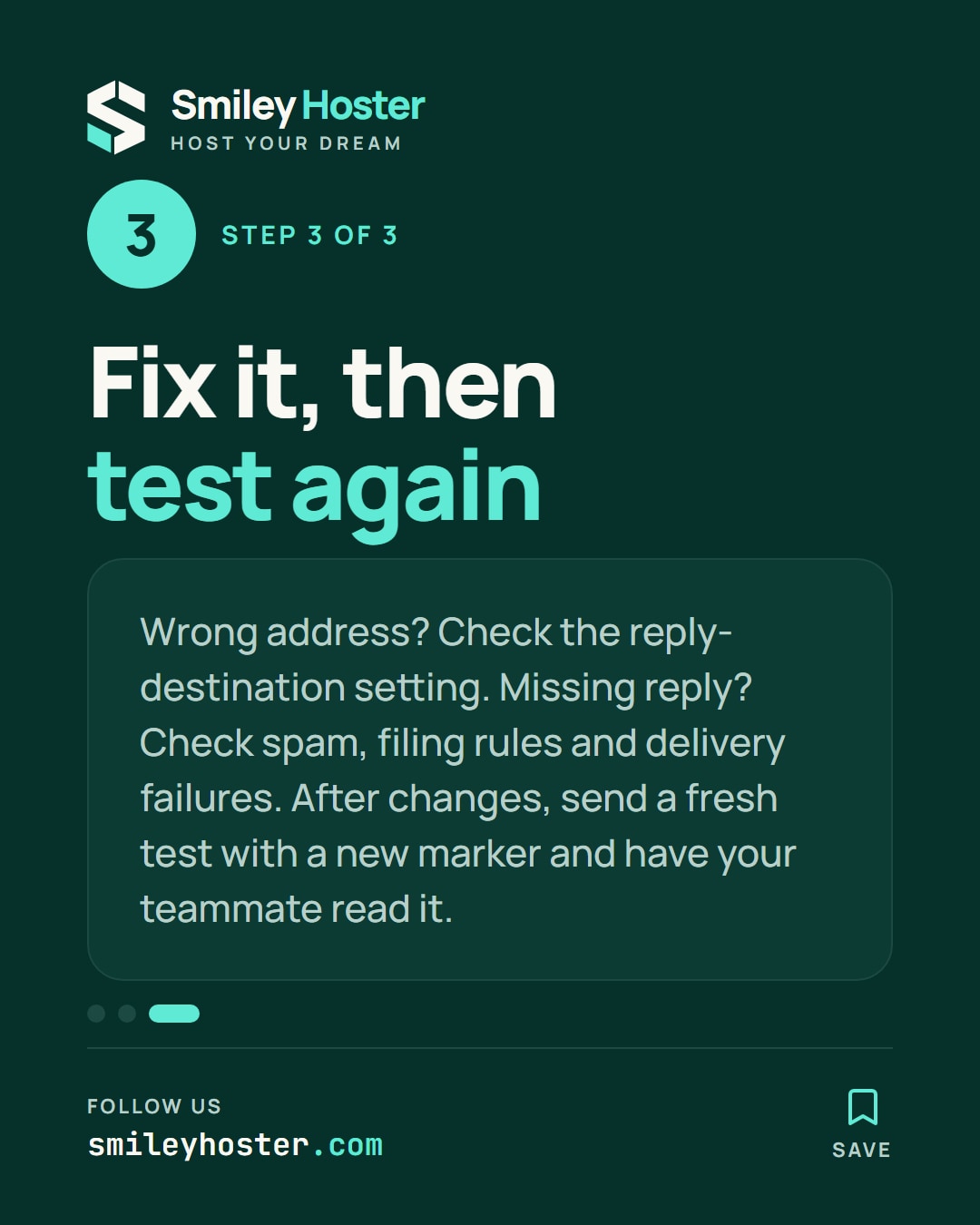
3. Fix the mismatch and repeat
If Reply opens the wrong address, inspect the reply-destination setting in the service that sent the message. For Gmail, Google places this setting under the address details in the “Send mail as” section.
If the proposed address matches but the message cannot be found, check the receiving mailbox’s spam folder and filing rules. Also record any delivery failure returned to the test account. Give the mail administrator the observed addresses and test time so they can investigate a specific attempt.
After a change, send a fresh message and use a new marker. Close the check only when the mail client offers the intended address and the responsible teammate can read the answer. Save the result alongside your campaign checklist. It confirms the reply path you tested, without establishing inbox placement for your entire audience.
Sources: Hostinger, Gmail Help.
See it in our social posts
The key steps of this article, as a carousel. Follow us to catch the next ones.