

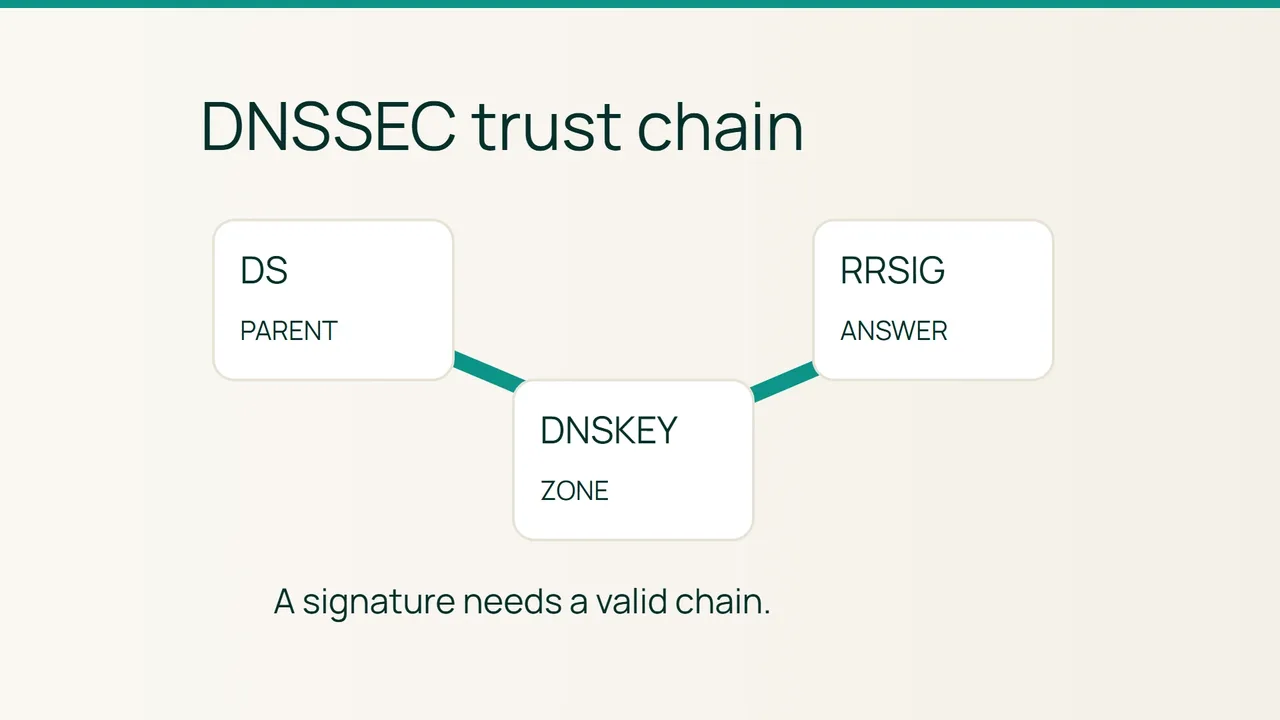
A domain can answer directly from its nameserver while failing with SERVFAIL through a validating resolver. Changing its A record will not repair a broken DNSSEC chain. Cloudflare’s troubleshooting guidance provides a starting point for separating those failures.
Search intent: locate a DNSSEC trust failure and activate or recover signing in a controlled order. Replace the fictional names below with your own domain and authoritative servers.
1. Compare signed data with validated data
DNSKEY records hold public keys, and RRSIG records carry signatures over record sets. The parent zone publishes a DS referencing a child-zone key, normally through your registrar. Validation follows that relationship toward a trusted root. DNSSEC authenticates DNS data; it does not encrypt lookups.
Collect evidence before changing settings:
dig example.com NS +shortdig example.com DS +tracedig @ns1.example.net example.com DNSKEY +dnssecdig @ns1.example.net example.com A +dnssecdig @1.1.1.1 example.com A +dnssecdig @1.1.1.1 example.com A +dnssec +cdflagQuery every authoritative NS. The first recursive lookup asks for DNSSEC data; the second also requests that the resolver skip validation. If only the second succeeds, investigate the trust chain. This is a diagnostic comparison, not a recommended way to browse around the fault. Unreachable nameservers can also cause SERVFAIL.
A fictional failure
Your authoritative server returns example.com. 300 IN A 192.0.2.40 and a signature, but the parent still publishes the previous provider’s DS. The answer is signed without having a valid chain. Compare every DS field against the DNS provider’s supplied value: key tag, algorithm, digest type and digest. Never invent a digest or copy one from a tutorial.
The presence of RRSIG alone is insufficient. dig +dnssec requests signatures; it does not independently prove the whole chain valid.
2. Change one trust relationship at a time
Risk: an incorrect DS, or stopping signing while the parent still requires it, can break both web and mail resolution.
- Record the existing NS, DS, signing state and relevant TTLs. Confirm that you can access both provider accounts before starting.
- For first activation, enable authoritative signing first. Check that every assigned NS serves DNSKEY and RRSIG records.
- Add the provider’s exact DS through the registrar’s DNSSEC controls. Adding a DS inside the child zone does not establish the parent relationship.
- During recovery, inspect signature validity dates and the parent’s expected key. Ask the DNS operator to repair missing or expired signatures; restore the referenced key if a safe supported recovery exists.
- Check a second validating resolver and record the change time. Keep nameserver migration separate from initial activation.
Rollback
Prefer restoring a valid signed chain. If DNSSEC must be withdrawn, remove the parent DS through the registrar while keeping authoritative signing operational. Confirm parent removal and allow cached DS records to expire before stopping signing. This temporarily removes authentication and cannot guarantee immediate recovery for every cache.
3. Final verification
dig @1.1.1.1 example.com A +dnssecdig @8.8.8.8 example.com MX +dnssecFor correctly validated signed data, expect NOERROR and the ad flag from a trusted validating resolver. Use DNSViz to examine the chain as well. A missing AD flag by itself does not demonstrate an attack.
Common mistakes
The authoritative aa flag is different from authenticated ad. Keep stale DS records, expired signatures and prematurely removed keys on your investigation checklist. Disabling validation on clients hides the protection failure instead of repairing the domain.
Sources: Cloudflare DNSSEC troubleshooting, ISC BIND diagnostic options.