

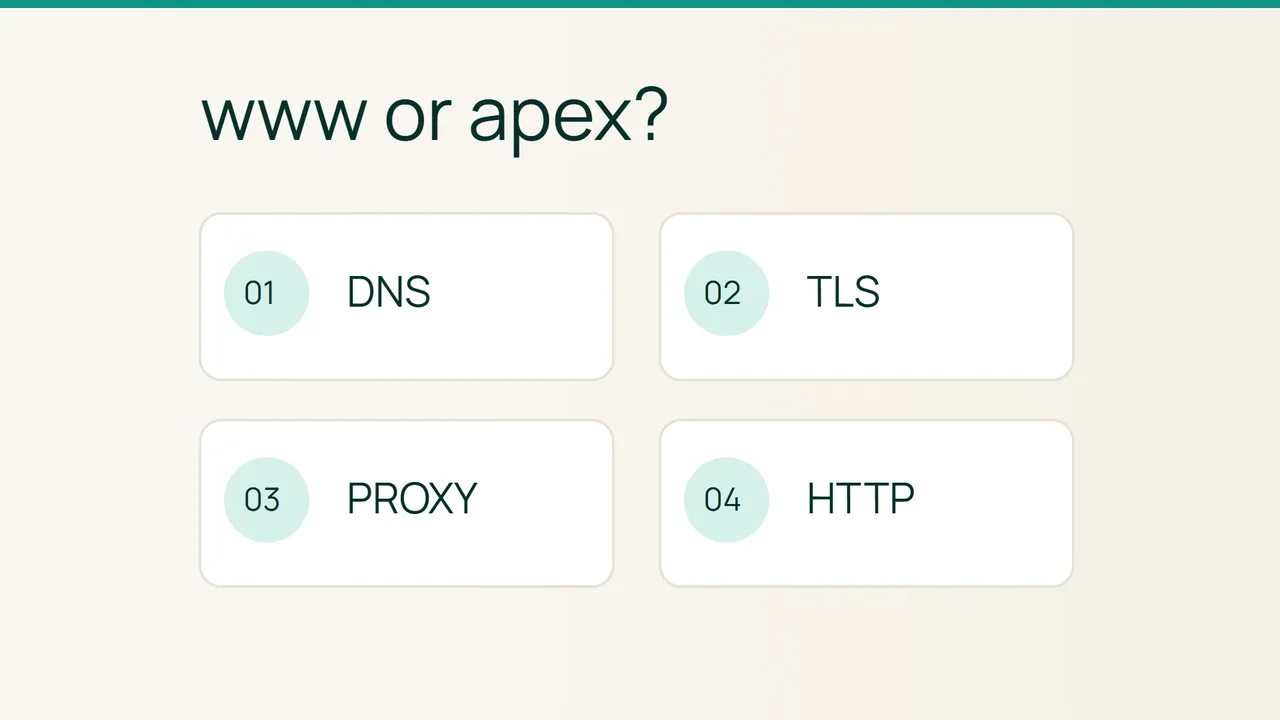
One hostname loads your website while the other shows a certificate warning, a different page or no connection at all. Cloudflare’s zone-apex guidance separates two requirements worth checking independently: a usable DNS destination and a certificate covering the name.
Search intent: identify why apex and www behave differently, then fix the responsible layer. All example names and addresses are fictional. Test only infrastructure you administer.
1. Compare DNS, TLS and HTTP separately
The apex example.com and www.example.com are separate DNS names. A CNAME aliases a name; it does not redirect a browser URL. A and AAAA select IPv4 and IPv6 destinations. Conventional apex CNAMEs conflict with required zone records, so provider-specific ALIAS or flattening needs deliberate handling.
dig example.com A +shortdig example.com AAAA +shortdig www.example.com CNAME +shortdig www.example.com A +shortdig www.example.com AAAA +shortnslookup example.com 1.1.1.1Compare answers with the intended architecture. Different CDN addresses can be legitimate. An intentionally IPv6-only endpoint may have no A record, but cannot serve IPv4-only clients.
Next, use curl from a POSIX shell:
curl -4 -I https://example.com/curl -4 -I https://www.example.com/curl -6 -I https://example.com/curl -IL --max-redirs 5 https://www.example.com/A name-resolution failure points toward DNS. A certificate error happens before HTTP. Repeated Location destinations suggest a redirect loop, while an unexpected page or 404 calls for virtual-host investigation. Judge the IPv6 test only from a network with working IPv6.
2. Bypass one layer for diagnosis
Before modifying anything: save DNS, proxy and web-server settings. Redirect changes can persist in browsers, while DNS changes affect visitors gradually.
- Target an authorized origin IP without changing the HTTP hostname or TLS name:
curl --resolve example.com:443:192.0.2.80 \ -I https://example.com/This overrides DNS for the test. A private origin certificate trusted only by your proxy can legitimately fail a direct public-trust test, so account for that architecture.
- If the origin works but the public route fails, examine edge certificates, routing and forwarded hostnames. If both fail, inspect the origin certificate and virtual host. Correlate access and error logs: an HTTP status alone does not prove which component produced it.
- Repair records only when the DNS evidence requires it. A simple non-proxied fictional deployment could use:
example.com. 300 IN A 192.0.2.80www.example.com. 300 IN CNAME example.com.- Configure the proxy or server to recognize both names, and deploy a certificate that covers both. A
*.example.comwildcard does not cover the apex itself. - Choose a canonical hostname and redirect in one direction. Test with a temporary redirect before making it permanent. The source hostname needs working HTTPS before it can send an HTTPS redirect.
Rollback
Restore the last known working web/proxy configuration and saved DNS values where needed. Allow for DNS cache lifetimes and cached permanent redirects. Keep the previous destination usable while answers converge.
3. Final verification
Exercise HTTP and HTTPS for both hostnames from another network. Check each certificate and confirm a loop-free route to the canonical destination. Include a real page path and query parameters, not just the homepage.
Common mistakes
A CNAME cannot repair certificate coverage. An obsolete AAAA record can leave only some users affected. Watch for default virtual hosts and competing redirect rules at the application and proxy. Do not use curl -k to turn a failed certificate test into a claimed success.
Sources: Cloudflare zone-apex and TLS guidance, curl resolution and redirect reference.