

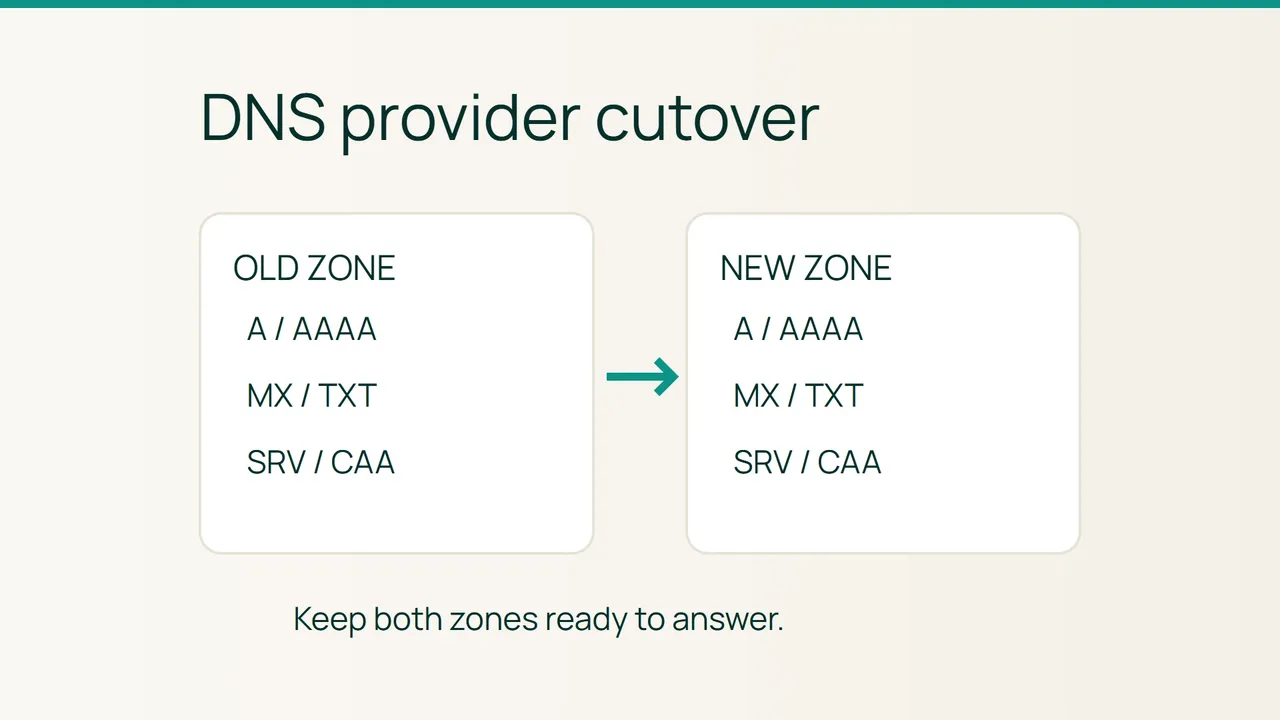
A DNS provider move may keep the homepage online while quietly breaking mail or a delegated application. Cloudflare’s nameserver setup guidance highlights why zone completeness and DNSSEC must be handled before changing delegation.
Search intent: move authoritative DNS with service continuity and a usable rollback. The examples are fictional. This procedure moves DNS hosting; it does not transfer domain registration or migrate web and mail data.
1. Build an inventory that queries cannot discover
Export the current zone and assign each record to a service owner. Record its name, type, value, TTL and priority where relevant. Public DNS queries and automated scans cannot reliably enumerate every name.
Cover A, AAAA, CNAME, MX, TXT for SPF/DKIM/DMARC and ownership checks, SRV, CAA, delegated NS records, wildcards and any TLSA or HTTPS/SVCB records. Separately document provider features such as ALIAS, CNAME flattening, proxying and geographic routing: an exported record may not preserve their behavior.
dig example.com NS +shortdig example.com DS +tracedig @ns1.old.example example.com MXdig @ns1.old.example example.com TXTdig @ns1.old.example _dmarc.example.com TXTUse your actual old nameservers. Save dated outputs and compare mail destinations, policies and the parent DS with your account configuration. Resolve unexplained discrepancies before importing anything.
2. Rehearse the new zone before delegating
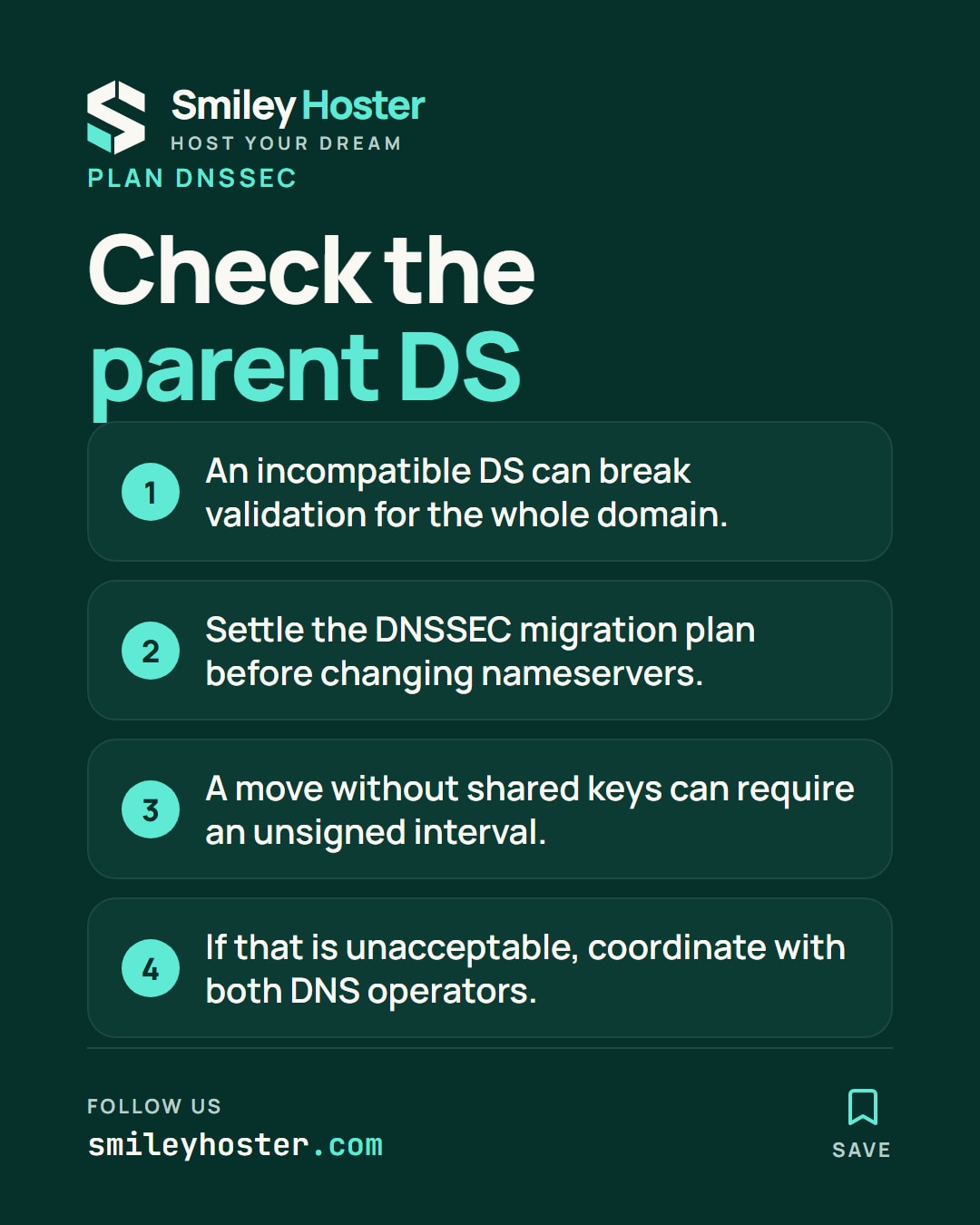
Risk: a missing mail or DKIM record can damage email independently of the website. An incompatible parent DS can make the entire domain fail validation.
- Lower editable record TTLs in advance, then wait out their previous lifetimes. Address-record TTLs do not set the parent delegation’s cache lifetime.
- Import the data and review each service. Let the new provider generate its own SOA and authoritative NS records rather than copying those blindly.
- Compare fictional entries such as these with the real inventory:
example.com. 300 IN A 192.0.2.60www.example.com. 300 IN CNAME example.com.example.com. 300 IN MX 10 mail.example.com.mail.example.com. 300 IN A 192.0.2.61- Query each assigned destination NS directly:
dig @ns1.new.example example.com A +norecursedig @ns1.new.example example.com MX +norecursedig @ns1.new.example example.com CAA +norecurseExpect authoritative aa responses matching the inventory. Add tests for known application names, SRV records and DKIM selectors.
- Settle DNSSEC before switching NS. For a simple move without key sharing, remove the parent DS through the registrar while keeping old signing active. Confirm removal and wait for cached DS records to expire. This creates an unsigned interval; if unacceptable, arrange a coordinated DNSSEC migration with both operators.
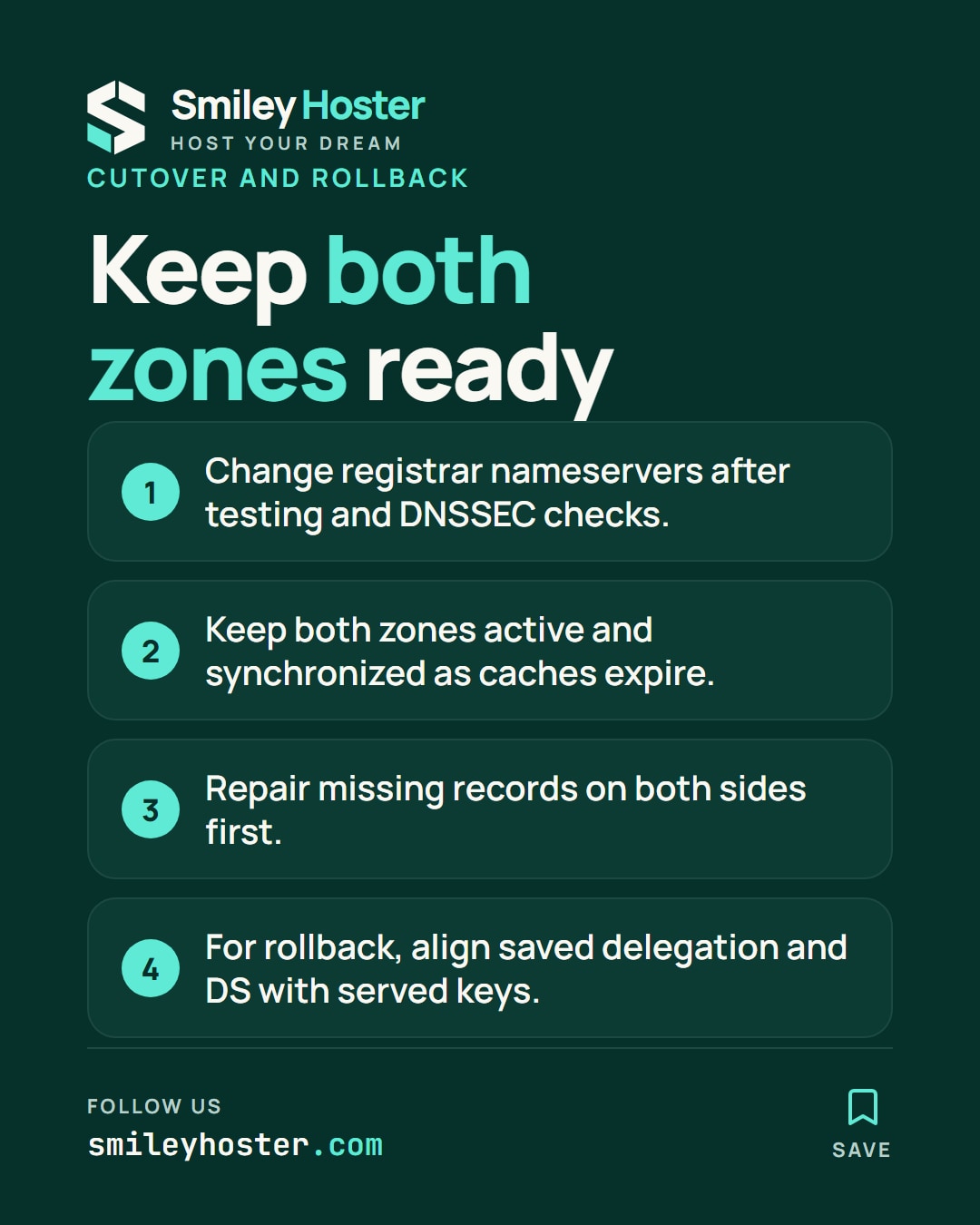
- Replace the registrar’s NS set. Keep both zones active and synchronized while old delegations expire. Once stable, enable signing at the destination and publish its DS.
Rollback
Repair missing data on both sides first. If returning to the old provider is necessary, restore the saved delegation while leaving the new zone available to remaining caches. Coordinate DS records with the keys actually served; restoring old NS alone can introduce another validation failure.
3. Final verification
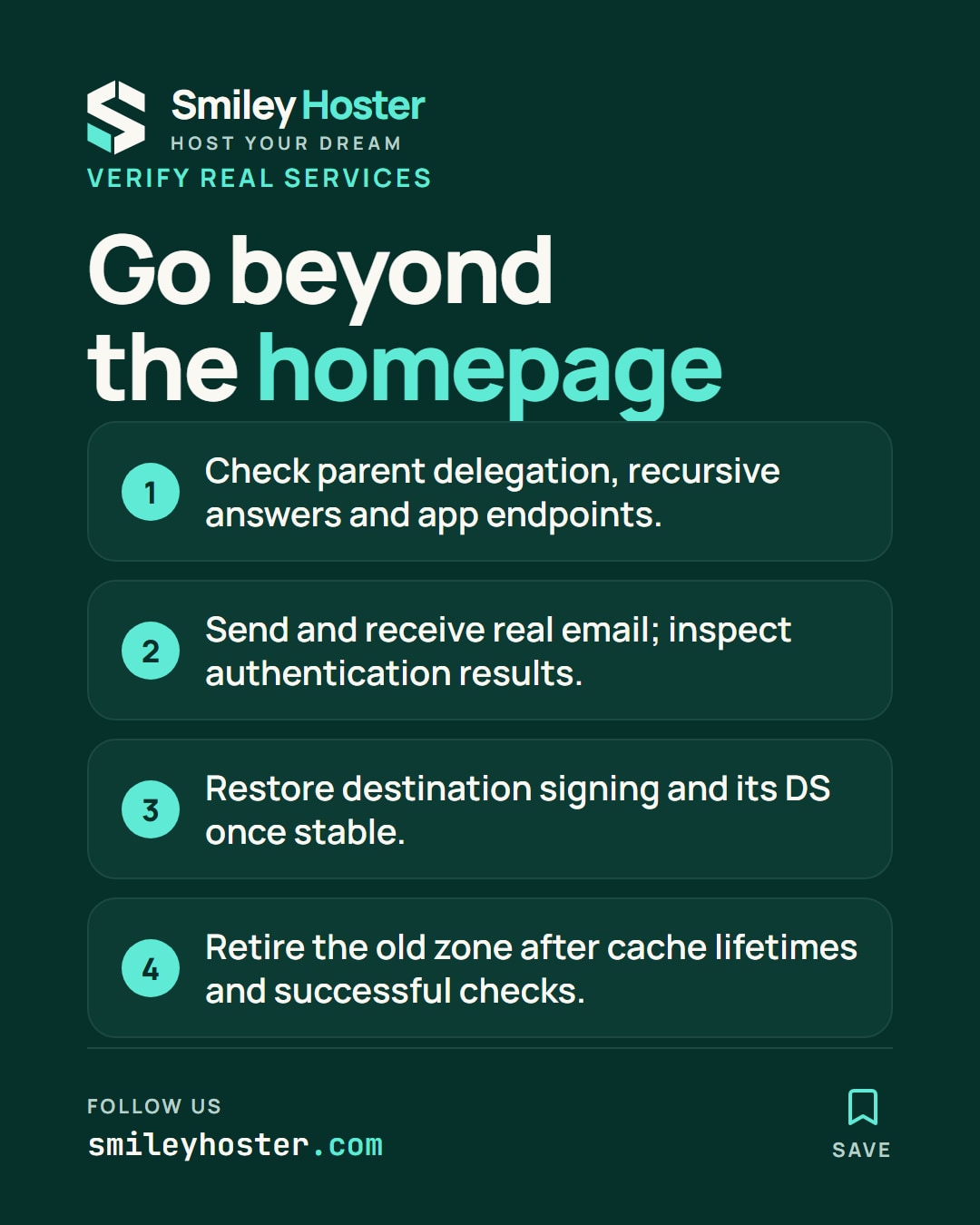
dig +trace example.com NSdig @1.1.1.1 example.com MXdig @8.8.8.8 example.com ACheck parent delegation, recursive answers and application endpoints. Send and receive a real test message and inspect its authentication results. Retire the previous zone only after relevant cache lifetimes and successful monitoring.
Common mistakes
Do not assume a lower A TTL accelerates delegation everywhere. Watch for forgotten subdomain delegations and provider-specific aliases. Cancelling the old account immediately removes your overlap and recovery path. DNS changes do not move mailboxes or website files.
Sources: Cloudflare nameserver change guidance, ISC DNS command reference.
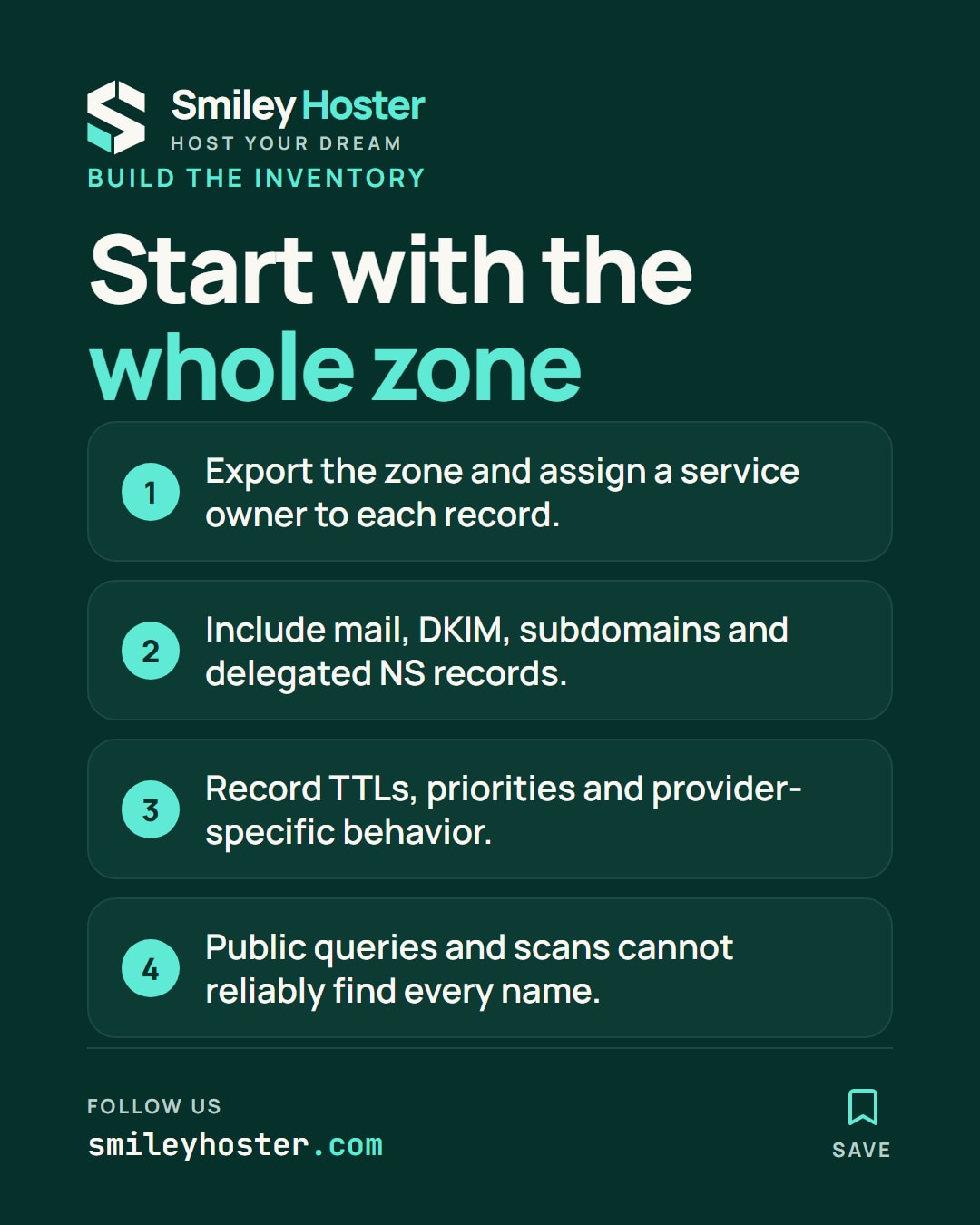
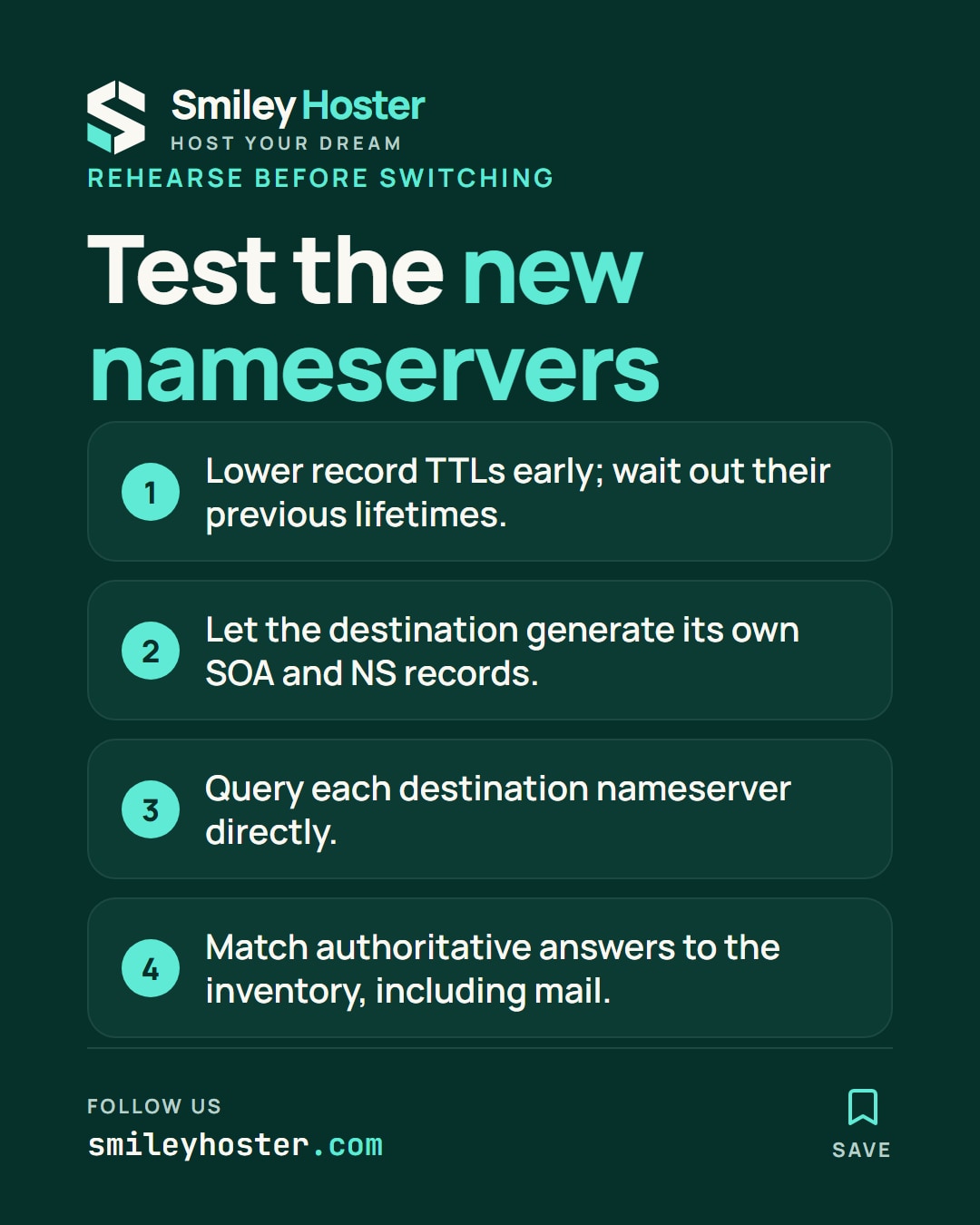
See it in our social posts
The key steps of this article, as a carousel. Follow us to catch the next ones.