

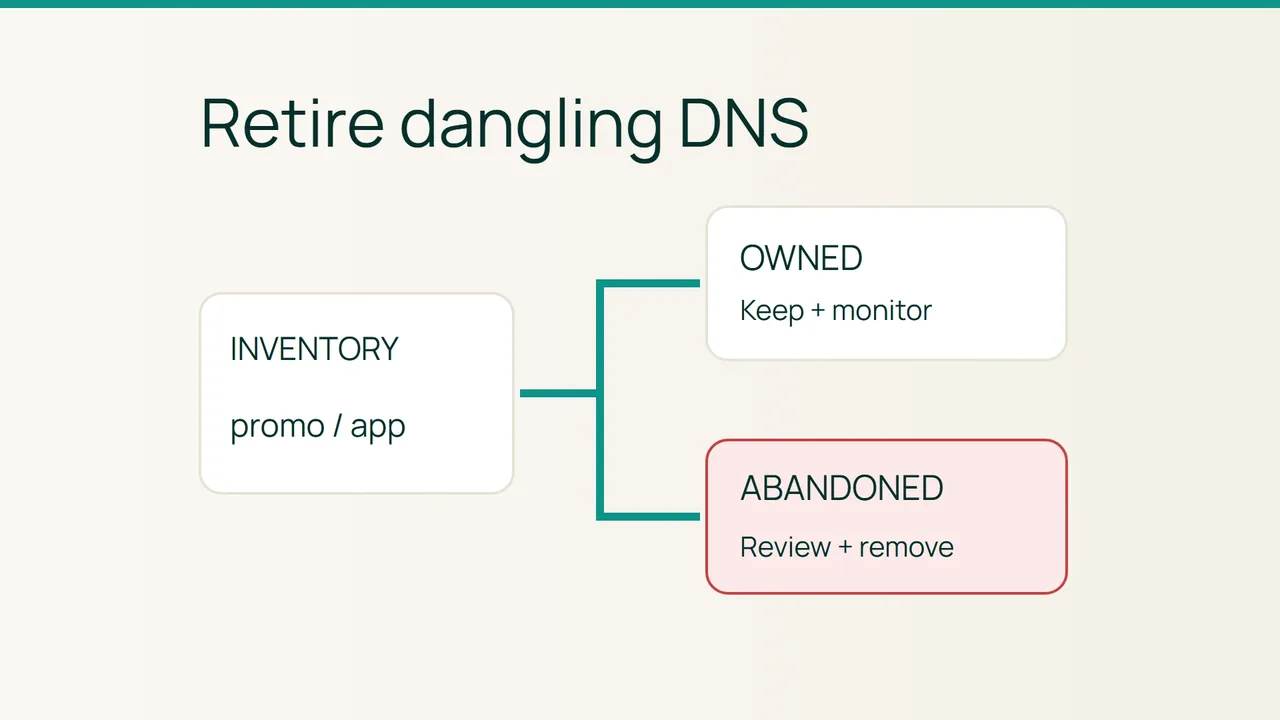
A retired campaign leaves behind promo.example.com, still pointing at a deleted hosted application. Depending on the provider’s ownership controls, that leftover reference may expose your subdomain to takeover. Microsoft’s dangling-DNS guidance is a practical starting point for a defensive audit.
Search intent: locate abandoned DNS dependencies and retire them safely on domains you own. Examples are fictional. Do not claim somebody else’s resource to demonstrate a suspected weakness.
1. Separate a suspicious answer from confirmed abandonment
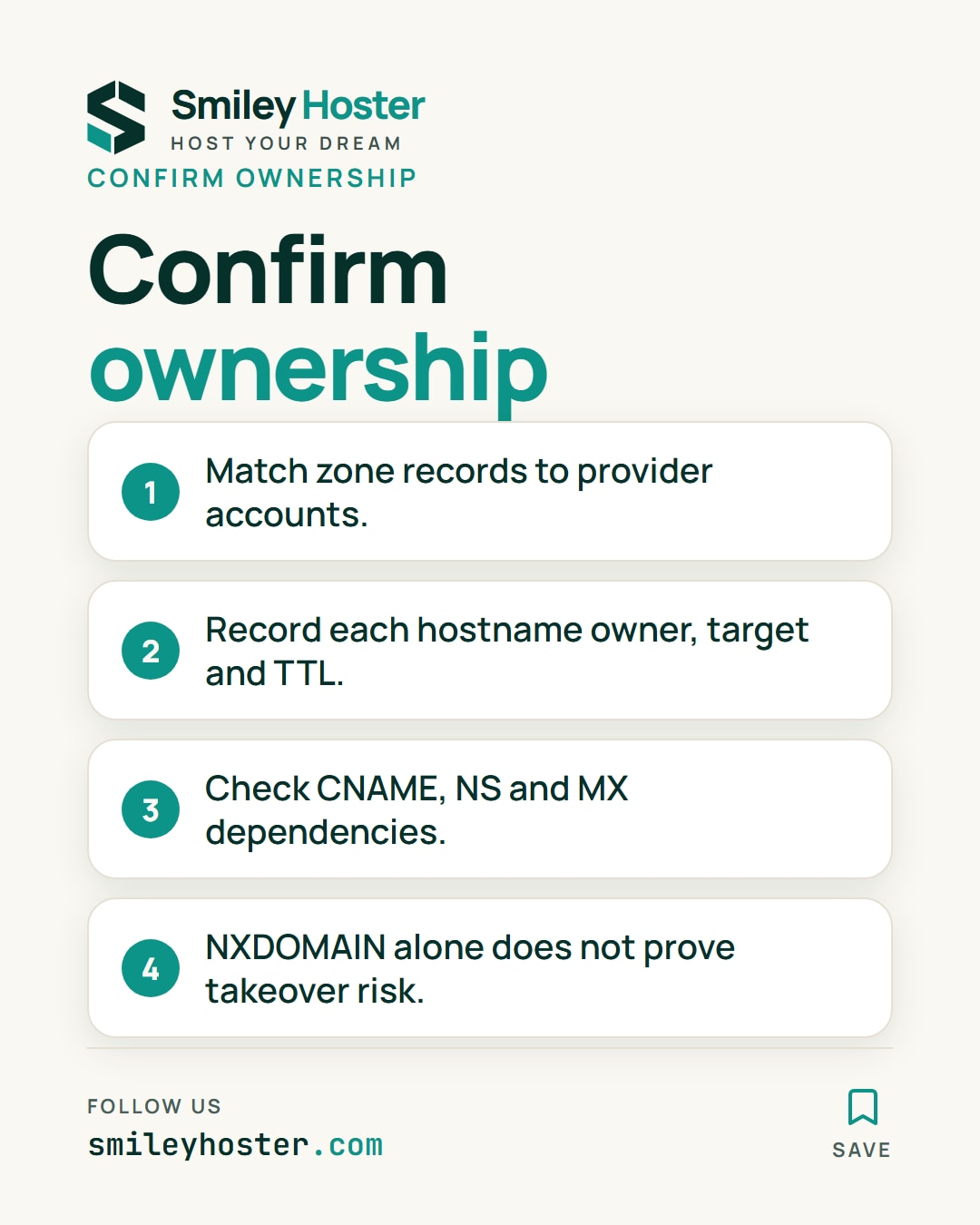
Export your zones, then reconcile records with SaaS accounts, cloud inventories and deployment records. Assign each hostname an internal owner, provider account, target, TTL and retirement date. Include stale NS delegations, MX destinations and service addresses alongside CNAMEs.
A fictional entry worth investigating might be:
promo.example.com. 300 IN CNAME old.example.net.Substitute your own names before running these read-only checks:
dig promo.example.com CNAME +noall +answerdig old.example.net Adig old.example.net AAAAhost promo.example.comnslookup promo.example.com 1.1.1.1The CNAME answer identifies the dependency and remaining TTL. NXDOMAIN at the destination is an investigation lead, not proof that another customer can claim it. Retired services sometimes still resolve, and a missing-application page alone does not establish takeover risk.
Confirm the resource and custom-domain association in your own provider account, then contact its internal owner. Certificate history can add candidate names to the inventory, but does not prove current control or provide a complete zone export.
2. Remove dependencies in a controlled order
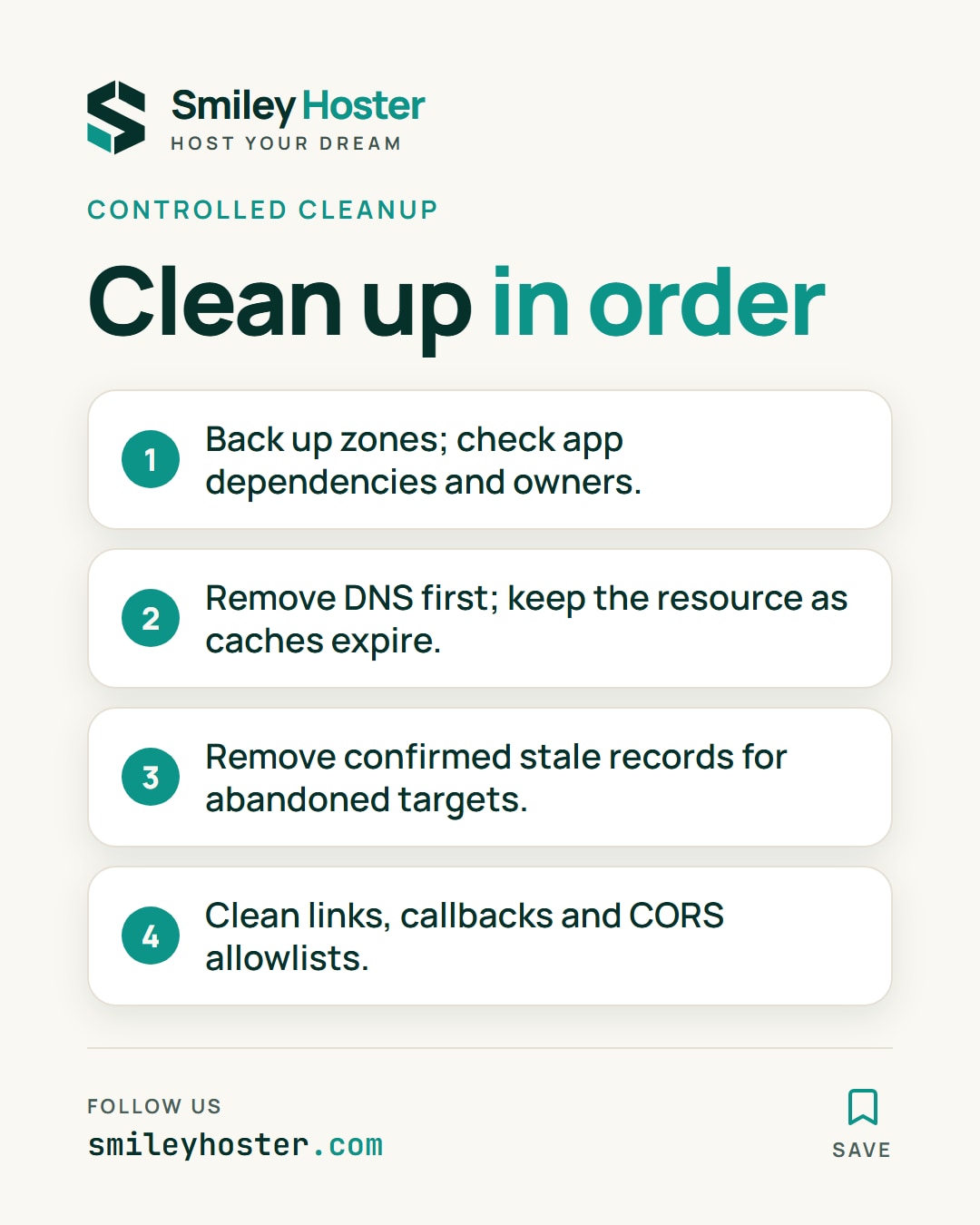
Risk: deleting an apparently unused record can break a webhook, OAuth callback, campaign or mail service. Preserve the zone export and review application references before editing.
- Classify findings as active, confirmed retired or owner unknown. Assign investigation for unknown ownership instead of deleting automatically.
- For a resource still under your control, remove or replace its DNS reference first. Keep control of the resource while relevant cached answers expire, then release it.
- For an already abandoned target, remove the confirmed stale entry. If the hostname must remain available, route it to a controlled destination with the necessary certificate and application behavior.
- Clean application links, callback URLs and CORS allowlists. If takeover is suspected, preserve evidence and investigate possible cookie or secret exposure through your incident procedure.
- Make DNS cleanup part of decommissioning. Schedule inventory reviews and alerts for changes to targets or accountable owners.
Rollback
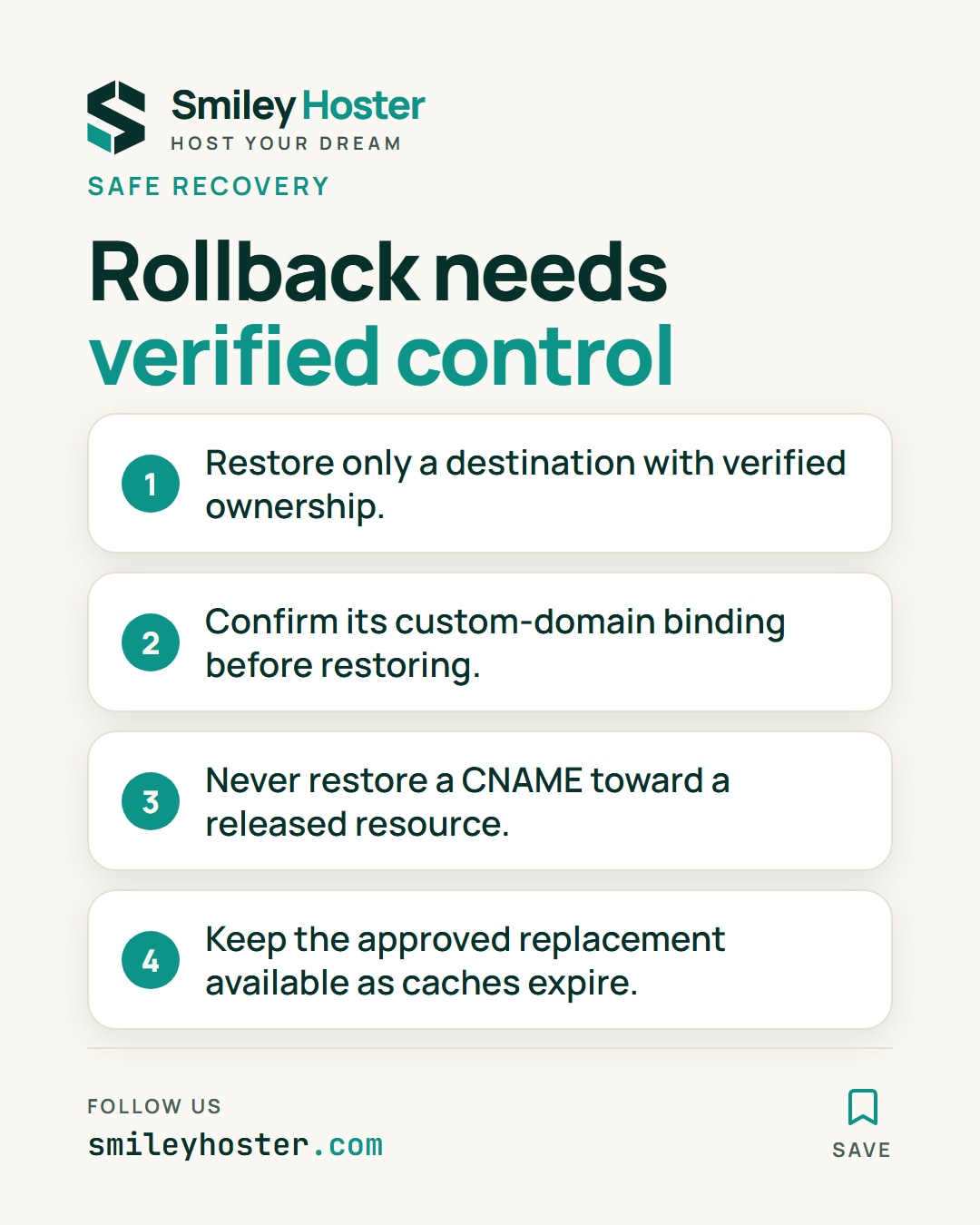
If cleanup breaks a legitimate service, restore only a destination whose ownership and domain binding you have verified. Never blindly restore a CNAME toward a released resource. Cache lifetimes still apply to recovery, so keep the approved replacement available during convergence.
3. Final verification
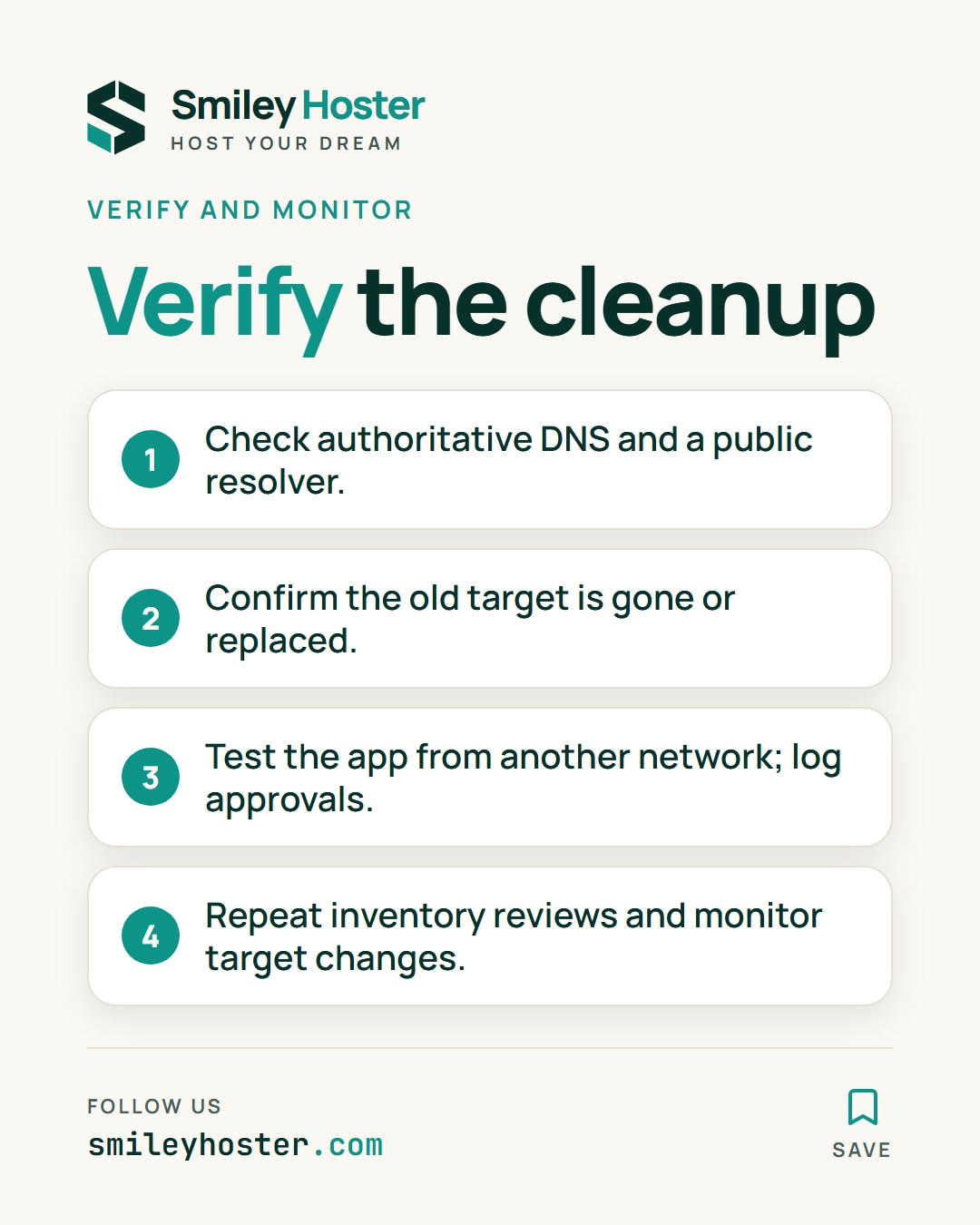
dig @ns1.example.net promo.example.com CNAMEdig @1.1.1.1 promo.example.com CNAMEUse your actual authoritative NS. The old CNAME should be absent or replaced by the approved target. Depending on other records and wildcards, removal may produce NXDOMAIN or a successful empty answer. Test the intended application behavior from another network as well.
Record who approved each removal and link it to the retired resource. That gives the next administrator a reason for the change and a safe recovery reference.
Common mistakes
A valid HTTPS certificate does not demonstrate continued organizational ownership. Provider verification TXT records may have a protective role, so investigate before removing them. Distinguish outages from abandoned resources and treat a one-time scan as an inventory snapshot, not ongoing monitoring.
Sources: Microsoft dangling-DNS prevention, ISC BIND DNS inspection reference.
See it in our social posts
The key steps of this article, as a carousel. Follow us to catch the next ones.