

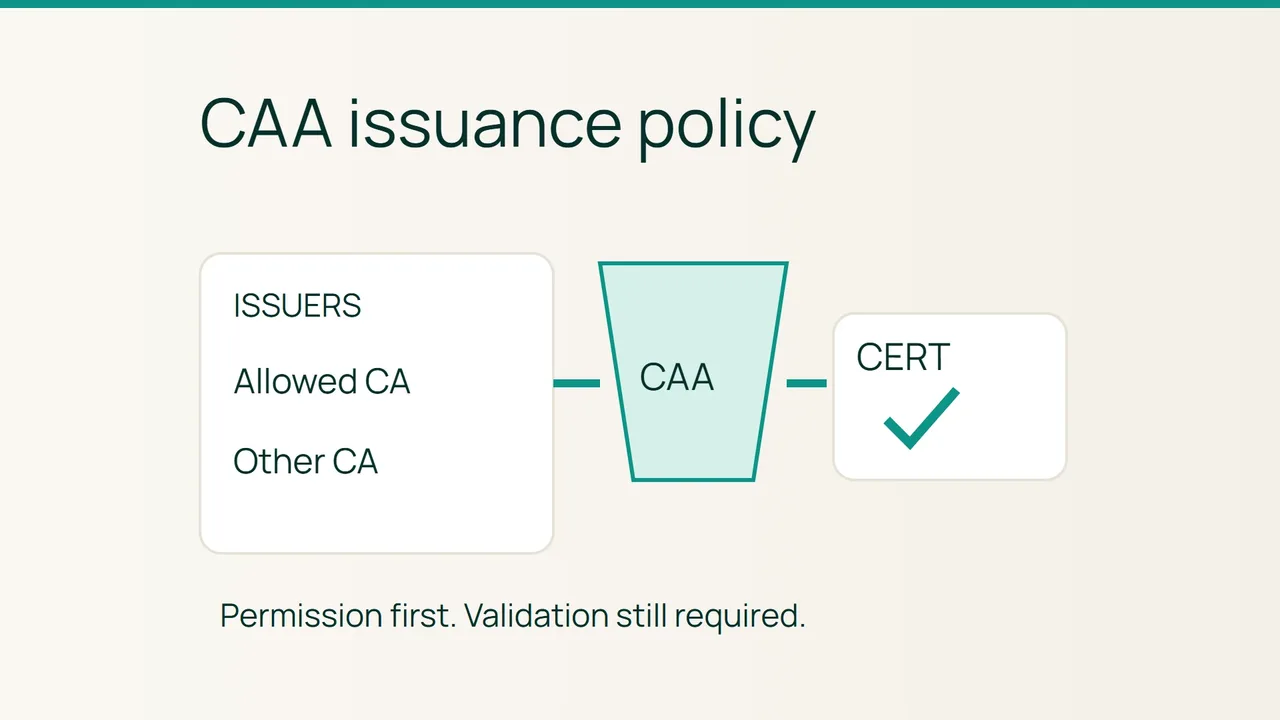
A working HTTPS site can still be heading toward a renewal failure. CAA may exclude the issuer your automation uses, or DNS may fail before the issuer can evaluate the policy. Let’s Encrypt’s CAA governance article is a useful prompt to audit that dependency.
Search intent: restrict certificate issuers while preserving automatic renewal. Names and addresses in the examples are fictional; letsencrypt.org is the real CAA identifier for Let’s Encrypt.
1. Inspect policy before restricting issuers
CAA controls issuance permission, not domain ownership validation, and does not revoke certificates already issued. An issue property permits an issuer for ordinary names and also governs wildcards when no issuewild policy exists. An issuewild property sets separate wildcard permissions. iodef identifies a reporting destination; it neither grants permission nor guarantees that a report arrives.
Start by listing every name on the certificate, then identify issuers used by your ACME client, CDN and hosted services.
dig example.com CAAdig www.example.com CNAME +shortdig www.example.com CAAdig @1.1.1.1 example.com CAA +dnssecnslookup -type=CAA example.com 8.8.8.8Use dig if your nslookup build does not support CAA. A successful empty answer at one name is not automatically a prohibition: parent policy may apply. Follow CNAME targets as well. A SERVFAIL response is a lookup failure, not a valid empty policy.
2. Make the change and exercise renewal
Risk: a restrictive error may remain invisible until a replacement certificate is needed. Save the original record set and TTLs first, and retain enough time to recover before expiry.
- Inventory required issuers, including any edge proxy. Obtain each issuer’s documented CAA identifier rather than guessing from its brand.
- Build a policy matching that inventory. This fictional zone permits ordinary certificates from Let’s Encrypt and disallows wildcard issuance:
example.com. 300 IN CAA 0 issue "letsencrypt.org"example.com. 300 IN CAA 0 issuewild ";"example.com. 300 IN CAA 0 iodef "mailto:pki@example.com"- If Let’s Encrypt wildcards are needed, change the
issuewildvalue to"letsencrypt.org". Multiple permissions for the same property are additive; a deny entry does not cancel another entry that grants permission. - Publish at the authoritative DNS provider and query every assigned nameserver. Do not add CAA beside a conventional CNAME at the same owner name.
- Once caches reflect the policy, run the renewal test documented for your actual ACME client. Inspect its logs and check challenge completion separately from CAA authorization and certificate installation.
Rollback
Restore the saved policy if a required issuer is excluded. Confirm the restoration at each nameserver, allow affected caches to expire and repeat the test. Removing CAA does not solve an underlying DNSSEC validation failure or nameserver outage.
3. Final verification
Every requested certificate name must lead to policy compatible with the intended issuer. Evaluate wildcard permission separately. Record the issuer, test date and automation result, then keep expiration and renewal-job monitoring enabled.
Common mistakes
Misspelled issuer identifiers, inherited restrictions and CNAME targets with unexpected policy can all interfere with issuance. Avoid account or validation-method restrictions until you have confirmed compatibility with the client and issuer. Do not interpret silence from an iodef address as evidence that renewal works.
Sources: Let’s Encrypt on CAA governance, Let’s Encrypt CAA rules and troubleshooting.