

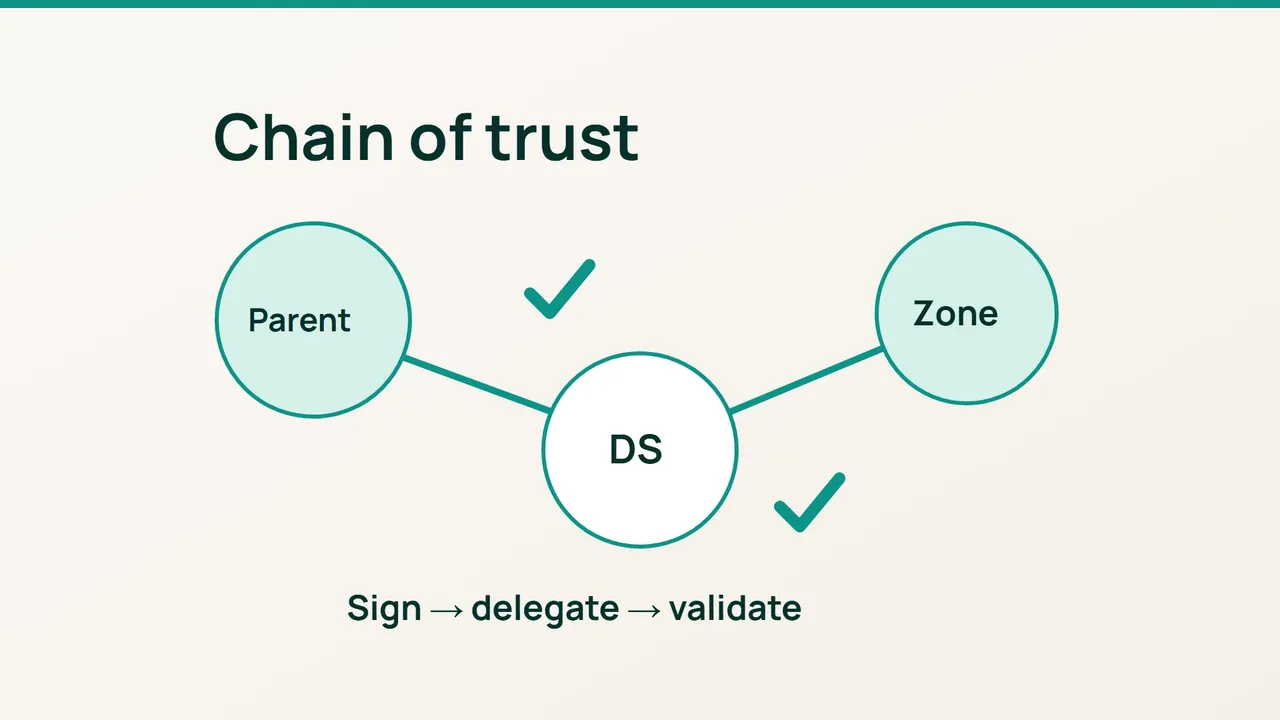
Cloudflare has announced post-quantum DNSSEC validation on its 1.1.1.1 resolver. That does not automatically change your domain's signing: start by checking its existing DNSSEC chain between the signed zone and the parent delegation.
1. Confirm that this is an established zone
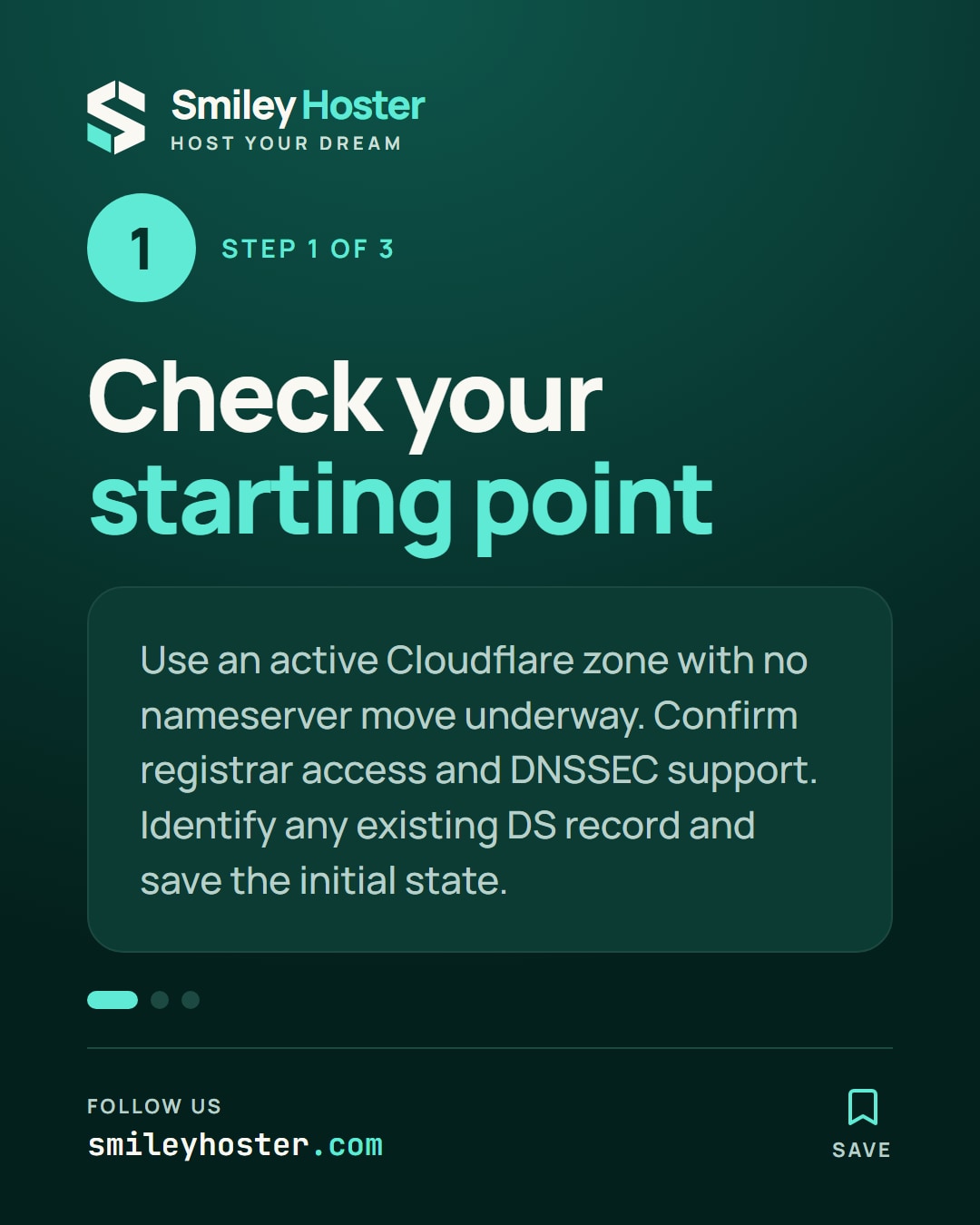
Use this procedure for a domain already active on Cloudflare, with no nameserver migration underway. Verify the zone status and identify the registrar responsible for the domain.
DNSSEC authenticates DNS data. It does not replace HTTPS or inspect website content, so the acceptance test should focus on DNS validation rather than a browser padlock.
Check that your registrar can accept the DNSSEC parameters Cloudflare provides. Find the relevant form before starting. If a DS record already exists, establish what it belongs to rather than overwriting it without a plan.
Save the initial state and arrange for whoever controls the registrar account to remain available during validation. A configuration split between two providers needs access to both sides when troubleshooting.
2. Connect signing to the parent delegation
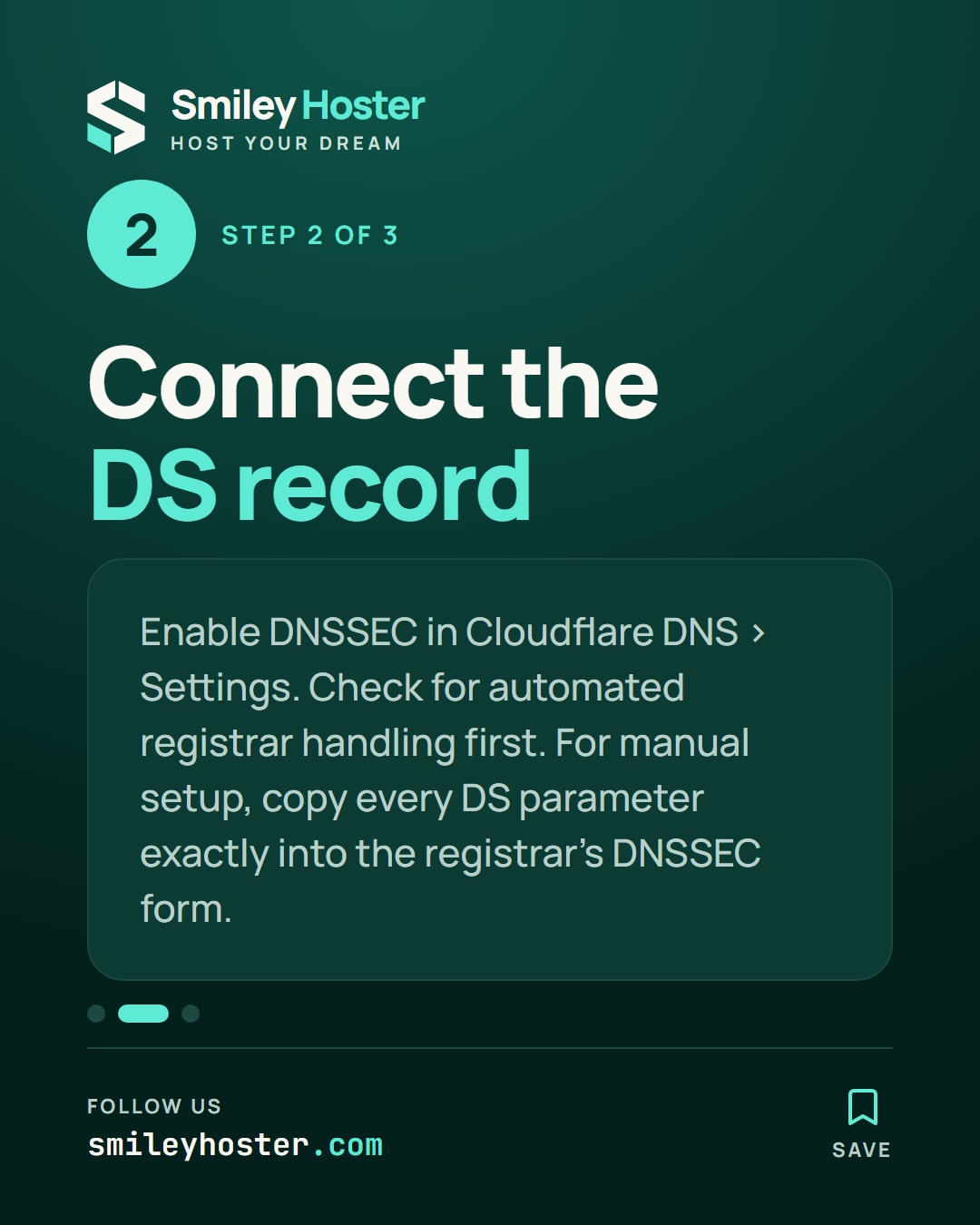
In Cloudflare, open DNS and Settings, then enable DNSSEC. Record the generated DS parameters: key tag, algorithm, digest type and digest.
Enter the values in the registrar's DNSSEC form exactly as supplied. Never reuse a DS from another domain or from an example screenshot. Have a second person compare the saved values when possible.
Cloudflare documents automated handling for some cases, including Cloudflare Registrar. Check whether that applies before attempting a duplicate manual entry.
The required DS belongs in the parent delegation through the registrar. Creating a TXT record containing the same text inside your own zone does not establish that trust relationship. Keep the registrar confirmation with the Cloudflare values so the comparison remains straightforward.
3. Validate and keep a recovery record
On a machine with dig, substitute your domain:
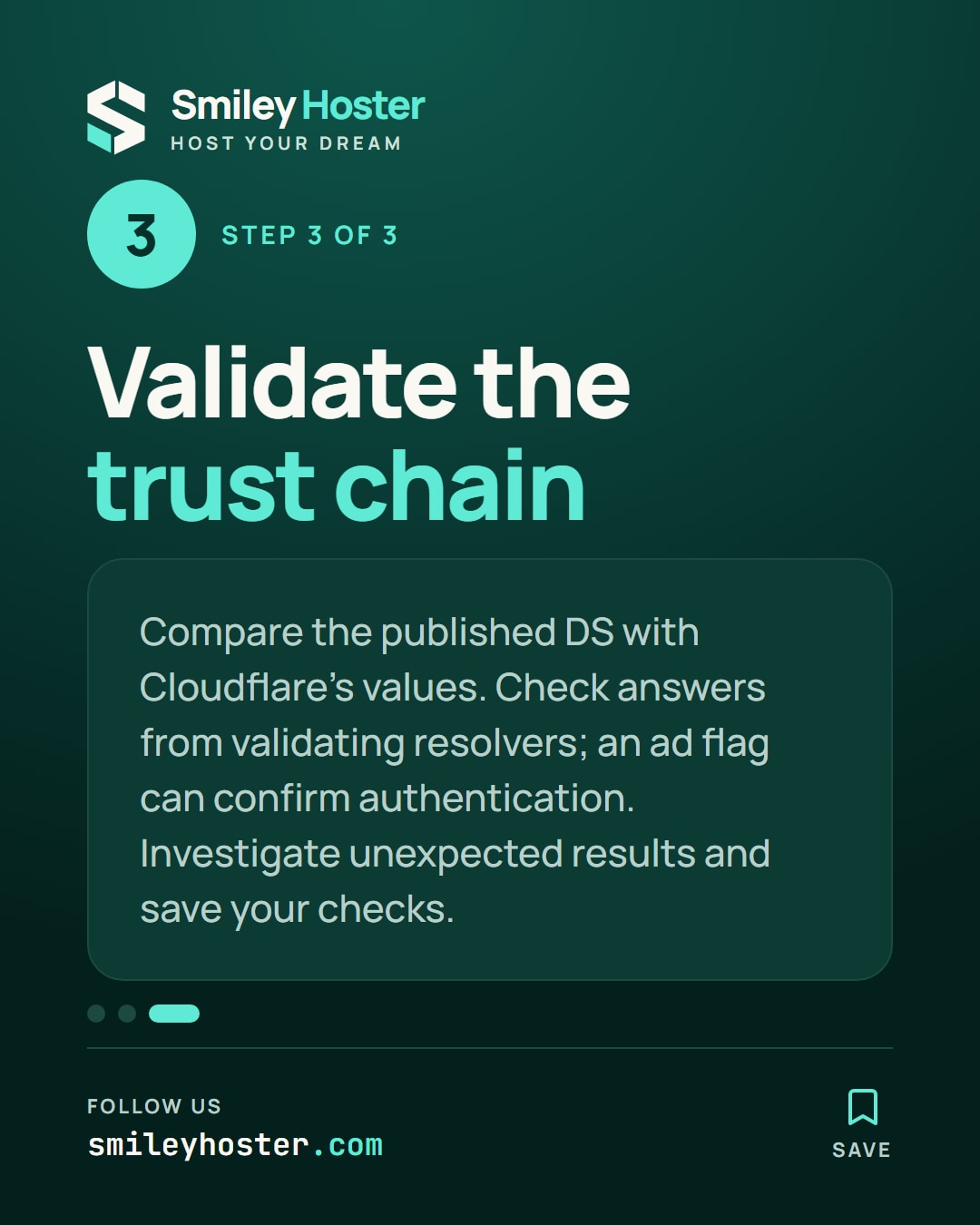
dig DS example.comdig +dnssec example.com @1.1.1.1dig +dnssec example.com @8.8.8.8Compare the published DS with the expected parameters. The ad flag in a valid answer from a validating resolver can confirm authentication. An absent or unexpected result requires investigation of the resolver, delegation and caches; it is not a reason to repeatedly change correct values.
If the operation leads to SERVFAIL, check the DS-to-key match first. For a rollback, remove the DS at the registrar and keep Cloudflare signing enabled until the parent DS TTL has expired.
Finish with the observed results, the time of the check and the domain owner's name. Retain this record for the next provider migration, when DNSSEC must be addressed before changing nameservers again.
Sources: Cloudflare Blog, Cloudflare documentation.
See it in our social posts
The key steps of this article, as a carousel. Follow us to catch the next ones.