

An IP change is complete in your DNS dashboard, yet a customer still reaches the previous server. Cloudflare’s account of its DNS cache is a useful reminder: recursive resolvers store answers independently, rather than receiving a simultaneous global update.
Search intent: identify stale DNS answers and plan a controlled address change. All example names and addresses are fictional; substitute your own infrastructure.
1. Establish which answer is wrong
Start with evidence from the authoritative servers, then compare recursive resolvers. An A record selects an IPv4 address; an overlooked AAAA can still send IPv6 users to a different machine. Each cache has its own remaining lifetime.
dig example.com NS +shortdig @ns1.example.net example.com A +norecursedig @1.1.1.1 example.com A +noall +answerdig @8.8.8.8 example.com A +noall +answernslookup -type=A example.com 8.8.8.8host -t AAAA example.com 1.1.1.1Replace the example nameserver with each delegated NS in turn. Look for an authoritative aa response carrying the intended address. Disagreement between authoritative servers calls for a zone correction, not another browser refresh.
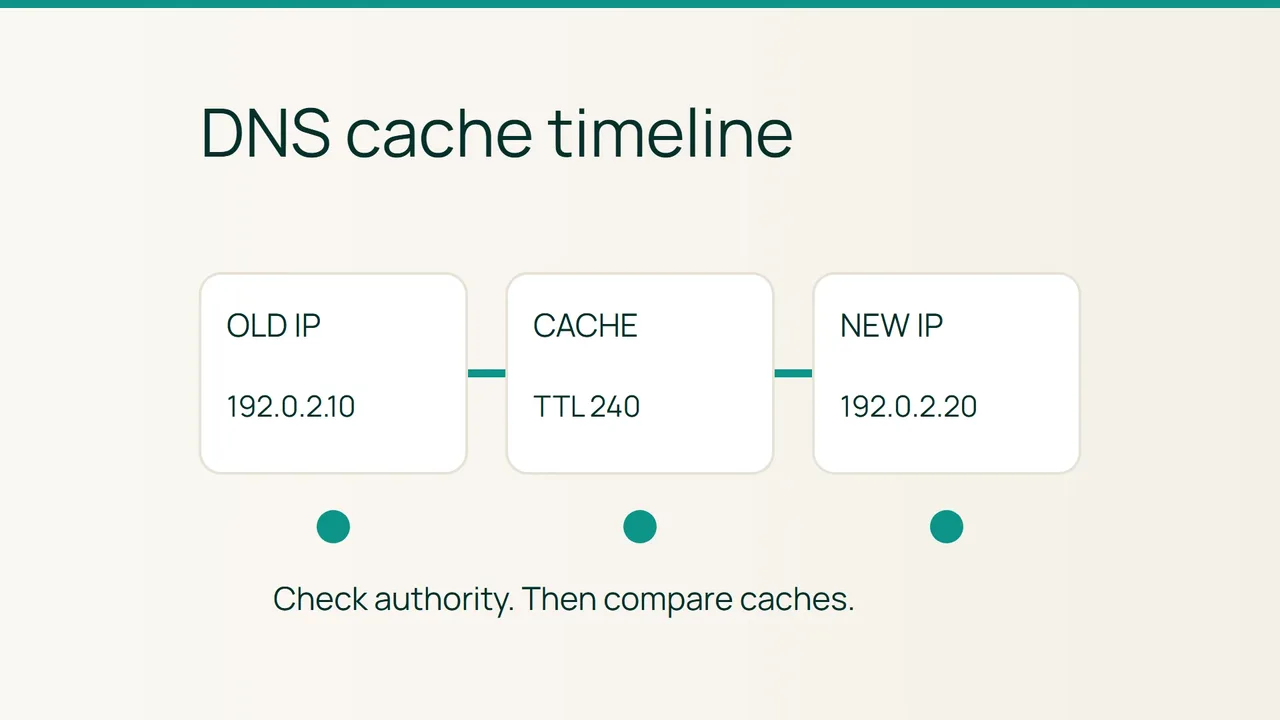
Suppose the old address is 192.0.2.10, the new one 192.0.2.20, and a resolver reports:
example.com. 240 IN A 192.0.2.10The remaining TTL is 240 seconds. If every authoritative server already returns the new address, a cached answer is a reasonable explanation. Record the time and check again after expiry. Location-aware answers, resolver policies and local application caches mean one comparison cannot establish universal convergence. A previously missing name may also have a negative cache entry.
2. Run an address cutover with an escape route
Before changing anything: keep the old server available. DNS overlap does not protect writes if two independent databases accept orders at the same time.
- Save current A/AAAA values and TTLs. Validate the destination application, certificate and data separately.
- Reduce relevant TTLs ahead of the move, for example from 3600 to 300 seconds where supported. Wait out the original TTL before changing addresses; lowering it cannot rewrite answers already cached.
- Decide how writes remain consistent: shared storage, controlled replication or a planned read-only interval. Test that arrangement before moving traffic.
- Change the planned records only. A fictional destination would be
example.com. 300 IN A 192.0.2.20. Handle IPv6 explicitly instead of assuming the A change covers it. - Re-run the comparisons and monitor application failures plus traffic reaching the old service. Increase TTLs again once the deployment is stable.
Rollback
Restore the recorded addresses if the destination fails. Keep both endpoints working while caches converge again. Before reopening an old database, reconcile any writes accepted by the new one. Restoring DNS does not reverse application changes or instantly move every user.
3. Final verification
Authoritative answers should agree, and sampled recursive resolvers should move toward the expected destination. Test from another network and exercise both IP families where configured. Correct DNS combined with stale page content points toward an HTTP cache, proxy configuration or deployment problem.
Common mistakes
Flushing your laptop changes only your local view. A short TTL is a planning input, not a worldwide completion deadline. Avoid changing nameservers during an address-only move. If a CDN is enabled, its public IP addresses may legitimately differ from the origin address.
Sources: Cloudflare on DNS cache operation, ISC BIND tool reference.