

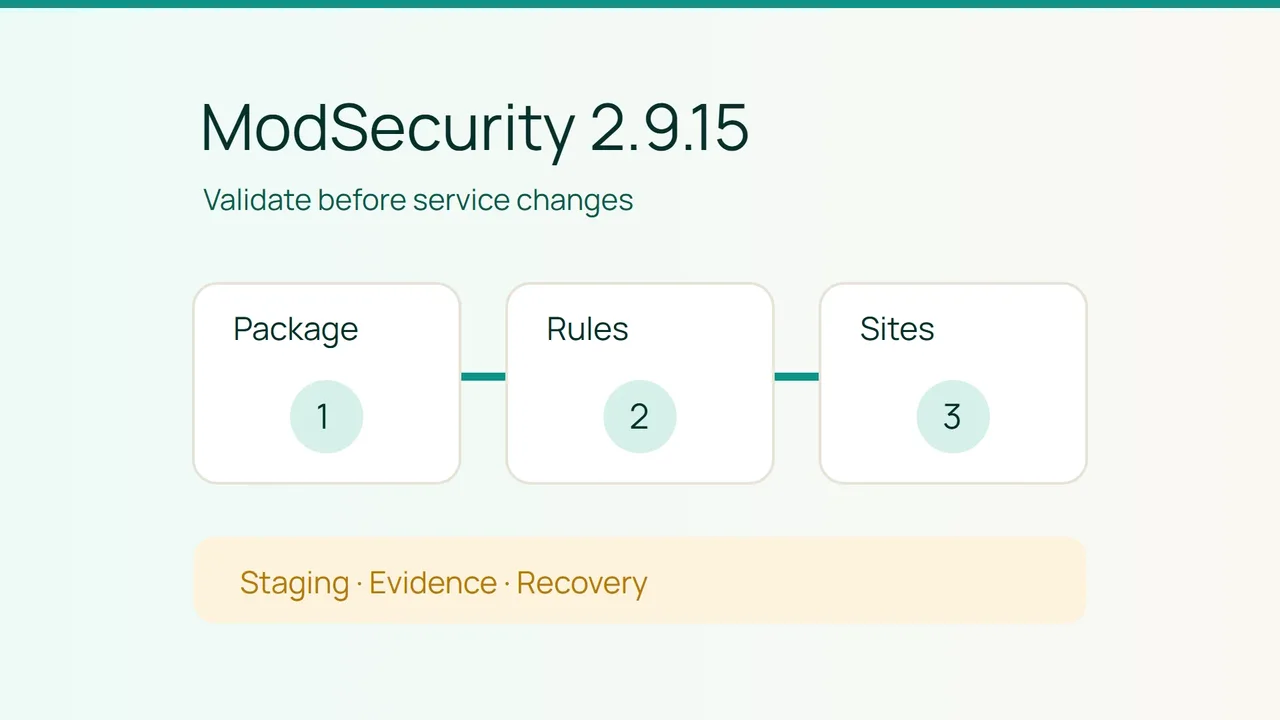
EasyApache 4 release 25.89, dated October 7, 2026, updates ModSecurity to 2.9.15 with five security fixes. Prepare that change with three separate checks: the installed package, configuration validity and application behavior, so a successful installation does not hide a broken ruleset.
1. Identify the package and define acceptance
The release updates ea-apache24-mod_security2 from 2.9.14. Its security entries identify the following issues:
| Reference | Affected processing area |
|---|---|
| CVE-2026-61812 | HTML entity decoding |
| CVE-2026-61813 | TLS hostname checking for rule downloads |
| CVE-2026-73857 | XML request bodies |
| CVE-2026-104259 | Adjacent comment removal |
| CVE-2026-104269 | Multipart filename* handling |
Use those references to match the intended correction to the package change. They are not an exploitation checklist or evidence that your server was compromised. A healthy application test also does not prove that each security fix is installed; retain the package-version evidence separately.
Ask the server administrator to inventory the current module, rule providers and custom rules. Assign an owner to each customization. When a problem appears during maintenance, knowing who understands a rule is more useful than collecting a long list of files with no maintenance responsibility.
cPanel warns that rule identifier conflicts or syntax errors can stop Apache from starting, and that minor ModSecurity versions can introduce rule incompatibilities. That makes your actual configuration part of the update's acceptance scope, even if the business intends no application changes.
Build a representative staging environment before production maintenance. Match the relevant rules and application paths while protecting customer data. Disable real payment, messaging and other external side effects for the exercise. You need a realistic test, not duplicate business transactions.
Choose a concise application test set with the site owner. Include operations that matter to the business, such as signing in with a test account, searching, submitting a harmless form, uploading an approved file or calling a representative API endpoint. Write the expected result beside each operation.
Add an approved detection case for the isolated environment. The owner should specify what should trigger and what evidence will establish that it did. There is no need to test unrelated sites or improvise exploit payloads against production to perform this maintenance review.
Define a stopping point in advance
Save the current configuration and rules through the server's backup process. Confirm that the administrator can identify and recover the previous configuration. Agree to stop when configuration validation fails, an essential application case changes unexpectedly or the intended protection cannot be demonstrated.
Recovery planning should distinguish restoring a known configuration from reverting the security update itself. A package rollback requires an administrative decision that considers the fixes being applied. Do not treat an older package as an automatically safe destination simply because it previously served traffic.
2. Validate the candidate configuration and its behavior
The module is managed through Software, then EasyApache 4 in WHM, with ModSecurity configuration under Security Center. Have the administrator use the maintenance procedure appropriate to the server. The task is to accept a controlled update, not to transplant commands and paths from a different installation.
Start with staging and record the resulting package version. Have the operator run the Apache configuration validation established in the site's operating procedure against the files intended for the service. Obtain an explicit result before proceeding to application acceptance.
If validation fails, identify the file and rule associated with the error. Avoid removing several rule collections merely to obtain a successful result. A configuration that loads after broad deletions may no longer provide the protection the business intended.
For each adjustment, record the rule identifier, investigated cause, proposed change and responsible maintainer. Repeat validation after the narrow change. If no one can explain why a removal is acceptable, escalate to the rule owner instead of silently broadening the exception.
Next, run the legitimate application cases. Record the time, URL, test identity and observed result. Check the business effect as well as the HTTP response: a page loading normally is different from a form successfully completing its intended harmless action.
Correlate the tests with ModSecurity events. The module reference places the audit log at /etc/apache2/logs/modsec_audit.log when neither mod_ruid2 nor mod_mpm_itk is installed; with those modules, logs are organized by user beneath /etc/apache2/logs/modsec_audit/. Confirm the applicable location before interpreting missing events.
Treat logs as potentially sensitive request data. Extract the minimum evidence needed for the investigation and redact private information before handing it to another person. A timestamp and relevant event tied to a known test are more useful than a complete unannotated log dump.
Run the agreed detection case as well. A suite that exercises only permitted requests may overlook a protection that is no longer active. Record the expected detection and the evidence observed, while keeping any limitation explicit.
Before accepting staging, review configuration changes with the application owner and administrator together. They should understand both why ordinary traffic still works and why the intended protection remains present. Neither person should have to infer the other half from an unexplained success message.
3. Apply the production change with a continuity plan
After staging acceptance, schedule production maintenance through the normal operational process. Repeat configuration validation before manual service actions and inspect the actual result afterward. Package maintenance may itself act on services, so this procedure does not promise that no reload or restart will occur.
If uninterrupted service is a strict requirement, the administrator needs a deployment architecture and maintenance procedure that can preserve traffic during the change. Rule validation reduces one source of failure; it does not create a continuity guarantee for a single server.
Repeat the representative application checks after production maintenance. Compare the results with the recorded expectations and investigate differences before declaring completion. Confirm that temporary test adaptations have not accidentally become permanent production settings.
Keep three distinct evidence items in the completion record: installed package version, configuration validation outcome and application acceptance results. Add any exceptions, their owners and a review date. This gives the next operator a clear starting point if a later rules update changes behavior.
Does an updated engine mean the rules are validated?
No. Package evidence identifies the installed software. Configuration validation and behavioral tests establish how the local rules and applications work together.
Is disabling ModSecurity an acceptable way to finish?
A global disablement should not become a hidden success criterion. Identify the problematic rule, obtain approval for a targeted correction and repeat the acceptance tests. Document any remaining exception so the reviewer can assess it.
How does this help avoid an Apache interruption?
It moves error discovery into staging, requires validation before service actions and makes recovery explicit. Those steps reduce operational risk. They cannot guarantee zero interruption on a single server or replace an environment-specific continuity plan.
Sources: cPanel — EasyApache 4 release 25.89, cPanel — Apache ModSecurity module.