

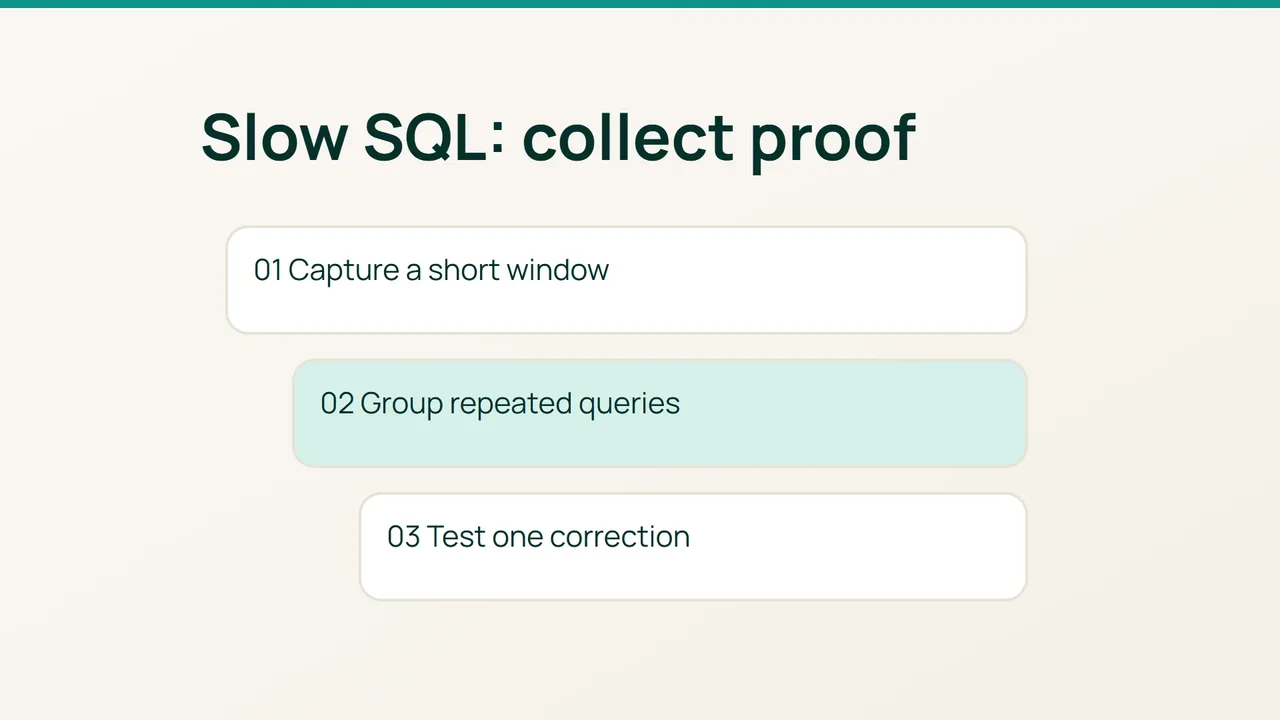
If database work is holding up a cPanel website, adding PHP workers can increase the backlog. MySQL’s slow query log offers a more focused starting point: capture a bounded sample and turn it into a testable application change.
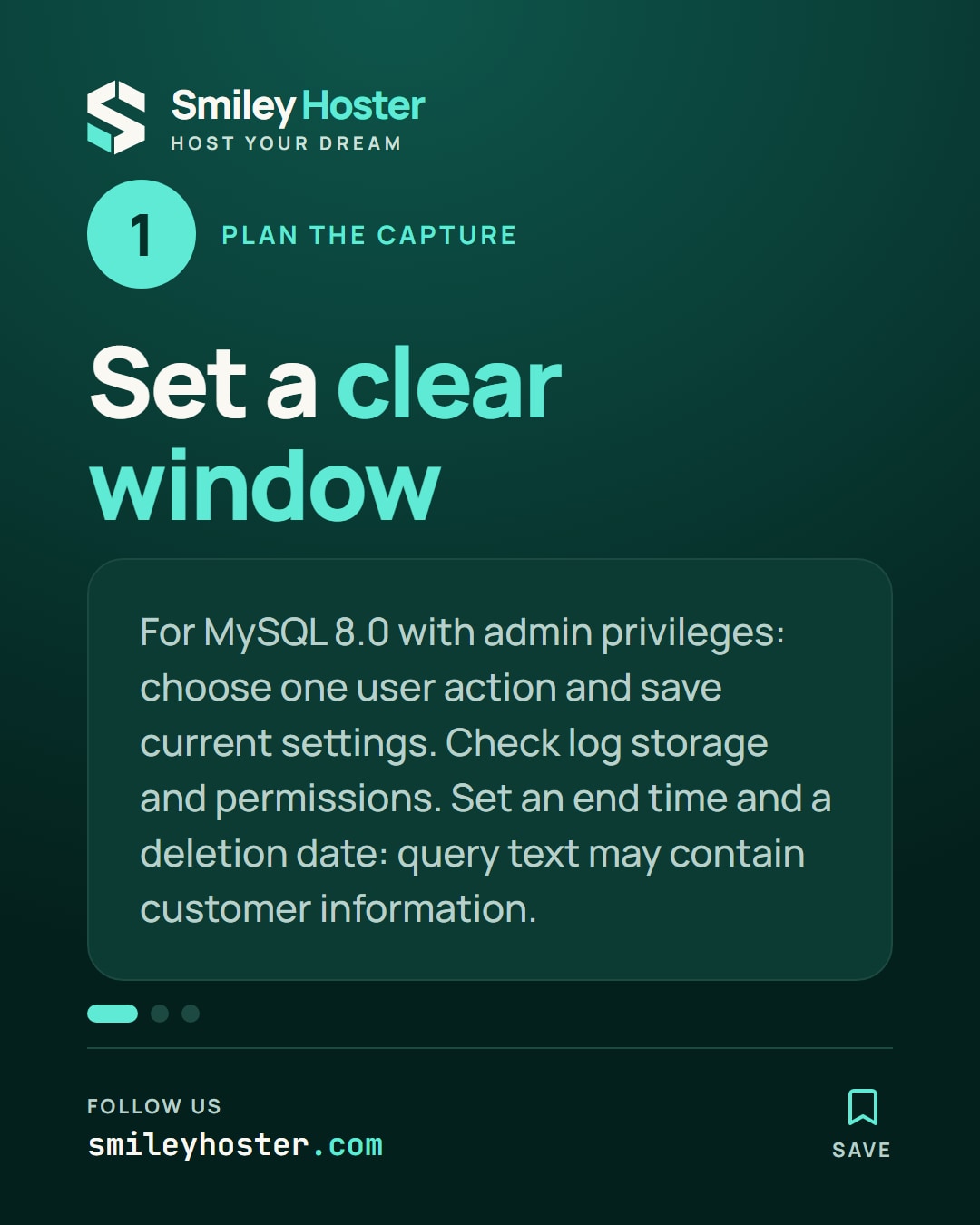
1. Plan the capture before enabling it
This procedure targets MySQL 8.0 and requires database administration privileges. Identify the actual engine first; a MariaDB deployment needs settings checked against its own version.
Pick one user action to investigate, such as a product search or report export. Record its domain, database and time window. Save the current server values in an administrative SQL session:
SELECT VERSION();SHOW GLOBAL VARIABLES LIKE 'slow_query_log%';SHOW GLOBAL VARIABLES LIKE 'long_query_time';SHOW GLOBAL VARIABLES LIKE 'log_output';SHOW GLOBAL VARIABLES LIKE 'min_examined_row_limit';Check storage capacity and access permissions for the selected log location. Query text may contain customer information. Decide who can read it, when collection ends and when the file will be removed.
A named end time matters: an unattended diagnostic log should not become the next storage incident.
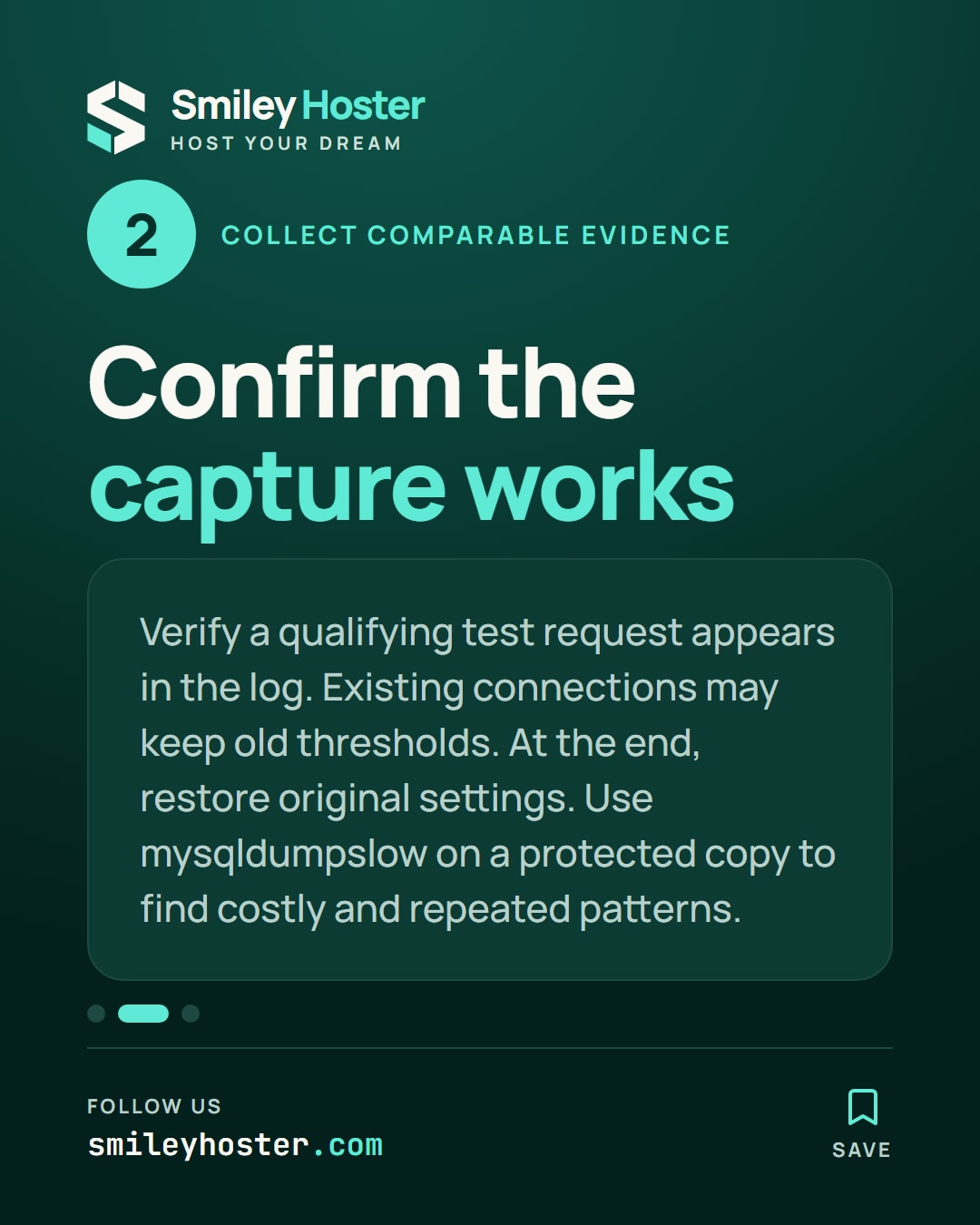
2. Collect evidence you can compare
The following is an illustrative temporary capture, not a universal production setting:
SET GLOBAL log_output = 'FILE';SET GLOBAL long_query_time = 2;SET GLOBAL slow_query_log = ON;Existing application connections may retain their previous session threshold. Confirm that a qualifying slow request from your test actually appears. Also retain the examined-row filter in your investigation record because it affects which statements qualify.
When the window ends, restore the original settings, including the log destination. Preserve an already-enabled logging arrangement used by another administrator instead of blindly switching everything off.
Summarize a protected copy using its actual file path:
mysqldumpslow -s t -t 10 /path/to/slow.logmysqldumpslow -s c -t 10 /path/to/slow.logLook at repeated patterns as well as costly ones. Avoid starting with unrestricted logging of queries without indexes; it can drown the investigation in additional output.
3. Give the application owner an actionable finding
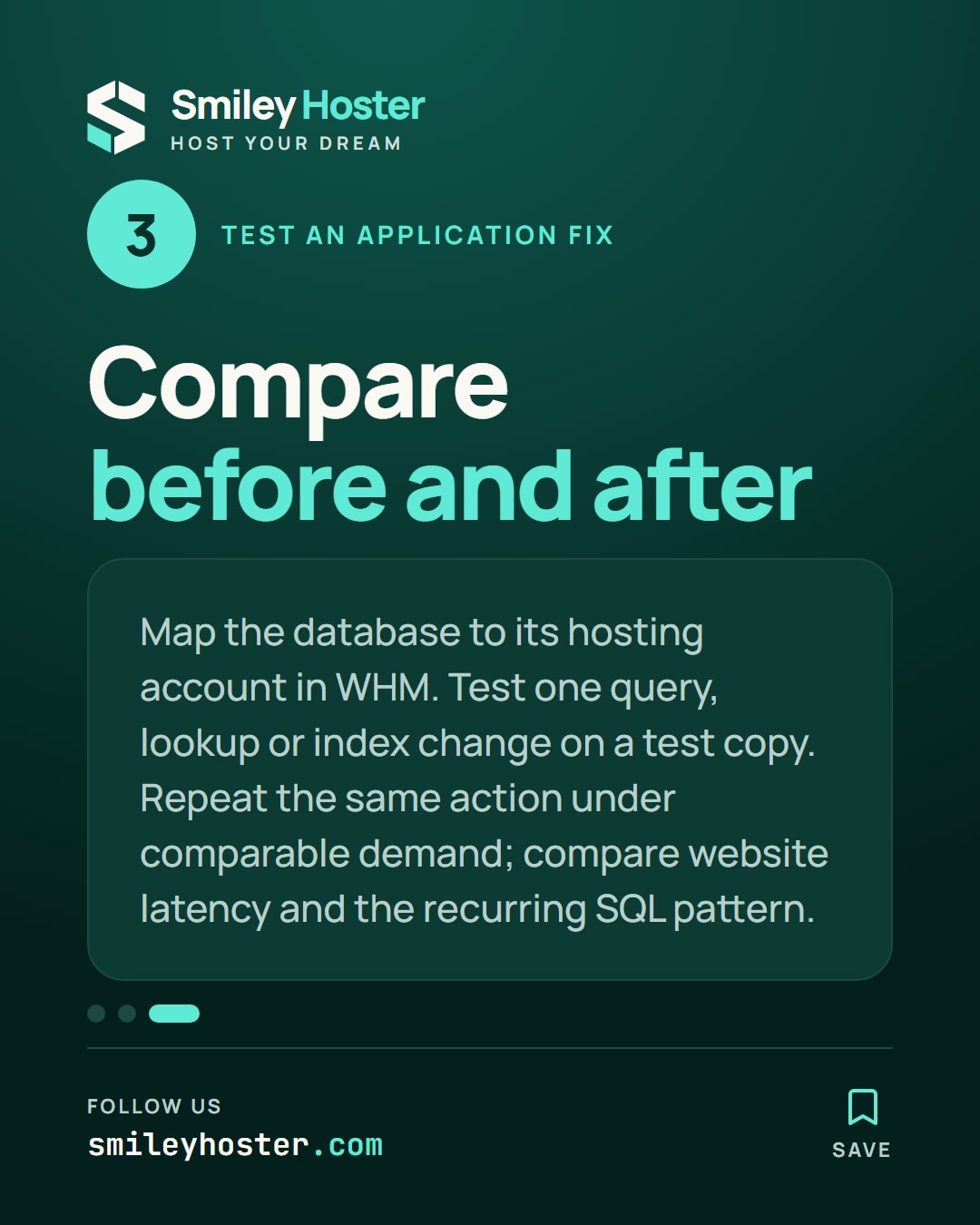
For each selected pattern, record the database, application identity, observed recurrence and user action that triggers it. Map the database to its hosting account in WHM. The shared MySQL operating-system process does not identify the responsible customer.
Choose one change to evaluate on a test copy: remove a repeated lookup, reshape a query or assess an appropriate index. Do not change server-wide limits solely because a single query was slow.
Repeat the same user action under comparable demand. Compare both website latency and the recurring SQL pattern. Keep a redacted before-and-after finding, then remove sensitive capture files when their retention period ends.
Sources: MySQL — slow query log, MySQL — mysqldumpslow.


See it in our social posts
The key steps of this article, as a carousel. Follow us to catch the next ones.