

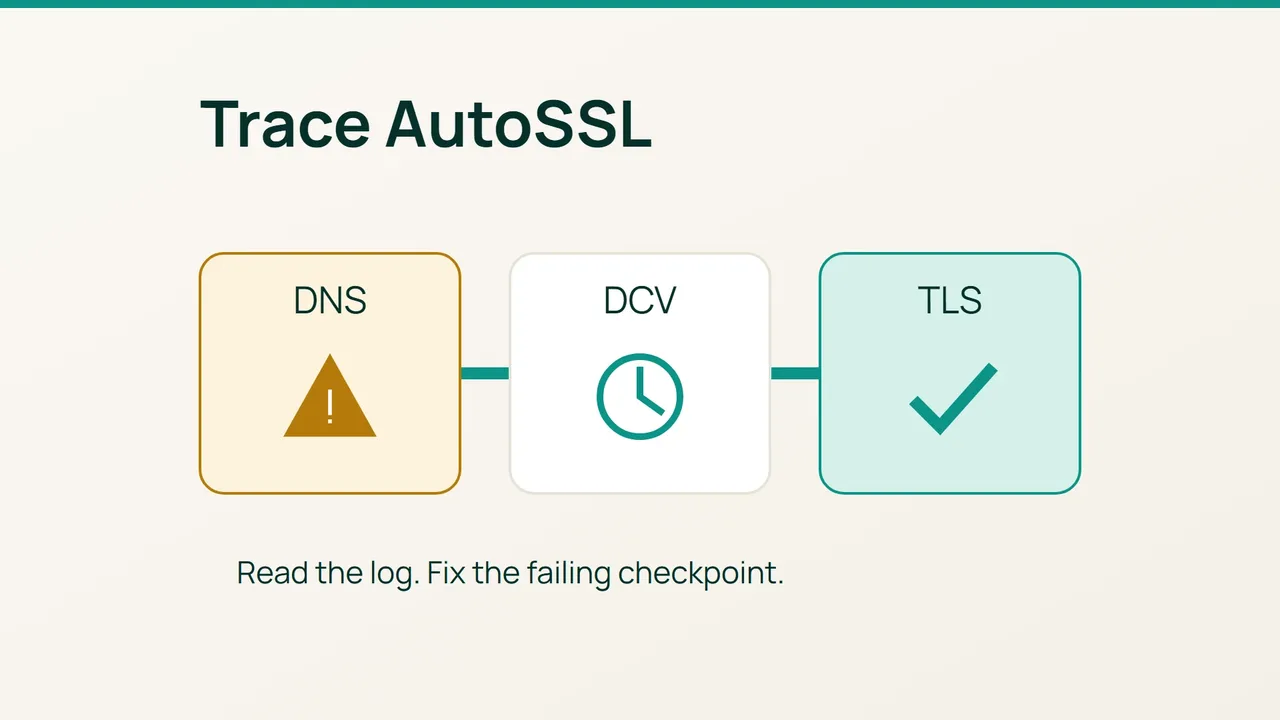
A missing certificate does not necessarily mean the certificate authority is unavailable. AutoSSL first needs an eligible hostname and then a successful domain-control validation; treating those as separate checks avoids repeated, unhelpful issuance attempts.
Search intent: restore AutoSSL coverage for cPanel domains and make renewal failures observable. This guide turns the AutoSSL and Let’s Encrypt documentation into an incident procedure.
1. Establish which hostname failed and why
Symptoms and possible causes
Record the exact names missing from the certificate: apex, www, mail and other subdomains are different coverage requirements. Capture the full log message. An exclusion, disabled account, stale DNS target, blocked challenge URL or incompatible CAA policy can produce similar symptoms for a visitor.
In WHM, SSL/TLS, Manage AutoSSL, inspect the provider, Manage Users and Logs. Check domain exclusions in cPanel’s SSL/TLS Status before selecting Include during AutoSSL. A hostname intentionally served elsewhere may need to remain excluded from this server.
AutoSSL logs are stored under /var/cpanel/logs/autossl. Locate the relevant run and compare public DNS:
ls -lt /var/cpanel/logs/autossldig +short NS example.comdig example.com Adig example.com AAAAdig example.com CAAdig www.example.com CAAUse your real domain. Compare the local resolver with its authoritative nameservers and an external network; a locally correct answer can hide a public mismatch.
Back up the configuration you will change
Export the authoritative DNS zone and record its TTLs, current exclusions, AutoSSL provider and redirect rules. If the domain uses a .htaccess file, preserve it before editing:
umask 077save=$(mktemp -d /root/autossl-before.XXXXXX)cp -a /home/cpuser/public_html/.htaccess "$save/"Substitute the verified document root. If the file is absent, record that instead of running the copy. Do not paste certificate private keys into support messages.
2. Repair the failed validation path
- Addressing: check every A/AAAA answer and CNAME destination. An obsolete IPv6 route can send a validator to the wrong host. Correct the authoritative record; avoid deleting working IPv6 service as a shortcut. Editing cPanel’s local zone has no public effect when another provider is authoritative.
- Issuance policy: check whether effective CAA records permit the selected issuer, including wildcard requirements where relevant. Follow applicable inheritance and aliases. Request a precise policy correction instead of removing all CAA restrictions.
- HTTP routing: Let’s Encrypt HTTP-01 fetches a challenge beneath
/.well-known/acme-challenge/through port 80. For the actual incident, use the path and method in the provider’s log. Inspect redirects, WAF rules, authentication and CDN origin routing.
url=http://example.com/.well-known/acme-challenge/probecurl -4 -sS -D - -o /dev/null "$url"curl -6 -sS -D - -o /dev/null "$url"A missing probe will normally return an error and cannot validate the domain. To test the route, temporarily create a harmless file at that path in the verified document root, read its exact content externally and remove it afterwards. That file is not the real AutoSSL token.
4. DNS validation: Let’s Encrypt wildcard issuance uses DNS-01. Verify that the available automation can update authoritative TXT records at _acme-challenge. A TXT record written only into a non-authoritative cPanel zone cannot solve the problem.
5. Once the correction is publicly visible, run the affected user’s Check in Manage AutoSSL. Read the new log and investigate each remaining uncovered hostname separately.
Rollback
Restore the recorded DNS value or redirect rule if that specific change breaks another service. Do not remove a valid certificate to force issuance, and do not put an expired certificate back as a troubleshooting step.
3. Final verification
Inspect what clients actually receive:
openssl s_client -connect example.com:443 -servername example.com </dev/null 2>/dev/null |openssl x509 -noout -dates -ext subjectAltNameRepeat for required names and endpoints. With a CDN, the public test sees the edge certificate; origin coverage needs its own check.
Common mistakes
Repeated issuance attempts can encounter provider limits. Re-including every domain obscures deliberate exceptions. A successful manual run proves the current path, not the next automatic renewal.
Production recommendations
Enable failure and warning notifications, check a subsequent scheduled AutoSSL run and maintain independent expiry monitoring. Full renewal confirmation requires observing a later certificate issuance with a new expiry date. Track that future check explicitly rather than declaring it complete after today’s repair.
Sources: cPanel Manage AutoSSL, Let’s Encrypt challenge types.