

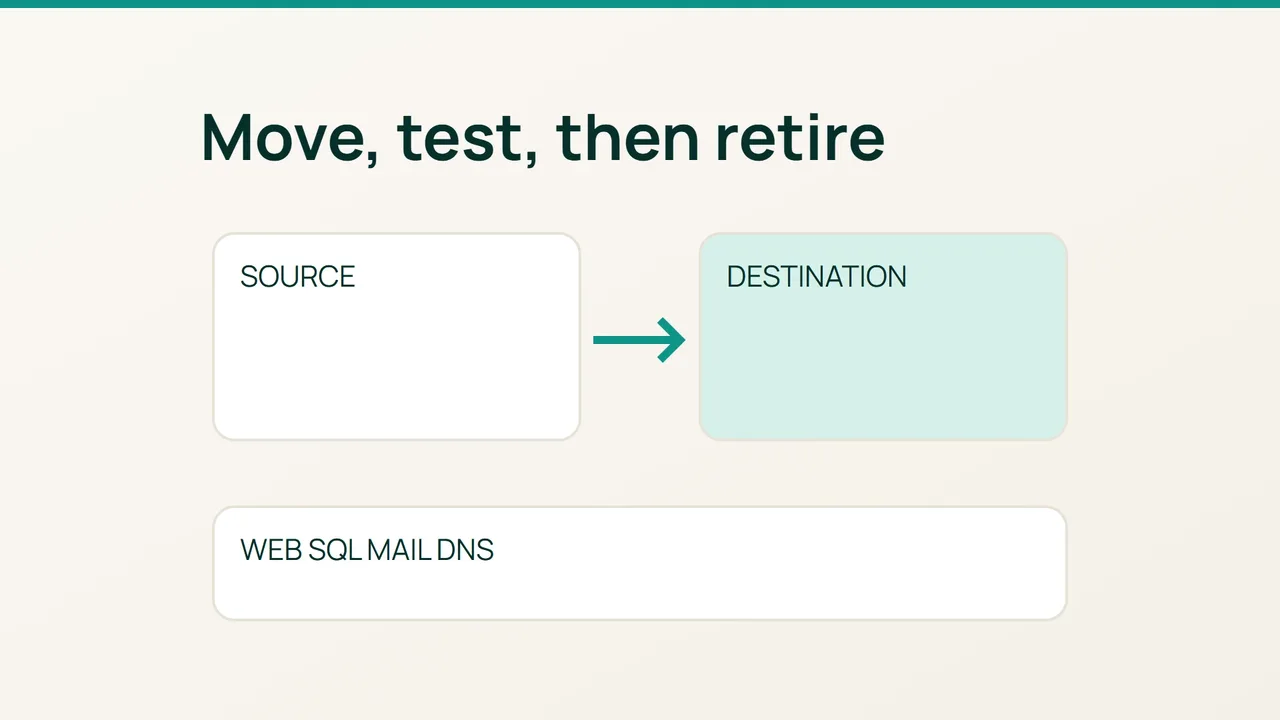
WHM Transfer Tool copies accounts and offers Live Transfer to reduce disruption. Its documented exceptions make a per-account acceptance record essential: completion of a copy job is not evidence that every service is ready.
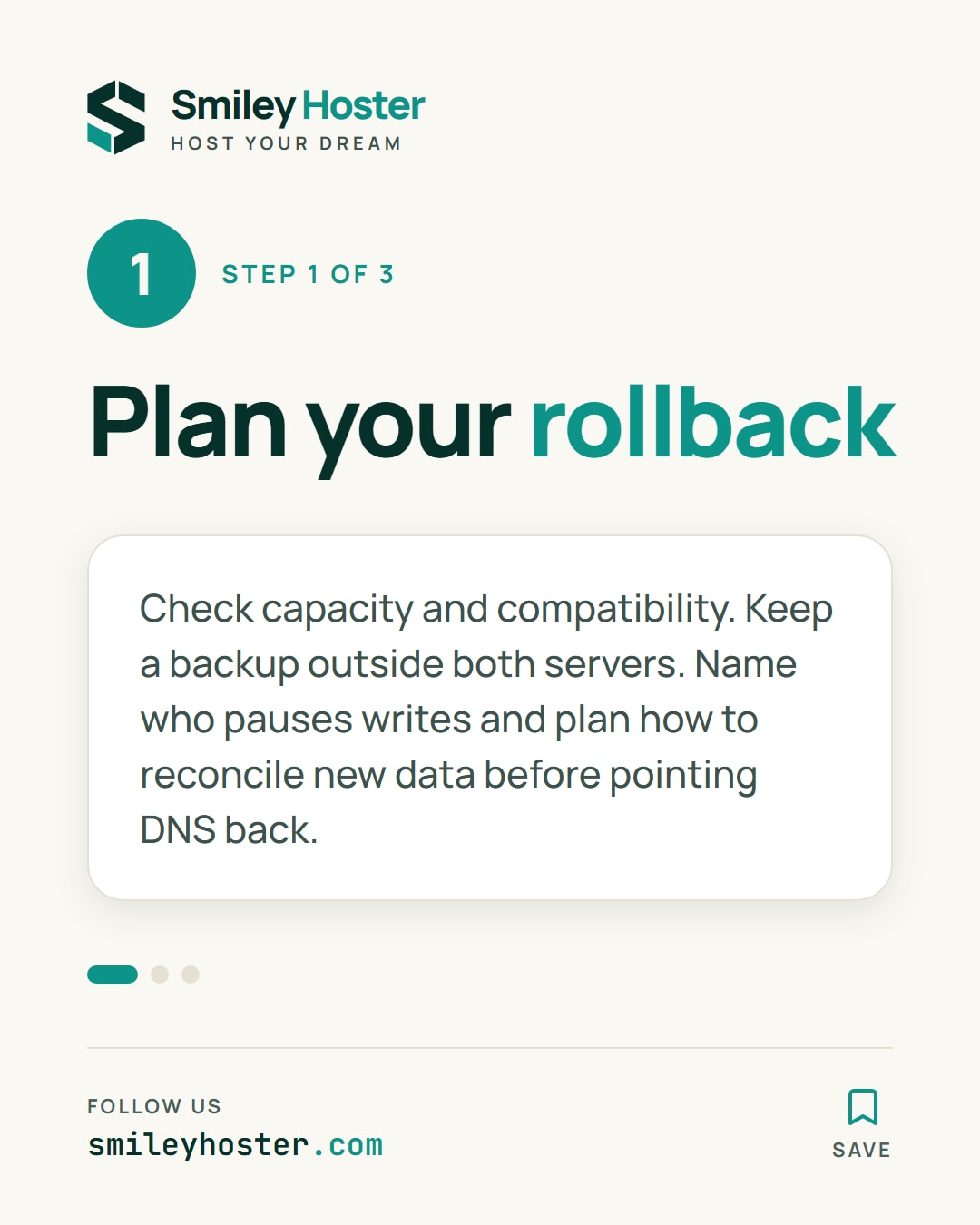
1. Prepare capacity and a data-aware rollback
Inventory accounts, databases, mailboxes, external DNS, certificates, PHP versions, extensions, scheduled jobs and custom configuration. Check destination licensing, free storage, version compatibility and hostname resolution.
Keep a backup outside both machines. Prepare reverse DNS for the new outbound mail address. Lower DNS TTLs far enough ahead for previous cache lifetimes to expire; externally hosted zones still need updates at their authoritative provider.
Name the person responsible for pausing and resuming writes. If customers place orders on the destination, pointing DNS back does not move those orders to the source. Document how you would reconcile data before attempting that rollback.
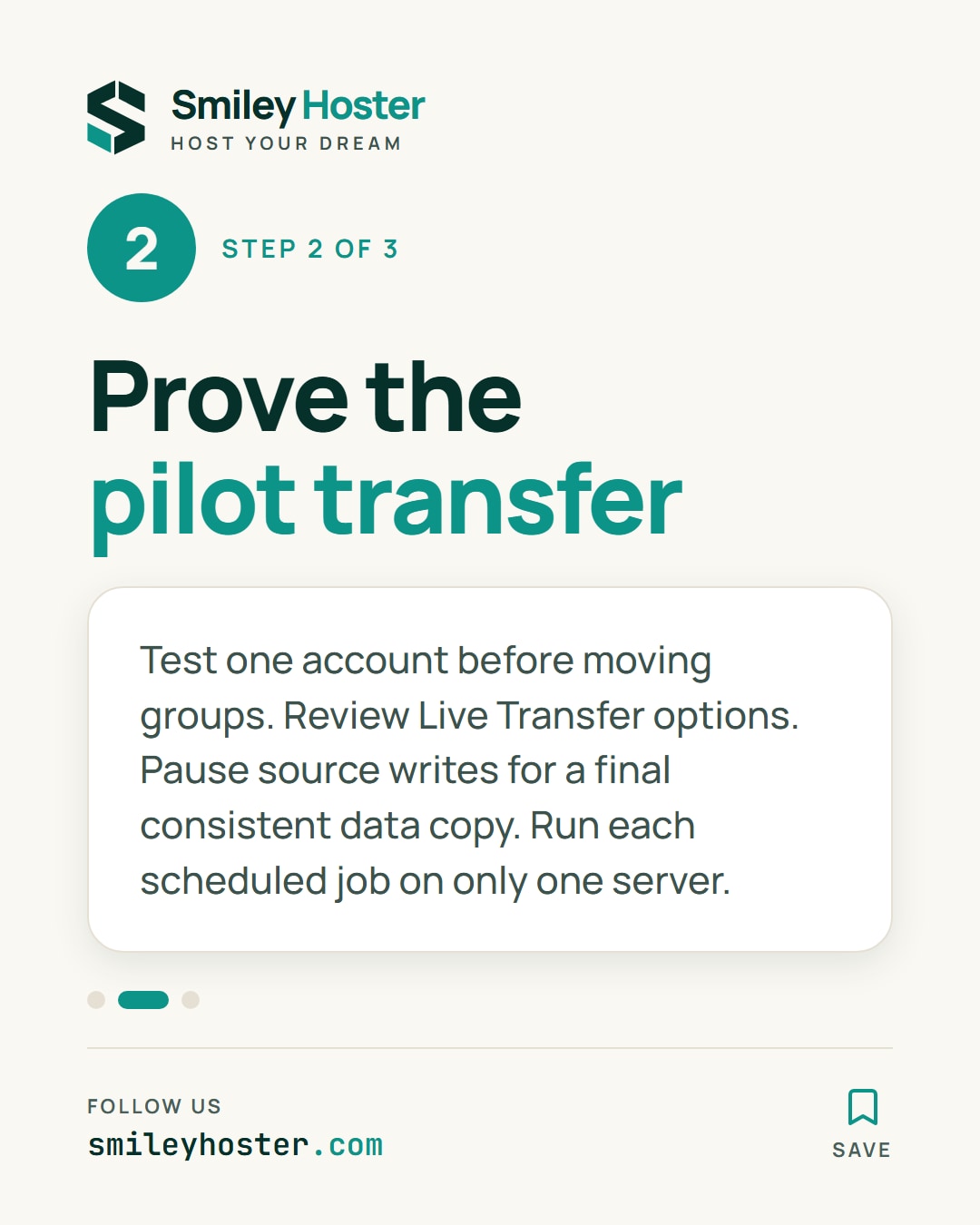
2. Prove the transfer on a pilot account
Open Transfer Tool on the destination WHM, enter source connection details and administrative authentication, retrieve the account list and choose a pilot. Review DNS and Live Transfer options before starting because they can change source-side routing and account state.
Inspect restoration results and test the pilot before moving further groups. Keep system updates separate from transfers. Live Transfer can redirect services and recopy mailboxes; treat application data consistency as a separate responsibility.
For a transactional website, schedule a controlled source maintenance period before the final consistent database and writable-file copy. If the pilot was copied earlier, refresh those datasets using an application-validated method before reopening. Ensure only one server runs each scheduled job.
Check restored certificates against their hostnames. Review PHP-FPM settings separately: cPanel documents a manual restoration step for transferred configuration files. Users must also re-enroll MFA because that configuration is not transferred.
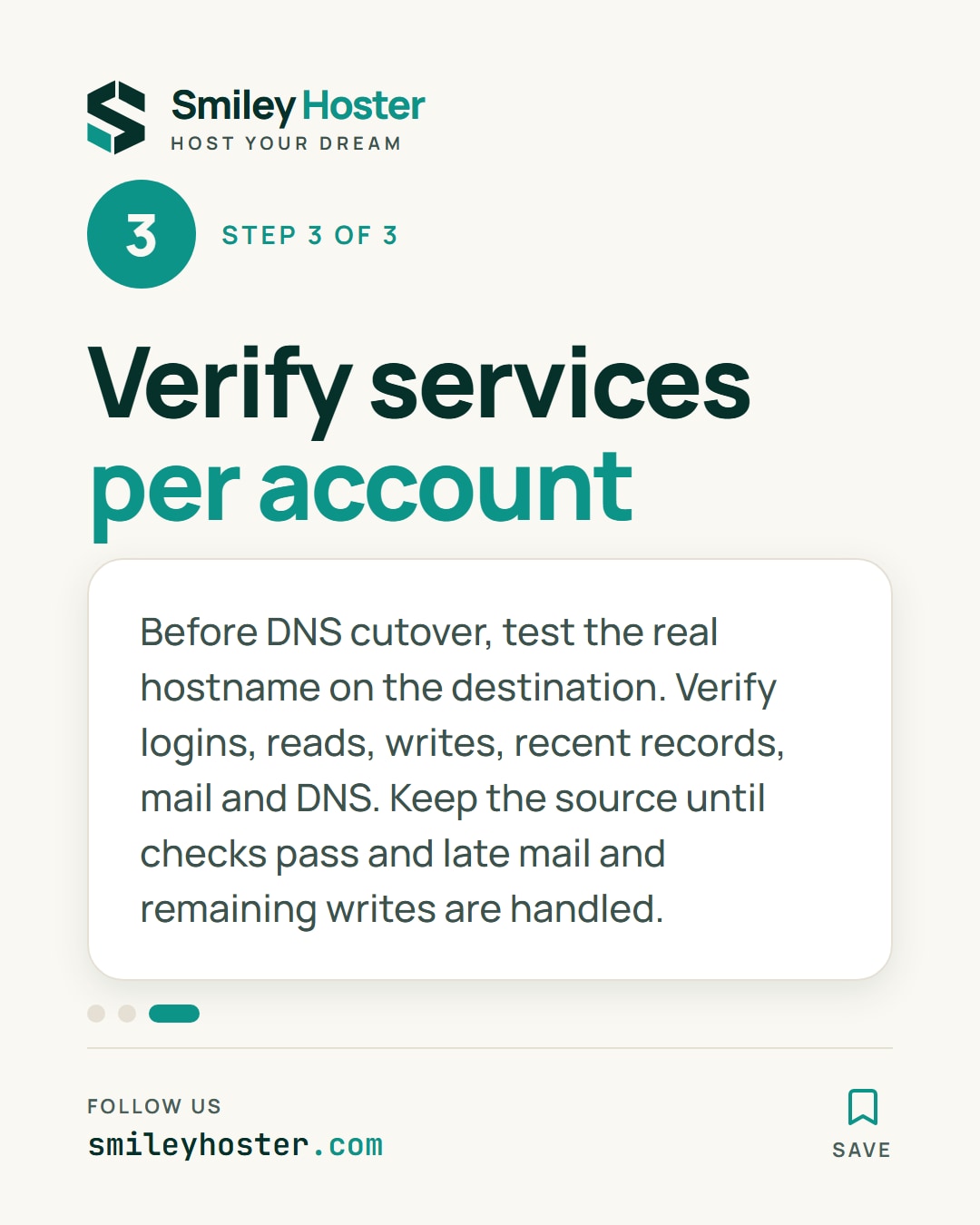
3. Accept services before retiring the source
Test the destination before public DNS cutover with the real hostname and destination address. The following uses a documentation IP:
curl --resolve example.com:443:192.0.2.20 \ -I https://example.com/Replace both values. This checks HTTPS using the intended hostname; it does not validate a checkout, database contents or attachments.
For every account, verify application login, reads and writes, recent database records, outbound and inbound mail, IMAP access, MX routing and A/AAAA answers. Compare recent objects with the record taken before writes were paused.
Update the actual authoritative DNS and observe traffic and errors on both machines. Keep the source reachable for transition mechanisms and investigation. Retire it only after accounts pass acceptance, late mail is handled and no useful writes remain stranded there.
Record the evidence per account, including any exception and its owner. That makes the migration reviewable without promising zero downtime or assuming every server-level customization was copied automatically.
Sources: cPanel — Transfer Tool, cPanel — after the transfer.
See it in our social posts
The key steps of this article, as a carousel. Follow us to catch the next ones.