

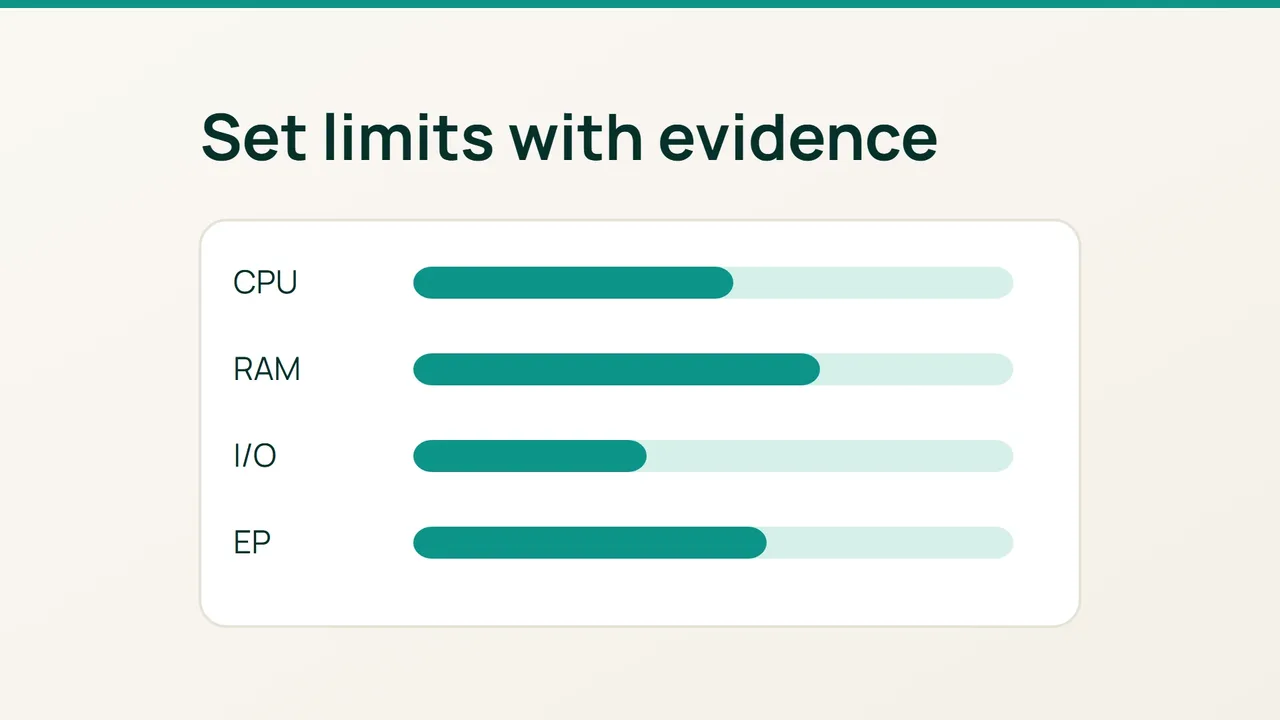
CloudLinux documents resource ceilings separately from the history of limit violations. Use both when designing cPanel packages: a ceiling should contain a busy customer while still allowing the workload that the package is meant to support.
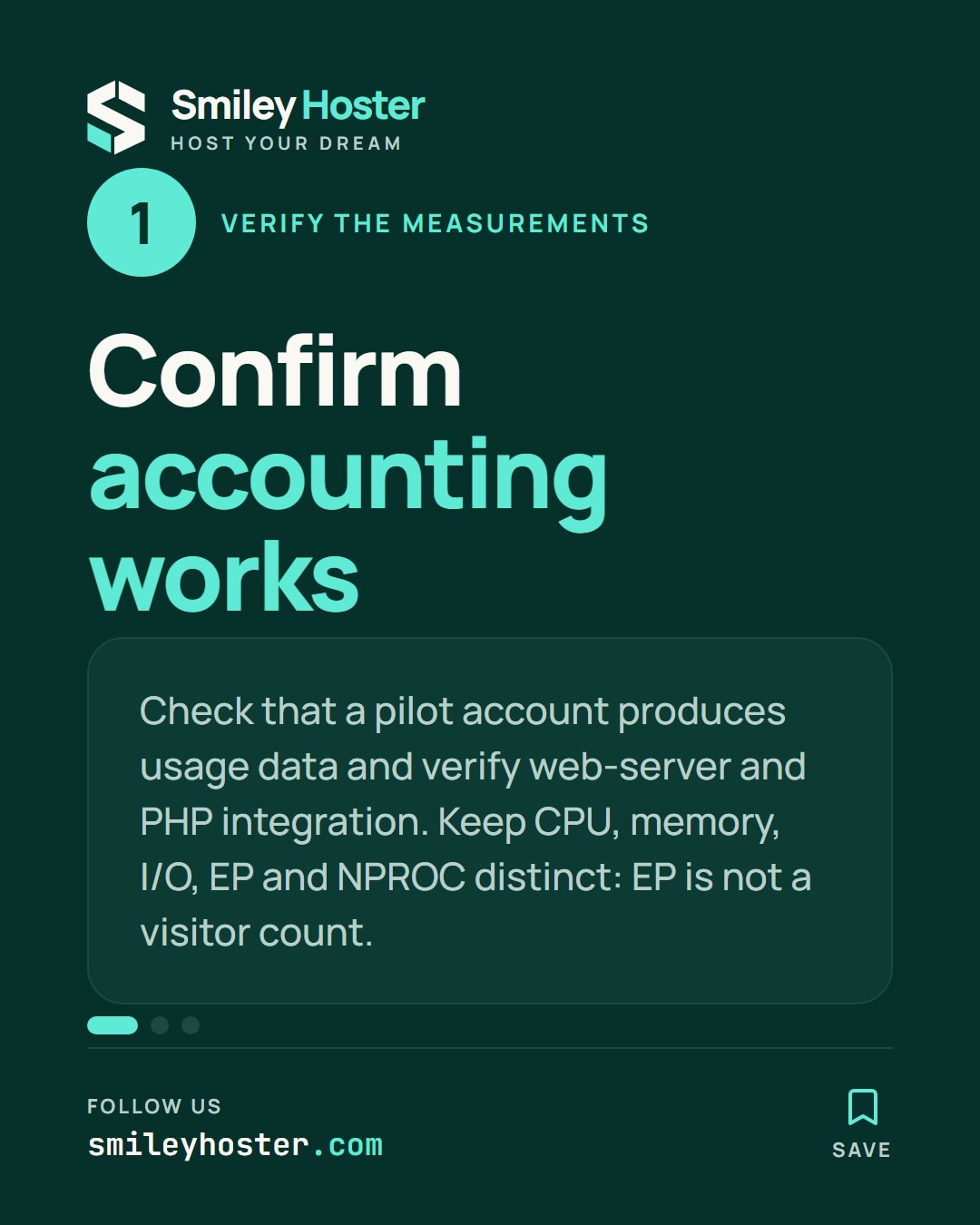
1. Confirm that accounting works
Start with a licensed, installed CloudLinux system compatible with the cPanel deployment. An operating-system conversion needs its own backup and maintenance plan; it should not be hidden inside a routine package adjustment.
Open CloudLinux Manager, also known as LVE Manager, and confirm that a pilot account produces usage data. Check the web-server and PHP-handler integration. A visible interface does not prove every resource control is effective.
Keep the measurements distinct:
- SPEED expresses CPU relative to one core; 100% represents one core.
- PMEM limits the account’s physical memory.
- I/O measures disk throughput, while IOPS counts operations.
- EP concerns simultaneous entries covered by the integration, not website visitor counts.
- NPROC includes processes and threads inside the LVE.
Different limits can throttle work or prevent it from proceeding. A fault counter therefore needs its resource context before you choose a remedy.
2. Design a representative package trial
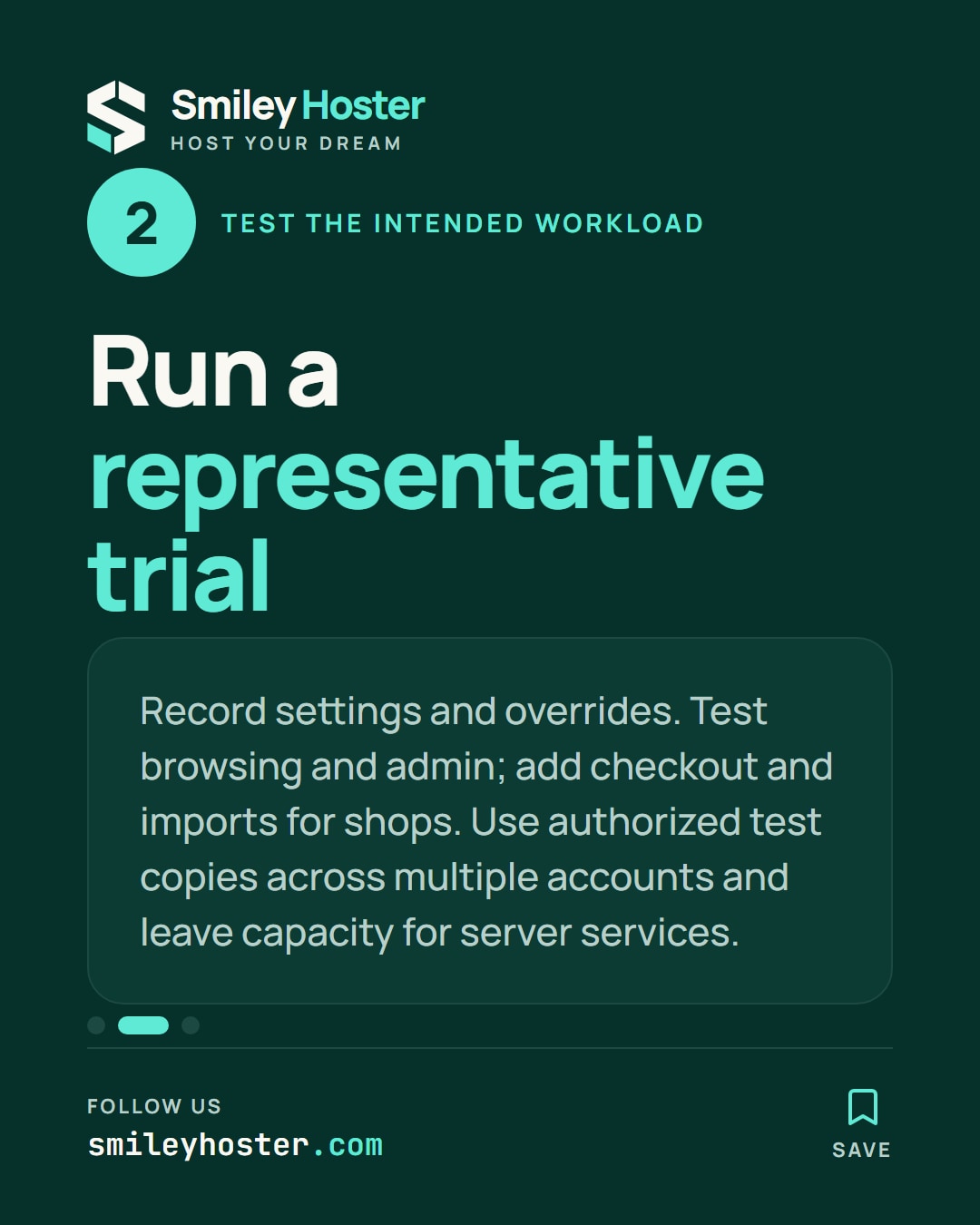
Create a test package and record its settings, any user overrides and the expected application behavior. Avoid copying an unrelated hosting company’s numbers across all existing accounts.
For a basic website package, exercise browsing and administration. For a shop-oriented package, add search, checkout and a representative import. Use authorized test copies and run more than one account so you can observe the effect on neighboring customers.
Reserve operational capacity for databases, mail, backups and the operating system. Adding customer ceilings together does not turn them into physically reserved resources.
Check consistency and live usage:
cldiag --check-lve-limitslvetopCloudLinux recommends NPROC above EP + 15. Passing that consistency check is only a starting point; it does not prove that a package fits its intended workload or the server’s capacity.
3. Change the limit supported by evidence
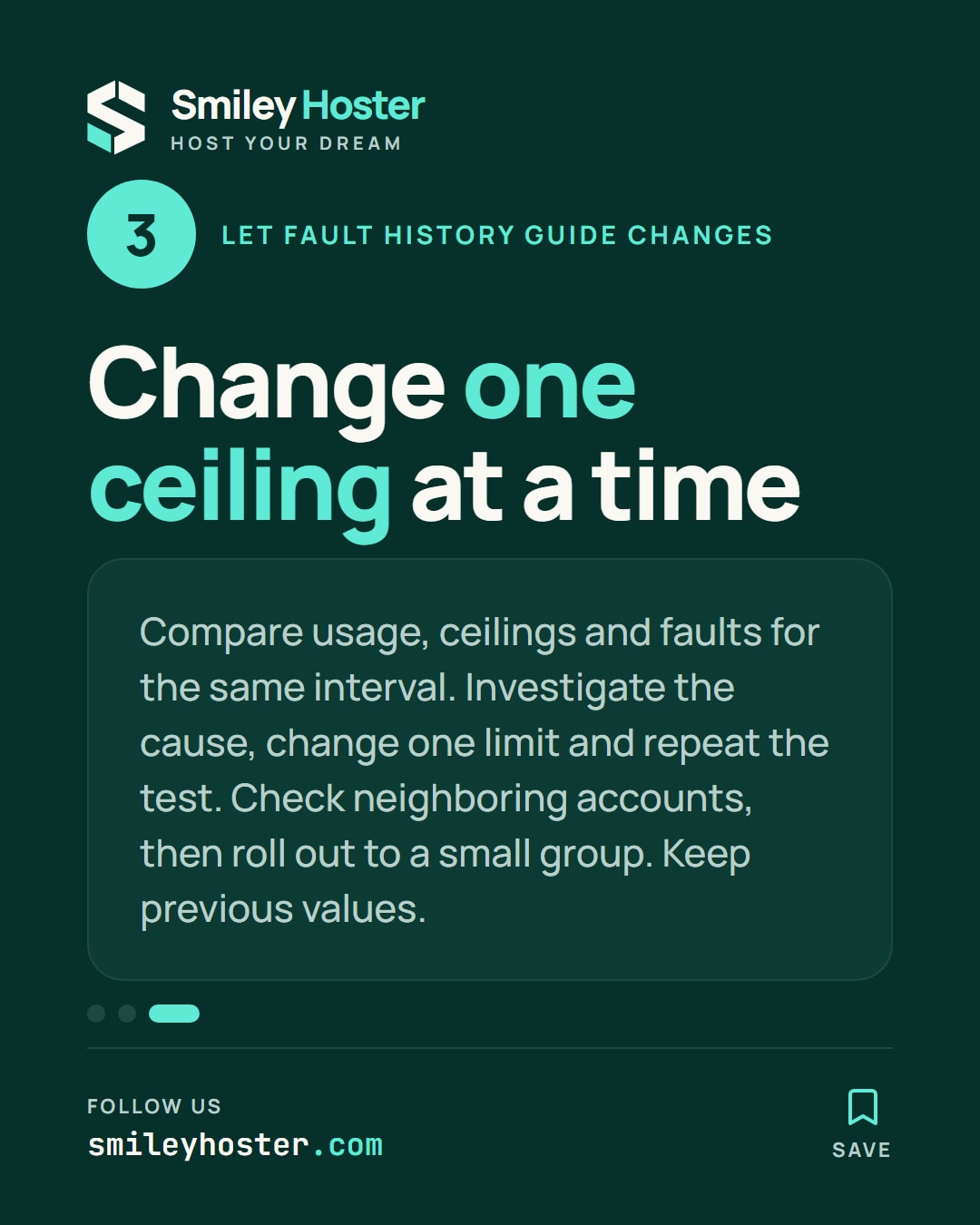
Select the exact test interval in CloudLinux Manager’s history. Compare usage, ceiling and faults, then inspect available snapshots for relevant processes or requests.
For rising EP pressure, investigate why requests stay active before increasing concurrency. For memory faults, examine workers and imports. For storage pressure, compare backup schedules. Change one ceiling, repeat the same scenario and check neighboring accounts again.
Roll the result out to a small group first. Keep the previous values, enable useful notifications and give each account override a review date. Accept the package when its intended customer tasks succeed and your concurrent test shows that a busy account remains contained.
Sources: CloudLinux — limits, CloudLinux — Manager.


See it in our social posts
The key steps of this article, as a carousel. Follow us to catch the next ones.