

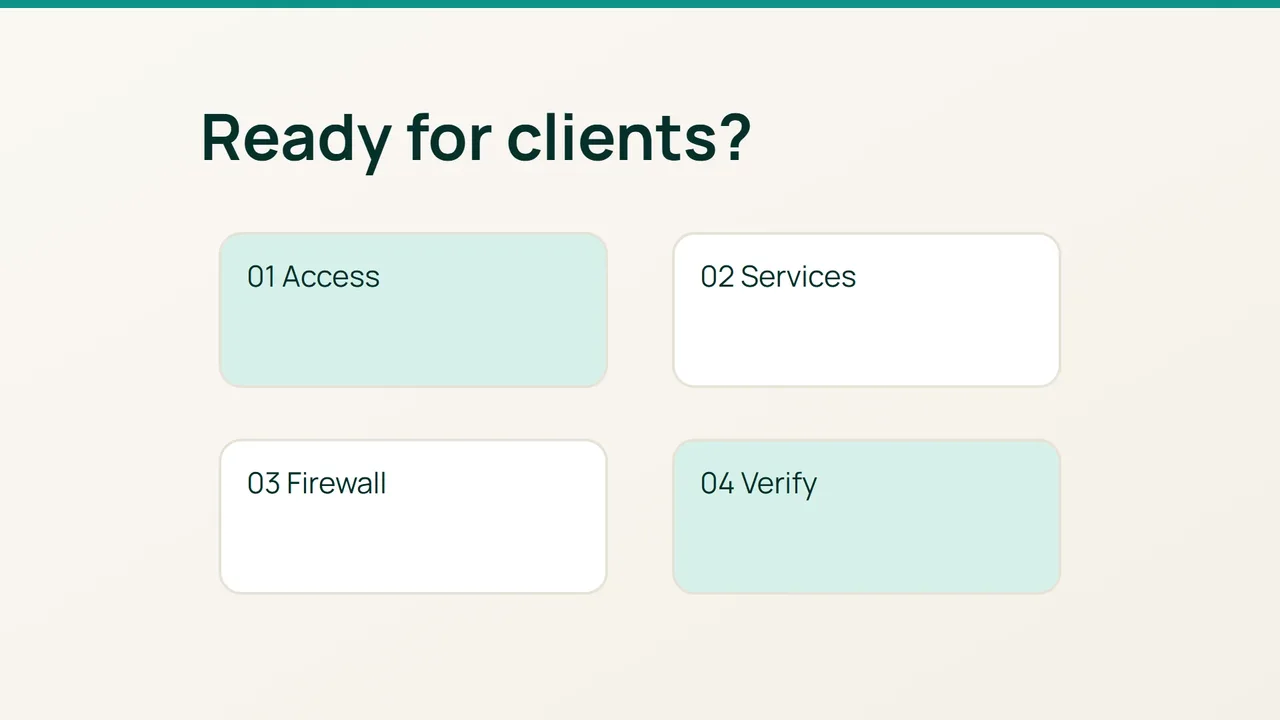
cPanel’s security guidance spans administrator access, applications and network services. Use it to build an acceptance checklist before customer onboarding: every control needs a test and a recovery route, rather than a claim that the server is completely secure.
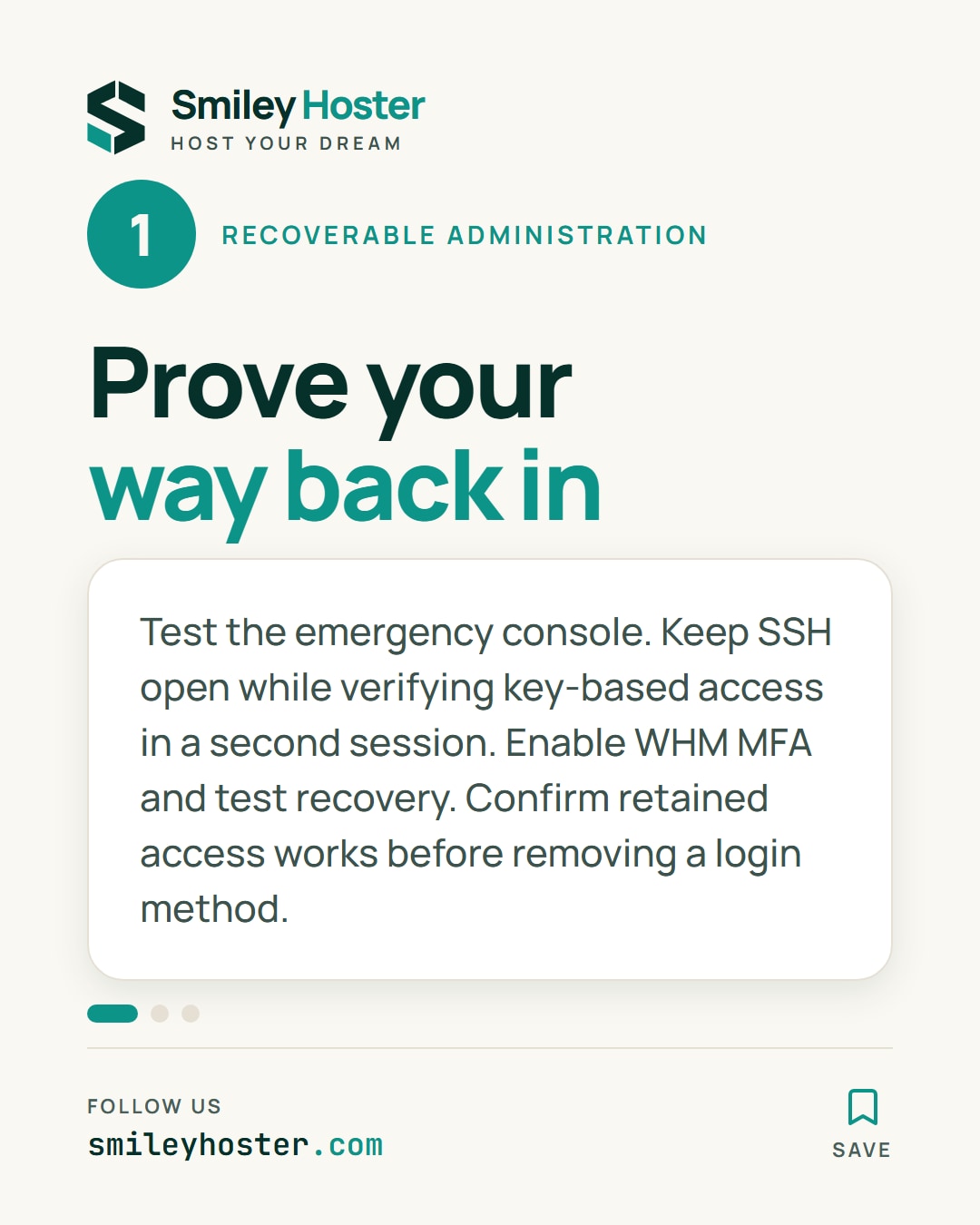
1. Establish recoverable administration
Test the provider’s emergency console before tightening access, and keep an existing SSH session open. Verify a personal key-based login and the required privileges in a second session.
Enable MFA for administrative WHM accounts and test the recovery procedure. WHM MFA is not a substitute for SSH controls. Before removing an SSH authentication method, prove the retained method works; run sshd -t before reloading a changed SSH configuration.
Configure cPHulk with narrowly justified administrative exceptions and working notifications. Assign reseller privileges and shell access according to actual duties. Keep an owner for every privileged account so access can be revoked deliberately.
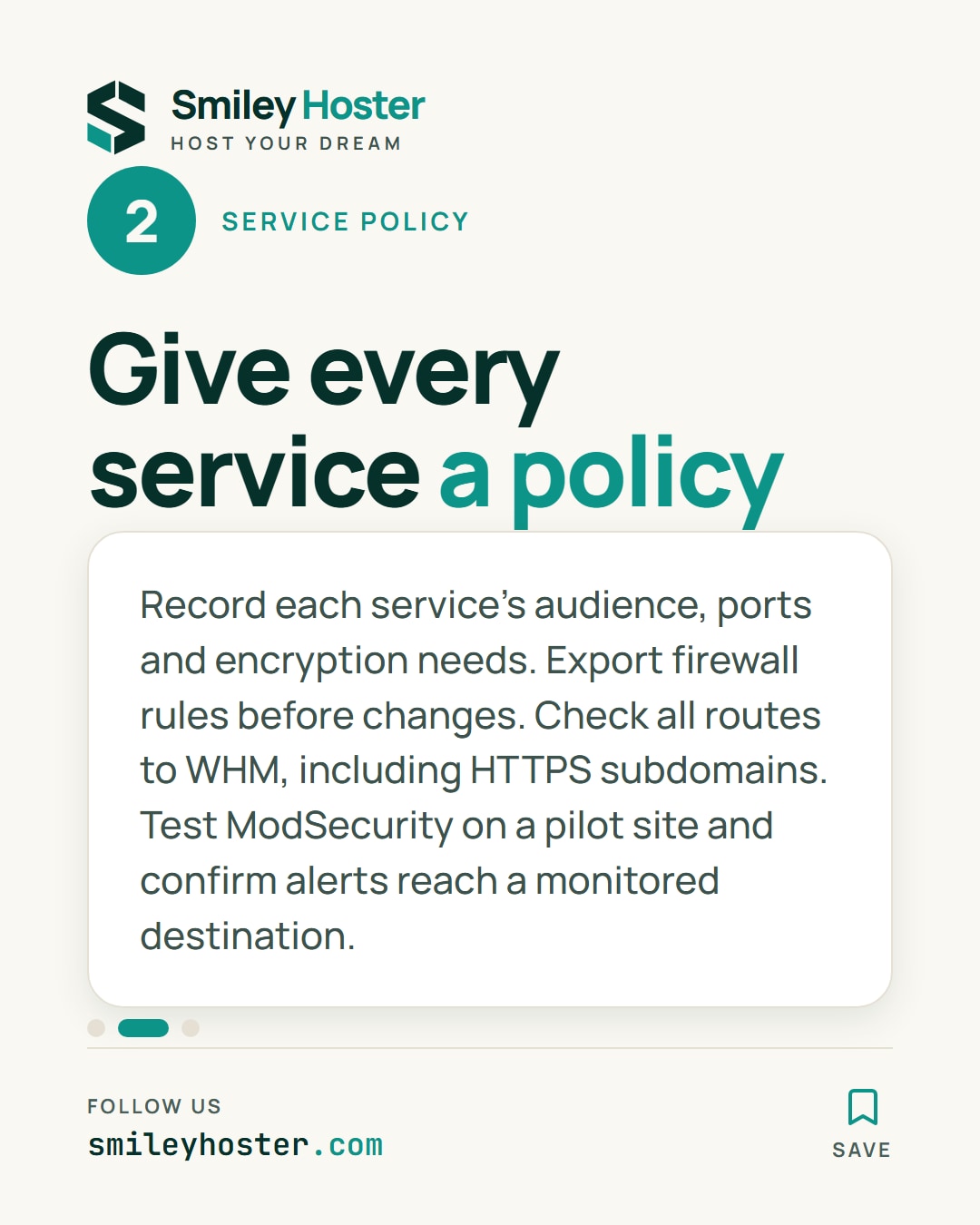
2. Turn the service inventory into policy
List public websites, mail, authoritative DNS, control panels and maintenance access. For each service, record its intended audience, required ports and encryption requirements. Check dependencies before disabling anything that appears unused.
Choose a firewall manager compatible with the installed platform. If considering CSF, verify the distribution’s provenance, maintenance and compatibility first; do not run it alongside firewalld. Export the current rules before changing their management.
Restrict administrative access to intended networks where practical. Also test HTTPS service subdomains: closing only the dedicated WHM port does not establish that every route to the interface is restricted.
Enable a maintained ModSecurity ruleset, then test login, forms and uploads on a pilot website. Keep exceptions specific to the affected rule and use case. Configure appropriate automatic updates, monitor their results and plan required reboots. Confirm that security and service alerts reach a monitored destination.
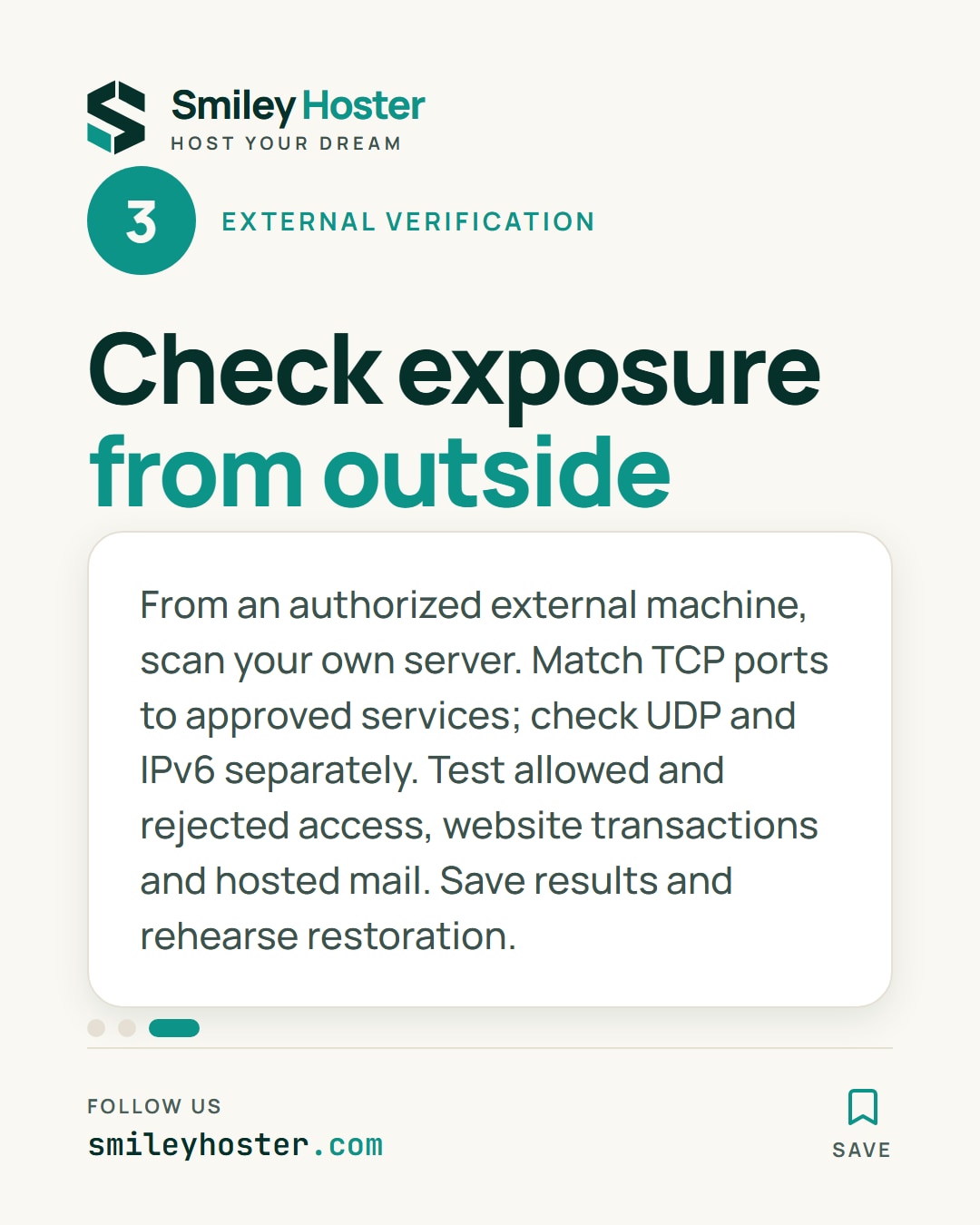
3. Verify exposure from outside
Inspect listening sockets locally:
ss -lntupFrom an authorized external machine, scan your own public server address. Replace this documentation address with the actual target:
nmap -Pn -sT -p- 192.0.2.10Match every discovered TCP port to an approved service. This scan does not test UDP; check required UDP services, including DNS, separately. Repeat the relevant checks over IPv6 when enabled.
Finish with an allowed administrator login, a rejected attempt from a network outside the policy, a website transaction and a mail exchange if mail is hosted. Run Security Advisor and document any unresolved finding with its owner.
Save the acceptance results, maintain an off-server backup and rehearse restoration. That record gives you a defensible opening baseline and a practical way to reassess the machine after later changes.
Sources: cPanel — security settings, cPanel — firewall services.
See it in our social posts
The key steps of this article, as a carousel. Follow us to catch the next ones.