

AWS's CloudWatch Omni announcement puts application observation in the spotlight. A smaller check in cPanel can answer an immediate hosting question: which directories account for storage use, and what evidence should guide cleanup or a quota increase?
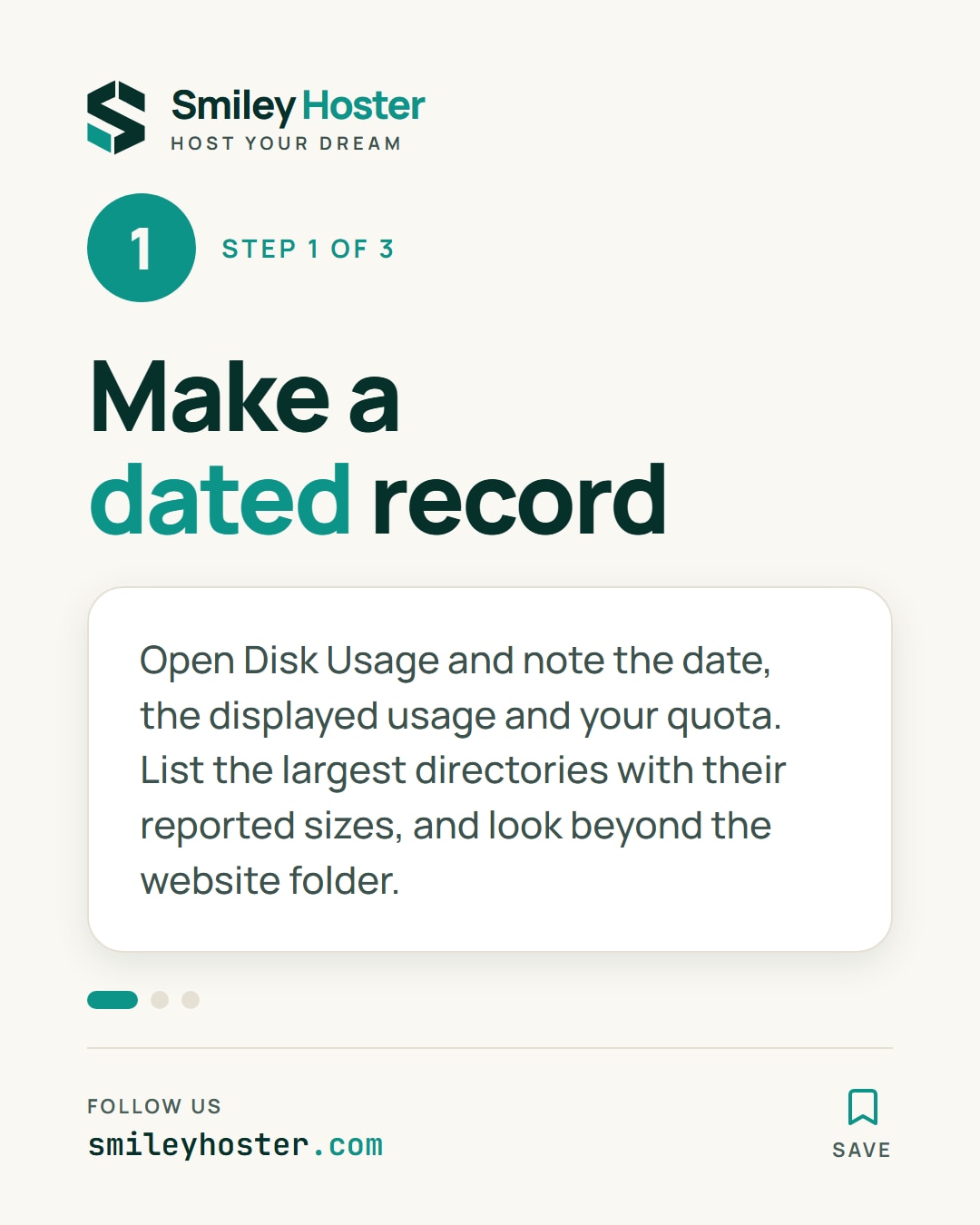
1. Make a dated record
Open Disk Usage and record the date, displayed usage and account quota wherever it is shown. List the largest directories and their reported sizes. Look beyond the website folder because other account files may also matter to day-to-day operation.
The chart bars are relative to the largest directory. They are not individual percentages of the account's total quota. Use the numeric values for your record and keep units consistent when comparing observations from different days.
If you already have a quota-exceeded warning, do not immediately start another backup into the same account. cPanel notes that a backup near the quota can fail when it cannot write required working files. Ask the provider about an appropriate backup method before creating more local data.
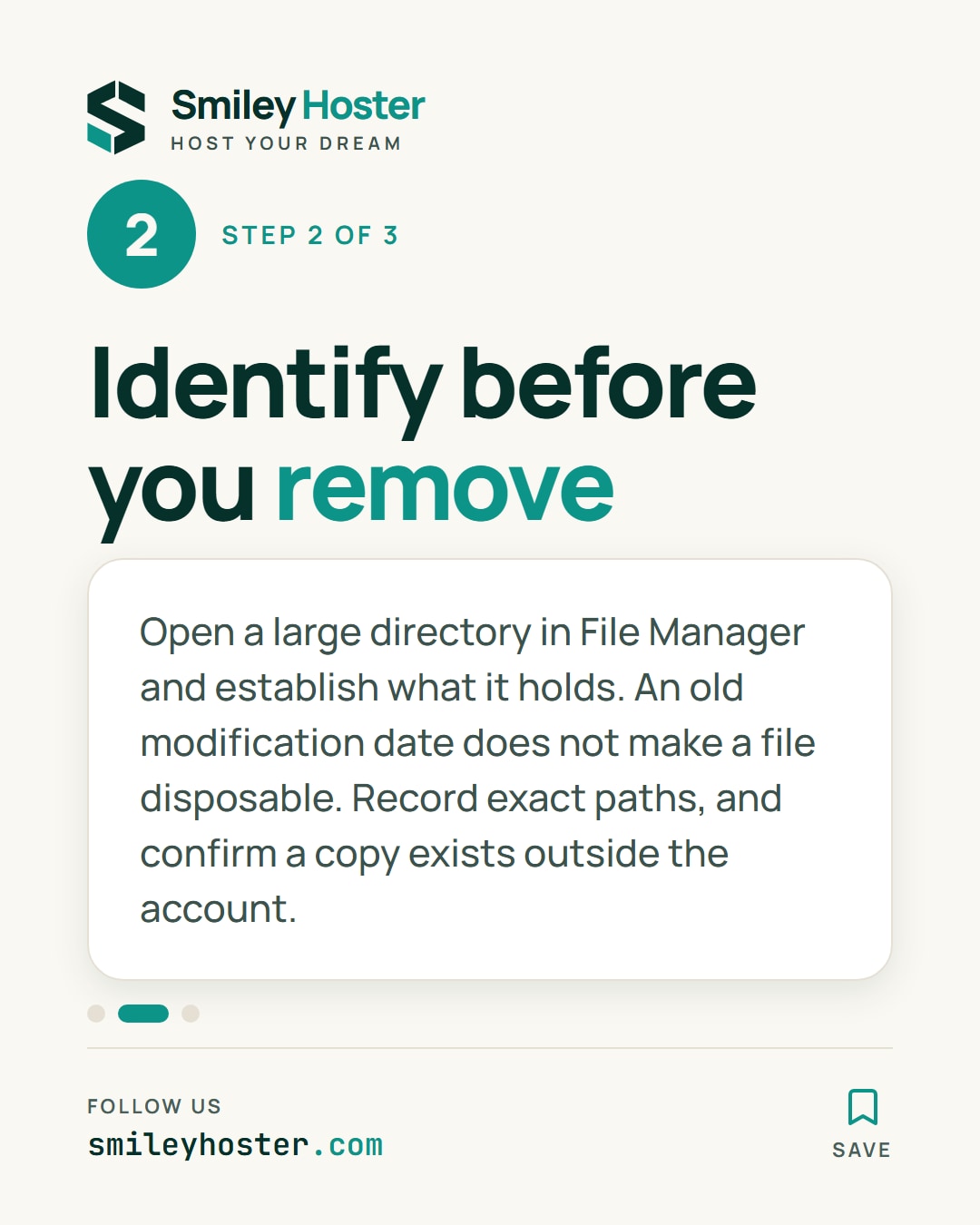
2. Identify what is stored before removing it
Click a large directory to inspect it in File Manager, if available. Establish what it contains and who uses it. Divide your findings into active content, recognised archives and items whose purpose still needs confirmation.
An old modification date does not make a file disposable. An image may remain essential without changing for years. Conversely, several identifiable exports might explain recent growth. Record exact paths so that the eventual decision is about known content rather than a familiar-looking folder name.
Before removing an archive, confirm that a usable copy exists outside the account. For application-managed data, follow that application's documented cleanup procedure. Do not delete database or mail storage files directly as a shortcut to reducing the total.
3. Decide from the pattern, then check again
Take another reading after the agreed action and during a later comparable period of use. Disk Usage figures may lag recent changes. An unchanged number immediately after cleanup is not a reason to delete something else.
If space fills again, investigate the writer: repeated exports, accumulating files or expected business activity. Give the responsible maintainer the observed paths, dates and sizes. Growth alone does not establish that the account has been compromised or that the hosting plan is inadequate.
You now have evidence for a specific decision: adjust retention, correct unnecessary output or request capacity for data that must remain. Keep the record and a date for the next comparison, so that you can establish whether the decision actually addresses the pattern you found.



See it in our social posts
The key steps of this article, as a carousel. Follow us to catch the next ones.