

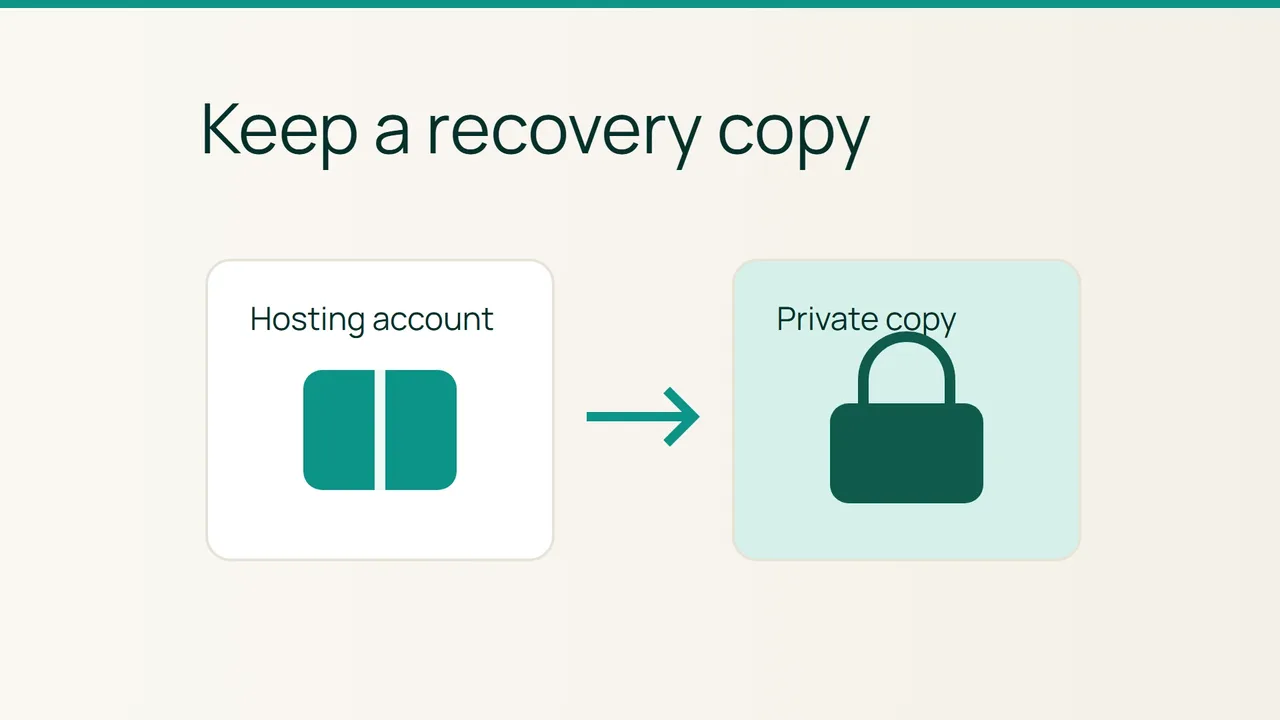
Cloudflare's Worker Previews announcement focuses on checking changes before production. Before changing a cPanel account, also prepare a recovery point stored elsewhere: generate a full backup, download it and establish who would restore it if the change failed.
1. Define what the copy needs to cover
List the account's websites and services, then identify the planned change. A hosting-account backup does not automatically cover external services used by the application. Record those dependencies so that an account archive is not mistaken for a copy of the entire business system.
Agree with the maintainer whether writes need to pause during preparation, particularly for an active shop. Downloading an archive alone does not establish that every component represents the same instant.
Check available account space before generating it. If usage is close to quota, ask the provider for an appropriate method because the backup process itself may need to write working files. Prepare a private destination outside the hosting account and restrict access to people responsible for recovery.
2. Generate the archive and take it off the account
In Backup Wizard, choose Back Up followed by Full Backup. When space permits, select Home Directory as the destination and enter a monitored address for the completion notification. Start Generate Backup.
Wait until generation has finished before downloading the offered file. Confirmation that the job started is not yet an off-account recovery copy.
Download the completed archive to your prepared destination. Check that the transfer finished and that the file is not empty. Record its name, size and stated creation date. Do not put the archive into a publicly served website directory: it may contain information used to operate the account.
3. Establish the restore route before making changes
A full backup cannot be automatically restored through the cPanel account interface. That operation requires WHM and the hosting provider. Confirm the request channel, restore scope and required information before beginning the intervention.
Keep a short recovery record identifying the account, archive, private storage location and responsible contact. A readable archive or successful download does not, by itself, prove that a full restore has been tested.
Retain the off-account copy according to your retention policy. Before removing the server-side copy, confirm the transfer and the maintainer's needs. You can then approach the change with a named recovery point and an understood procedure, rather than discovering afterwards that there is no account-level button for the full restore you expected.
Sources: Cloudflare, cPanel.