

Gmail’s sender guidance combines authentication, DNS identity and responsible sending. When a cPanel server also encounters Outlook refusals, start with evidence that works across providers: the SMTP outcome of one message, without assuming both recipients enforce identical policies.
1. Establish what happened to the message
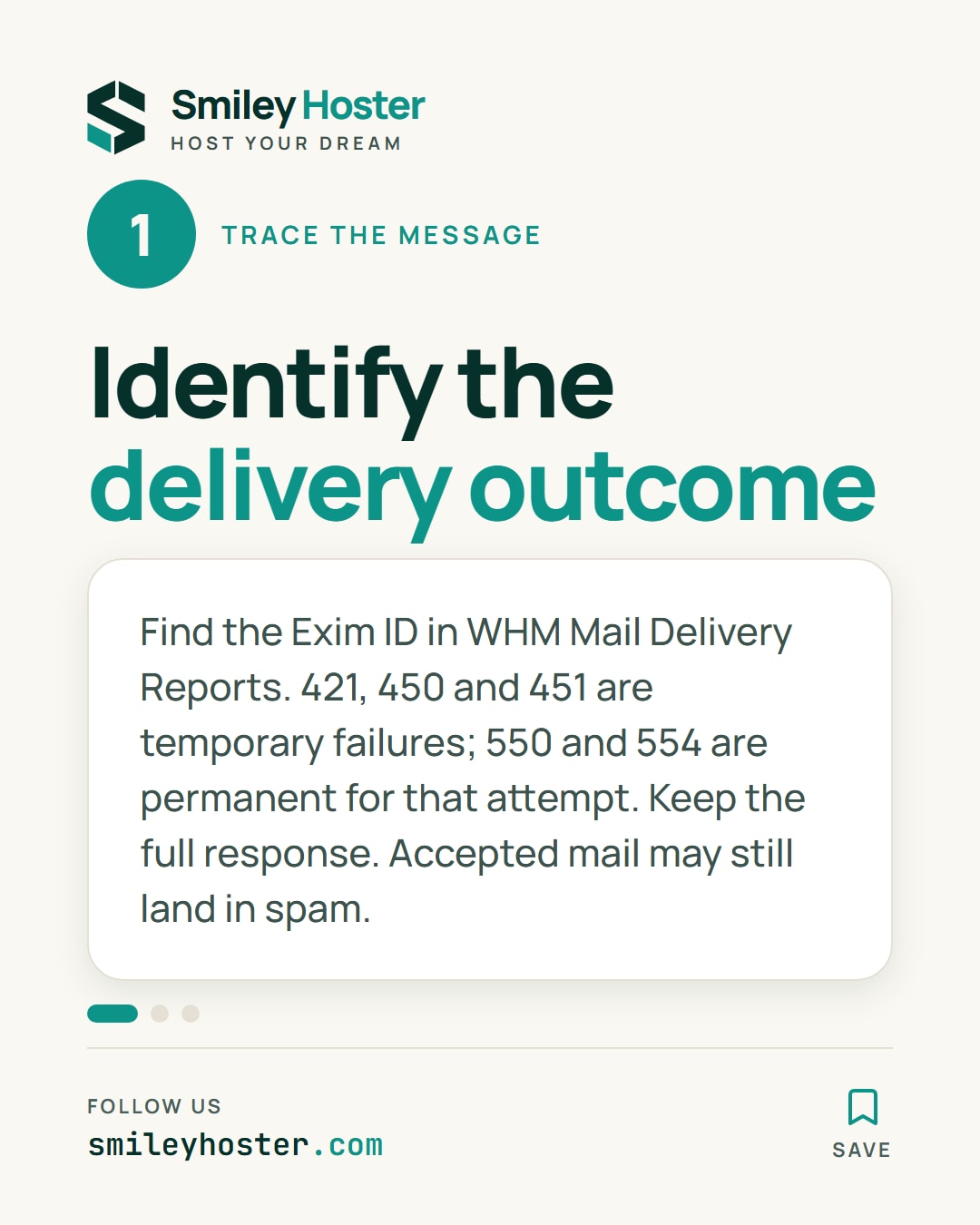
Collect the sending time, sender, recipient and bounce text. Search a narrow interval in WHM’s Mail Delivery Reports and record the Exim identifier. With root access, follow that identifier in the main log:
grep -F 'ACTUAL_EXIM_ID' /var/log/exim_mainlogReplace the placeholder. Exim’s identifier is not necessarily the message’s header Message-ID. Check the relevant rotated logs for older incidents.
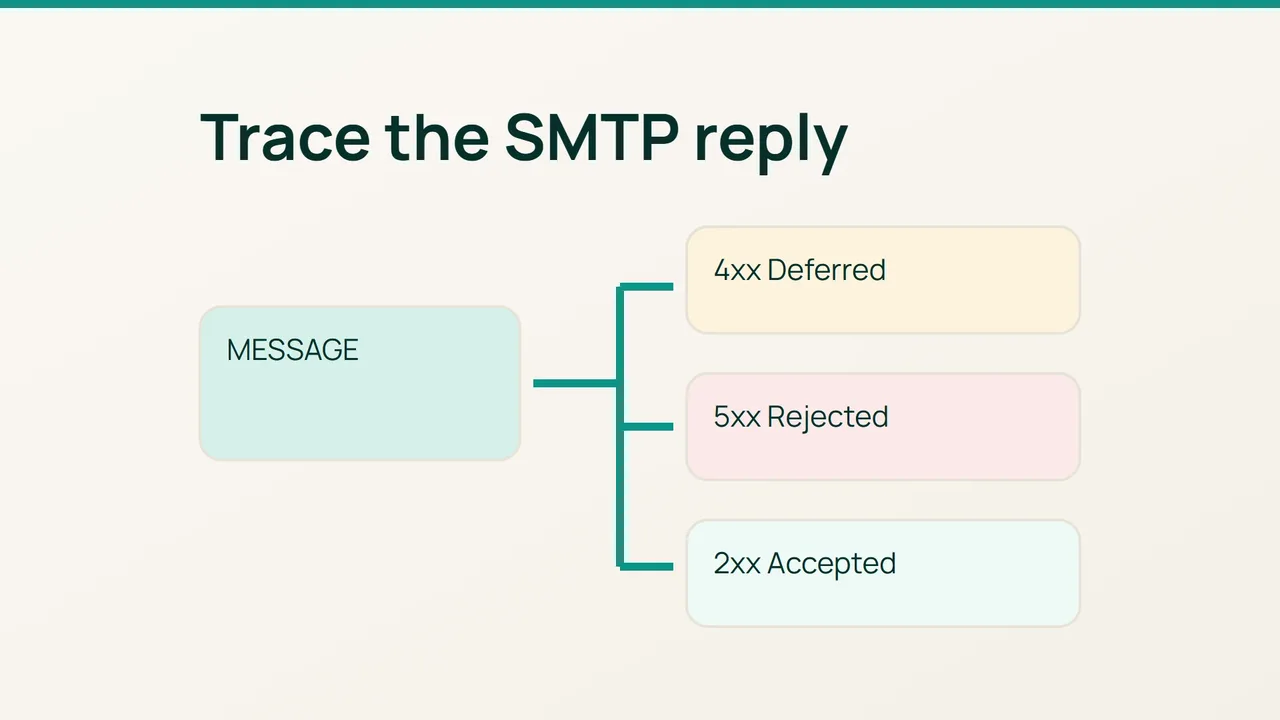
Separate three outcomes before touching DNS:
421,450and451are temporary failures. Read the reason and observe the retry.550and554are permanent failures for the attempt. Their accompanying text identifies the address, authentication or policy problem.- SMTP acceptance is not proof of inbox placement. For spam-folder delivery, obtain the received message headers.
Preserve the extended status code, such as a 5.7.x value, and the responding server’s name. A three-digit code alone cannot establish that an IP is blocklisted.
2. Check the identity actually used
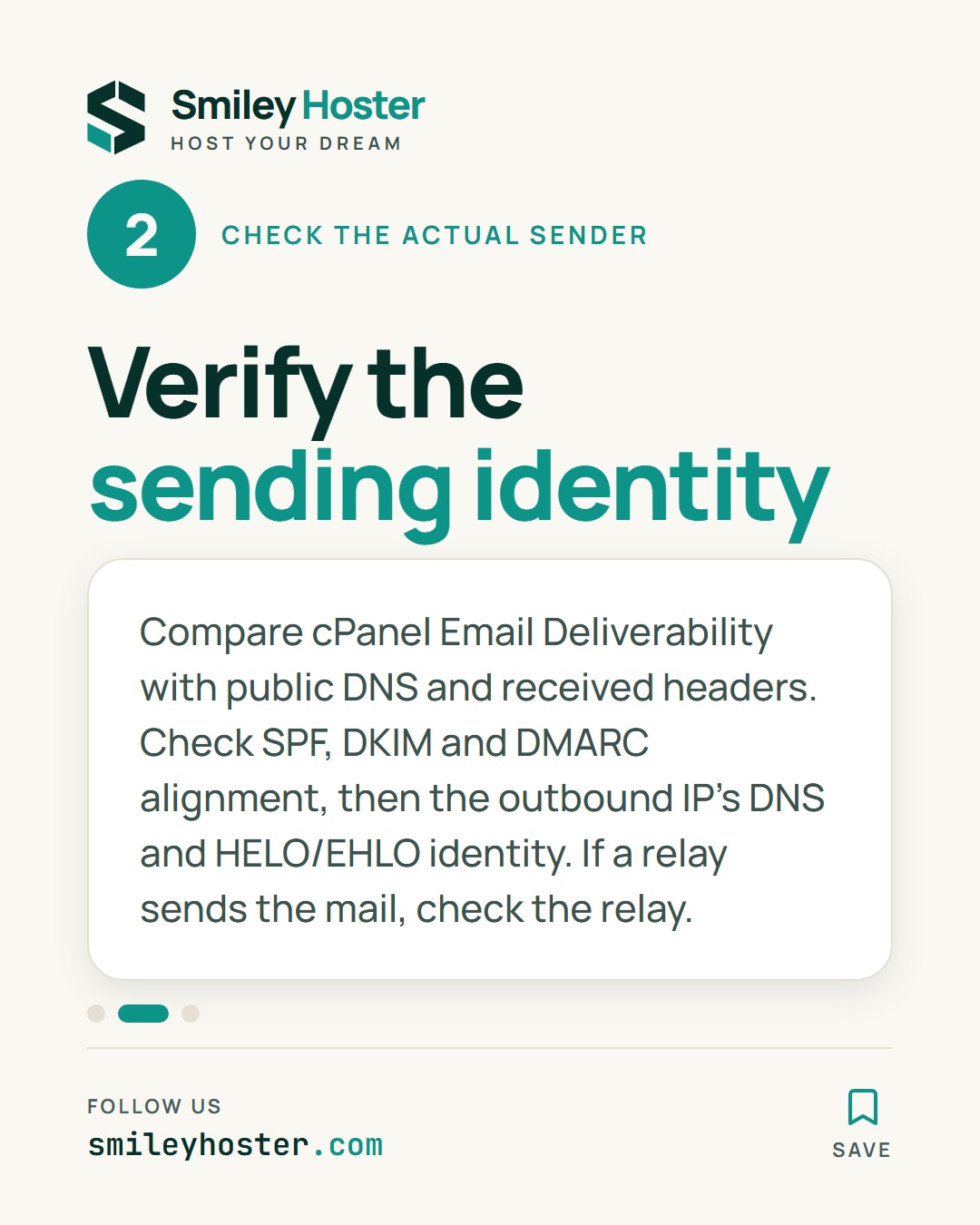
Open Email Deliverability in cPanel, then compare its guidance with public DNS and the received headers. SPF must cover the real sending path, DKIM should verify, and DMARC requires alignment with the visible From domain.
Check reverse and forward DNS for the actual outbound IP:
dig -x 192.0.2.10 +shortdig A mail.example.com +shortdig AAAA mail.example.com +shortThese are documentation examples. Replace the hostname with the PTR result and verify that it resolves back to the relevant sending address. The IP operator controls its PTR record. Also check that Exim’s HELO/EHLO identity is coherent with the server configuration.
If mail leaves through an external relay, investigate that relay’s sending IP and authentication behavior instead of assuming the website server is the sender.
3. Test the correction without amplifying the problem
When authentication passes, investigate sending volume, complaints, invalid recipients and account-level mail scripts. Shared-IP reputation also depends on other senders; adding an SPF record cannot repair reputation on its own.
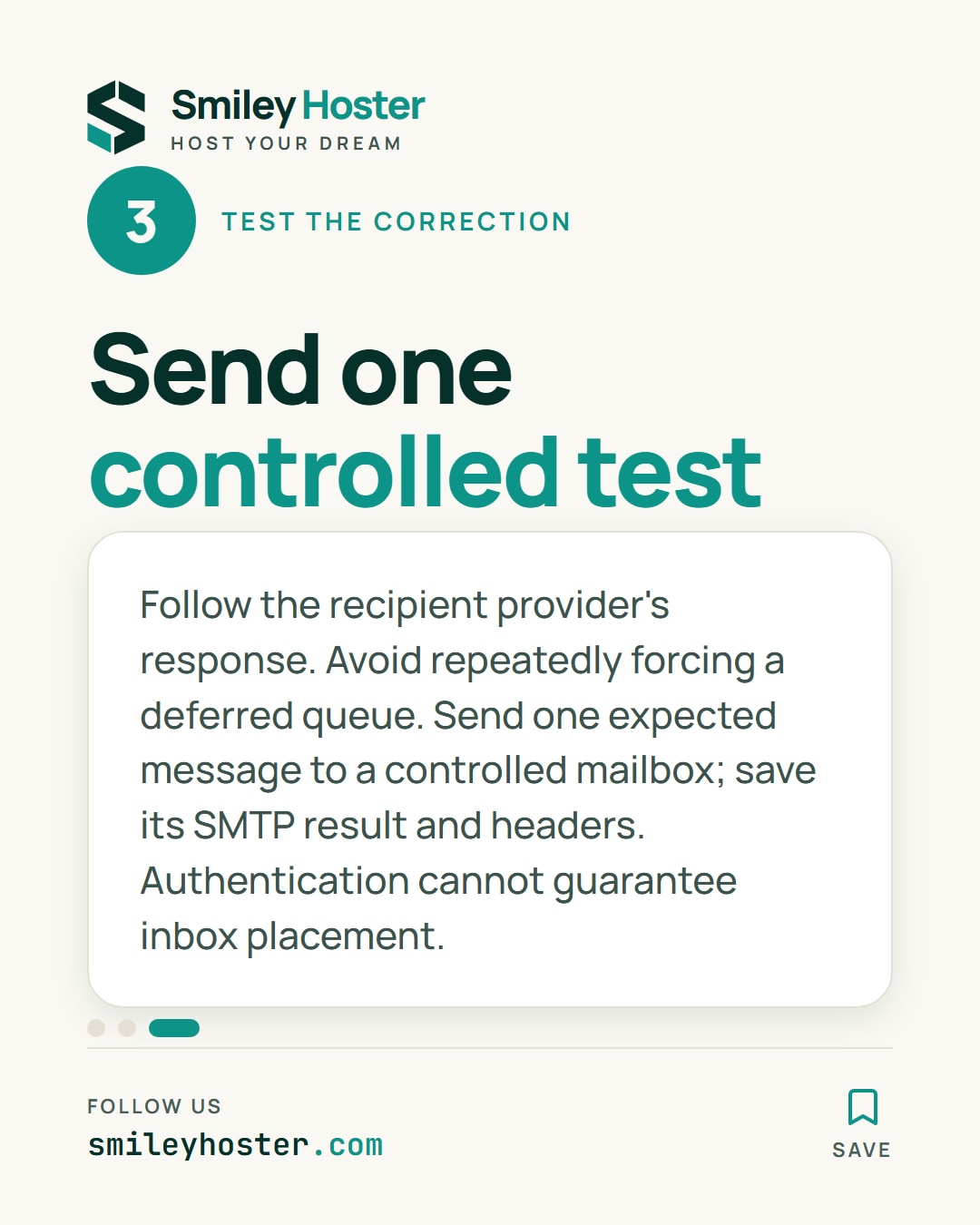
For provider-policy refusals, follow the official guidance linked in the recipient’s response. Do not transfer a Gmail-specific rule to Outlook without evidence. Avoid repeatedly forcing a deferred queue.
Send one expected message to a controlled test mailbox, retain its SMTP result and inspect its headers. Record the change and the observed improvement. Correct technical authentication helps establish a legitimate sender, but it cannot guarantee placement in the primary inbox.
Sources: cPanel — Mail Delivery Reports, Google — sender guidelines.


See it in our social posts
The key steps of this article, as a carousel. Follow us to catch the next ones.