

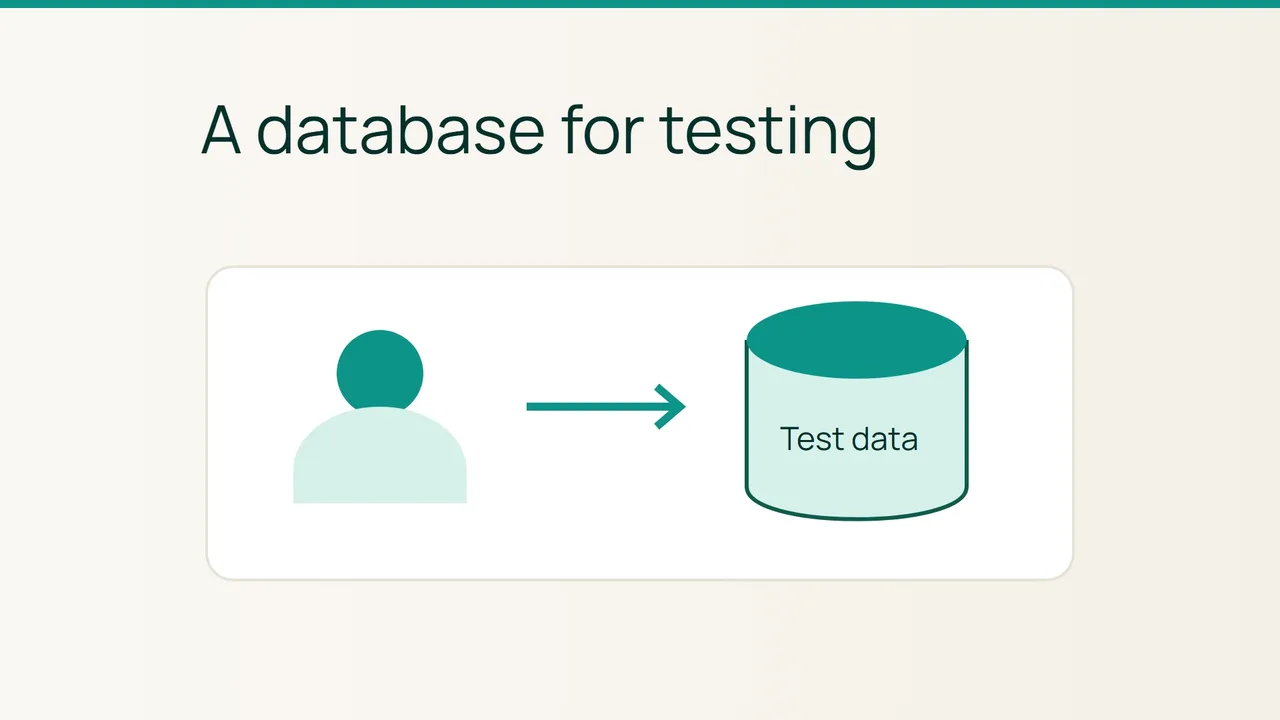
Cloudflare's Worker Previews announcement gives test data separation a prominent role. For a MySQL application on cPanel, a practical first step is to create a dedicated test database and user before pointing any application code at it.
1. Decide what the new connection should use
Choose a recognisable test name without sensitive information. Record the production database name separately so that you can distinguish the two during configuration review. Do not reuse its password for the new account.
Check the application's requirements for database compatibility, connection host and installation privileges. Ask its maintainer for missing requirements rather than guessing which permission boxes to select. A database created successfully in a panel is not automatically suitable for every application.
Plan to begin with fictional records. This lets you test the connection without immediately importing customer accounts or real orders. Give the environment a cleanup date and identify who owns it; an abandoned test database is easy to confuse with a still-needed one later.
2. Complete the database wizard
Find Database Wizard, labelled MySQL Database Wizard in some versions. Create the database and a dedicated user with a unique password. Save the secret in a password manager, not in a screenshot you intend to send to support.
Choose the privileges required by the application's documented setup and finish the wizard. It associates the new user with the new database, so there is no need to repeat that association elsewhere.
Copy the complete names shown by cPanel, including any account prefix. Keep a non-secret record of the database name, username, purpose and selected privileges. If the interface is unavailable, ask the hosting provider whether your account can use it.
3. Verify the application's destination
Enter the new credentials in the test application's configuration, using the connection host supplied for your hosting account. Read the database name again before running an installer or migration. Selecting the wrong destination can turn a test into a production change.
Use a reversible application operation, such as creating and deleting a fictional record. Confirm it appears in the test environment and that the public application's expected records remain unchanged. Record when the check ran and what happened.
For a connection failure, compare the complete names, host and required privileges first. Do not make the test work by substituting production credentials. A dedicated database provides useful separation for application work, while control of access to the overall cPanel account remains a separate responsibility.
Sources: Cloudflare, cPanel.