

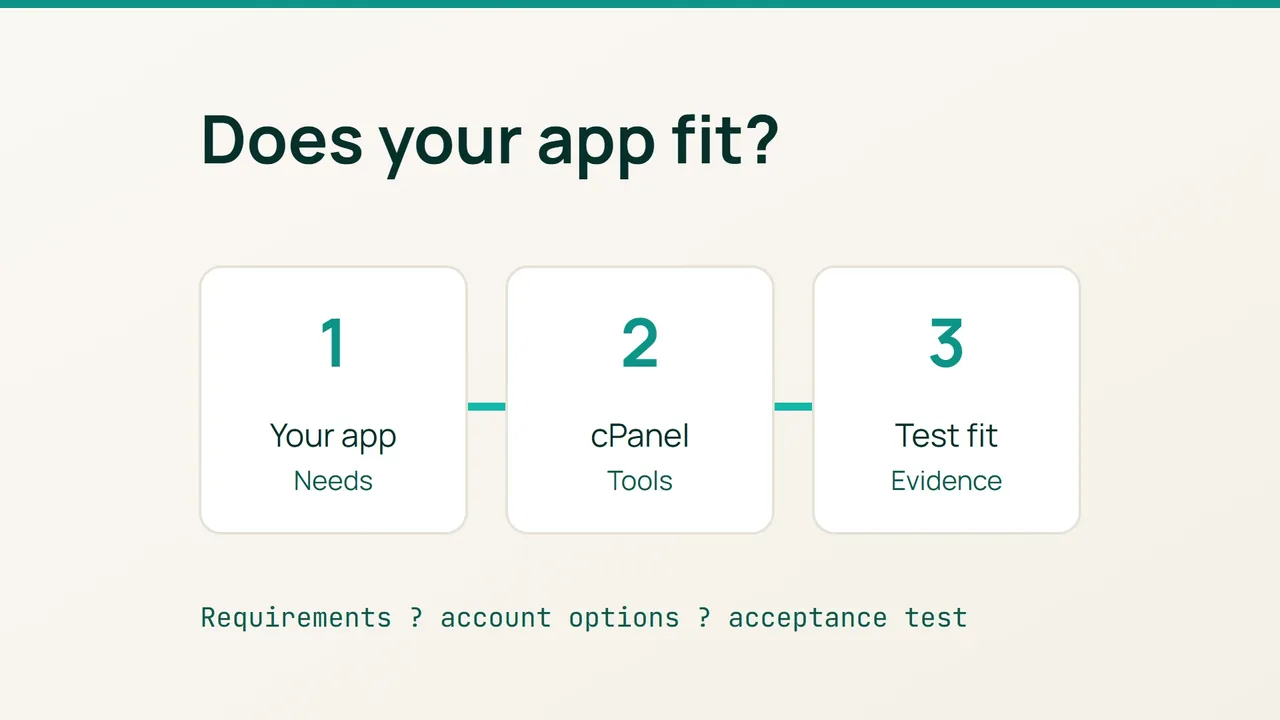
Before choosing a cPanel hosting account, turn your application requirements into a short acceptance checklist. The cPanel documentation updated in July 2026 makes a useful distinction: access to the panel and access to a particular application tool depend on the server configuration and provider settings.
1. Describe what your application needs
Start with a small requirements sheet rather than a list of panel features. Record the programming language, required version, extensions and database technology from your project?s requirements. Include scheduled jobs, deployment commands and storage needs where relevant.
Give each item an evidence column. A visible setting, a written answer from the provider or a successful test can close a question. An unanswered question should stay open until you have enough information to make the decision.
This also gives you a practical way to assess the value of a control panel: identify which recurring tasks you expect to handle yourself. For example, write down how you intend to deploy changes and investigate a failed request. Ask the provider to explain the available workflow for those tasks.
2. Inspect the account?s actual options
If MultiPHP Manager is enabled, use it to inspect the PHP version attached to each relevant domain. Available choices depend on what is installed and permitted for the account. Record the current settings without changing a production website during this assessment.
For Node.js, Python or Ruby projects, ask specifically about Application Manager. It deploys applications through Passenger and requires provider-side configuration. A cPanel account alone is not evidence that your particular application can run there.
Send a compact checklist with your enquiry:
| Project requirement | Evidence to collect |
|---|---|
| Language and version | Version available to your account |
| Dependencies | Allowed installation method |
| Deployment process | Available access and commands |
| Day-to-day operation | Applicable limits and log access |
Use your project?s actual requirements in the first column. Avoid asking only whether a language is supported: that leaves the version and operating constraints unresolved.
3. Agree on a small acceptance test
Suggest testing a demonstration copy without customer data before arranging the move. Pick three checks that represent your site: load a dynamic page, retrieve a test record and complete one typical application operation. Write down the expected outcome for each check first.
Keep a record of failures with credentials and other secrets removed. If a test does not pass, identify the missing requirement with the provider before scheduling migration work.
Your final comparison should contain the requirements sheet, the provider?s answers and the test results. Together they give you a concrete basis for choosing an account and a useful reference when your application?s needs change later.
Sources: cPanel, MultiPHP Manager and cPanel, Application Manager.