

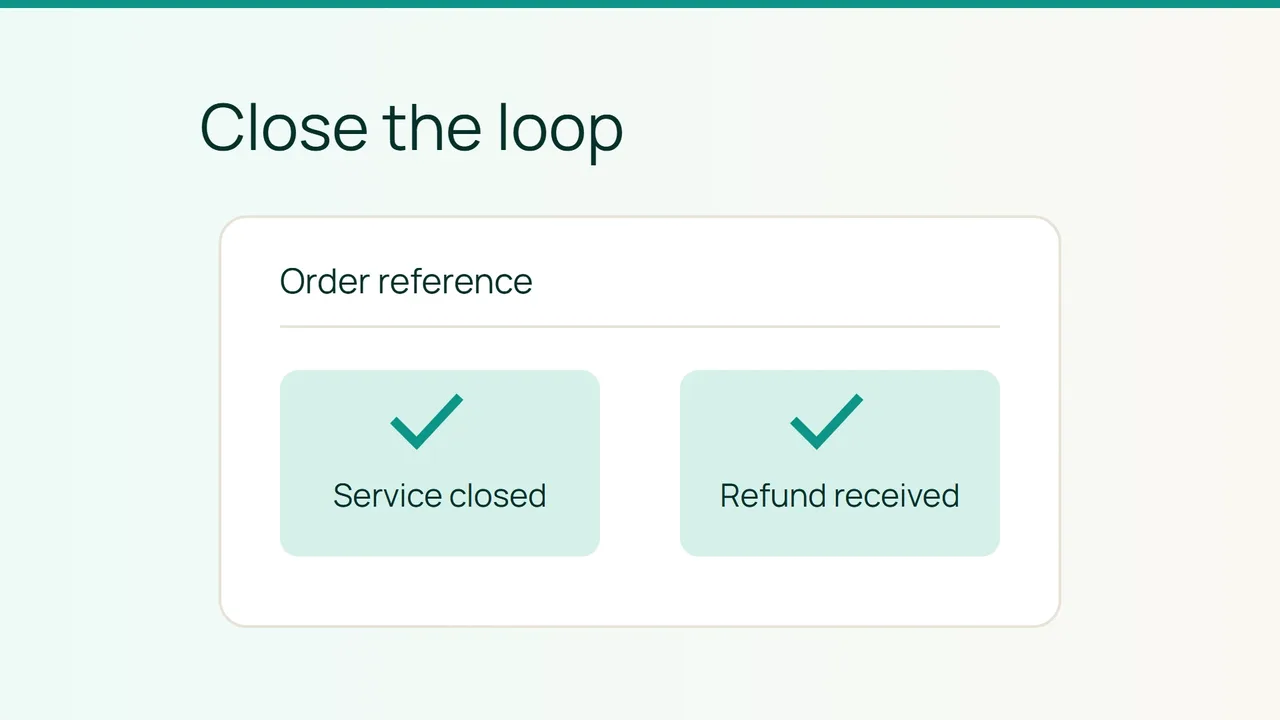
When that review leads you to stop a hosting service you have tried, prepare a cancellation request that also makes the expected financial outcome explicit.
1. Establish the order and relevant dates
Smiley Hoster’s FAQ states that you can cancel once your customer area is open and that the first 30 days are refundable without having to give a reason. The statement does not, by itself, describe every detail of an order containing multiple products.
Gather the order reference, hosting plan, opening date and payment record. If the paperwork contains different dates, ask which date applies to the request. Do not assume the day you first uploaded your website starts the period.
Make a separate list of hosting, the domain and any associated services. Label each item “keep” or “cancel.” This prevents a request about one hosting plan from being interpreted as a request about everything on the account, and it avoids assuming that related subscriptions will end automatically.
2. Make the requested outcome clear
Use your customer area or contact the team through an official channel when the process is unclear. Include enough information to identify the transaction:
- The order reference and service name.
- The opening date shown in your records.
- An explicit request to cancel the service.
- A request under the first-30-days refund statement, where applicable.
- The names of services you intend to retain.
Ask for written confirmation of the effective cancellation date, refundable amount and refund method. Request the expected processing time for your case as well. The FAQ statement reviewed does not specify that duration, so do not treat the expected refund as money already available for another purchase.
The published promise does not require you to provide a reason. Order details help the team locate the purchase; they are not a justification. Do not put your password or complete card details in the message.
3. Confirm both closure and repayment
Recover the files, databases and messages you need before the agreed service end. If a website must continue with another provider, test the replacement before the old service closes.
Track cancellation and repayment separately. Save the accepted refund amount and transaction reference, then match them against the credit you actually receive. An acknowledgement that your message arrived is not confirmation of either outcome.
For anything you keep, ask which future charges remain applicable. Record those alongside the cancelled items so your budget does not accidentally drop an active domain or another retained subscription.
Close the record only when you know which services remain, when the others end and what financial outcome was confirmed. This small checklist makes a follow-up precise if the service status or received amount differs from the written response.
Sources: Smiley Hoster FAQ reviewed in the website content.