

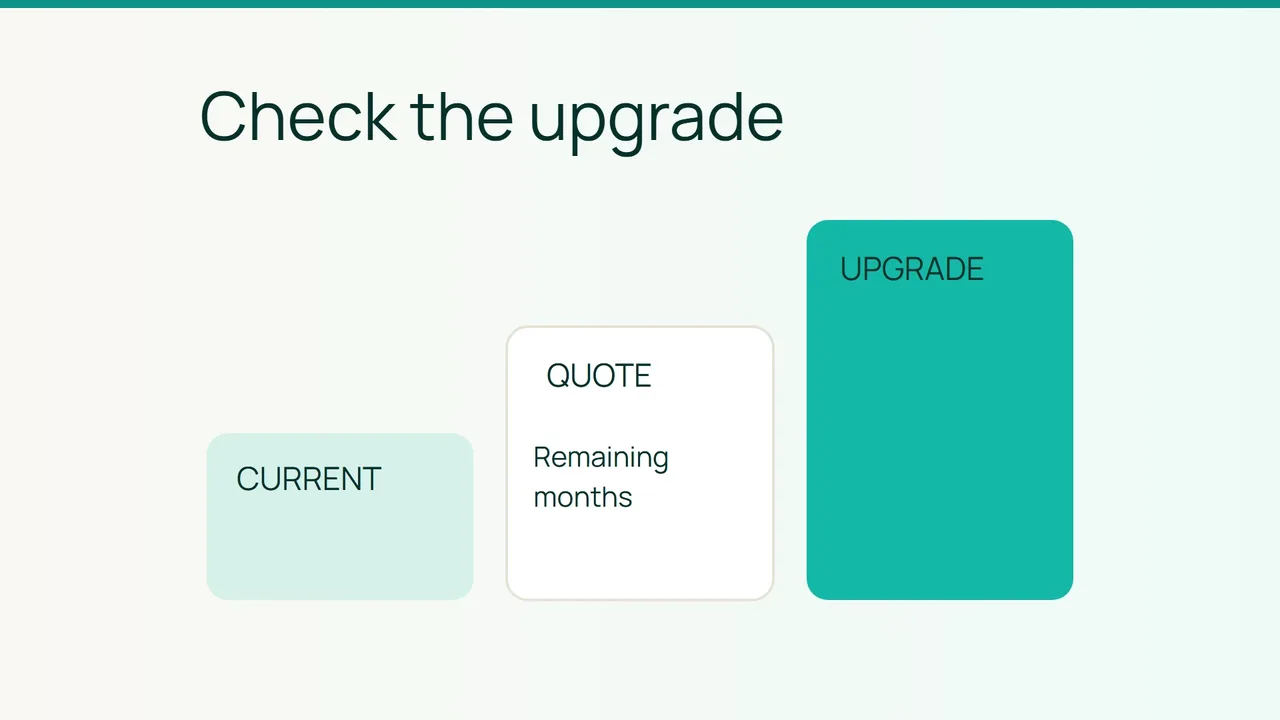
Hostinger's discussion of sale preparation is a useful prompt to review whether your hosting still fits your store. If an upgrade is needed, establish the charge for the remaining term before accepting the change.
1. Give the team enough information to quote
Smiley Hoster's website FAQ, checked on October 9, 2026, says to contact the team to change plans. For an upgrade, it describes charging the difference in proportion to the months remaining.
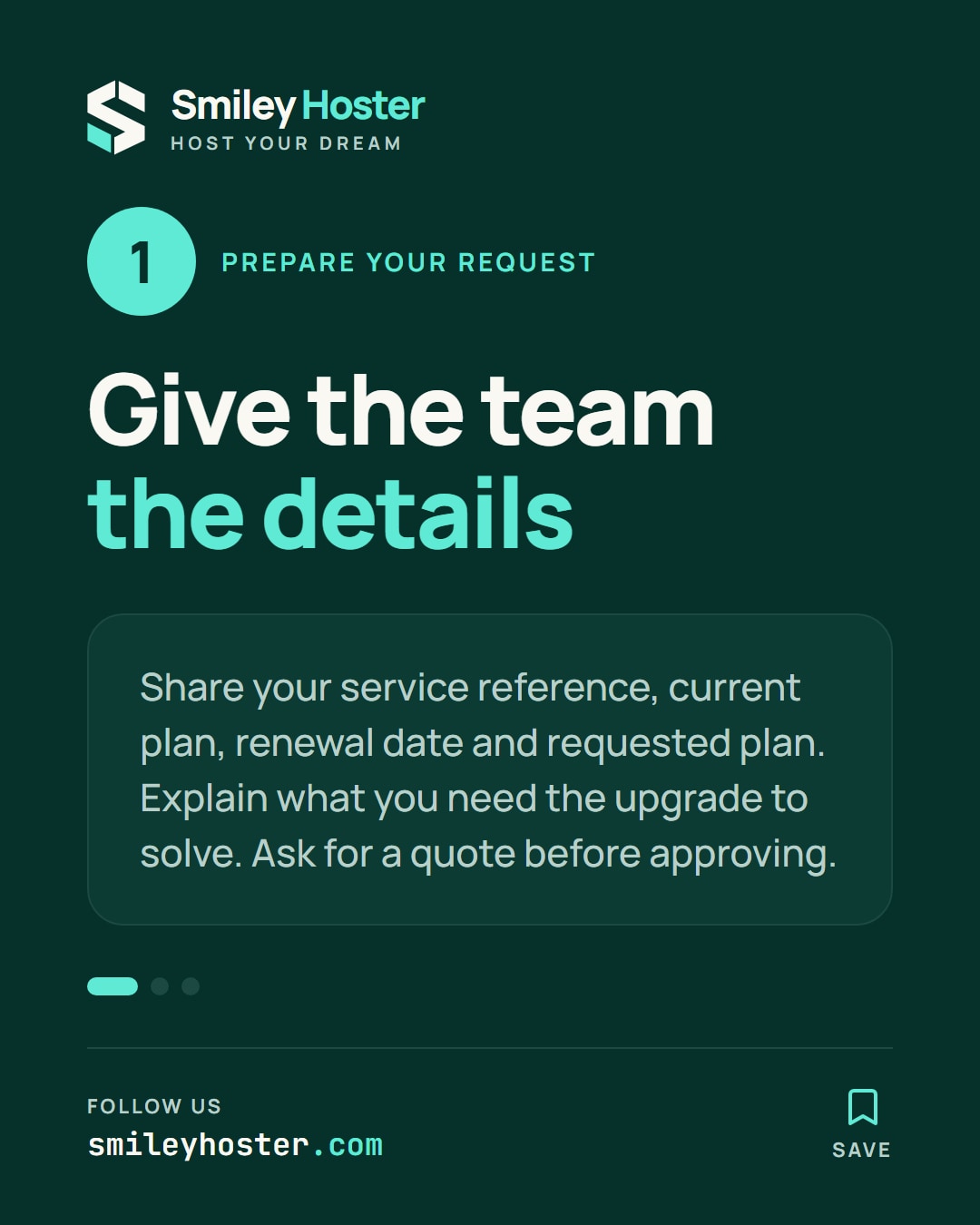
Prepare your service reference, current plan, next renewal date and requested plan. Explain the requirement behind the request, such as additional sites or a specific capacity limit. A clear requirement helps distinguish a useful upgrade from a plan change that does not address the problem.
Ask for a quote before approving the work. The published rule alone does not establish your exact amount: the applicable prices, remaining period and effective date still need to be identified.
2. Reconstruct the quoted charge
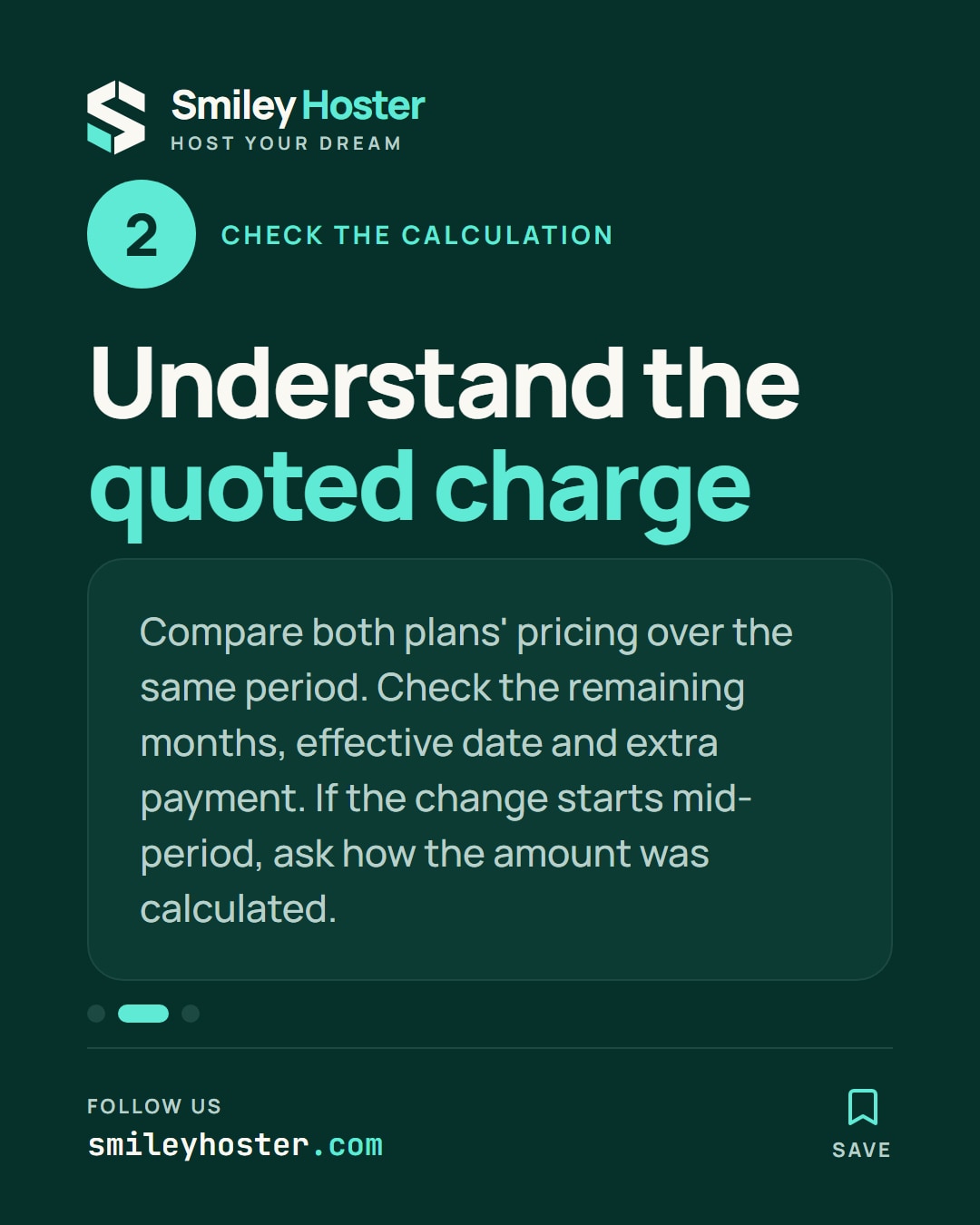
Check that you can identify these items in the response:
- Pricing basis for the existing plan.
- Pricing basis for the new plan over a comparable period.
- Number of remaining months used.
- Effective date and additional payment.
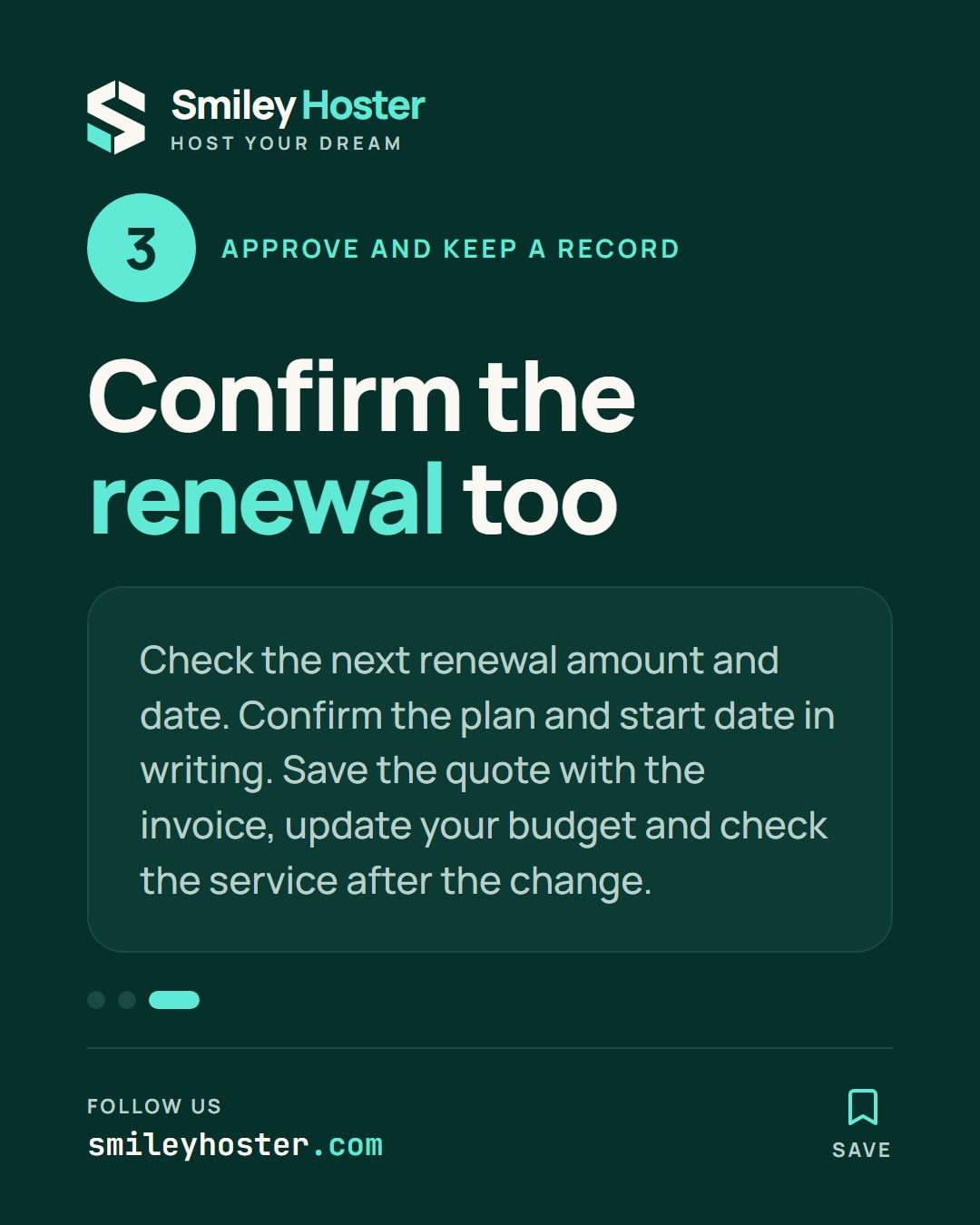
- Next renewal amount and date.
A deliberately fictional example makes the arithmetic easier to inspect. If the monthly difference is 20.00 MAD and four whole months remain, the additional amount is 80.00 MAD. These are not Smiley Hoster prices. They only demonstrate a calculation when a quote uses whole months.
If the change starts partway through a period, ask how the amount was determined. Do not supply your own daily calculation or rounding rule where the quote does not specify one. Resolve a mismatch before treating your estimate as an approved payment.
3. Keep the approval and renewal together
Compare the additional charge with the requirement and available budget. A payment for the remaining term is not the same as the price of the following full year.
Confirm the selected plan and effective date in writing. Save the accepted quote alongside the resulting invoice, and update the renewal budget with the amount confirmed by the team.
After the change, check the service name and relevant features against the request. If the invoice differs from the accepted quote, provide both references when contacting support. This gives the team a specific pair of documents to reconcile and preserves a clear record of what you approved.
Sources: Hostinger on sale preparation; Smiley Hoster FAQ.

See it in our social posts
The key steps of this article, as a carousel. Follow us to catch the next ones.