

Vultr discusses optimizing infrastructure expenditure. For a small website, one practical possibility is a smaller hosting plan, provided it still supports the service and the saving begins when you expect it to.
1. Establish what the smaller plan must support
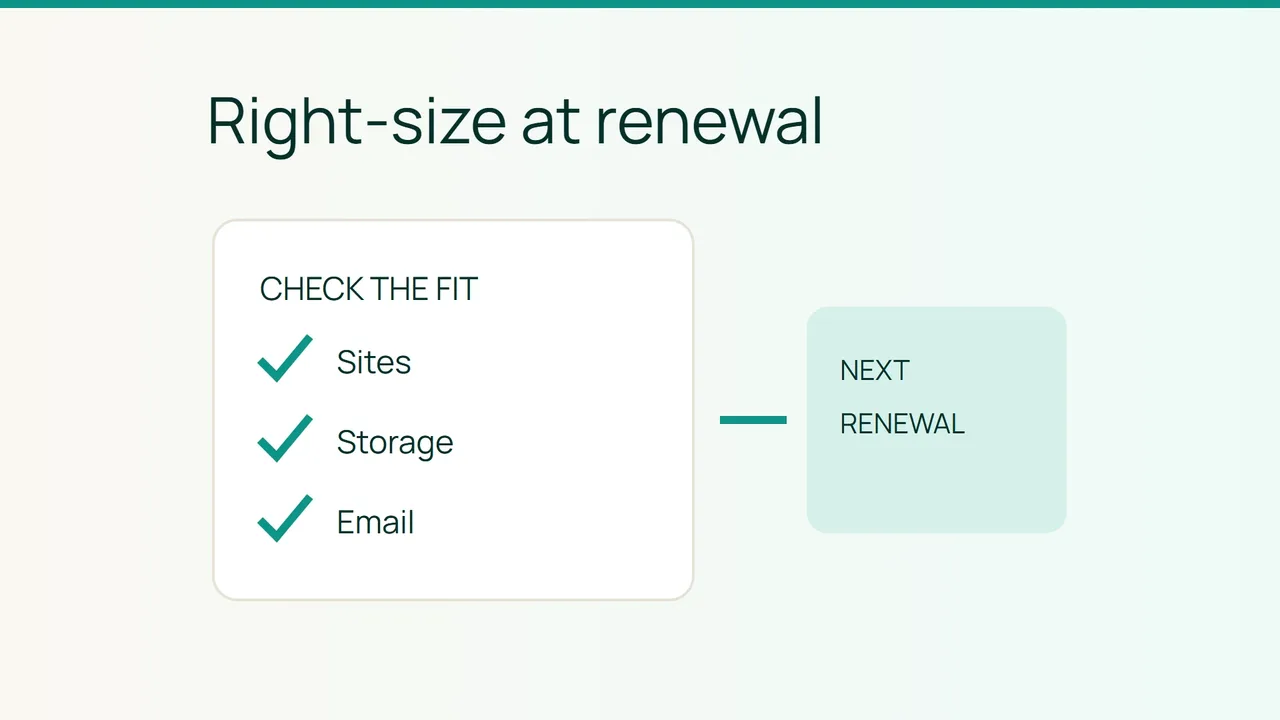
List your actual requirements: hosted websites, occupied storage, mailboxes and essential features. Gather the figures from the interfaces available to you and compare them with the proposed plan's published limits.
Unused capacity is not automatically waste. Allow room for your own update process, backups and activity changes. There is no single spare-capacity percentage that suits every site or hosting arrangement.
Do not delete useful data simply to force the account under a smaller allowance. Identify what must remain accessible first. If technical changes become necessary, prepare a verified backup before carrying them out.
The result of this step should be a short requirements list that the team can assess, rather than a request based only on a lower headline price.
2. Confirm when the lower price starts
Smiley Hoster's website FAQ, checked on October 9, 2026, says to contact the team for a downgrade and states that the new rate applies at renewal. Do not immediately reduce the expense allocated to the term already in progress.
Send the service reference, current plan, known renewal date and desired plan. Ask the team to confirm compatibility, the effective date, the price at that date and any preparation needed.
For example: “Please confirm whether my service can move to this plan at its next renewal, the effective date and the amount that will be billed.” Attach the requirements list so the answer addresses your real usage.
The published renewal rule does not establish a refund for the current term. Keep that separate from the future saving.
3. Update the budget from the confirmed change
Retain the current forecast until the request is confirmed. Then record the lower rate against its effective date and keep the correspondence reference with it.
When the renewal document arrives, match its plan name, covered period and amount against the team's confirmation. Resolve any difference before treating the billing change as complete.
After the agreed date, check the affected websites and mailboxes. The intended saving should leave a working service within the chosen scope. If an essential requirement was missed, clarify it before requesting another change, so your budget reflects a plan that actually fits.
Sources: Vultr on infrastructure costs; Smiley Hoster FAQ.