

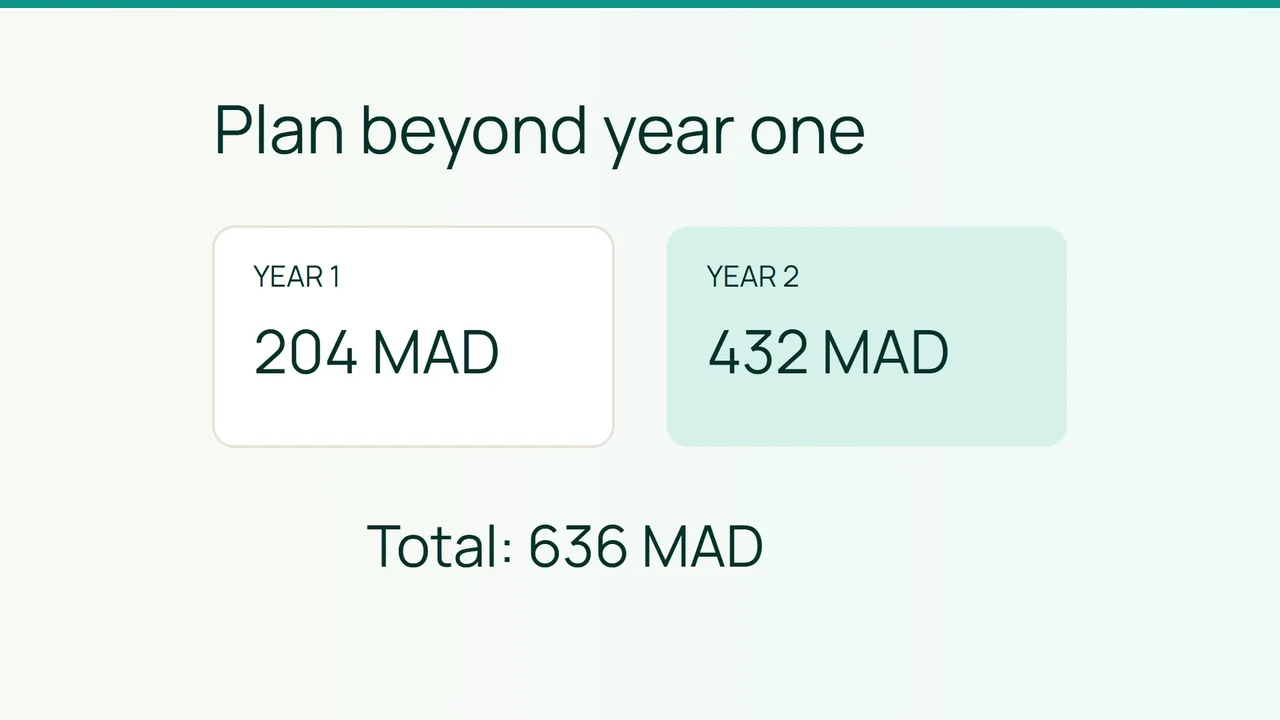
Vultr's article about cloud cost optimization discusses infrastructure spending for AI. For a website on Start, a useful first step is much smaller: work out what the opening annual price and the next renewal mean together.
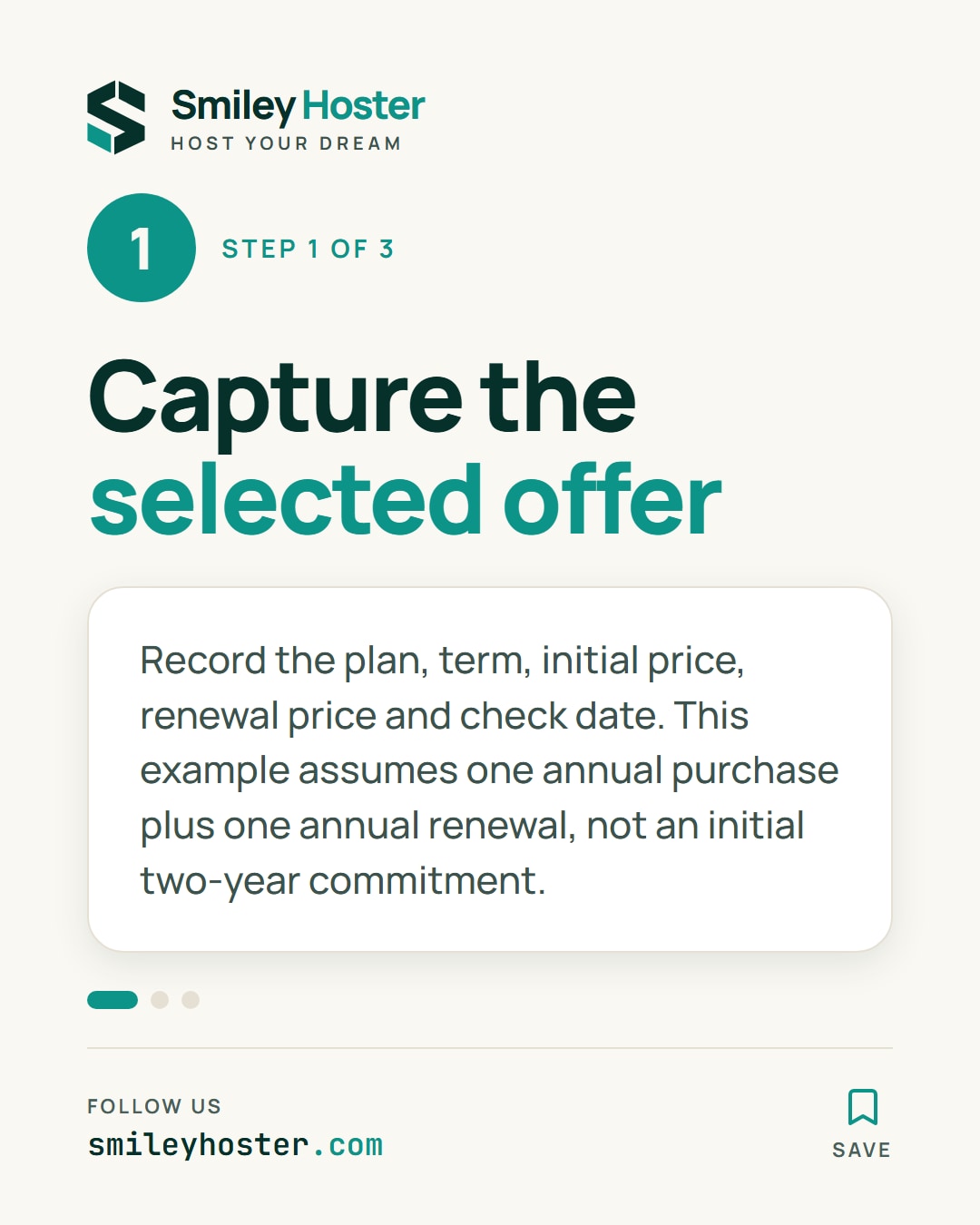
1. Capture the selected offer
Smiley Hoster's website FAQ, checked on October 9, 2026, gives Start as an example at 204.00 MAD for the first year, then 432.00 MAD per year. It says the renewal price is shown on the offer page and in the cart before payment.
Record the plan name, selected term, initial amount and renewal amount. Add the date you checked them. If the order summary shows a different duration, reconcile it before ordering rather than replacing its figures with this example.
This scenario covers an annual purchase followed by an annual renewal. An initial two-year commitment has different promotional timing and needs its own confirmed quote.
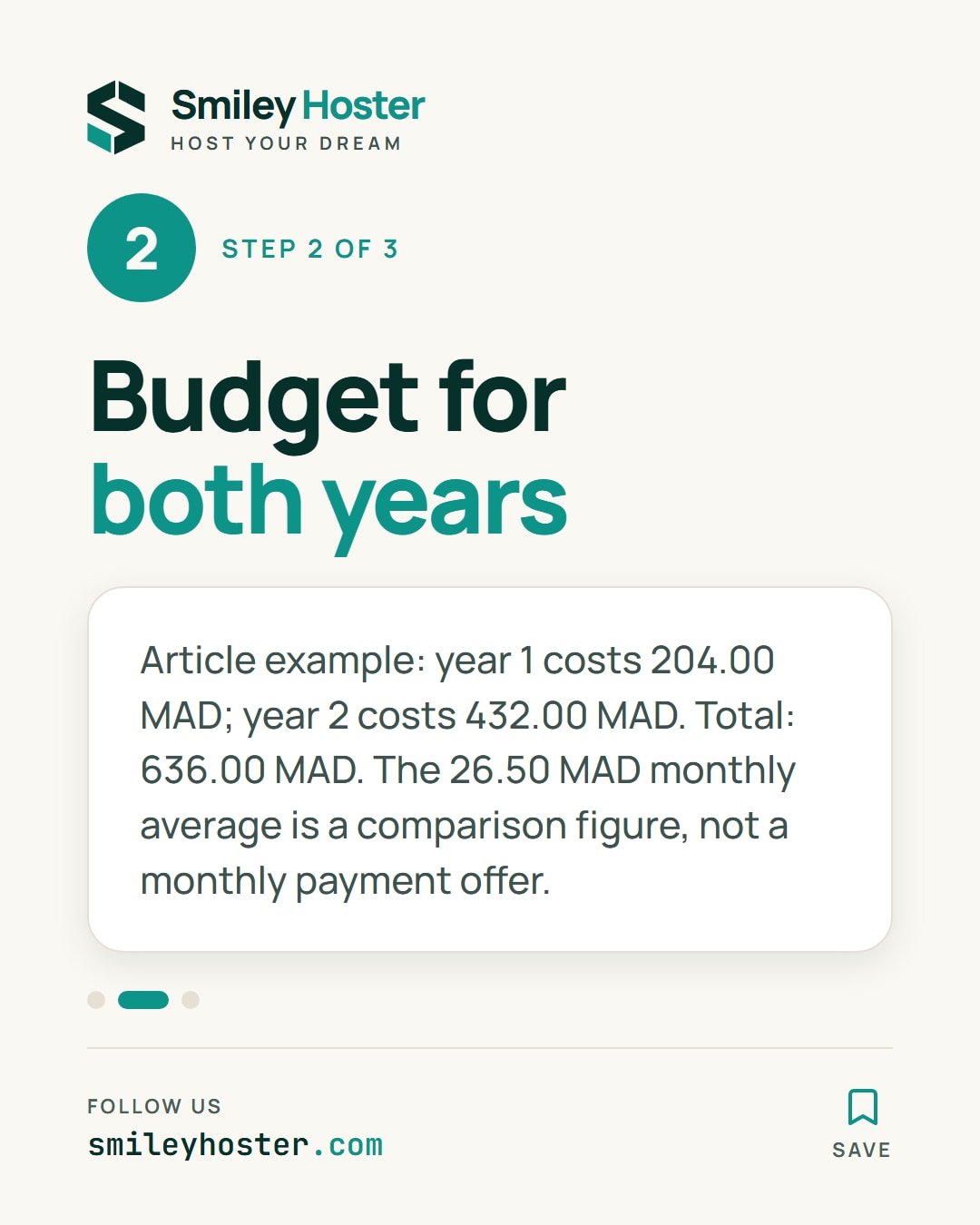
2. Forecast the two annual expenses
Do not multiply the opening price by two. Give each covered year its own row.
| Hosting period | Start cost |
|---|---|
| First year | 204.00 MAD |
| Following year | 432.00 MAD |
| Combined cost | 636.00 MAD |
The total divided by 24 is 26.50 MAD per month on average. That is useful for comparing budgets across an equal duration. It is not an instalment offer and does not change the payment dates attached to an annual order.
Add other website purchases on separate rows. A domain renewal, commercial plugin or external service belongs in the forecast if you actually need it. Use the applicable price and check tax treatment on the order documents rather than assuming a rate or whether tax is included.
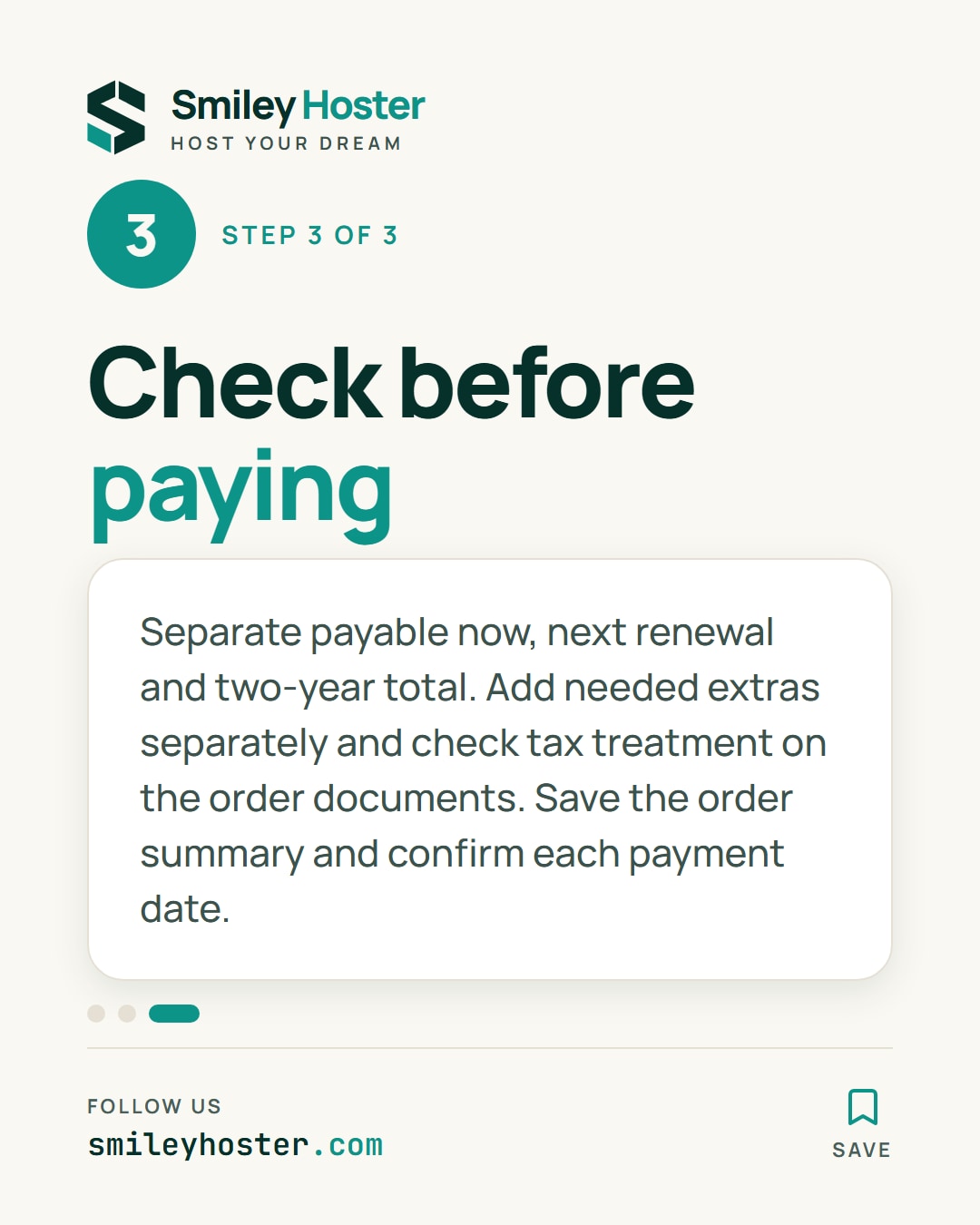
3. Reconcile the forecast before paying
Label three distinct figures: payable now, payable at the next renewal and combined cost over two years. A colleague reading your notes should be able to tell them apart without opening the original offer page.
Save the order summary alongside your calculation. Set next year's hosting allocation from the renewal figure, not the introductory price. If something differs, ask the team about the specific plan, billing term and line item before approving payment.
The final check is simple: every amount must have an identified service, a covered period and an expected payment date. That makes the budget usable even when the initial promotion is no longer visible.
Sources: Vultr on cloud cost optimization; Smiley Hoster pricing FAQ.

See it in our social posts
The key steps of this article, as a carousel. Follow us to catch the next ones.